
Hearts + PC
A-Star Software LLC
Download Hearts + on PC With GameLoop Emulator
Hearts + sa PC
Ang Hearts +, na nagmumula sa developer na A-Star Software LLC, ay tumatakbo sa Android systerm sa nakaraan.
Ngayon, maaari mong laruin ang Hearts + sa PC gamit ang GameLoop nang maayos.
I-download ito sa GameLoop library o mga resulta ng paghahanap. Hindi na tumitingin sa baterya o nakakadismaya na mga tawag sa maling oras.
I-enjoy lang ang Hearts + PC sa malaking screen nang libre!
Hearts + Panimula
The top-ranked free Hearts card game with:
Live online multiplayer • Achievements • Statistics • Game options • Smart AI opponents • Frequent updates • Lots of happy players • Play Hearts now!
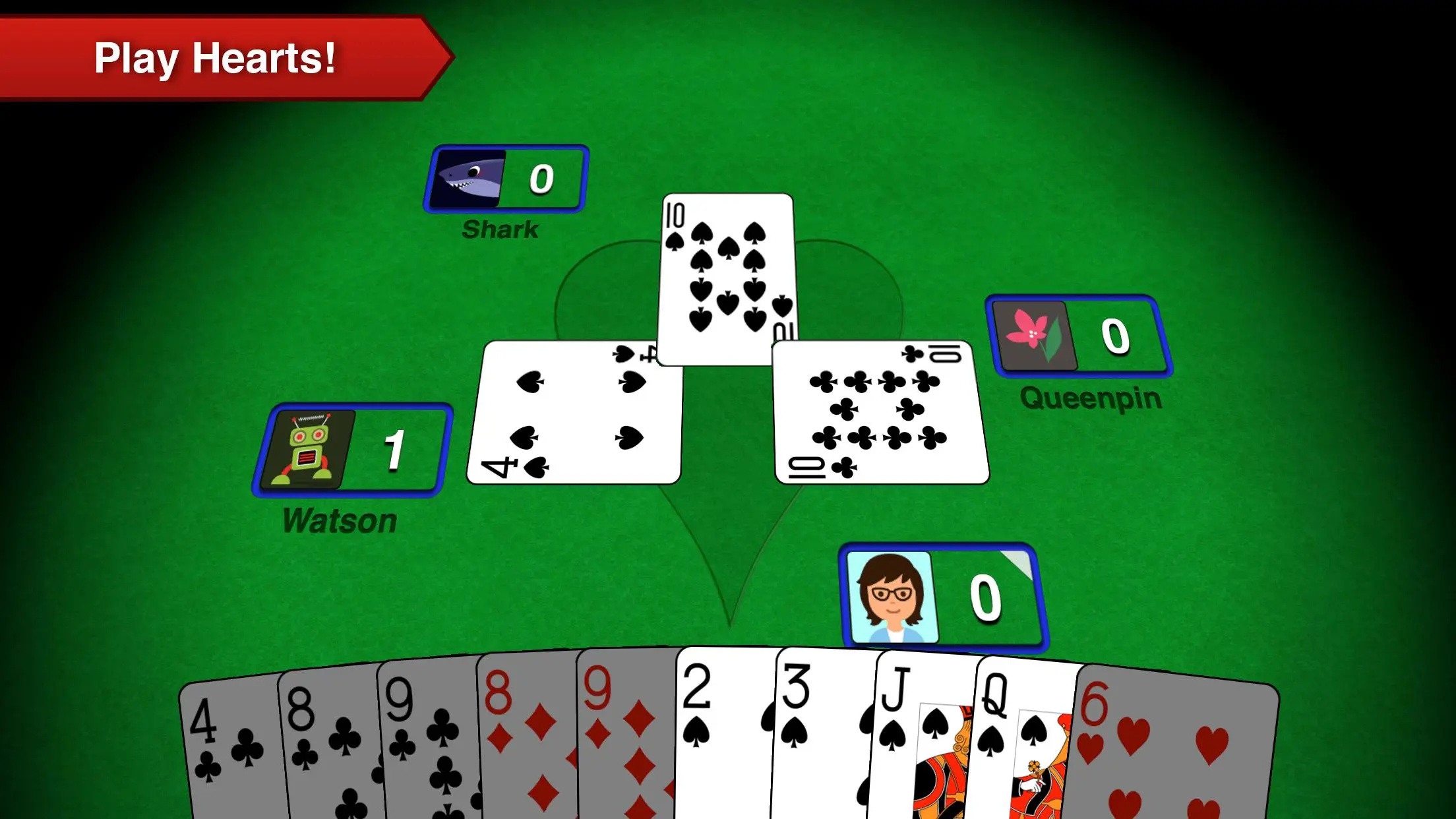
Hearts+ is the premier free Hearts card game for smart phones and tablets and is now available on Android! Hearts+ has been in development for years by a dedicated team and has seen countless new features, improvements, and bug fixes. It's fast, stable, always improving, and above all fun!
Top Features include:
* Play Hearts online with your friends and everyone else!
* Realistic look and feel, just like sitting at a card table!
* Game options, including "Jack of Diamonds"
* Achievements, some easy, some hard, can you get them all?
* Challenging and competitive computer opponents
* Automatic game saving, just in case you get a call right before shooting the moon
* Simple tutorial to help beginners get in the game fast
* Free!
Preview

Tags
Classic cardsCasualMultiplayerCompetitive multiplayerSingle playerRealisticOfflineInformation
Developer
A-Star Software LLC
Latest Version
5.48
Last Updated
2023-10-27
Category
Card
Available on
Google Play
Show More
How to play Hearts + with GameLoop on PC
1. Download GameLoop from the official website, then run the exe file to install GameLoop
2. Open GameLoop and search for “Hearts +” , find Hearts + in the search results and click “Install”
3. Enjoy playing Hearts + on GameLoop
Minimum requirements
OS
Windows 8.1 64-bit or Windows 10 64-bit
GPU
GTX 1050
CPU
i3-8300
Memory
8GB RAM
Storage
1GB available space
Recommended requirements
OS
Windows 8.1 64-bit or Windows 10 64-bit
GPU
GTX 1050
CPU
i3-9320
Memory
16GB RAM
Storage
1GB available space