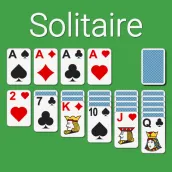
Solitaire - Classic Card Game PC
Lezigame
Download Solitaire - Classic Card Game on PC With GameLoop Emulator
Solitaire - Classic Card Game sa PC
Ang Solitaire - Classic Card Game, na nagmumula sa developer na Lezigame, ay tumatakbo sa Android systerm sa nakaraan.
Ngayon, maaari mong laruin ang Solitaire - Classic Card Game sa PC gamit ang GameLoop nang maayos.
I-download ito sa GameLoop library o mga resulta ng paghahanap. Hindi na tumitingin sa baterya o nakakadismaya na mga tawag sa maling oras.
I-enjoy lang ang Solitaire - Classic Card Game PC sa malaking screen nang libre!
Solitaire - Classic Card Game Panimula
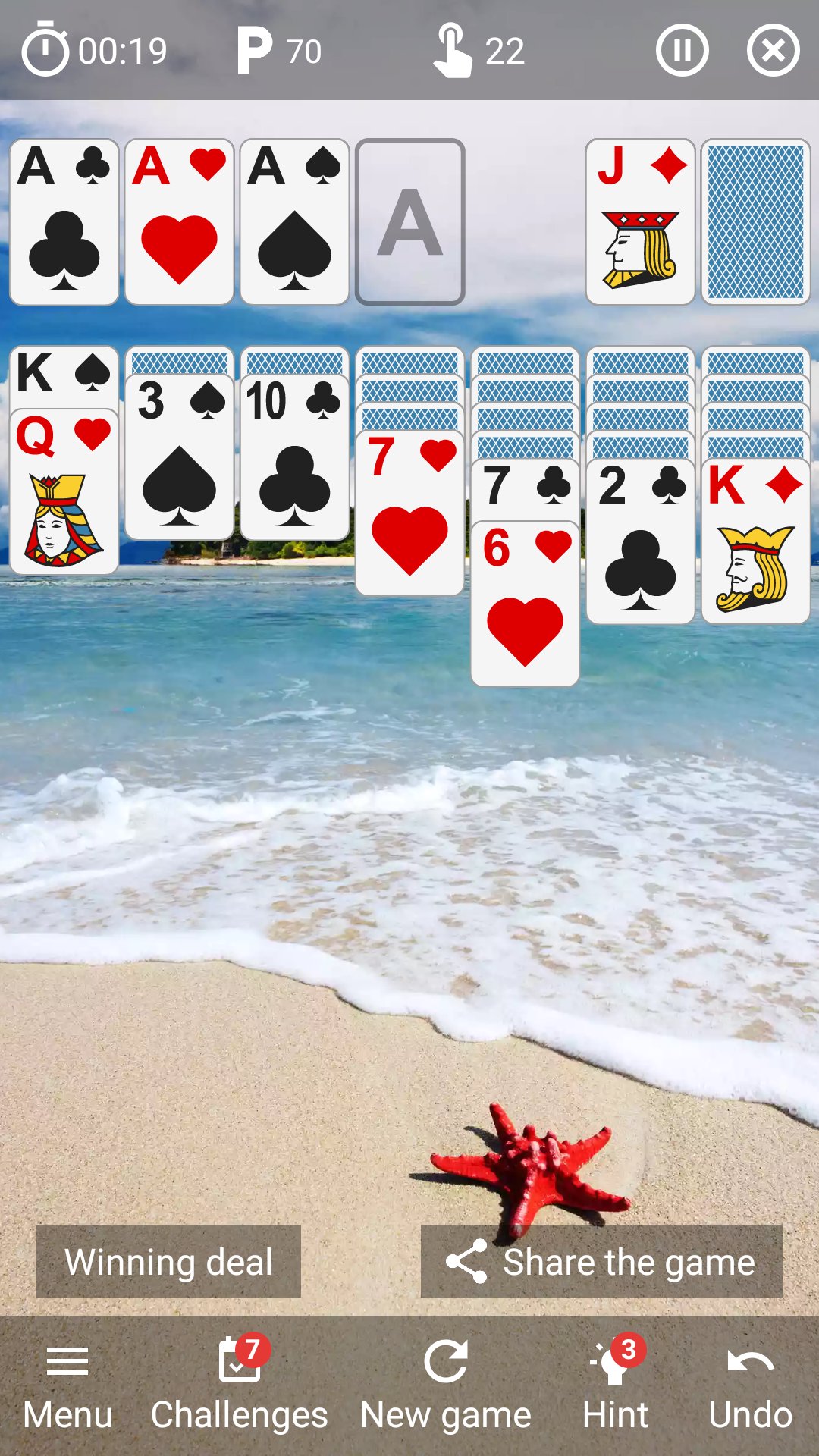
♥ Play as often as you like
With an unlimited number of solitaire games.
♠ Take on daily challenges
And win all the challenges of the week to beat your record.
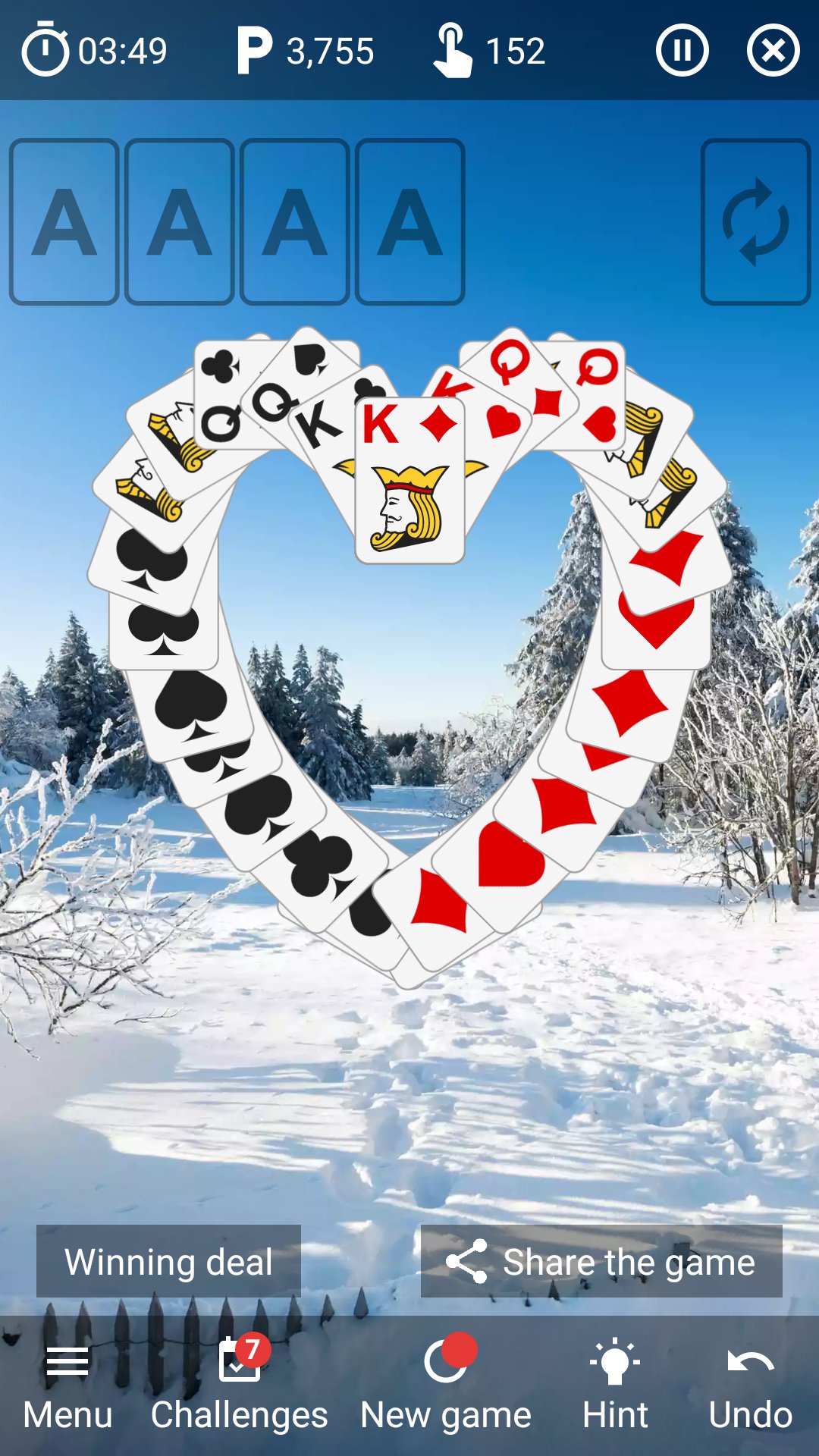
♦ Enjoy great animations
With a heart, club, diamond or spade that comes to life to celebrate your win.
♣ Use the clues
And see which card to move in this game of klondike.
♥ Customize the wallpaper image
By selecting one of the many images available.
♠ Play with your friends and family
By sharing this solitaire game with your loved ones.
♦ Change the image of the cards
By choosing the face and back of the cards: 48 possible combinations.
♣ Find out your personal statistics
And analyze your success rate, best time and high score.
♥ Train your brain
And improve your concentration, thinking and memory.
♠ Play wherever and whenever you want
Whether you're at home, on public transportation or in a waiting room.
♦ Draw 1 or 3 cards at a time
To adjust the difficulty of this classic card game.
♣ Undo your moves
As many times as you like.
♥ Start the automatic sorting
And finish your game faster.
♠ Play in your language
Thanks to the translation of the game into English.
♦ Use your preferred hand
Right or left-handed, this patience game adapts.
♣ Improve your best time
Or turn off the timer in the settings.
♥ Finish your game later
Thanks to autosave.
♠ Define the game settings
Such as animations, sounds and vibrations.
♦ Rotate your screen
In portrait or landscape mode.
♣ Use it on all your devices
Whether it's on a phone, tablet or Chromebook computer.
♥ Play without WIFI or internet connection
And enjoy it even when you're offline.
♠ Compare your best times
With those of your friends: 3 rankings available. *
♦ Earn achievements
And points for your Google Play Games account. *
* You must be logged into the game with a Google Play Games account.
Preview
Tags
SolitaireCasualSingle playerRealisticOfflineInformation
Developer
Lezigame
Latest Version
11.3
Last Updated
2026-03-06
Category
Card
Available on
Google Play
Show More
How to play Solitaire - Classic Card Game with GameLoop on PC
1. Download GameLoop from the official website, then run the exe file to install GameLoop
2. Open GameLoop and search for “Solitaire - Classic Card Game” , find Solitaire - Classic Card Game in the search results and click “Install”
3. Enjoy playing Solitaire - Classic Card Game on GameLoop
Minimum requirements
OS
Windows 8.1 64-bit or Windows 10 64-bit
GPU
GTX 1050
CPU
i3-8300
Memory
8GB RAM
Storage
1GB available space
Recommended requirements
OS
Windows 8.1 64-bit or Windows 10 64-bit
GPU
GTX 1050
CPU
i3-9320
Memory
16GB RAM
Storage
1GB available space