
Classic Solitaire Offline Game PC
Crazy Jelly Fish
Download Classic Solitaire Offline Game on PC With GameLoop Emulator
Classic Solitaire Offline Game sa PC
Ang Classic Solitaire Offline Game, na nagmumula sa developer na Crazy Jelly Fish, ay tumatakbo sa Android systerm sa nakaraan.
Ngayon, maaari mong laruin ang Classic Solitaire Offline Game sa PC gamit ang GameLoop nang maayos.
I-download ito sa GameLoop library o mga resulta ng paghahanap. Hindi na tumitingin sa baterya o nakakadismaya na mga tawag sa maling oras.
I-enjoy lang ang Classic Solitaire Offline Game PC sa malaking screen nang libre!
Classic Solitaire Offline Game Panimula
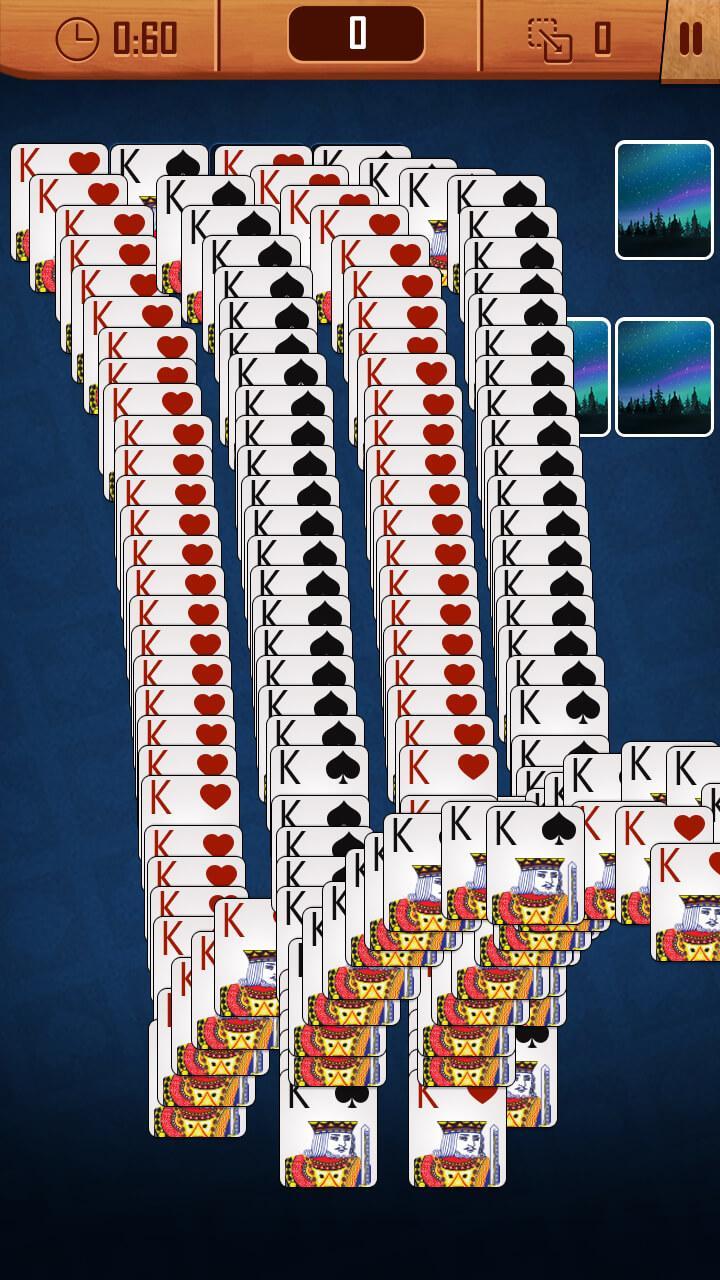
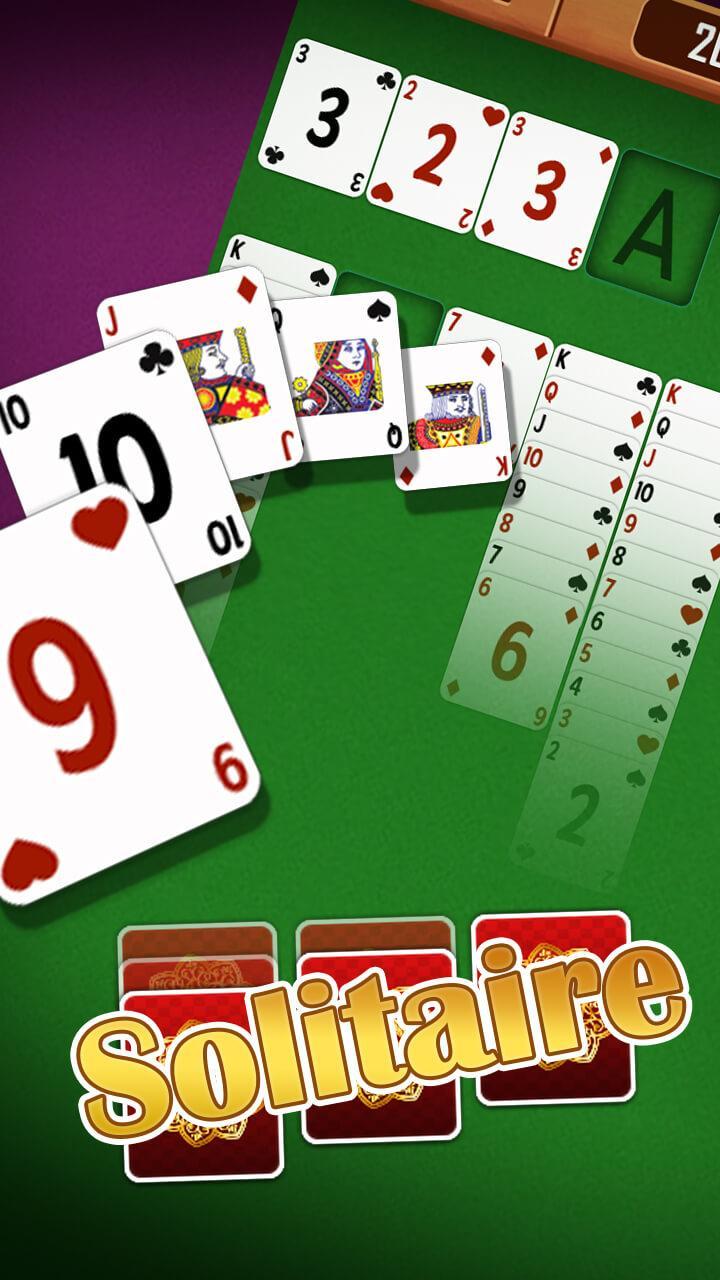
Solitaire is a Busy Board Game for stress. It is similar to such simple solitaire board games as Cube, Spider, FreeCell, Tri Peaks and Triple Peaks. Despite the fact that Klondike is an old school Solitaire card game it is ideal for everyone with patience.
Are you finding a better classic solitaire card game to relax your mind and train your brain? This is a Solitaire game if you like card games. The game brings you amazing endless fun, challenges.
Patience, or solitaire as it is known in the US and Canada, is a genre of card games that can be played by a single player. Patience games can also be played in a head-to-head fashion with the winner selected by a scoring scheme
In the US, the term solitaire is often used specifically to refer to solitaire played with cards, while in other countries solitaire specifically refers to peg solitaire. Both solitaire and patience are sometimes used to refer specifically to the Klondike form of patience.
- Easy and Fun, you will pick up quickly!
- Crisp, Big, and easy to read cards
- Different themes to choose from.
- Hint booster is available
- Fun trap cards to make the game more challenging.
- Autocomplete option is there to complete the game with a single click.
Preview
Tags
Role PlayingInformation
Developer
Crazy Jelly Fish
Latest Version
1.1.8
Last Updated
2020-08-21
Category
Card
Available on
Google Play
Show More
How to play Classic Solitaire Offline Game with GameLoop on PC
1. Download GameLoop from the official website, then run the exe file to install GameLoop
2. Open GameLoop and search for “Classic Solitaire Offline Game” , find Classic Solitaire Offline Game in the search results and click “Install”
3. Enjoy playing Classic Solitaire Offline Game on GameLoop
Minimum requirements
OS
Windows 8.1 64-bit or Windows 10 64-bit
GPU
GTX 1050
CPU
i3-8300
Memory
8GB RAM
Storage
1GB available space
Recommended requirements
OS
Windows 8.1 64-bit or Windows 10 64-bit
GPU
GTX 1050
CPU
i3-9320
Memory
16GB RAM
Storage
1GB available space