
Workspace 365 PC
Workspace 365
Download Workspace 365 on PC With GameLoop Emulator
Workspace 365 sa PC
Ang Workspace 365, na nagmumula sa developer na Workspace 365, ay tumatakbo sa Android systerm sa nakaraan.
Ngayon, maaari mong laruin ang Workspace 365 sa PC gamit ang GameLoop nang maayos.
I-download ito sa GameLoop library o mga resulta ng paghahanap. Hindi na tumitingin sa baterya o nakakadismaya na mga tawag sa maling oras.
I-enjoy lang ang Workspace 365 PC sa malaking screen nang libre!
Workspace 365 Panimula
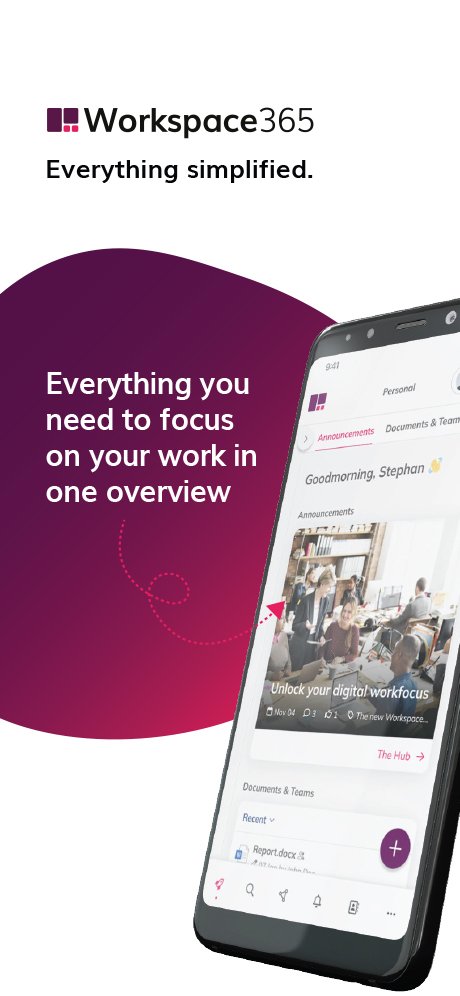
At Workspace 365, we believe in simplifying the digital environment to help employees achieve their ultimate work focus. Our personalised digital workplace provides centralised access to all your necessary applications, company information, and personal documents.
We integrate everything into one interface, seamlessly connecting legacy and cloud applications to enhance collaboration and create a unified digital experience. With Workspace 365, you can access your workspace from anywhere, at any time, and on any device.
· Simplified access: Centralised access to all apps, documents, and information you need. Easily connect legacy systems with the cloud, and increase user productivity, regardless of time or location. With a range of tools such as Citrix, ClientlessRDP, Azure Virtual Desktop, Fileserver, VMware, and Liquit, we offer flexibility and efficiency without compromising security.
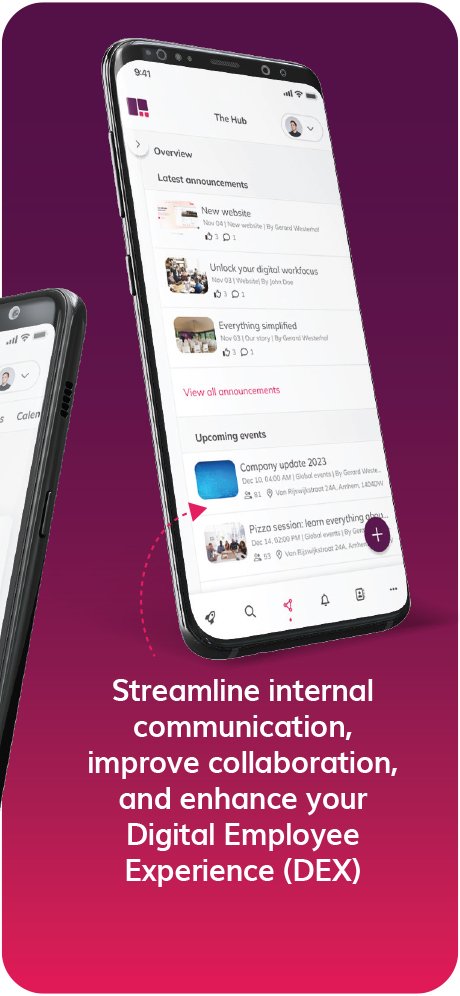
· Simplified communication: Benefit from various functionalities, such as The Hub, SharePoint and Viva Engage integrations, an Address Book Centre, and other intranet functionalities. This wide range of possibilities strengthens the bond between employees and promotes effective information sharing and collaboration.
· Simplified workflows: Streamline processes by providing approvals and updates in a single overview. Utilise the Smart Global Search feature for efficient searches, and leverage Open API's to seamlessly connect all your apps to a unified interface, enhancing productivity and connectivity. We connect with TOPdesk, OpenIMS, Egnyte, and many other integrations to simplify information flows, and increase employee efficiency.
Preview
Tags
BusinessInformation
Developer
Workspace 365
Latest Version
1.21
Last Updated
2025-10-25
Category
Business
Available on
Google Play
Show More
How to play Workspace 365 with GameLoop on PC
1. Download GameLoop from the official website, then run the exe file to install GameLoop
2. Open GameLoop and search for “Workspace 365” , find Workspace 365 in the search results and click “Install”
3. Enjoy playing Workspace 365 on GameLoop
Minimum requirements
OS
Windows 8.1 64-bit or Windows 10 64-bit
GPU
GTX 1050
CPU
i3-8300
Memory
8GB RAM
Storage
1GB available space
Recommended requirements
OS
Windows 8.1 64-bit or Windows 10 64-bit
GPU
GTX 1050
CPU
i3-9320
Memory
16GB RAM
Storage
1GB available space