
Unit4 Timesheets PC
UNIT4 Mobile Apps
Download Unit4 Timesheets on PC With GameLoop Emulator
Unit4 Timesheets sa PC
Ang Unit4 Timesheets, na nagmumula sa developer na UNIT4 Mobile Apps, ay tumatakbo sa Android systerm sa nakaraan.
Ngayon, maaari mong laruin ang Unit4 Timesheets sa PC gamit ang GameLoop nang maayos.
I-download ito sa GameLoop library o mga resulta ng paghahanap. Hindi na tumitingin sa baterya o nakakadismaya na mga tawag sa maling oras.
I-enjoy lang ang Unit4 Timesheets PC sa malaking screen nang libre!
Unit4 Timesheets Panimula
NOTE: To enable this application your employer must have Unit4 ERP.
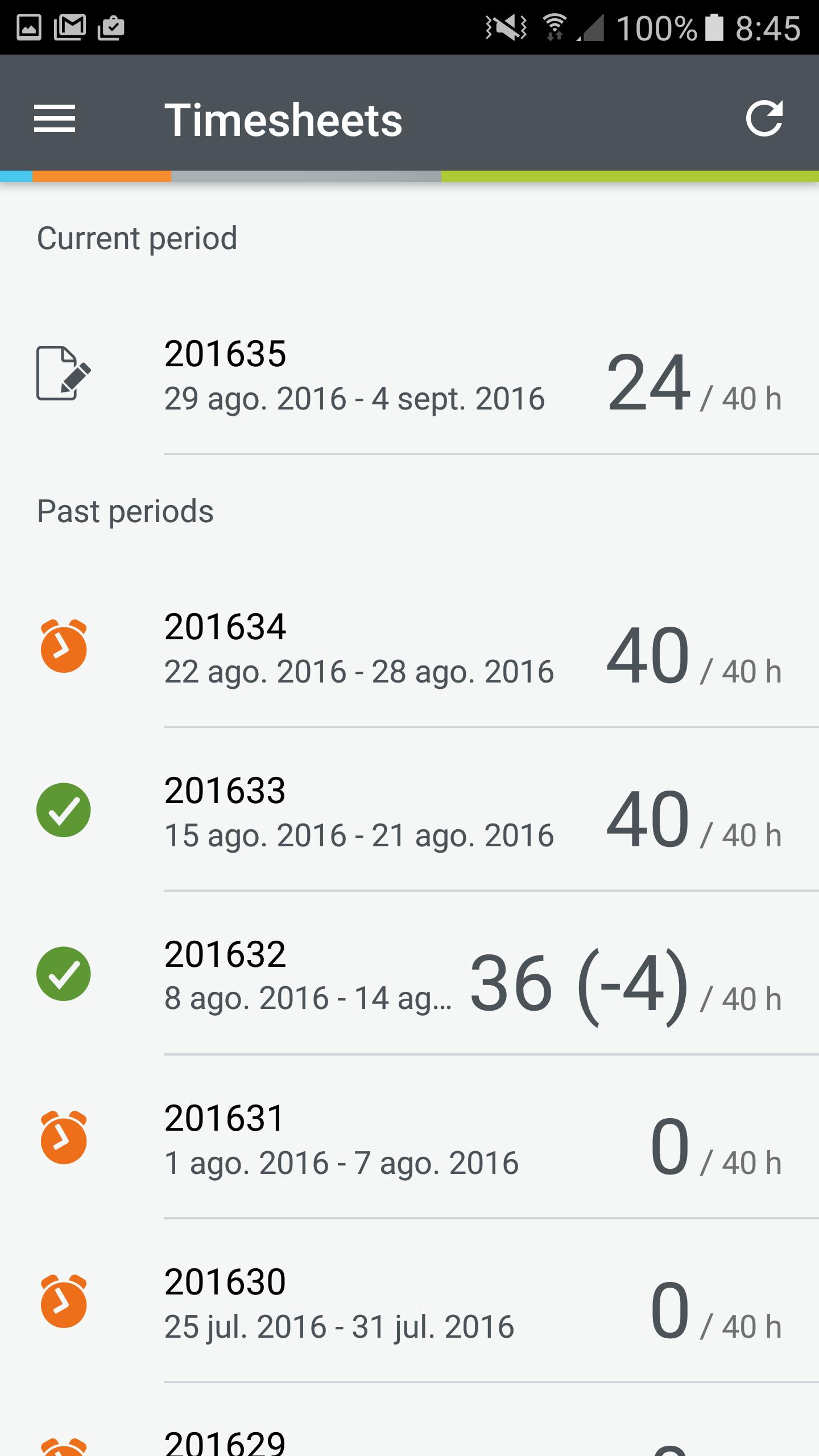
Unit4 Timesheets is a powerful and easy to use app that allows you to keep track of the time you spend in multiple projects simultaneously. It lets you enter time manually or clock in at the beginning of your day and clock out when you leave from a single screen, add a consolidated time entry to each project.
Use the Timesheets app to:
• Add, edit, or delete your timesheet entries online or offline
• Copy entries from last period
• Distribute remaining hours according to work schedule
• Enter hours for yesterday or today straightaway from the home screen
• Enter hours for future periods
• Record time spent - e.g., meetings and transfer it to your time sheet
• A recently used combination of project, work order, activity etc. from a list can be selected
Special features:
• Tap and hold on code combinations to see more information
• Slide right to use the magic wand for row in code view entry mode
• Slide left to set 0 hours in code view entry mode
• Go landscape for a more familiar view from Unit4 ERP
We would love to hear from you. Please contact Unit4 Customer Support with any questions or ideas. We’re here to help.
Preview
Tags
BusinessInformation
Developer
UNIT4 Mobile Apps
Latest Version
25.1.0
Last Updated
2025-04-02
Category
Business
Available on
Google Play
Show More
How to play Unit4 Timesheets with GameLoop on PC
1. Download GameLoop from the official website, then run the exe file to install GameLoop
2. Open GameLoop and search for “Unit4 Timesheets” , find Unit4 Timesheets in the search results and click “Install”
3. Enjoy playing Unit4 Timesheets on GameLoop
Minimum requirements
OS
Windows 8.1 64-bit or Windows 10 64-bit
GPU
GTX 1050
CPU
i3-8300
Memory
8GB RAM
Storage
1GB available space
Recommended requirements
OS
Windows 8.1 64-bit or Windows 10 64-bit
GPU
GTX 1050
CPU
i3-9320
Memory
16GB RAM
Storage
1GB available space