
T-Mobile MultiLine PC
Sprint
Download T-Mobile MultiLine on PC With GameLoop Emulator
T-Mobile MultiLine sa PC
Ang T-Mobile MultiLine, na nagmumula sa developer na Sprint, ay tumatakbo sa Android systerm sa nakaraan.
Ngayon, maaari mong laruin ang T-Mobile MultiLine sa PC gamit ang GameLoop nang maayos.
I-download ito sa GameLoop library o mga resulta ng paghahanap. Hindi na tumitingin sa baterya o nakakadismaya na mga tawag sa maling oras.
I-enjoy lang ang T-Mobile MultiLine PC sa malaking screen nang libre!
T-Mobile MultiLine Panimula
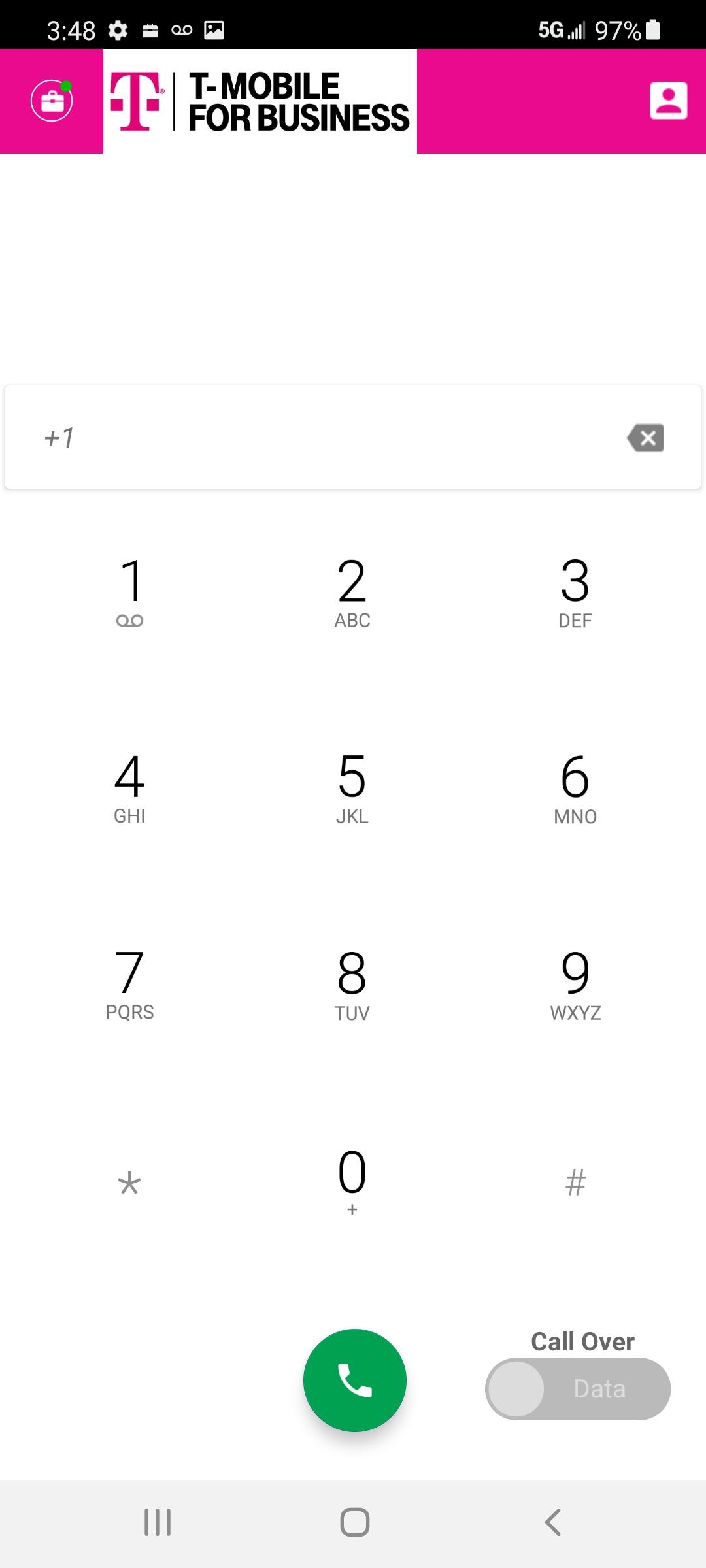
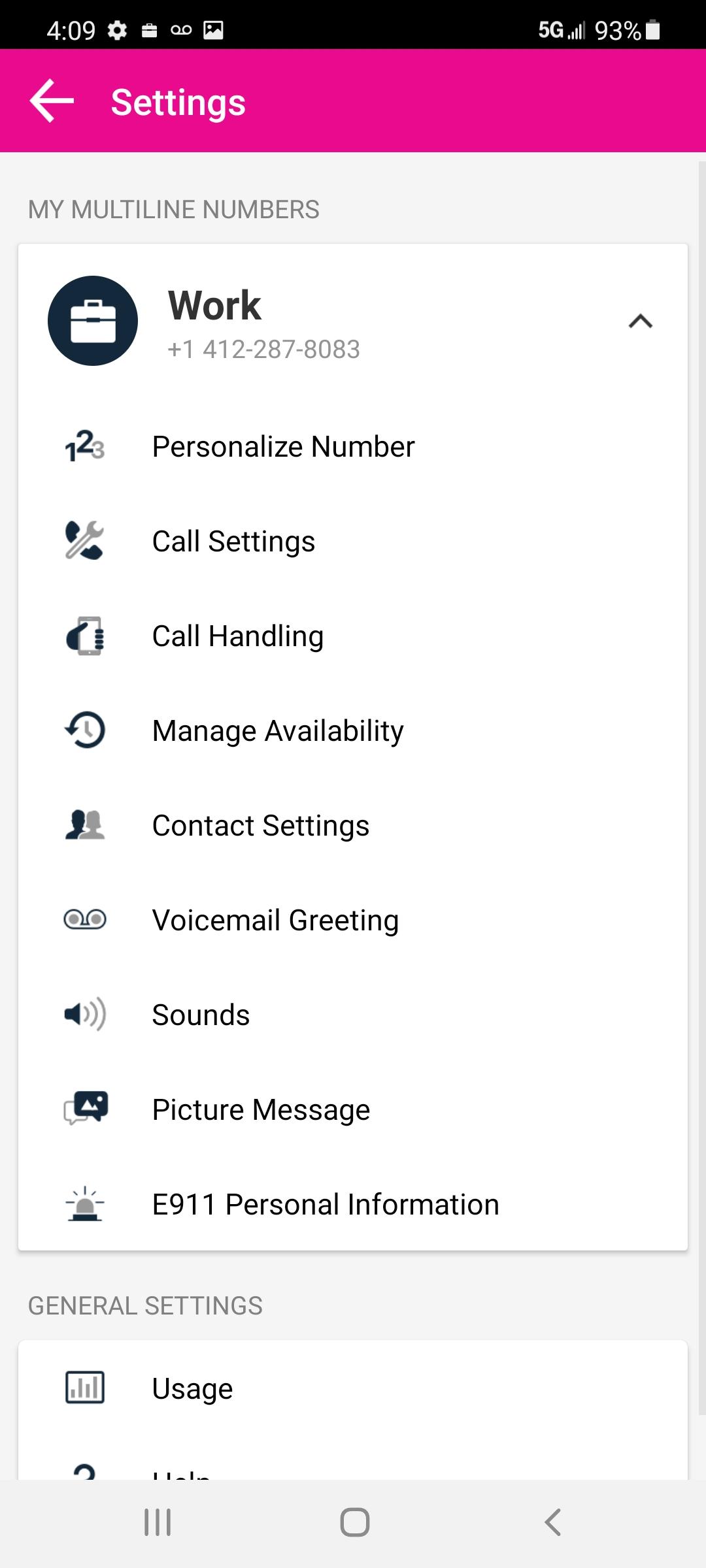
T-Mobile MultiLine makes is easy to add a second company-managed number to a personal BYOD mobile phone. Employees can now carry one phone while keeping their work and personal number completely separate. The solution gives employees a distinct phone number for their work voice calls, text messaging and voicemail while maintaining their personal phone number. The T-Mobile MultiLine app is simple to use and works over any domestic carrier network utilizing all communications channels: cellular voice, mobile data and WiFi. T-Mobile MultiLine also provides granular insights and analytics into work related productivity. Activation of the T-Mobile MultiLine service is required.
Powered by Movius.
Preview
Tags
BusinessInformation
Developer
Sprint
Latest Version
3.07.01
Last Updated
2023-10-13
Category
Business
Available on
Google Play
Show More
How to play T-Mobile MultiLine with GameLoop on PC
1. Download GameLoop from the official website, then run the exe file to install GameLoop
2. Open GameLoop and search for “T-Mobile MultiLine” , find T-Mobile MultiLine in the search results and click “Install”
3. Enjoy playing T-Mobile MultiLine on GameLoop
Minimum requirements
OS
Windows 8.1 64-bit or Windows 10 64-bit
GPU
GTX 1050
CPU
i3-8300
Memory
8GB RAM
Storage
1GB available space
Recommended requirements
OS
Windows 8.1 64-bit or Windows 10 64-bit
GPU
GTX 1050
CPU
i3-9320
Memory
16GB RAM
Storage
1GB available space