
SubVentory PC
ZippyYum
Download SubVentory on PC With GameLoop Emulator
SubVentory sa PC
Ang SubVentory, na nagmumula sa developer na ZippyYum, ay tumatakbo sa Android systerm sa nakaraan.
Ngayon, maaari mong laruin ang SubVentory sa PC gamit ang GameLoop nang maayos.
I-download ito sa GameLoop library o mga resulta ng paghahanap. Hindi na tumitingin sa baterya o nakakadismaya na mga tawag sa maling oras.
I-enjoy lang ang SubVentory PC sa malaking screen nang libre!
SubVentory Panimula
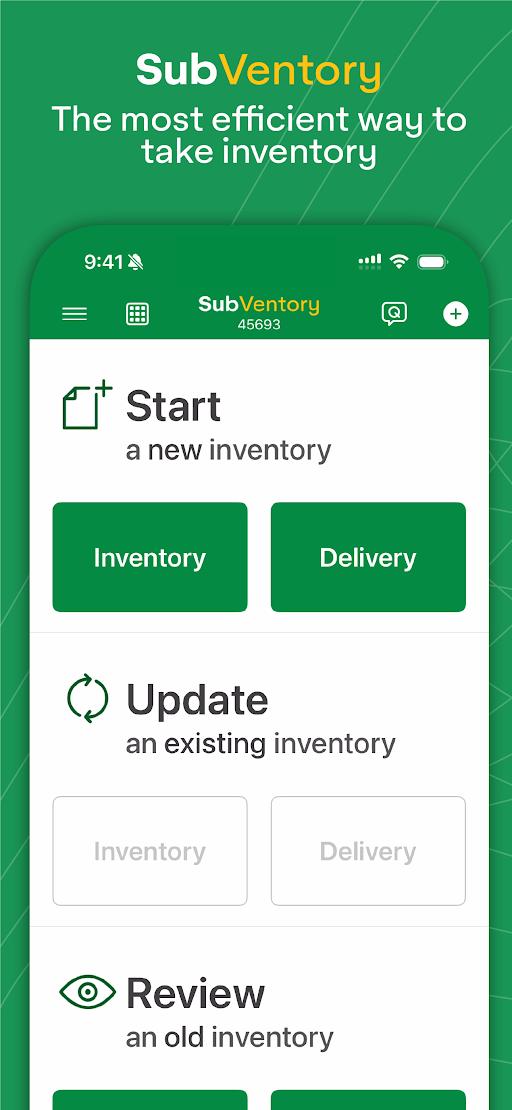
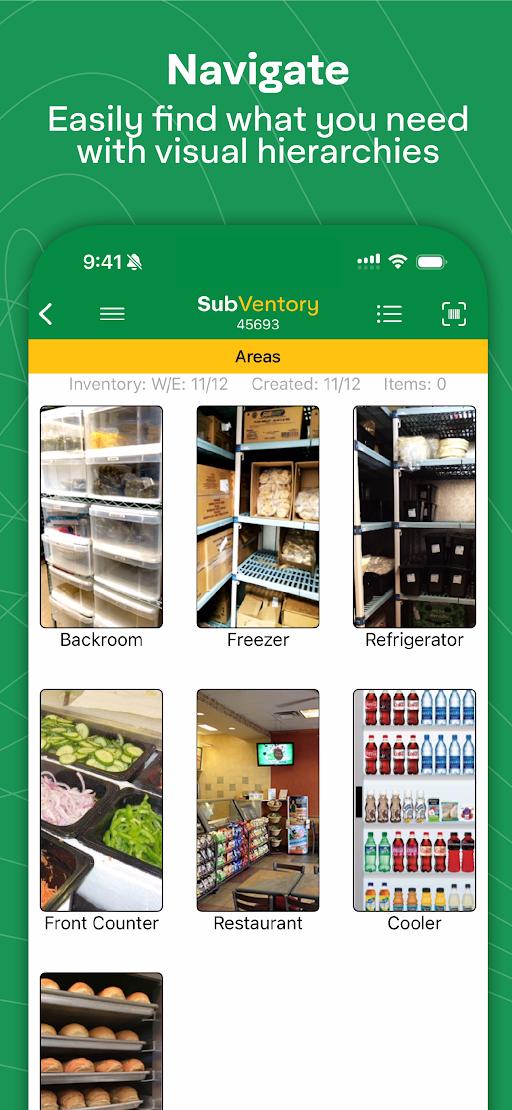
SubVentory is the fastest and most accurate way for any restaurant operator to capture their week-ending inventory, deliveries, file QualityNet Pro complaints, place new distributor orders, and manage withdrawals and recalls. The app helps eliminate errors before they happen and saves hours in labor each week.
• Built-in error prevention algorithms catch mistakes
• Voice recognition allows you to speak your inventory
• Tap or scan barcodes to manually add them
• Multiple users can work at once on multiple devices
• DC Invoices are linked in the App for quick deliveries
• Suggestive ordering automatically creates re-orders
• Manually edit and submit DC re-orders
• Withdrawals and recalls are integrated with alerts
• Standardize prepping with our customizable conversions
• Submit QualityNet Pro complaints in just a couple minutes
• POS Integration uploads inventories at the press of a key
• Eliminates all manual data entry
• Supports over 15 languages
• 24/7/365 free live support from our team
• Learn more at www.zippyyum.com
Preview
Tags
BusinessBoardInformation
Developer
ZippyYum
Latest Version
11.13.002509
Last Updated
2025-09-14
Category
Business
Available on
Google Play
Show More
How to play SubVentory with GameLoop on PC
1. Download GameLoop from the official website, then run the exe file to install GameLoop
2. Open GameLoop and search for “SubVentory” , find SubVentory in the search results and click “Install”
3. Enjoy playing SubVentory on GameLoop
Minimum requirements
OS
Windows 8.1 64-bit or Windows 10 64-bit
GPU
GTX 1050
CPU
i3-8300
Memory
8GB RAM
Storage
1GB available space
Recommended requirements
OS
Windows 8.1 64-bit or Windows 10 64-bit
GPU
GTX 1050
CPU
i3-9320
Memory
16GB RAM
Storage
1GB available space