Stock Count: Stock Take Opname PC
Sterling Tulus Cemerlang, PT (Sterling Team)
Download Stock Count: Stock Take Opname on PC With GameLoop Emulator
Stock Count: Stock Take Opname sa PC
Ang Stock Count: Stock Take Opname, na nagmumula sa developer na Sterling Tulus Cemerlang, PT (Sterling Team), ay tumatakbo sa Android systerm sa nakaraan.
Ngayon, maaari mong laruin ang Stock Count: Stock Take Opname sa PC gamit ang GameLoop nang maayos.
I-download ito sa GameLoop library o mga resulta ng paghahanap. Hindi na tumitingin sa baterya o nakakadismaya na mga tawag sa maling oras.
I-enjoy lang ang Stock Count: Stock Take Opname PC sa malaking screen nang libre!
Stock Count: Stock Take Opname Panimula
Do you currently have problems with Stock/Inventory accuracy and take days when doing your weekly, monthly or yearly stock counting & checking (physical inventory / cycle count / Stock Take / Stock Opname) in your Retail Store or in your Warehouse?
Stock Count (Inventory Scanner) is a FREE Stock / Inventory counting & checking apps for Android mobile device.
Use your mobile android device and barcode scanner to help you perform the stock physical inventory and cycle count fast, effectively and efficiently anytime anywhere.
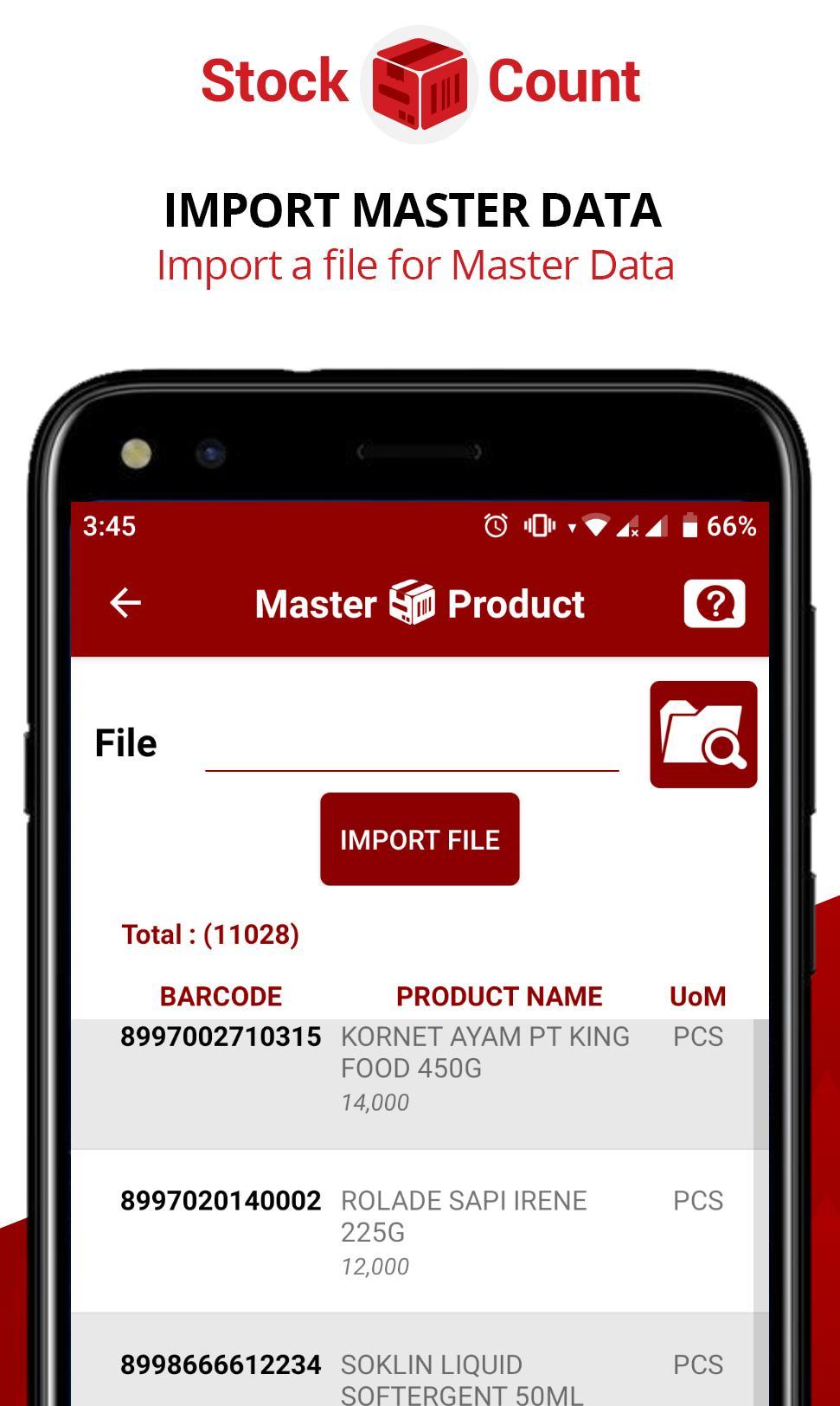
Import / Export CSV from any ERP such as SAP S/4 Hana, SAP Business One, Microsoft Dynamic Ax, Microsoft Dynamic Nav, Oracle Apps, Netsuite, Xero.
iREAP Stock Count (Inventory Scanner) Demo Video
- Introduction To iREAP Stock Count https://youtu.be/V_iJi8bOD20
- Master Data Preparation https://youtu.be/MMnwCu2bHJk
- Scanning Process - https://youtu.be/kY8Bd9T9h-0
- View and Share Result Email, Chat Apps - https://youtu.be/-mCFIgxyAq8
- SAP Business One User, check how this APPS will improve your Stock Counting up to 90% faster and more accurate https://youtu.be/A_WHZXyebSg
This is a TOTALLY FREE Stock Count / Inventory Scanner Apps from www.sterling-team.com as our CSR (Corporate Social Responsibility) program
*** NO LIMITATION on PRODUCT and TRANSACTION ***
*** NO ADVERTISEMENT ***
Available in English and Bahasa Indonesian
Detail Information and Help please visit https://www.sterling-team.com/stock-take-count/
Should you have any Questions or Inputs feel free to contact us to stockcount@sterling-team.com
FEATURES
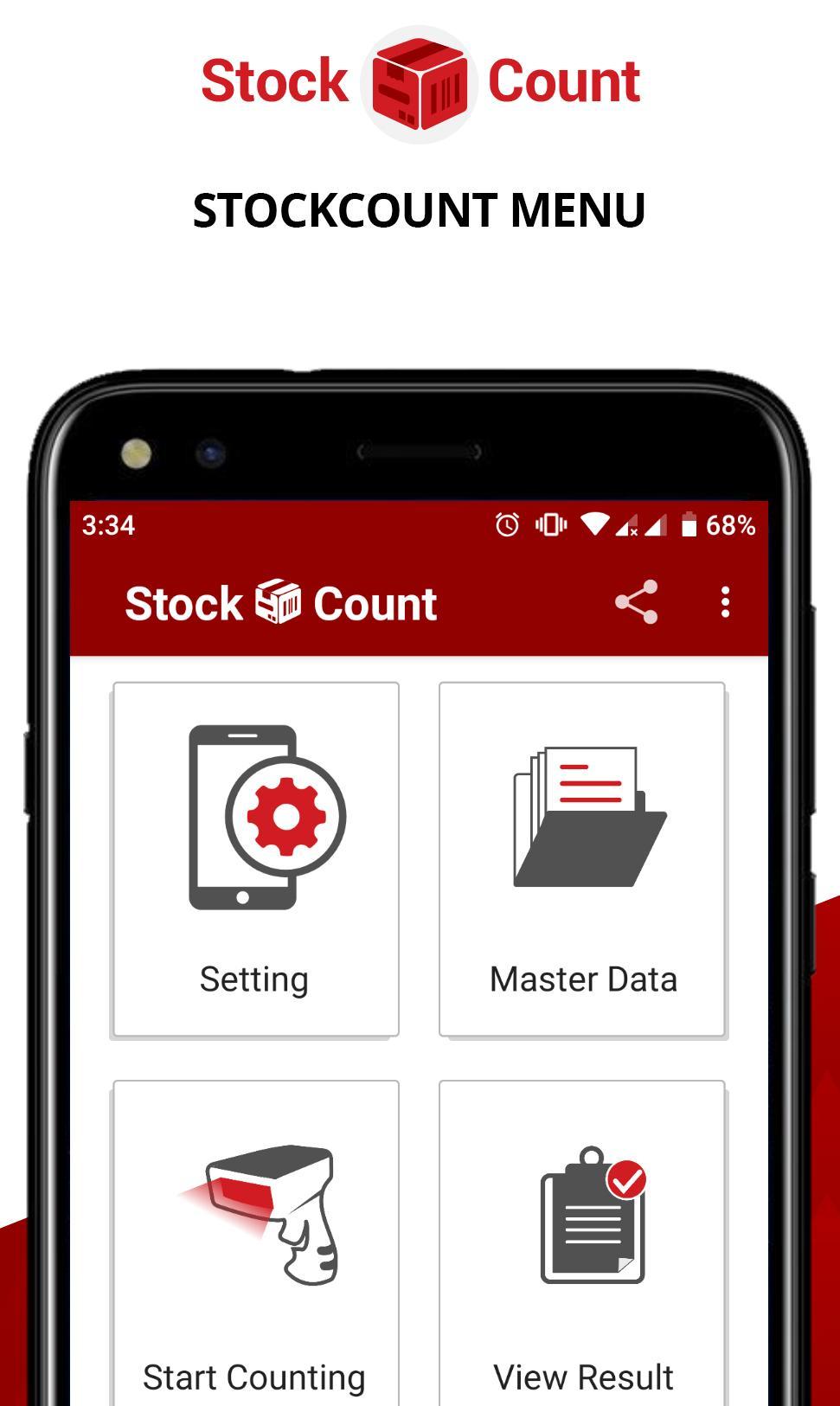
- Scan the barcode on your product using any barcode scanner/bluetooth scanner or device camera, and the application will help you count the quantity and manage the list of your inventory.
- Connect a barcode scanner (USB/Bluetooth) to the mobile android.
- Capable of creating multiple counting session, so you can manage and compare the result easily.
- Support master data upload by using CSV file (Optional), to help validate the list of valid items in your scan list during counting session.
- Send the physical inventory counting result to your email easily.
- Offline: All your Stock Count / Stock Take data stored locally on your device, to support Fast scan and validation, thus No Internet connection needed during Stock Counting process.
If you are a store manager/owner, we have a Cashier/POS and Stock program that you can use using your Android device, more details at www.ireappos.com
DISCLAIMER:
By installing and using Stock Count(Stock Take) you agree that the author is not responsible for any financial losses that could occur or not complied with government regulation.
Developed by Sterling Team
SAP Business One GOLD Partner Indonesia in Retail, Distribution and Manufacturing
Preview
Tags
BusinessInformation
Developer
Sterling Tulus Cemerlang, PT (Sterling Team)
Latest Version
2.3
Last Updated
2023-10-09
Category
Business
Available on
Google Play
Show More
How to play Stock Count: Stock Take Opname with GameLoop on PC
1. Download GameLoop from the official website, then run the exe file to install GameLoop
2. Open GameLoop and search for “Stock Count: Stock Take Opname” , find Stock Count: Stock Take Opname in the search results and click “Install”
3. Enjoy playing Stock Count: Stock Take Opname on GameLoop
Minimum requirements
OS
Windows 8.1 64-bit or Windows 10 64-bit
GPU
GTX 1050
CPU
i3-8300
Memory
8GB RAM
Storage
1GB available space
Recommended requirements
OS
Windows 8.1 64-bit or Windows 10 64-bit
GPU
GTX 1050
CPU
i3-9320
Memory
16GB RAM
Storage
1GB available space