
Start Meeting PC
StartMeeting
Download Start Meeting on PC With GameLoop Emulator
Start Meeting sa PC
Ang Start Meeting, na nagmumula sa developer na StartMeeting, ay tumatakbo sa Android systerm sa nakaraan.
Ngayon, maaari mong laruin ang Start Meeting sa PC gamit ang GameLoop nang maayos.
I-download ito sa GameLoop library o mga resulta ng paghahanap. Hindi na tumitingin sa baterya o nakakadismaya na mga tawag sa maling oras.
I-enjoy lang ang Start Meeting PC sa malaking screen nang libre!
Start Meeting Panimula
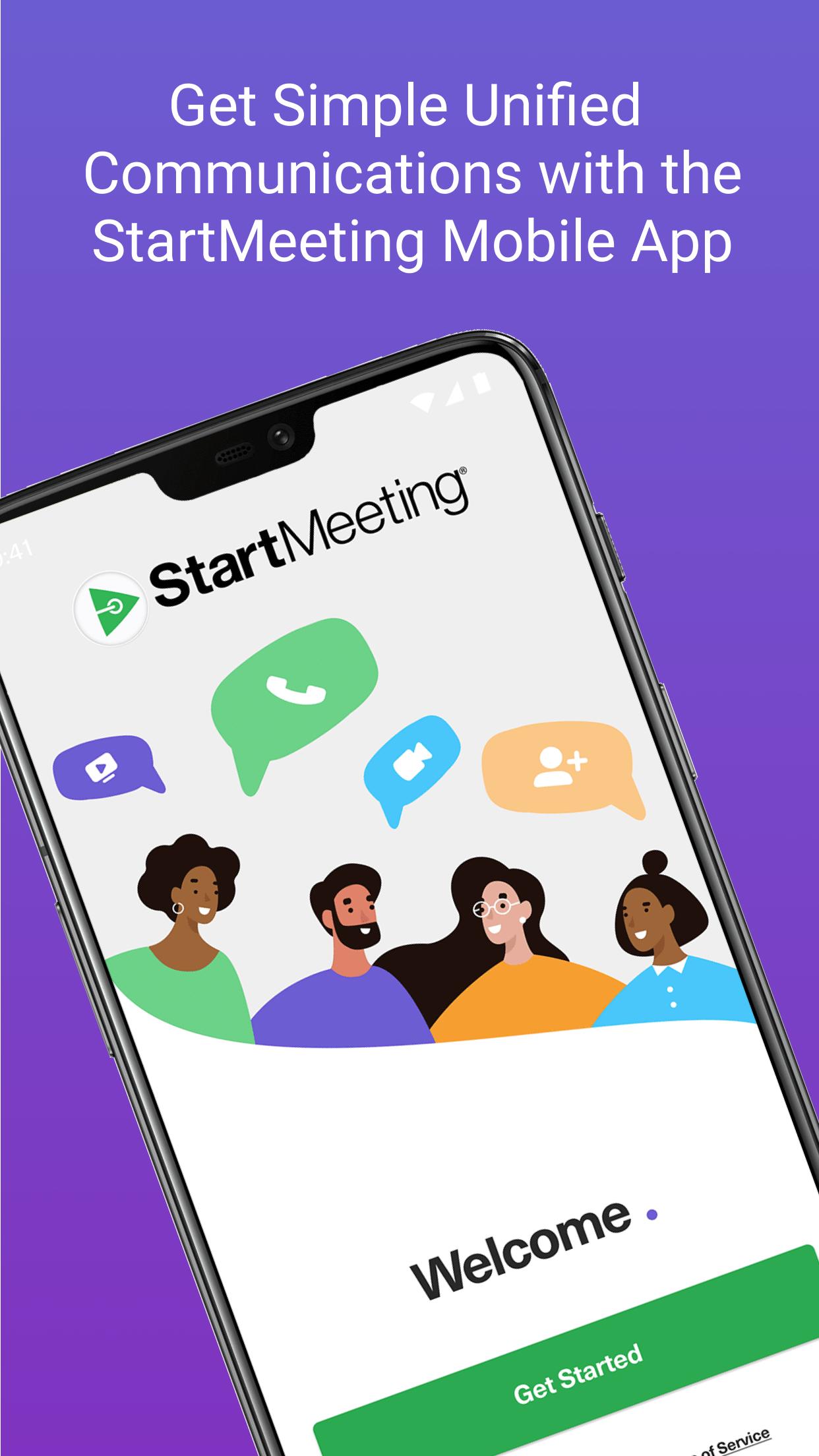
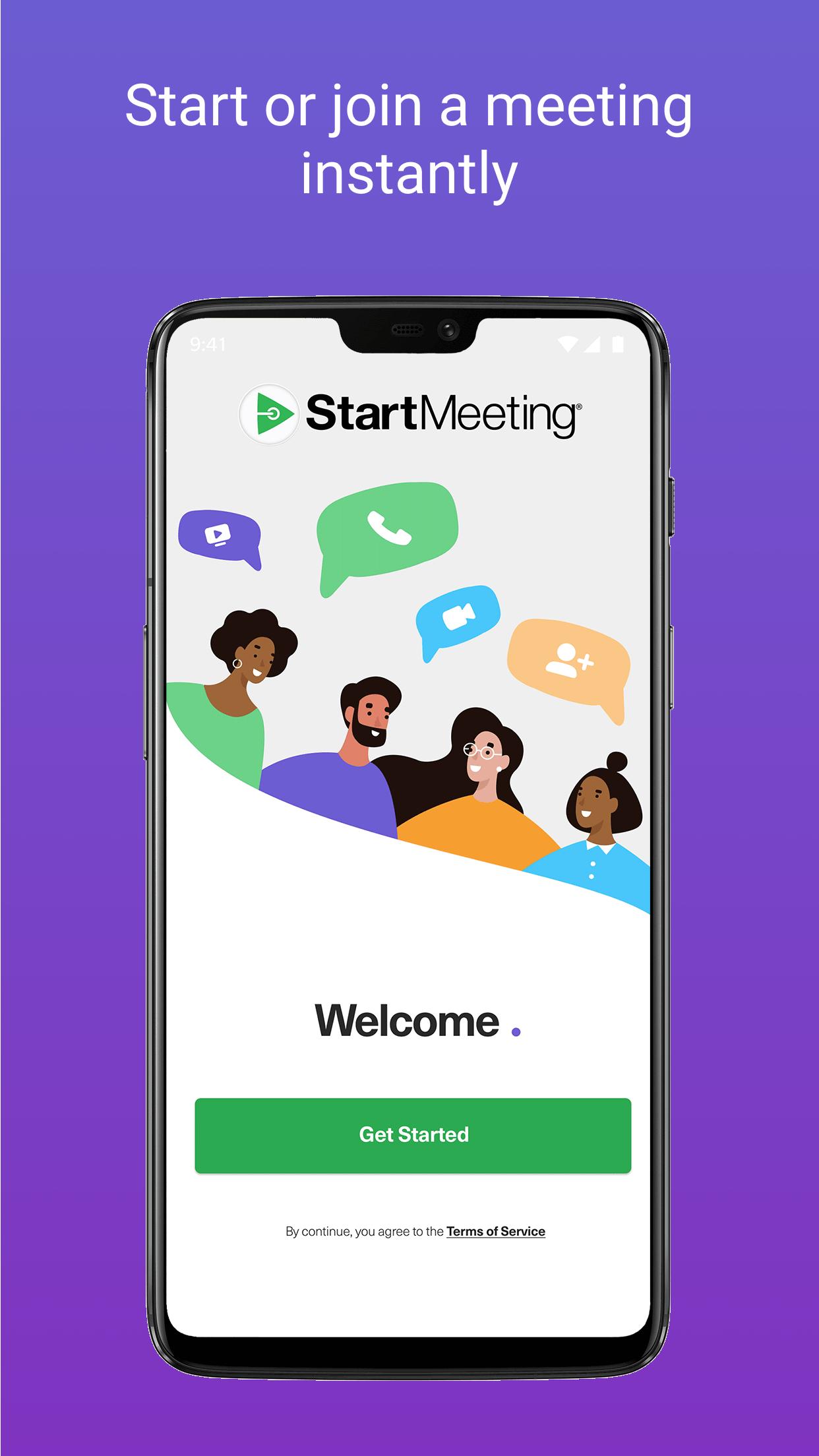
The StartMeeting® app has everything your business needs, all in one place. StartMeeting offers world-class audio and video conferencing paired with collaboration tools like instant messaging and a virtual phone (coming soon) to give companies a simple-to-use communication solution that just works.
Key Features:
Unlimited HD audio and video conferencing
Screen sharing and drawing
A streamlined chat tool that lets you easily escalate from instant messaging to a full video meeting
Meeting recording and playback
10 GB of cloud storage
75+ in country, international dial-in numbers
It’s incredibly easy to get started. Simply download the app, create an account, and you’re ready to host your first meeting. Set your meeting time and share your credentials with your participants and you’re good to go. We built StartMeeting with the end user in mind so it is incredibly simple to use, streamlined, and just works the way you’d want it to work. We offer a 30 day free trial to new users so download it today. We think you’ll love it.
About StartMeeting:
StartMeeting® runs on the world’s 2nd largest audio conferencing network and is transforming the UCaaS space. We believe everyone, everywhere should have access to a world-class audio and video conferencing solution so we developed technology that is incredibly easy to use and offer it at an industry leading price. If you need a more powerful, intuitive, streamlined way to stay connected you need StartMeeting.
To get started, download the app to your device. At the scheduled time of the online meeting, tap the invitation link from your email or the StartMeeting app and enter the meeting credentials.
Connecting to the Audio Conference Call:
Once you have joined the meeting, you have the option to dial into the conference call using your telephone or internet connection.
Please contact Customer Care at (877) 553-1680 or by email at support@startmeeting.com for any questions or comments.
Preview
Tags
BusinessInformation
Developer
StartMeeting
Latest Version
4.3.51.1
Last Updated
2023-07-13
Category
Business
Available on
Google Play
Show More
How to play Start Meeting with GameLoop on PC
1. Download GameLoop from the official website, then run the exe file to install GameLoop
2. Open GameLoop and search for “Start Meeting” , find Start Meeting in the search results and click “Install”
3. Enjoy playing Start Meeting on GameLoop
Minimum requirements
OS
Windows 8.1 64-bit or Windows 10 64-bit
GPU
GTX 1050
CPU
i3-8300
Memory
8GB RAM
Storage
1GB available space
Recommended requirements
OS
Windows 8.1 64-bit or Windows 10 64-bit
GPU
GTX 1050
CPU
i3-9320
Memory
16GB RAM
Storage
1GB available space