
Sophos Secure Workspace PC
Sophos Limited
Download Sophos Secure Workspace on PC With GameLoop Emulator
Sophos Secure Workspace sa PC
Ang Sophos Secure Workspace, na nagmumula sa developer na Sophos Limited, ay tumatakbo sa Android systerm sa nakaraan.
Ngayon, maaari mong laruin ang Sophos Secure Workspace sa PC gamit ang GameLoop nang maayos.
I-download ito sa GameLoop library o mga resulta ng paghahanap. Hindi na tumitingin sa baterya o nakakadismaya na mga tawag sa maling oras.
I-enjoy lang ang Sophos Secure Workspace PC sa malaking screen nang libre!
Sophos Secure Workspace Panimula
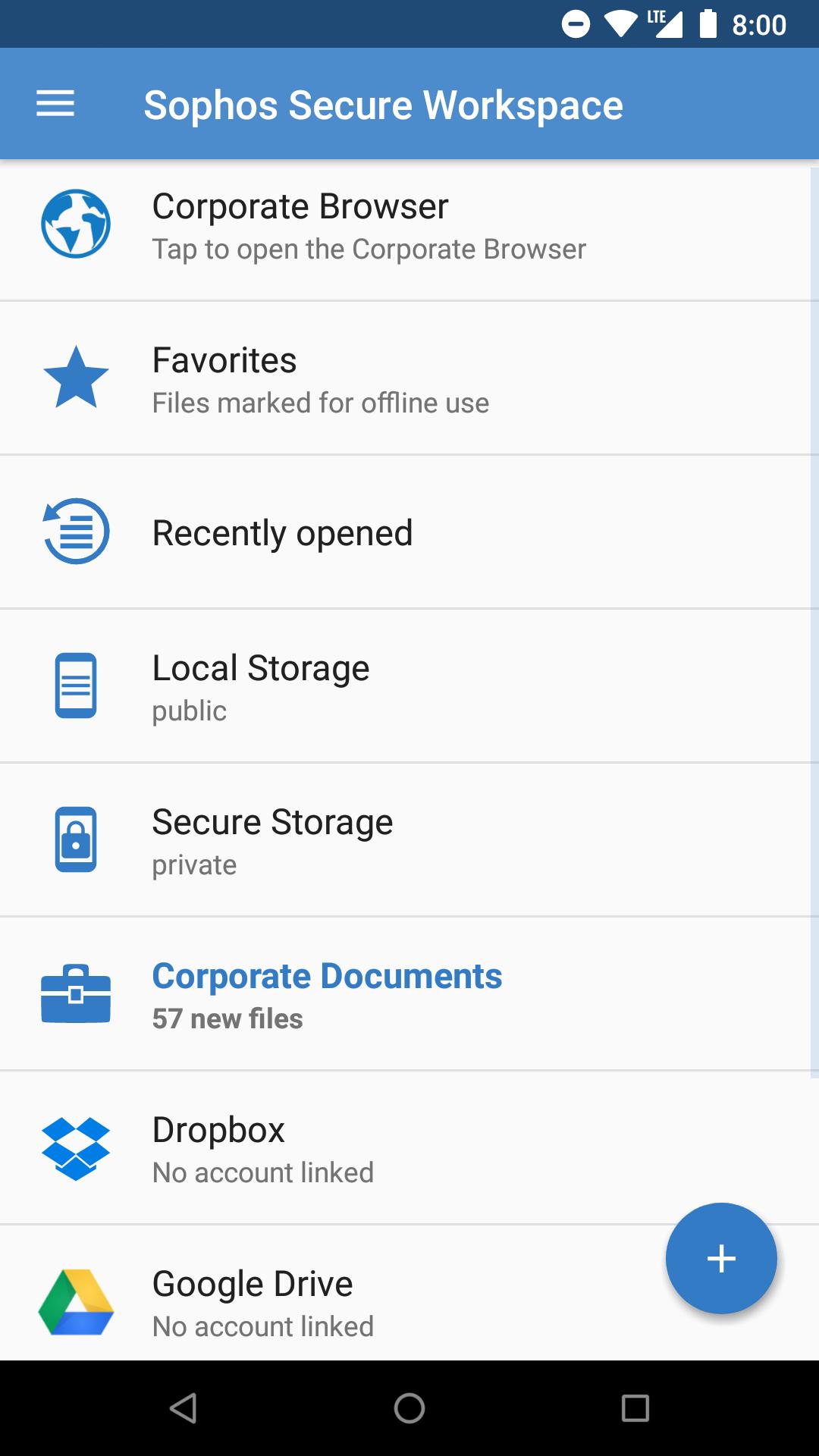
Sophos Secure Workspace is the place where you can access your company’s documents or corporate websites. All data is stored with AES-256 encryption, matching military grade requirements. Sophos Secure Workspace is designed to prevent data loss if your device gets stolen or lost.
Sophos Secure Workspace can be managed by Sophos Mobile, an Enterprise Mobility Management (EMM) solution. Sophos Secure Workspace runs inside the Sophos container and the Sophos Mobile administrator can enforce corporate security settings.
Sophos Secure Workspace is fully compatible with Sophos SafeGuard Enterprise (SGN). Sophos Mobile integration ensures that users can access SGN encrypted files and access full disk recovery keys from their mobile devices.
Feature set
MANAGE FILES IN CLOUD OR ENTERPRISE STORAGE
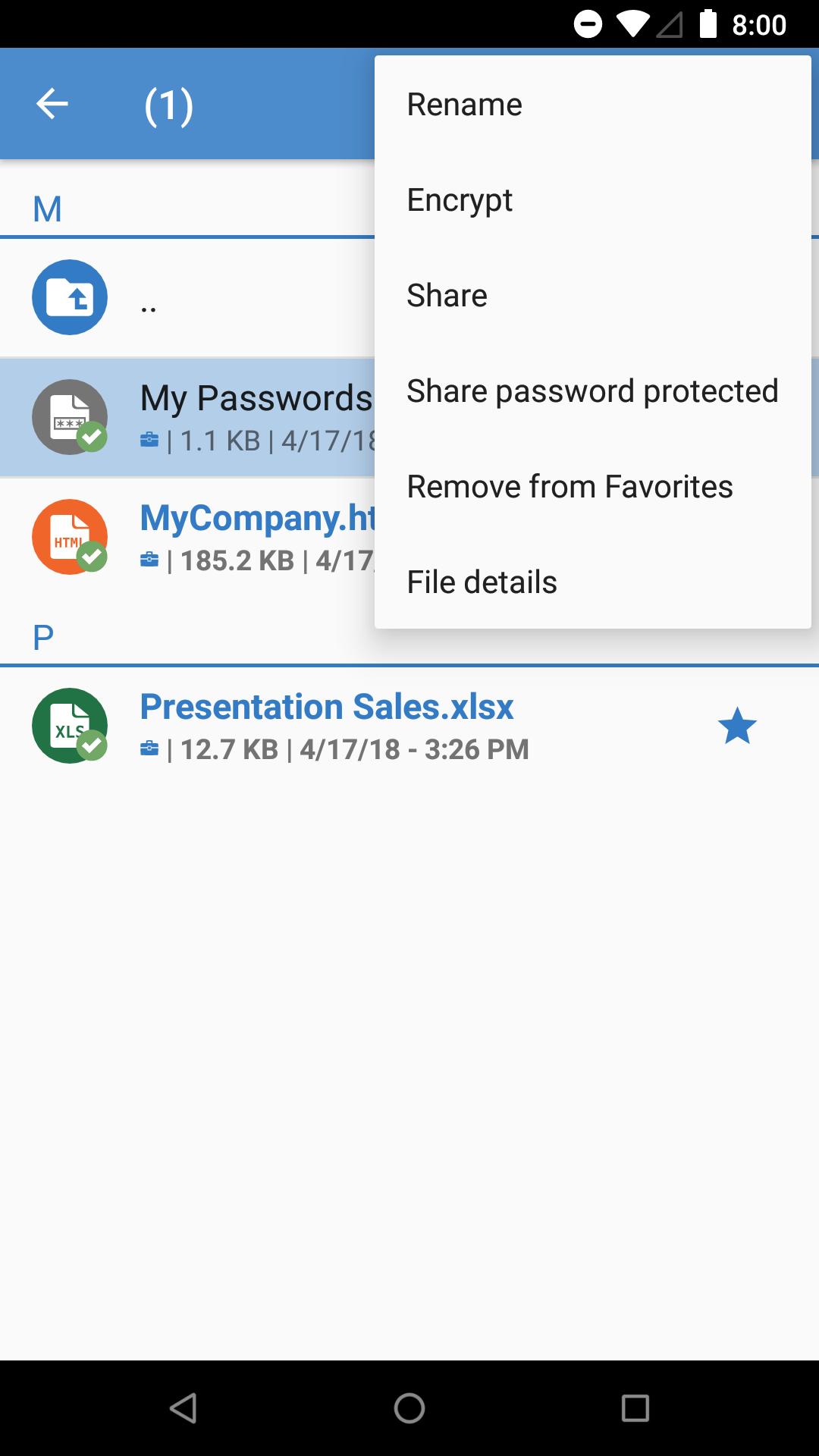
• Manage all your files from various cloud storage providers.
• Seamlessly access encrypted files using the keys from your SGN synchronized keyring.
• Apply common file operations, like move or delete.
• Add and encrypt documents, or decrypt them.
• Take and encrypt photos that are not available to other apps.
• Edit PDF or text files.
• Use files offline.
DATA PROTECTION
• Store files with AES-256 encryption.
• Create local encryption keys or use the keys that are included in the accessed documents.
• Protect app access with a passcode or your fingerprint.
WEB FILTERING/ANTI-PHISHING
• Web links in documents are checked for malicious, undesirable or illegal content.
MANAGED MODE
Additional features if Sophos Secure Workspace is managed by Sophos Mobile:
• Enforce an app password.
• Auto-lock the app after being offline for a certain time.
• Remotely lock the app if a security breach occurs.
• Restrict app access based on geo, time and Wi-Fi fencing.
• Define allowed storage providers.
• Publish corporate documents on a WebDAV server or distribute them through Sophos Mobile.
• Restrict file sharing, offline use or clipboard use.
• Corporate Browser: Enable your users to securely access corporate websites. All browsing data is stored in encrypted form.
• Corporate keyring: Enable your users to access their SGN keys for seamless encrypted file access.
• Provide recovery keys for SGN managed BitLocker and FileVault disk encryption.
• Edit Office format files using the integrated Polaris Office Library.
• Secure external sharing with password protected files, wrapped in an HTML5 format.
NOTE: If you have any problems with Sophos Secure Workspace, please check our monitored support forum for help before leaving a 1-star review: https://community.sophos.com/products/mobile-device-protection/
Preview
Tags
BusinessInformation
Developer
Sophos Limited
Latest Version
9.7.3138
Last Updated
2022-07-21
Category
Business
Available on
Google Play
Show More
How to play Sophos Secure Workspace with GameLoop on PC
1. Download GameLoop from the official website, then run the exe file to install GameLoop
2. Open GameLoop and search for “Sophos Secure Workspace” , find Sophos Secure Workspace in the search results and click “Install”
3. Enjoy playing Sophos Secure Workspace on GameLoop
Minimum requirements
OS
Windows 8.1 64-bit or Windows 10 64-bit
GPU
GTX 1050
CPU
i3-8300
Memory
8GB RAM
Storage
1GB available space
Recommended requirements
OS
Windows 8.1 64-bit or Windows 10 64-bit
GPU
GTX 1050
CPU
i3-9320
Memory
16GB RAM
Storage
1GB available space