
ScreenMeet. Easy Phone Meeting PC
ScreenMeet
Download ScreenMeet. Easy Phone Meeting on PC With GameLoop Emulator
ScreenMeet. Easy Phone Meeting sa PC
Ang ScreenMeet. Easy Phone Meeting, na nagmumula sa developer na ScreenMeet, ay tumatakbo sa Android systerm sa nakaraan.
Ngayon, maaari mong laruin ang ScreenMeet. Easy Phone Meeting sa PC gamit ang GameLoop nang maayos.
I-download ito sa GameLoop library o mga resulta ng paghahanap. Hindi na tumitingin sa baterya o nakakadismaya na mga tawag sa maling oras.
I-enjoy lang ang ScreenMeet. Easy Phone Meeting PC sa malaking screen nang libre!
ScreenMeet. Easy Phone Meeting Panimula
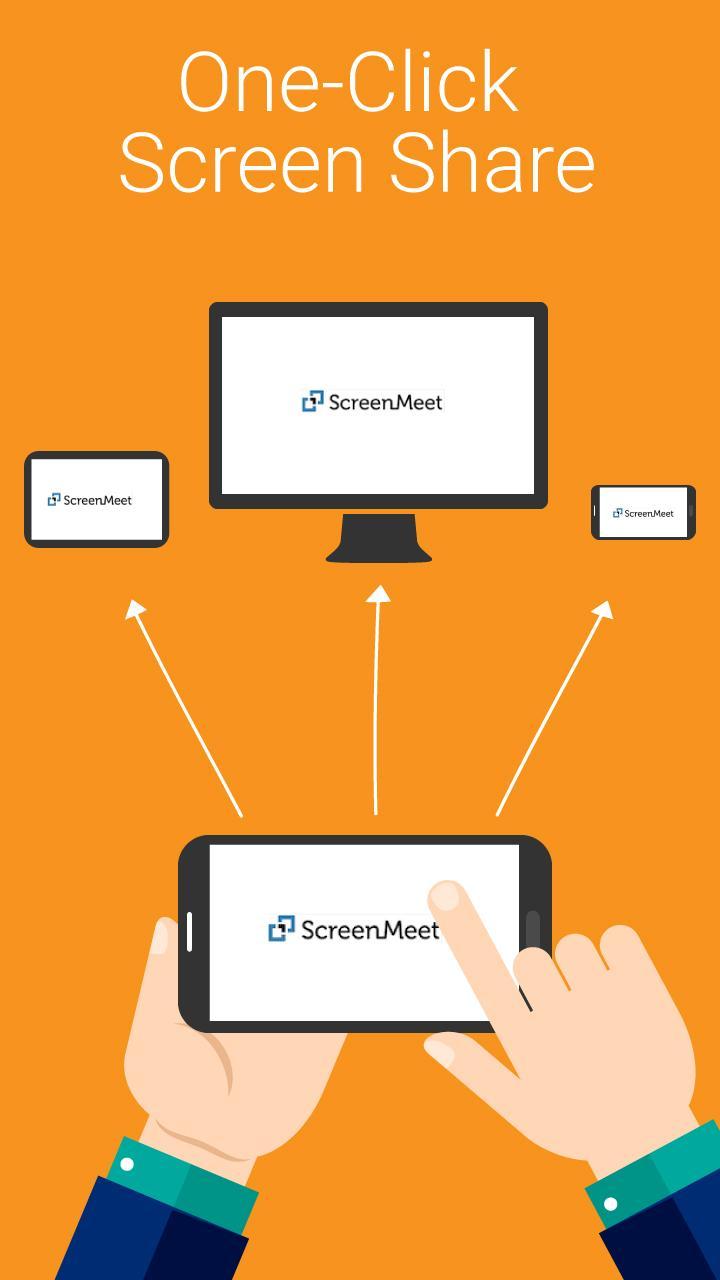
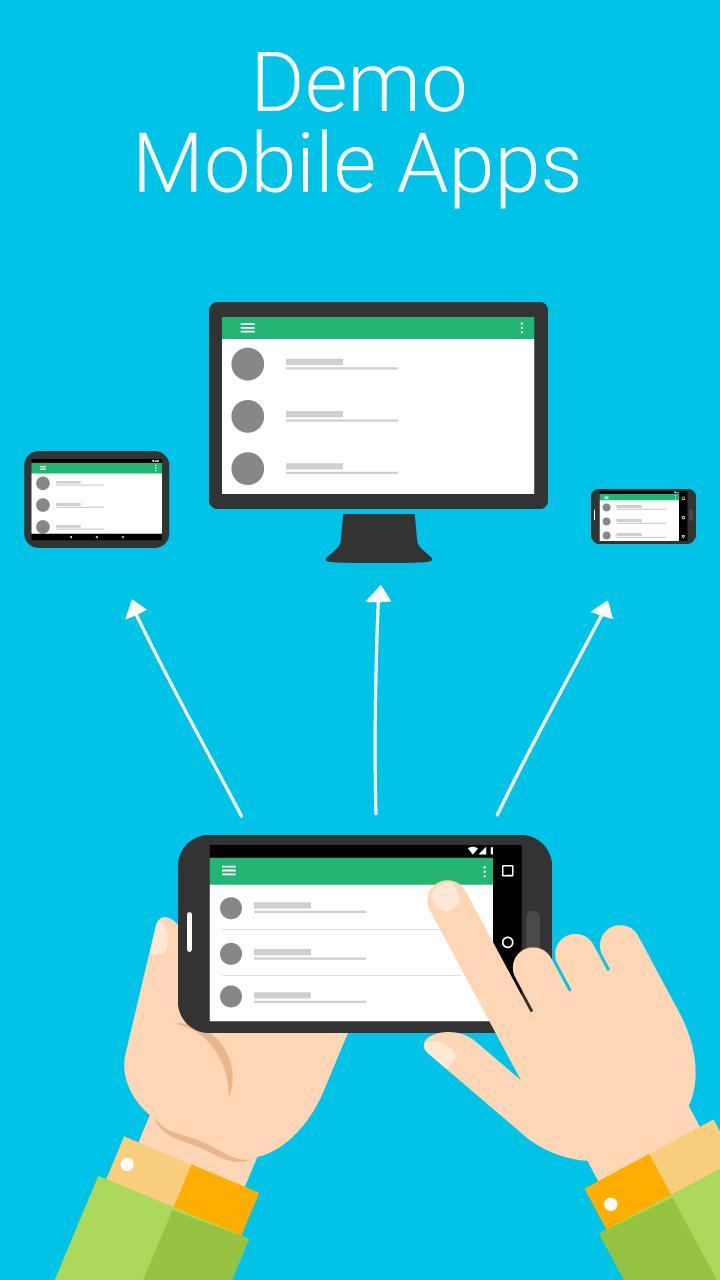
ScreenMeet is the fastest way for sales teams to instantly show sales presentations, mobile demos, documents, apps and mobile web sites with anyone. Unlike Skype, Hangouts, Join.me, GoToMeeting, Zoom and Webex, ScreenMeet just works!
“Talk about fast! I start a ScreenMeet session, use a computer browser to access my custom URL, and within seconds I see my phone on the computer.”
“ [ help desk] needed to see what was happening on my computer, but they couldn't connect with it because of VPN issues. I used ScreenMeet and was able to show them exactly what was happening. This is a great tool.”
Simply share your personal ScreenMeet link with your attendees and they’re instantly viewing your mobile presentation or screen. ScreenMeet is uniquely suited for non-technical users since it ensures that attendees will NEVER have to deal with the fuss of:
*Having to download and install any software or apps
*Having to create an account
*Having to remember meeting room IDs
*Having to enter meeting passwords
ScreenMeet has been featured by Apple and Google for its usefulness in supporting:
*Simultaneous in-person and remote presentations from mobile
*Instant mobile screen sharing for sales presentations and demos
*Easy mobile technical support and training for the service industry
*Capacity big enough for the largest presentations (50 attendees!)
Signup with a work email address and get an unlimited free trial now!
ScreenMeet for your office or want to integrate ScreenMeet? support@screenmeet.com
Preview
Information
Developer
ScreenMeet
Latest Version
1.2.288
Last Updated
2020-04-14
Category
Business
Available on
Google Play
Show More
How to play ScreenMeet. Easy Phone Meeting with GameLoop on PC
1. Download GameLoop from the official website, then run the exe file to install GameLoop
2. Open GameLoop and search for “ScreenMeet. Easy Phone Meeting” , find ScreenMeet. Easy Phone Meeting in the search results and click “Install”
3. Enjoy playing ScreenMeet. Easy Phone Meeting on GameLoop
Minimum requirements
OS
Windows 8.1 64-bit or Windows 10 64-bit
GPU
GTX 1050
CPU
i3-8300
Memory
8GB RAM
Storage
1GB available space
Recommended requirements
OS
Windows 8.1 64-bit or Windows 10 64-bit
GPU
GTX 1050
CPU
i3-9320
Memory
16GB RAM
Storage
1GB available space