
ScanContacts for HubSpot – Bus PC
Sansan, Inc.
Download ScanContacts for HubSpot – Bus on PC With GameLoop Emulator
ScanContacts for HubSpot – Bus sa PC
Ang ScanContacts for HubSpot – Bus, na nagmumula sa developer na Sansan, Inc., ay tumatakbo sa Android systerm sa nakaraan.
Ngayon, maaari mong laruin ang ScanContacts for HubSpot – Bus sa PC gamit ang GameLoop nang maayos.
I-download ito sa GameLoop library o mga resulta ng paghahanap. Hindi na tumitingin sa baterya o nakakadismaya na mga tawag sa maling oras.
I-enjoy lang ang ScanContacts for HubSpot – Bus PC sa malaking screen nang libre!
ScanContacts for HubSpot – Bus Panimula
Scanning business cards into HubSpot with your Android has never been so easy!
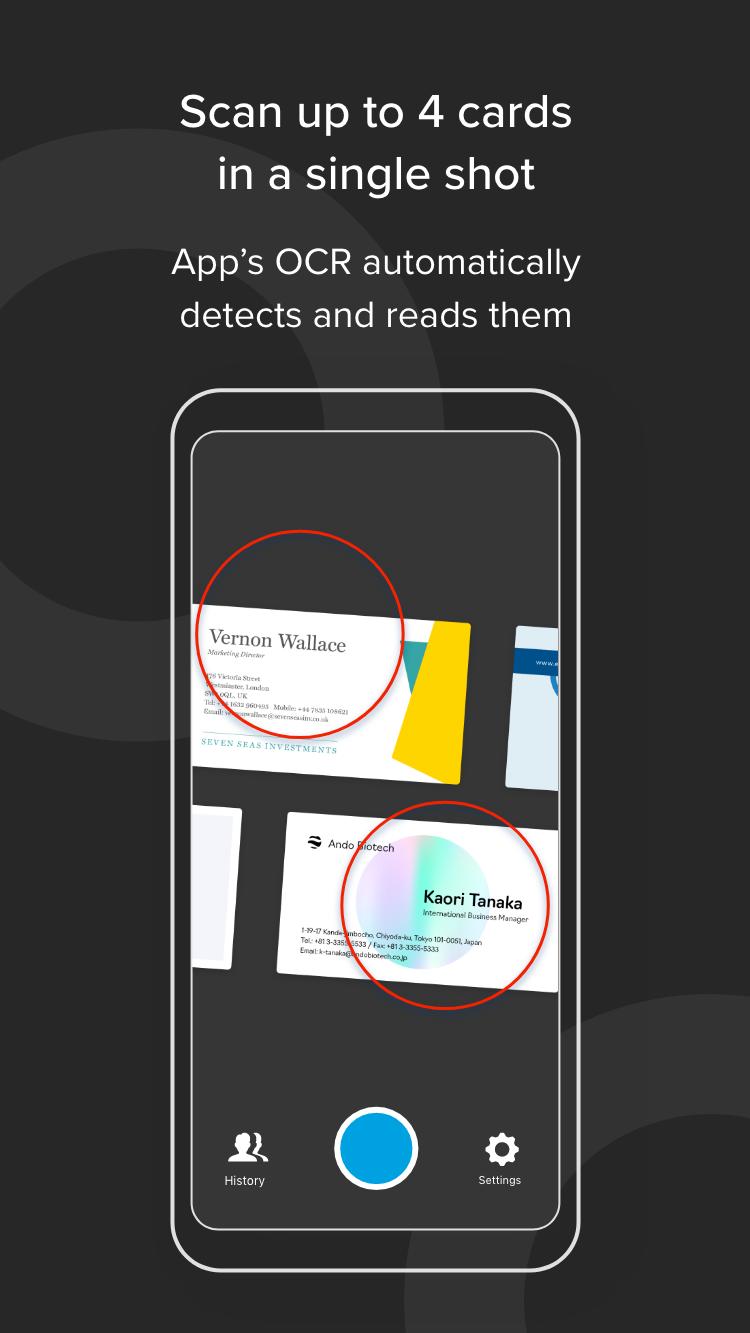
- Our proprietary OCR enables immediate yet accurate digitization of business cards into HubSpot contacts, with unrivaled accuracy.
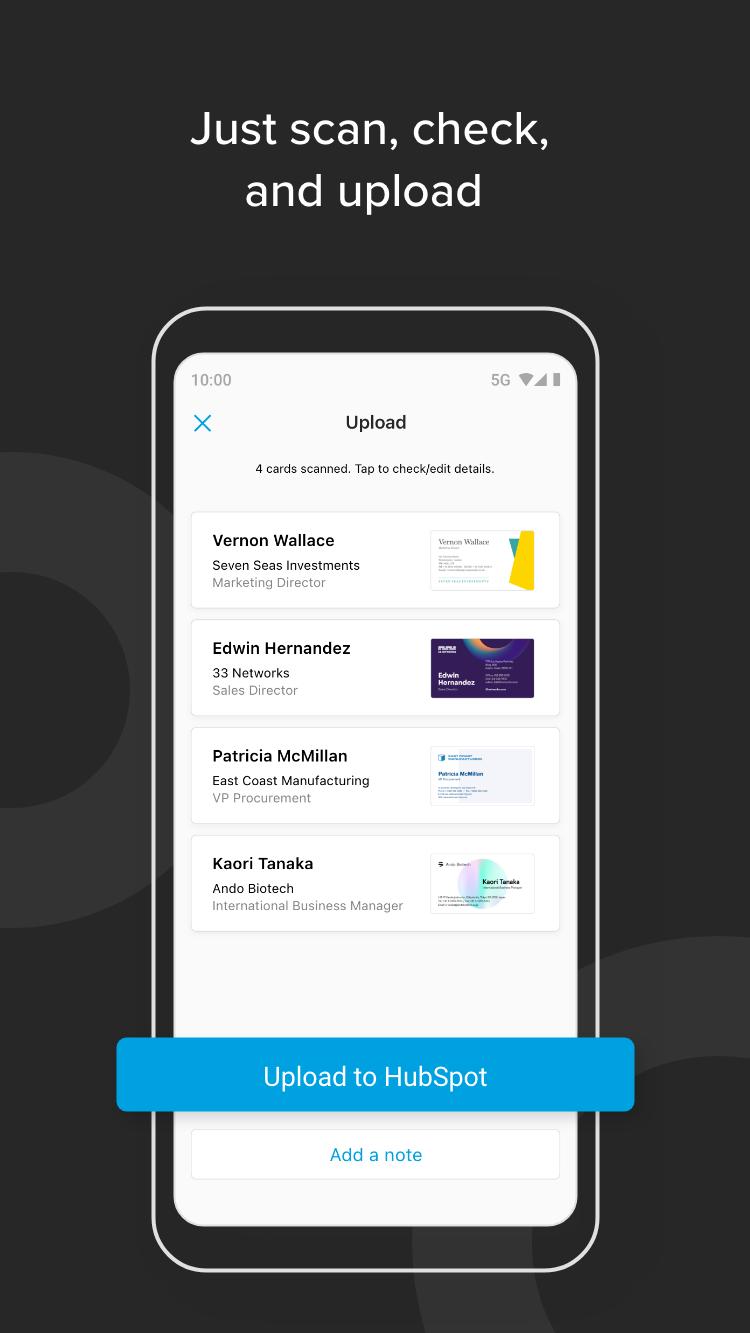
- Scan up to 4 business cards at a time, and tap upload. It’s as simple as that. All the scanned contacts are instantly uploaded to HubSpot, where you can make any necessary additions or adjustments, and then allocate the contacts accordingly.
- Unlike when inputting manually or via other means, with our transcription process you get consistent and accurate results. The business cards you scan are also viewable in the app, and you can even export them to your phone’s contact list.
Best of all? It’s completely free, with no use limits or hidden charges!
“ScanContacts for HubSpot is simply the ultimate tool for importing contacts from business cards into HubSpot.”
Preview
Tags
BusinessInformation
Developer
Sansan, Inc.
Latest Version
1.38.5
Last Updated
2023-05-29
Category
Business
Available on
Google Play
Show More
How to play ScanContacts for HubSpot – Bus with GameLoop on PC
1. Download GameLoop from the official website, then run the exe file to install GameLoop
2. Open GameLoop and search for “ScanContacts for HubSpot – Bus” , find ScanContacts for HubSpot – Bus in the search results and click “Install”
3. Enjoy playing ScanContacts for HubSpot – Bus on GameLoop
Minimum requirements
OS
Windows 8.1 64-bit or Windows 10 64-bit
GPU
GTX 1050
CPU
i3-8300
Memory
8GB RAM
Storage
1GB available space
Recommended requirements
OS
Windows 8.1 64-bit or Windows 10 64-bit
GPU
GTX 1050
CPU
i3-9320
Memory
16GB RAM
Storage
1GB available space