
SA Contacts Pro PC
samapp
Download SA Contacts Pro on PC With GameLoop Emulator
SA Contacts Pro sa PC
Ang SA Contacts Pro, na nagmumula sa developer na samapp, ay tumatakbo sa Android systerm sa nakaraan.
Ngayon, maaari mong laruin ang SA Contacts Pro sa PC gamit ang GameLoop nang maayos.
I-download ito sa GameLoop library o mga resulta ng paghahanap. Hindi na tumitingin sa baterya o nakakadismaya na mga tawag sa maling oras.
I-enjoy lang ang SA Contacts Pro PC sa malaking screen nang libre!
SA Contacts Pro Panimula
Looking for a smarter and safer way to manage your contacts? SA Contacts offers a comprehensive, user-friendly solution to help you stay organized and in control. Whether it’s syncing, organizing, importing/exporting, or cleaning up duplicates, SA Contacts handles it all — reliably and efficiently.
Key Features:
• Smart Sync
Keep a real-time, local copy of your phone contacts. Changes sync automatically, so your data is always safe.
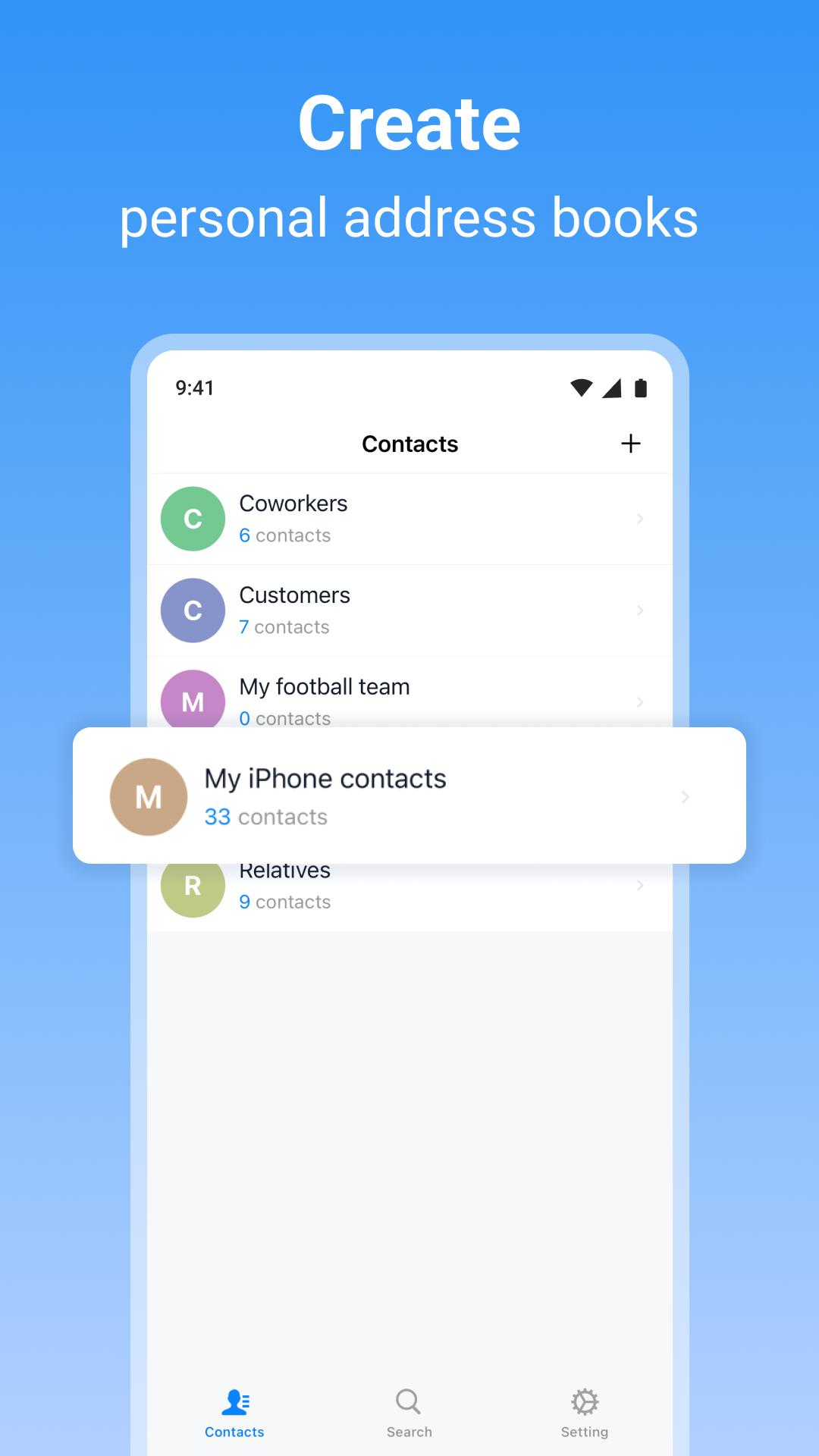
• Custom Address Books
Create multiple address books for different purposes. Effortlessly import or export contacts across devices and formats.
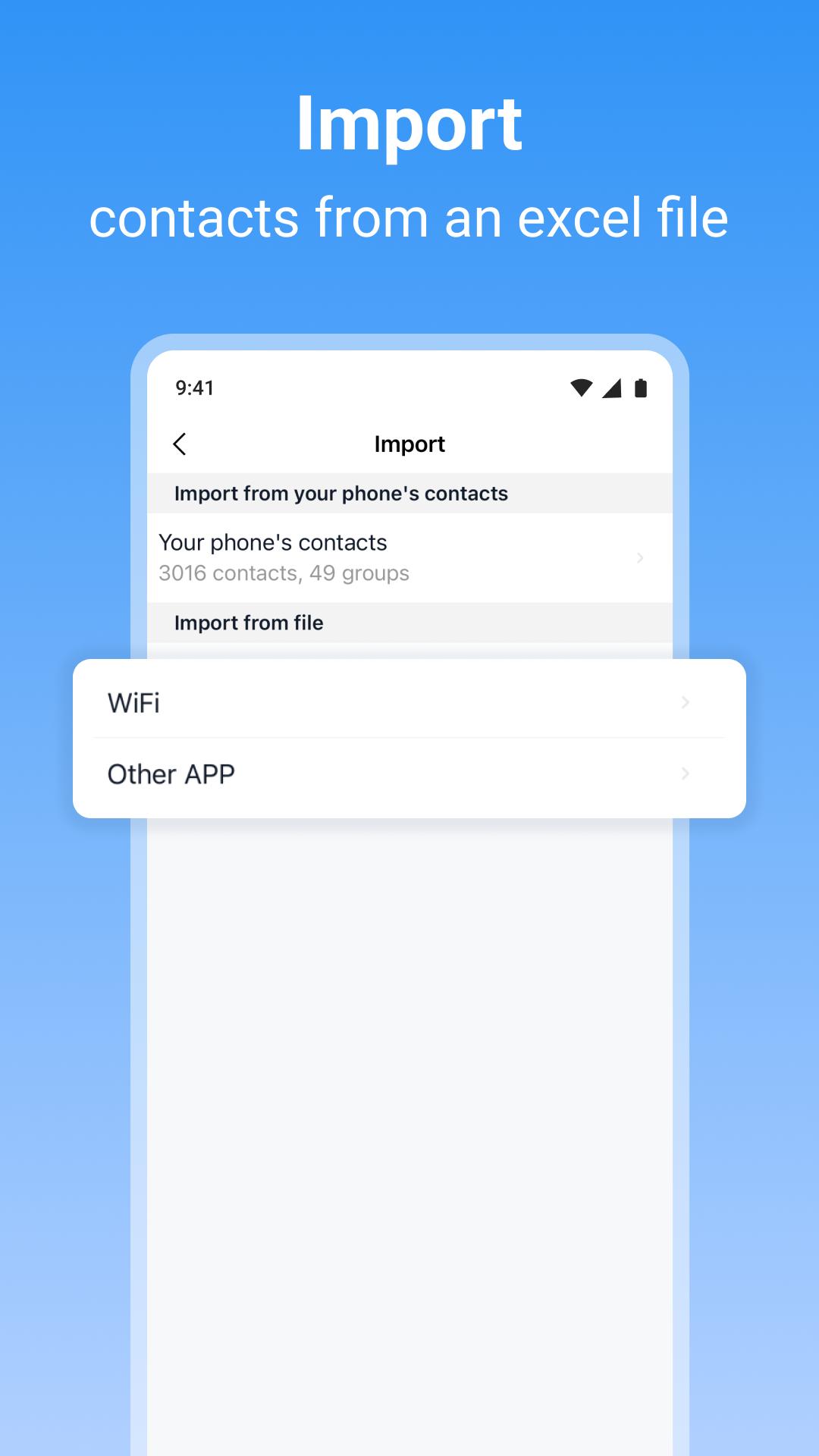
• Powerful Import/Export
Supports Excel (xlsx) and VCF formats. Works seamlessly with Dropbox, Google Drive, and Box for secure cloud backups.
• Accurate Duplicate Merging
Automatically identify and merge duplicate contacts while preserving valuable data and photos.
• Automated Backup Schedule
Set up scheduled contact backups to the cloud — never worry about losing important contacts again.
• Advanced Cleanup Tools
Safely clean your phone contacts by first importing them into a separate local address book. Review and clean duplicates or incomplete entries, then write back only the polished data.
• Photo-Enhanced Contacts
Import/export contact photos and even embed them in Excel — your address book, with a personal touch.
⸻
New and Improved!
This is a completely redesigned version of SA Contacts, now available to everyone for free. Upgrade to Pro for an enhanced experience:
• Enjoy an ad-free, focused workflow
• Import and export contacts without limitations
• Use Backup Schedule with no time restrictions
• One-time purchase — get all future updates for free
Already purchased the SA Contacts paid version? Just install and launch the latest version of the paid app on the same device, then restart this app — and your upgrade to Pro will be applied automatically.
⸻
Download SA Contacts now and take your contact management to the next level.
Preview
Tags
BusinessInformation
Developer
samapp
Latest Version
3.0.2
Last Updated
2025-07-05
Category
Business
Available on
Google Play
Show More
How to play SA Contacts Pro with GameLoop on PC
1. Download GameLoop from the official website, then run the exe file to install GameLoop
2. Open GameLoop and search for “SA Contacts Pro” , find SA Contacts Pro in the search results and click “Install”
3. Enjoy playing SA Contacts Pro on GameLoop
Minimum requirements
OS
Windows 8.1 64-bit or Windows 10 64-bit
GPU
GTX 1050
CPU
i3-8300
Memory
8GB RAM
Storage
1GB available space
Recommended requirements
OS
Windows 8.1 64-bit or Windows 10 64-bit
GPU
GTX 1050
CPU
i3-9320
Memory
16GB RAM
Storage
1GB available space