
QR-Patrol PC
Terracom S.A.
Download QR-Patrol on PC With GameLoop Emulator
QR-Patrol sa PC
Ang QR-Patrol, na nagmumula sa developer na Terracom S.A., ay tumatakbo sa Android systerm sa nakaraan.
Ngayon, maaari mong laruin ang QR-Patrol sa PC gamit ang GameLoop nang maayos.
I-download ito sa GameLoop library o mga resulta ng paghahanap. Hindi na tumitingin sa baterya o nakakadismaya na mga tawag sa maling oras.
I-enjoy lang ang QR-Patrol PC sa malaking screen nang libre!
QR-Patrol Panimula
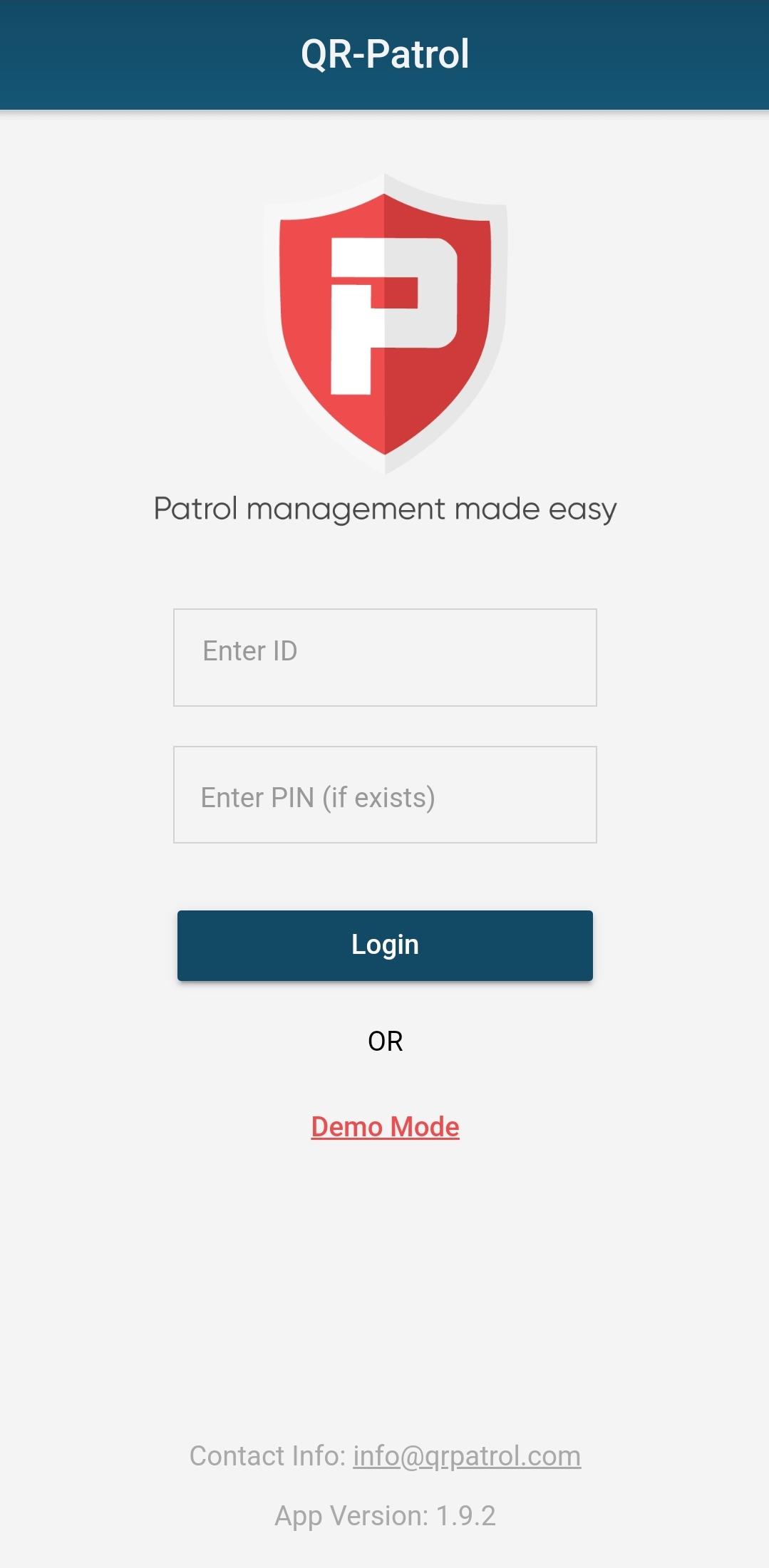
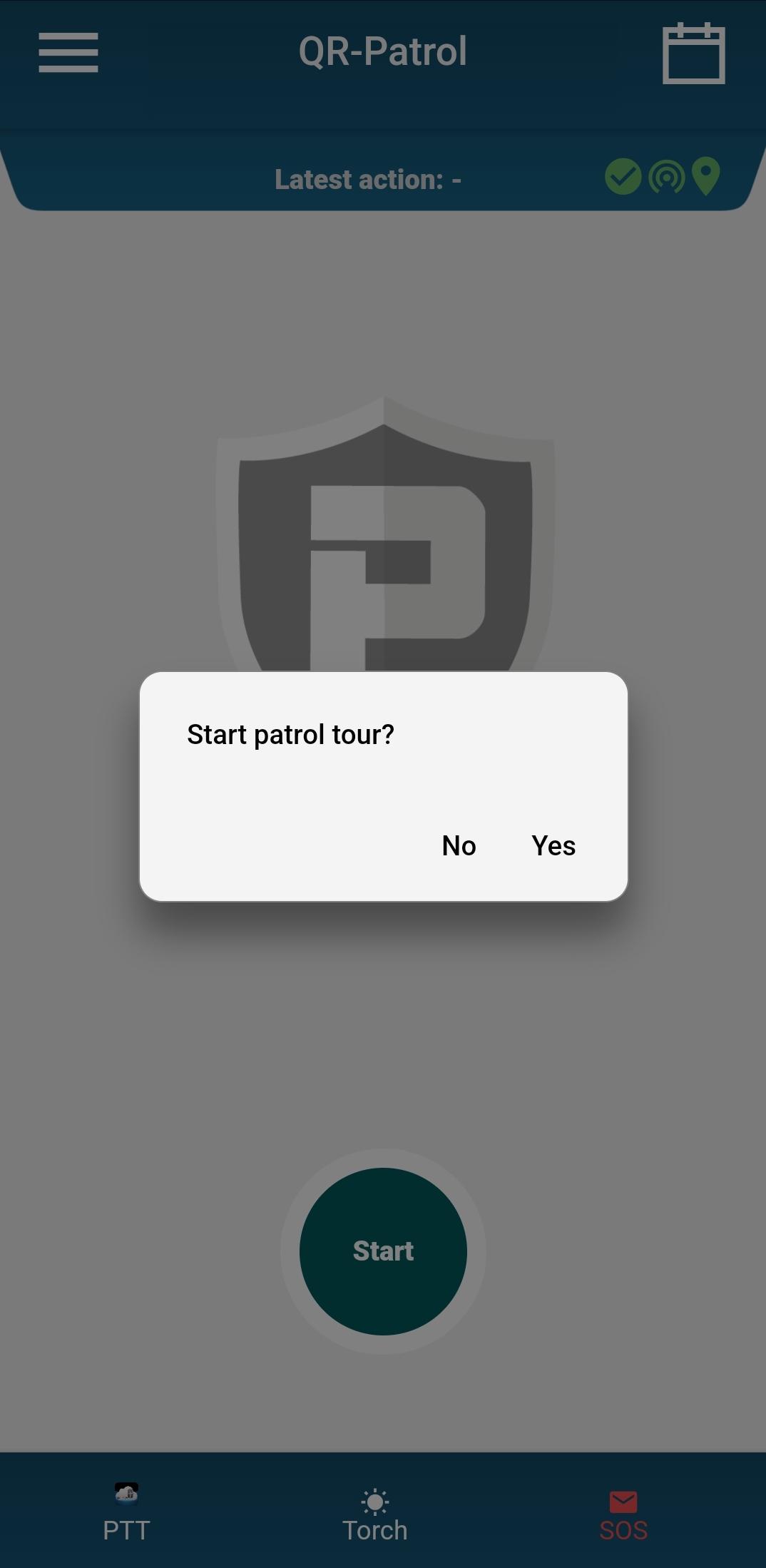
QR-Patrol is an online guard tour patrol system which helps security companies worldwide manage and monitor the patrols of their guards in an innovative way. It uses the power of a smartphone which communicates in real-time with a 24/7/365 Monitoring Center.
The guard scans a QR code or an NFC or and iBeacon/iTag tag and sends data like incidents report, text, voice message and images, including accurate positioning (GPS, Wi-Fi, GSM cells) in real-time to the Monitoring Centre.
In case of danger, the guard presses a simple SOS button and a SOS alert is sent, indicating his accurate position. In this way, the company is informed about a real-time danger in guards’ region and take immediate action.
QR-Patrol can send e-mail or inform the client via the web browser, eliminating the doubts about the consistency a security company shows towards its client.
It is fast, low cost and reliable, improving team efficiency and cooperation between colleagues and co-workers and eliminating time consuming tasks within the companies.
Extra features like Push-To-Talk, Man-Down alerts and more are included on our QR-Patrol PRO subscriptions.
Login to the cloud Web application at http://www.qrpatrol.com and manage your guards online.
Preview
Tags
BusinessInformation
Developer
Terracom S.A.
Latest Version
1.9.12
Last Updated
2025-06-19
Category
Business
Available on
Google Play
Show More
How to play QR-Patrol with GameLoop on PC
1. Download GameLoop from the official website, then run the exe file to install GameLoop
2. Open GameLoop and search for “QR-Patrol” , find QR-Patrol in the search results and click “Install”
3. Enjoy playing QR-Patrol on GameLoop
Minimum requirements
OS
Windows 8.1 64-bit or Windows 10 64-bit
GPU
GTX 1050
CPU
i3-8300
Memory
8GB RAM
Storage
1GB available space
Recommended requirements
OS
Windows 8.1 64-bit or Windows 10 64-bit
GPU
GTX 1050
CPU
i3-9320
Memory
16GB RAM
Storage
1GB available space