
POS Machine PC
TAXImet
Download POS Machine on PC With GameLoop Emulator
POS Machine sa PC
Ang POS Machine, na nagmumula sa developer na TAXImet, ay tumatakbo sa Android systerm sa nakaraan.
Ngayon, maaari mong laruin ang POS Machine sa PC gamit ang GameLoop nang maayos.
I-download ito sa GameLoop library o mga resulta ng paghahanap. Hindi na tumitingin sa baterya o nakakadismaya na mga tawag sa maling oras.
I-enjoy lang ang POS Machine PC sa malaking screen nang libre!
POS Machine Panimula
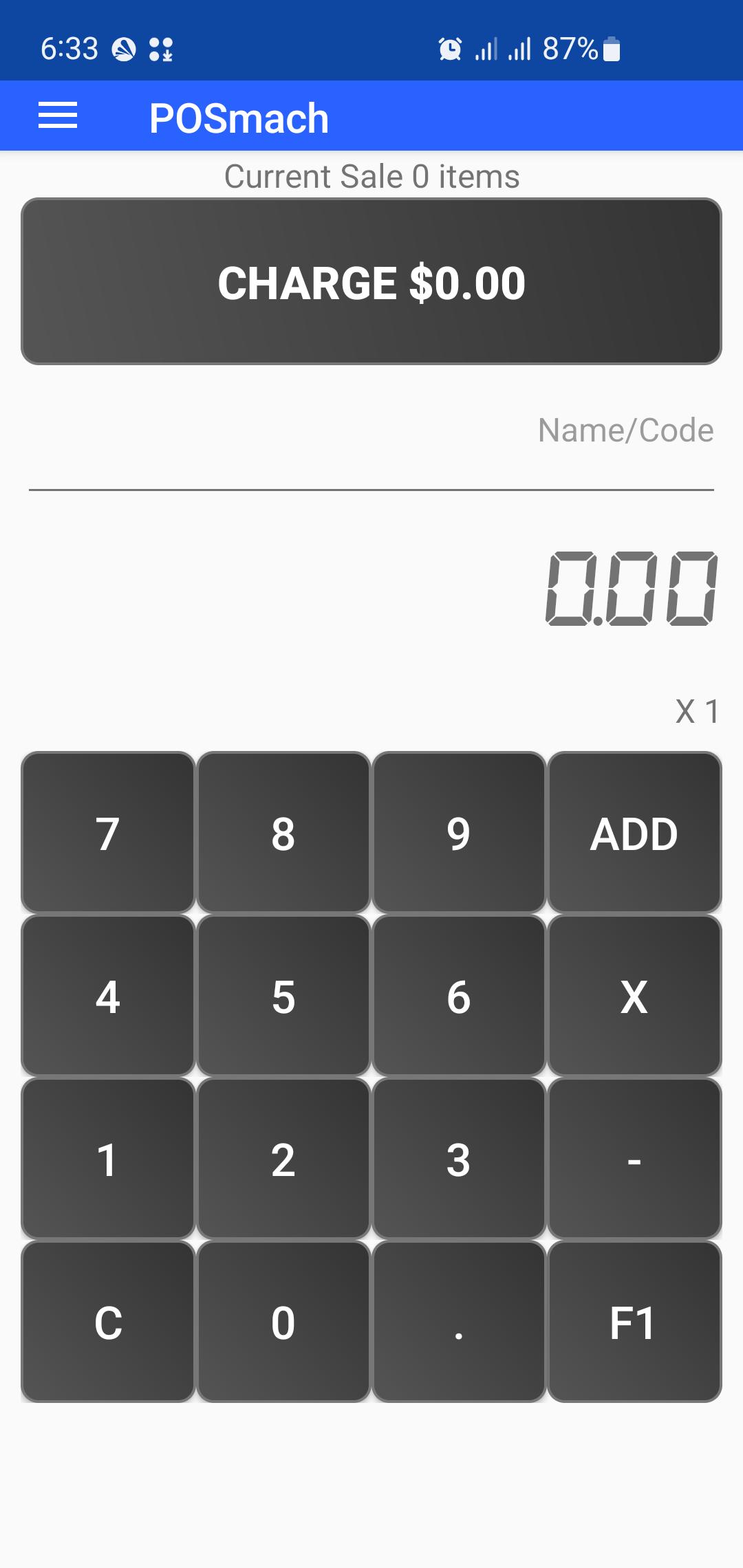
POSmach - Point of Sale Machine is a Free mobile POS application to help your business sales, billing and invoicing needs.
With this POS app You can create sales orders, create invoices, print bills, email bills, SMS bills and generate sales reports instantly.
Further, POSmach will let your business go online with cloud supported data backup and syncing with all your devices.
POS machine has simple UI design with easy to use and understandable features. You don't need to create item catalogs or add stores details to start selling..
You can immediately start billing by while selling items with their prices. There is no limit for the items and categories.
After adding all items in the sales bucket, review the invoice, add discount and can do necessary changes.
Press print button and select whether to Print, email or SMS a bill to the customer.
The App can connect with portal Thermal Bluetooth Printers. (Supported model: 58mm mini wireless Bluetooth thermal printer support ESC/POS for Android mobile printer).
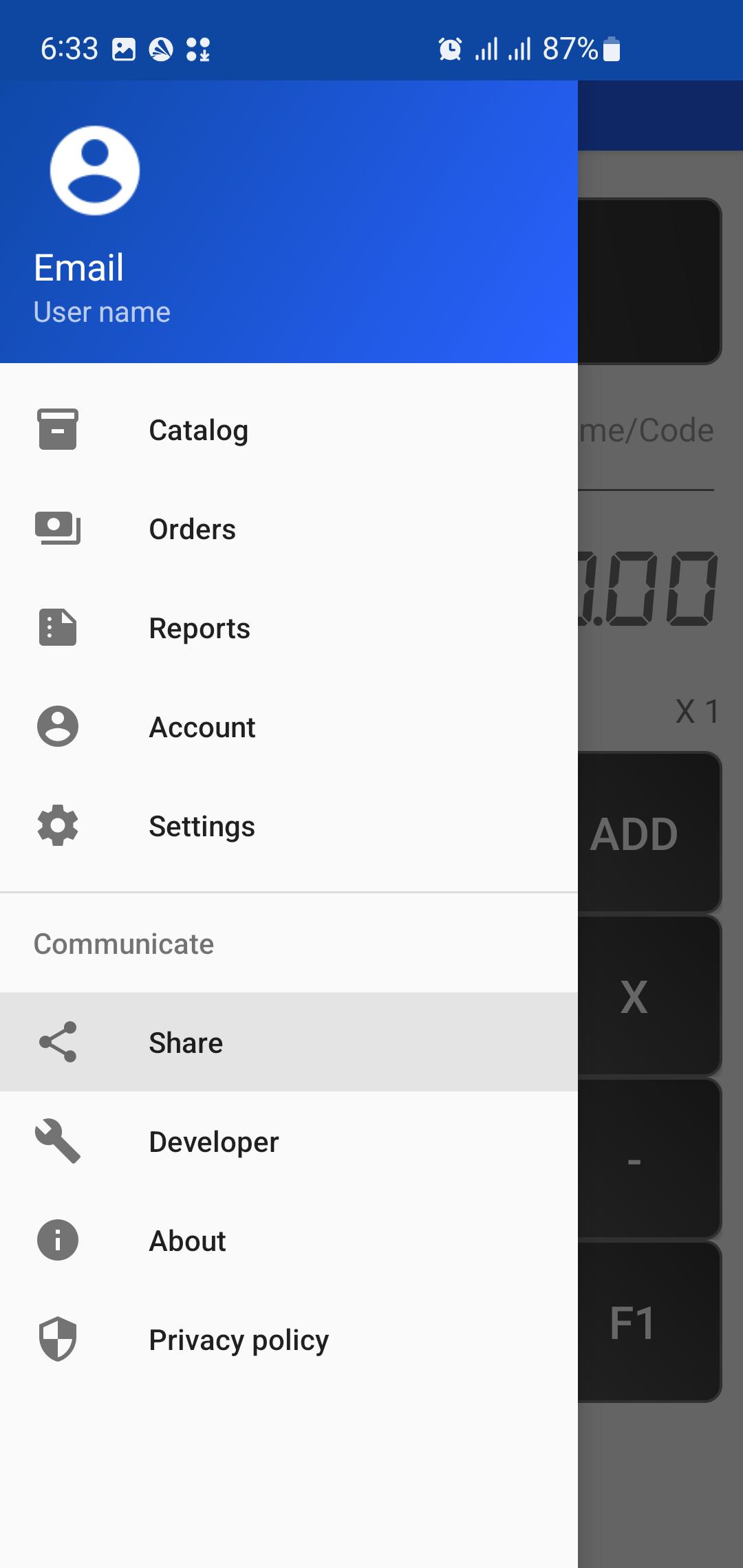
You can include the items catalog in your store to easily search and pick at your sales. App will provide reporting on your sales and items.
Bill can be customized to include your business details, and you can adjust various app setting to meet your sales and business needs. Eg. Change currency, Setting access password, Change bill header or footer.
At the end of the day you can get a PDF report of your sales and items sold.
Tips:
To reset a Bill long press on the Charge button.
Preview
Tags
BusinessInformation
Developer
TAXImet
Latest Version
2.0
Last Updated
2025-08-16
Category
Business
Available on
Google Play
Show More
How to play POS Machine with GameLoop on PC
1. Download GameLoop from the official website, then run the exe file to install GameLoop
2. Open GameLoop and search for “POS Machine” , find POS Machine in the search results and click “Install”
3. Enjoy playing POS Machine on GameLoop
Minimum requirements
OS
Windows 8.1 64-bit or Windows 10 64-bit
GPU
GTX 1050
CPU
i3-8300
Memory
8GB RAM
Storage
1GB available space
Recommended requirements
OS
Windows 8.1 64-bit or Windows 10 64-bit
GPU
GTX 1050
CPU
i3-9320
Memory
16GB RAM
Storage
1GB available space