
Panorama by Precision Planting PC
Precision Planting
Download Panorama by Precision Planting on PC With GameLoop Emulator
Panorama by Precision Planting sa PC
Ang Panorama by Precision Planting, na nagmumula sa developer na Precision Planting, ay tumatakbo sa Android systerm sa nakaraan.
Ngayon, maaari mong laruin ang Panorama by Precision Planting sa PC gamit ang GameLoop nang maayos.
I-download ito sa GameLoop library o mga resulta ng paghahanap. Hindi na tumitingin sa baterya o nakakadismaya na mga tawag sa maling oras.
I-enjoy lang ang Panorama by Precision Planting PC sa malaking screen nang libre!
Panorama by Precision Planting Panimula
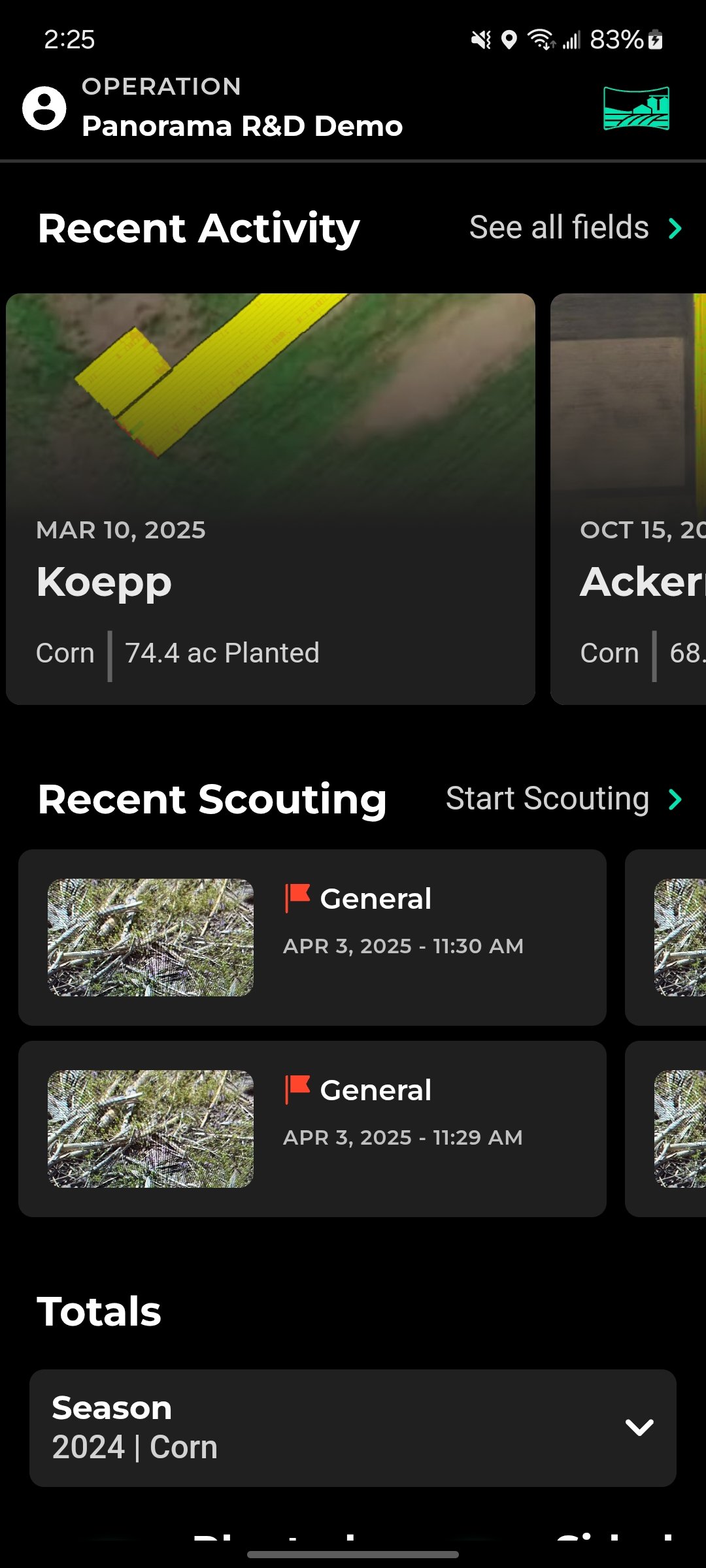
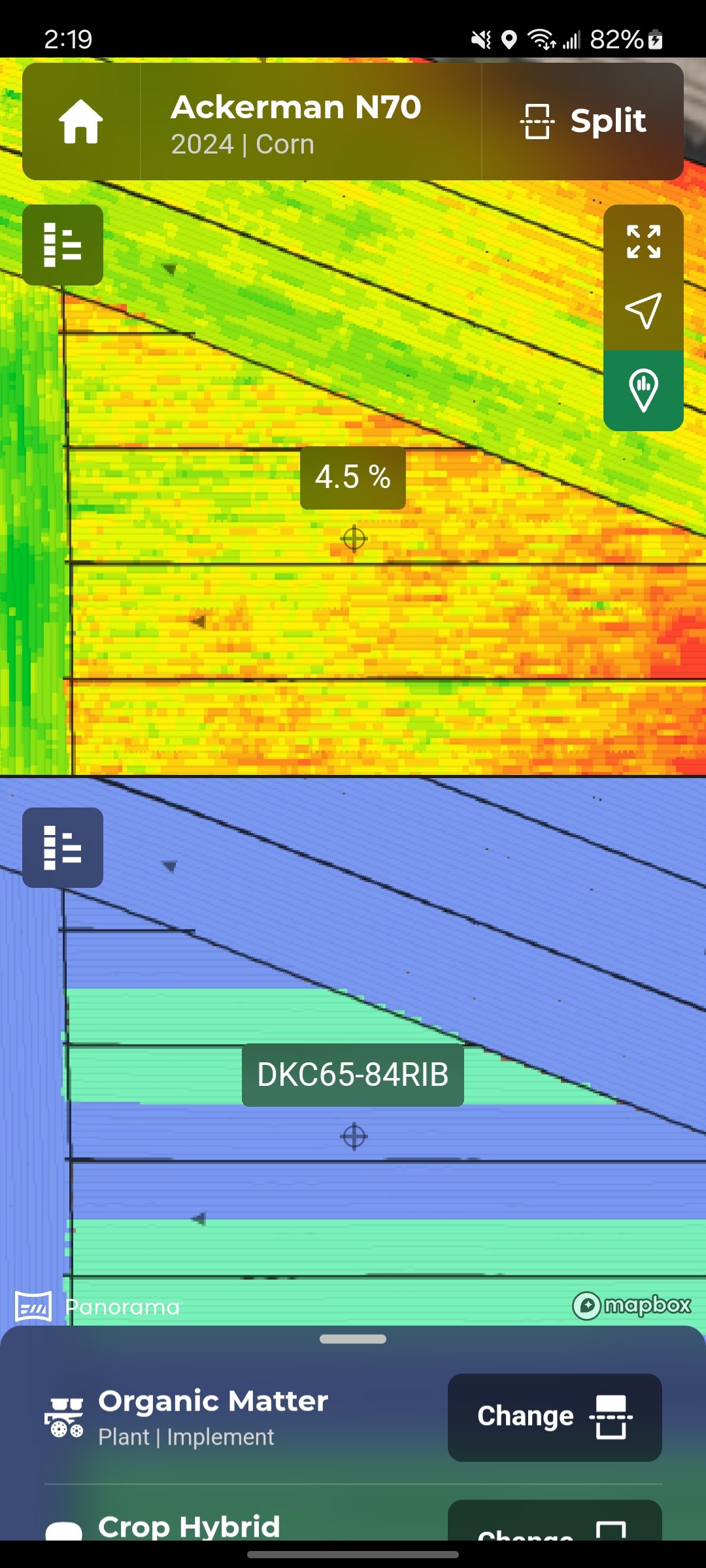
Viewing and transferring data out of the cab is not always simple. With Panorama™ you can easily view maps, input summaries, and agronomic data from a Gen 3 20|20. See all your 20|20 data on your phone, computer, or platform of your choice.
Each step of the crop cycle must have accurate data to guide future decisions. Whether you’re stopping in the field to make a fix, evaluating your approach for the next pass, or choosing your purchases for next season, you need accurate data.
The Gen 3 20|20 not only controls your equipment but is the hub for agronomic data and performance metrics from Precision Planting products. The best part about the 20|20 is that it isn’t just for planters. Use it to control and monitor your sprayer, combine, seeder, and fertilizer applicator, then view results in the Panorama platform.
By connecting to Wi-Fi, the Gen 3 20|20 will automatically push data to Panorama so you can access it on the app when you’re ready to review.
Preview
Tags
BusinessInformation
Developer
Precision Planting
Latest Version
5.6.8389
Last Updated
2025-09-15
Category
Business
Available on
Google Play
Show More
How to play Panorama by Precision Planting with GameLoop on PC
1. Download GameLoop from the official website, then run the exe file to install GameLoop
2. Open GameLoop and search for “Panorama by Precision Planting” , find Panorama by Precision Planting in the search results and click “Install”
3. Enjoy playing Panorama by Precision Planting on GameLoop
Minimum requirements
OS
Windows 8.1 64-bit or Windows 10 64-bit
GPU
GTX 1050
CPU
i3-8300
Memory
8GB RAM
Storage
1GB available space
Recommended requirements
OS
Windows 8.1 64-bit or Windows 10 64-bit
GPU
GTX 1050
CPU
i3-9320
Memory
16GB RAM
Storage
1GB available space