
Omnivoice Mobile PC
CallCurrent, Inc.
Download Omnivoice Mobile on PC With GameLoop Emulator
Omnivoice Mobile sa PC
Ang Omnivoice Mobile, na nagmumula sa developer na CallCurrent, Inc., ay tumatakbo sa Android systerm sa nakaraan.
Ngayon, maaari mong laruin ang Omnivoice Mobile sa PC gamit ang GameLoop nang maayos.
I-download ito sa GameLoop library o mga resulta ng paghahanap. Hindi na tumitingin sa baterya o nakakadismaya na mga tawag sa maling oras.
I-enjoy lang ang Omnivoice Mobile PC sa malaking screen nang libre!
Omnivoice Mobile Panimula
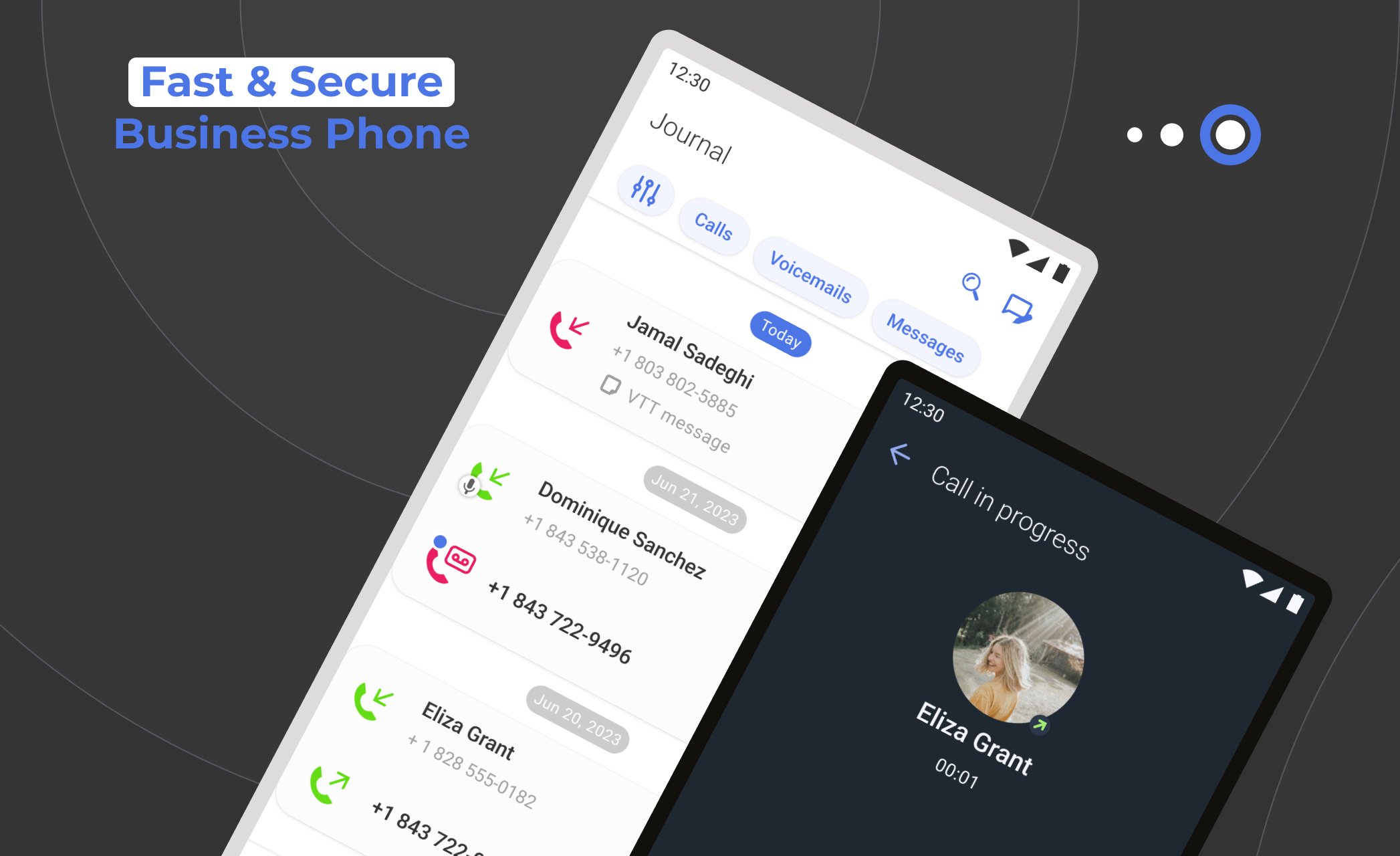
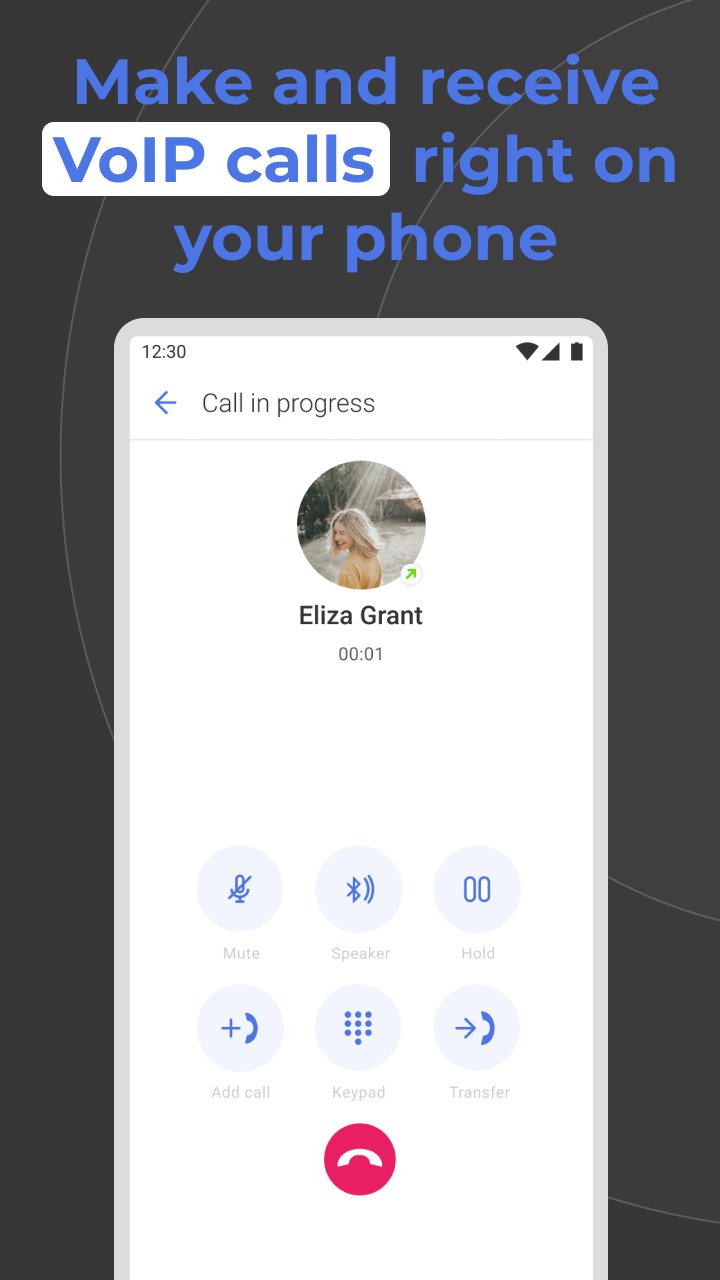
Omnivoice Mobile offers a simple UI, top-notch security, and a reliable call quality. Choose from an array of business numbers: local, toll-free, vanity, or international. Experience the ease of unified communication with integrated messaging and voicemail functionalities.
Synchronize across devices, ensuring you're always plugged in, whether at your desk, lounging at home, or on the move. Pick a local or toll-free number, and you're all set to send or receive calls, MMS and SMS from your clients.
Designed specifically for small businesses and their teams, Omnivoice Mobile lets you oversee and refine your business interactions by providing the best communication features available on the market.
Key Features
• Secure a business-centric number for yourself and your team.
• Consolidated view of customer interactions from multiple channels.
• A diverse and multilingual IVR system, tuned to your working hours.
• Voicemail-to-text: Read instead of listening.
• Seamless integration with your favorite apps and platforms.
• Directory updated with every client's contact information.
• Adjustable call routes to ensure every call reaches its destination.
Download the Omnivoice Mobile app on your device and redefine your business communication standards.
Preview
Tags
BusinessInformation
Developer
CallCurrent, Inc.
Latest Version
5.102.0
Last Updated
2026-03-02
Category
Business
Available on
Google Play
Show More
How to play Omnivoice Mobile with GameLoop on PC
1. Download GameLoop from the official website, then run the exe file to install GameLoop
2. Open GameLoop and search for “Omnivoice Mobile” , find Omnivoice Mobile in the search results and click “Install”
3. Enjoy playing Omnivoice Mobile on GameLoop
Minimum requirements
OS
Windows 8.1 64-bit or Windows 10 64-bit
GPU
GTX 1050
CPU
i3-8300
Memory
8GB RAM
Storage
1GB available space
Recommended requirements
OS
Windows 8.1 64-bit or Windows 10 64-bit
GPU
GTX 1050
CPU
i3-9320
Memory
16GB RAM
Storage
1GB available space