
Network Services Connect PC
Ericsson AB
Download Network Services Connect on PC With GameLoop Emulator
Network Services Connect sa PC
Ang Network Services Connect, na nagmumula sa developer na Ericsson AB, ay tumatakbo sa Android systerm sa nakaraan.
Ngayon, maaari mong laruin ang Network Services Connect sa PC gamit ang GameLoop nang maayos.
I-download ito sa GameLoop library o mga resulta ng paghahanap. Hindi na tumitingin sa baterya o nakakadismaya na mga tawag sa maling oras.
I-enjoy lang ang Network Services Connect PC sa malaking screen nang libre!
Network Services Connect Panimula
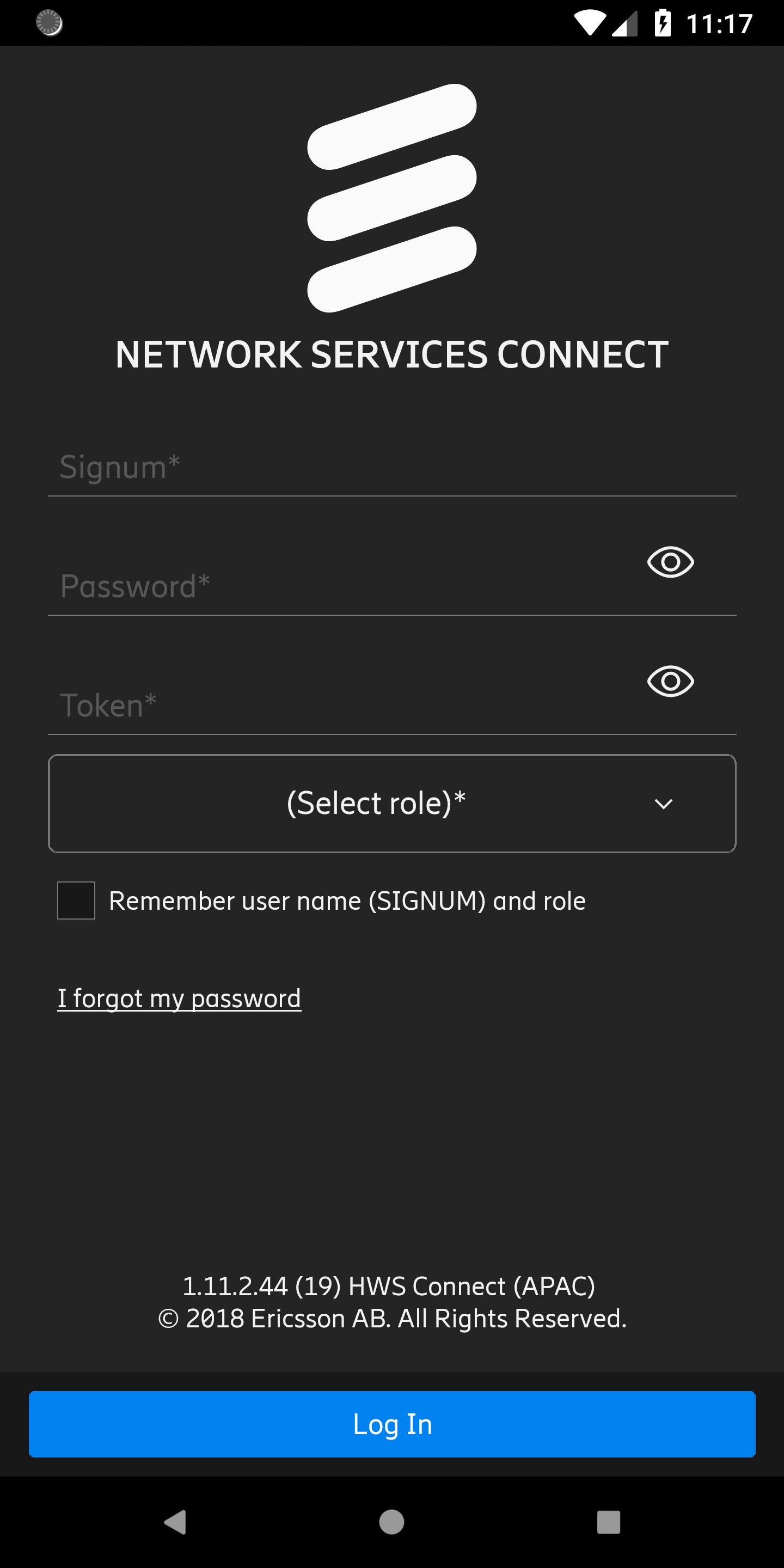
Ericsson Network Services Connect is an application developed by Ericsson to provide access to different services, offered by Business Area Networks to its customers.
The following modules are available in the current version:
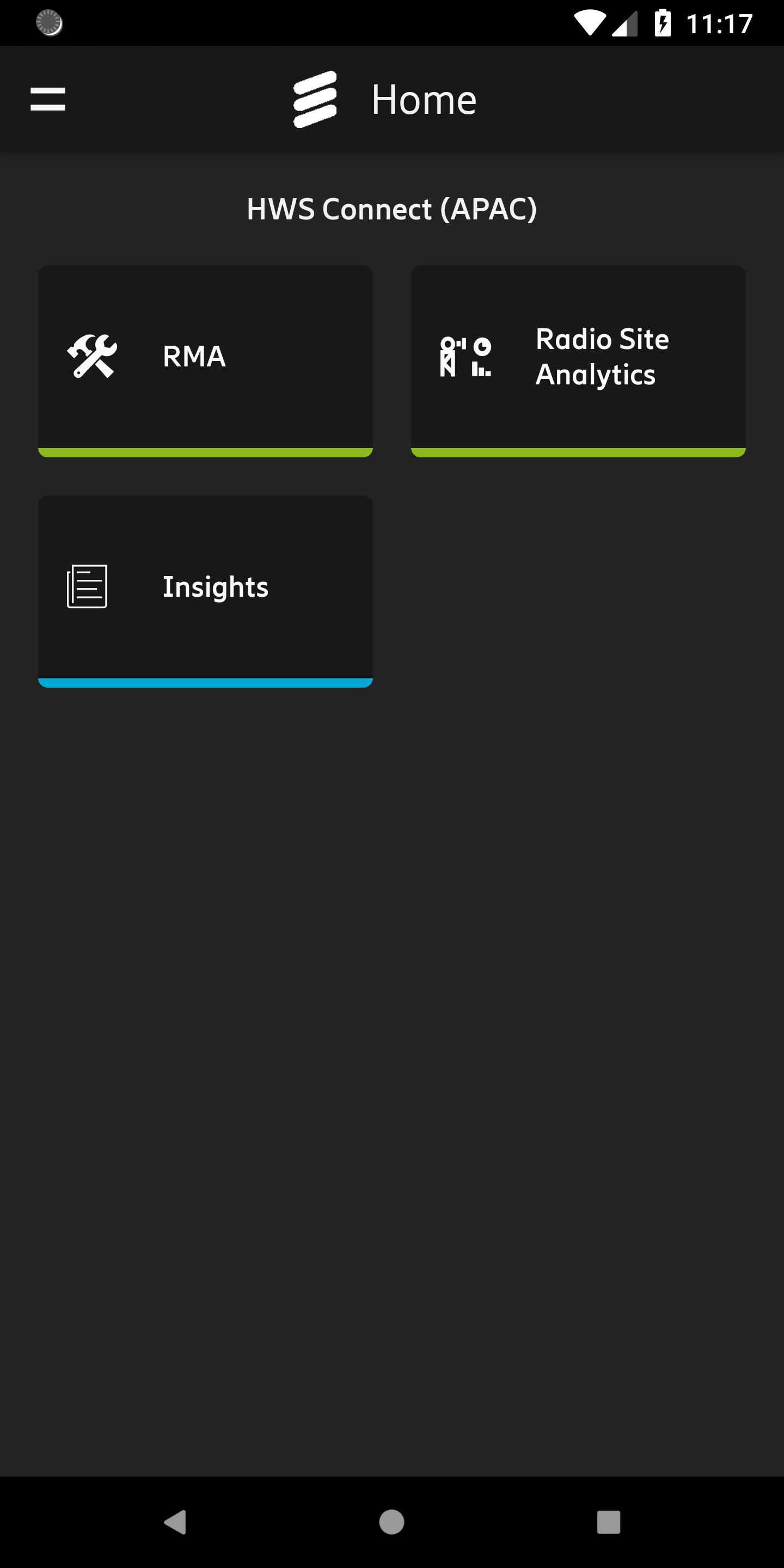
Hardware Services Connect: a suit of functionalities, that provides access to different hardware support services offered by Ericsson to its customers, such as:
— RMA: hardware reverse logistic allowing to submit replacement request for the faulty equipment found on site;
— Insights: extensive historical reporting on the hardware replacements on site;
— Site Analytics: extensive online reports on the status of site nodes made upon user on-demand request.
Connected Technician: a suite of Ericsson Mobile services to be used onsite, powered by analytics and intelligence. Connected Technician empowers the field technicians to complete complex build and troubleshooting procedures with a few clicks of the hand-held device. This module is enabled by a combination of multiple automation services, namely:
— Ericsson work flow management tool (EriSite)
— Ericsson Site Integrator (ESI)
— Radio call testing (SRS)
— Ericsson Remote Access
— Ericsson Radio Site Analytics
This solution provides offline mode as well as barcode scanning, location and other features.
Software is dedicated for Ericsson employees, third parties and customers.
Application can be accessed only by authorized users, who need to have Ericsson accounts and be enrolled for Ericsson strong authentication.
Preview
Tags
BusinessInformation
Developer
Ericsson AB
Latest Version
1.23.2
Last Updated
2025-02-28
Category
Business
Available on
Google Play
Show More
How to play Network Services Connect with GameLoop on PC
1. Download GameLoop from the official website, then run the exe file to install GameLoop
2. Open GameLoop and search for “Network Services Connect” , find Network Services Connect in the search results and click “Install”
3. Enjoy playing Network Services Connect on GameLoop
Minimum requirements
OS
Windows 8.1 64-bit or Windows 10 64-bit
GPU
GTX 1050
CPU
i3-8300
Memory
8GB RAM
Storage
1GB available space
Recommended requirements
OS
Windows 8.1 64-bit or Windows 10 64-bit
GPU
GTX 1050
CPU
i3-9320
Memory
16GB RAM
Storage
1GB available space