
my Personify PC
Acuity Brands
Download my Personify on PC With GameLoop Emulator
my Personify sa PC
Ang my Personify, na nagmumula sa developer na Acuity Brands, ay tumatakbo sa Android systerm sa nakaraan.
Ngayon, maaari mong laruin ang my Personify sa PC gamit ang GameLoop nang maayos.
I-download ito sa GameLoop library o mga resulta ng paghahanap. Hindi na tumitingin sa baterya o nakakadismaya na mga tawag sa maling oras.
I-enjoy lang ang my Personify PC sa malaking screen nang libre!
my Personify Panimula
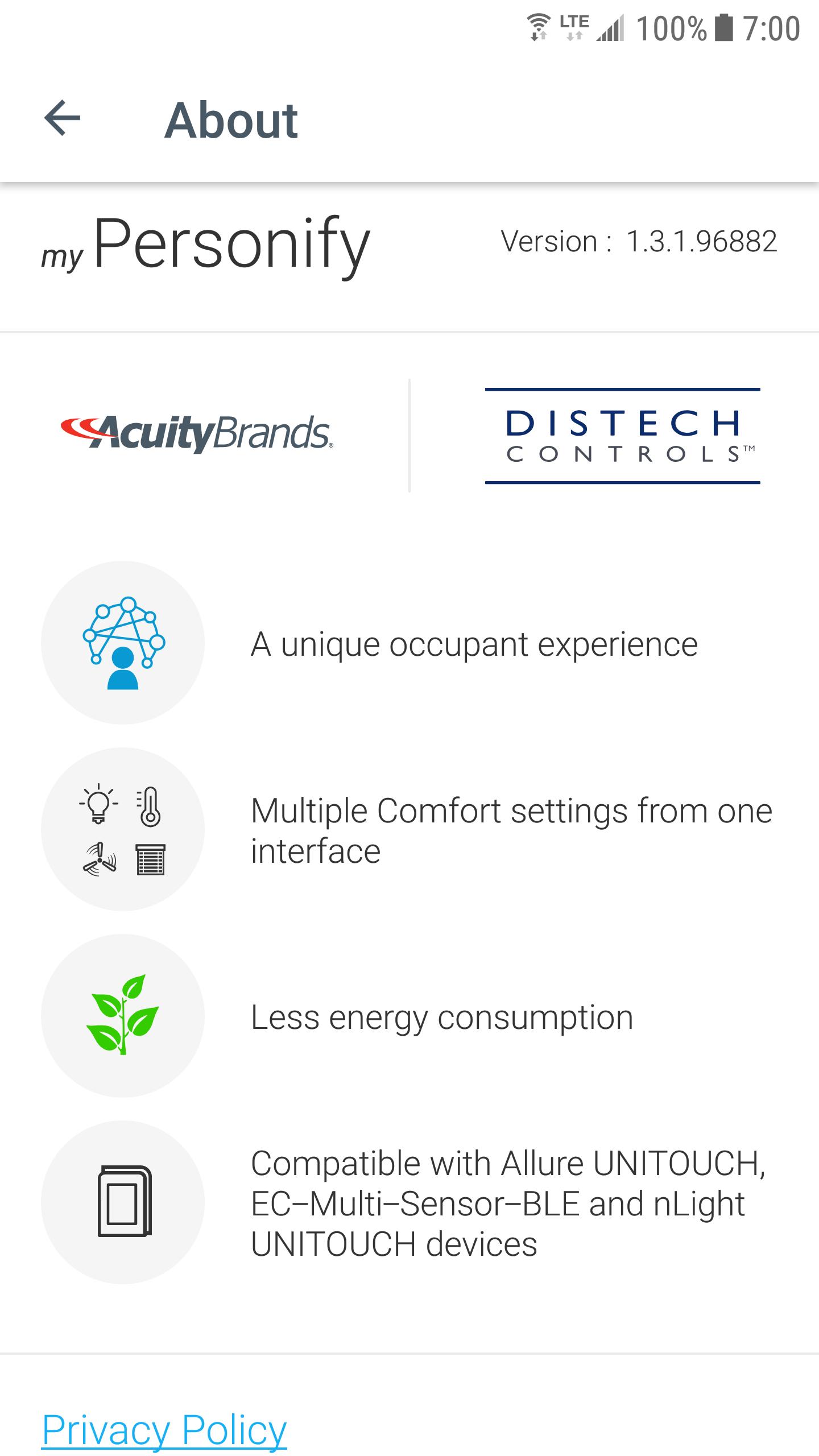
Welcome to my Personify, the app that allows you to easily customize your comfort settings directly from your mobile device when connected to a suitable room device (Allure UNITOUCH, EC-Multi-Sensor-BLE, nLight UNITOUCH) designed by Distech Controls (an Acuity Brands company).
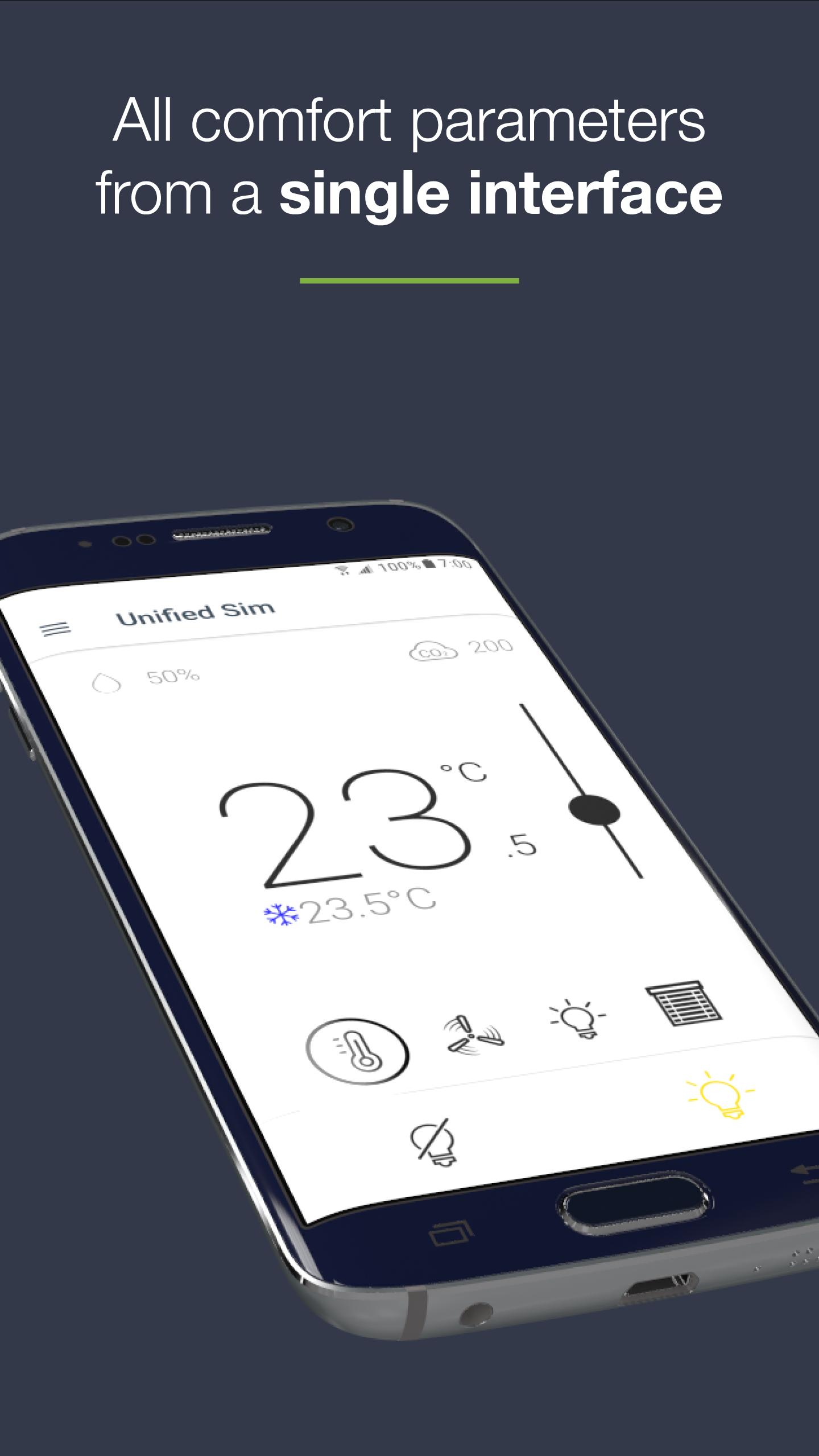
- ALL COMFORT PARAMETERS FROM A SINGLE AND CONVIVIAL INTERFACE
This user-friendly mobile application allows an occupant to intuitively set all room comfort parameters from a single interface:
- Lighting
- Temperature
- Fan speed
- Sunblinds
- INTUITIVE INTERFACE
All control screens have been designed with the occupant in mind, making this app easy to use, regardless of one’s technical skillset.
- PERSONAL PREFERENCES FOR A PERSONALIZED INTERFACE AND COMFORT
The occupant can define their personal preferences (units, favorites devices) in order to personalize their user interface and space comfort settings.
- EASY CONNECTION BETWEEN MOBILE APPLICATION AND ROOM DEVICES
Based on Bluetooth® low energy technology, the mobile device is very easily connected to any BLE-enabled room devices within range (Allure UNITOUCH, EC-Multi-Sensor-BLE, nLight UNITOUCH).
Some favorites devices can also be defined in order to automatically connect to the most frequently used device.
- COMBINING COMFORT AND ENERGY EFFICIENCY
Leveraging several built-in intelligent features (Eco-VueTM leaf, automatic modes...), the occupant can visualize the environmental impact of their behavior while setting comfort parameters.
Preview
Tags
BusinessInformation
Developer
Acuity Brands
Latest Version
1.7.0
Last Updated
2024-12-23
Category
Business
Available on
Google Play
Show More
How to play my Personify with GameLoop on PC
1. Download GameLoop from the official website, then run the exe file to install GameLoop
2. Open GameLoop and search for “my Personify” , find my Personify in the search results and click “Install”
3. Enjoy playing my Personify on GameLoop
Minimum requirements
OS
Windows 8.1 64-bit or Windows 10 64-bit
GPU
GTX 1050
CPU
i3-8300
Memory
8GB RAM
Storage
1GB available space
Recommended requirements
OS
Windows 8.1 64-bit or Windows 10 64-bit
GPU
GTX 1050
CPU
i3-9320
Memory
16GB RAM
Storage
1GB available space