
Lynk Pro PC
Lynk Kenya
Download Lynk Pro on PC With GameLoop Emulator
Lynk Pro sa PC
Ang Lynk Pro, na nagmumula sa developer na Lynk Kenya, ay tumatakbo sa Android systerm sa nakaraan.
Ngayon, maaari mong laruin ang Lynk Pro sa PC gamit ang GameLoop nang maayos.
I-download ito sa GameLoop library o mga resulta ng paghahanap. Hindi na tumitingin sa baterya o nakakadismaya na mga tawag sa maling oras.
I-enjoy lang ang Lynk Pro PC sa malaking screen nang libre!
Lynk Pro Panimula
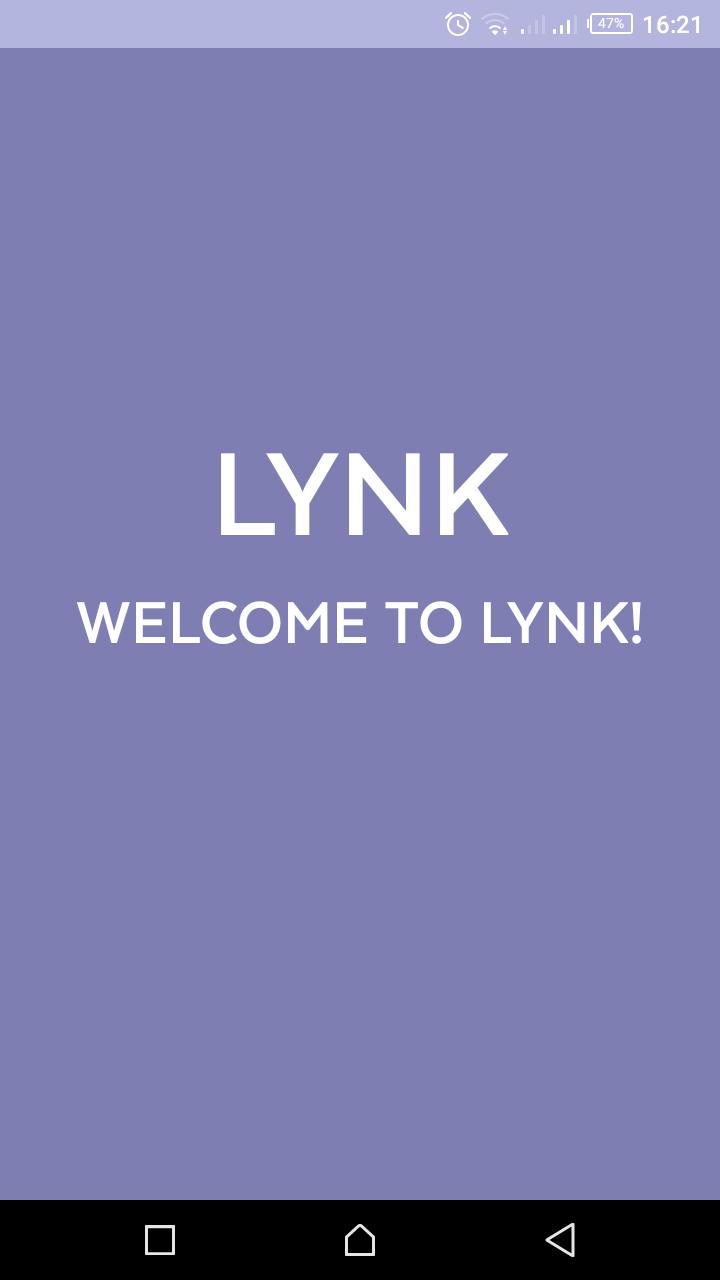
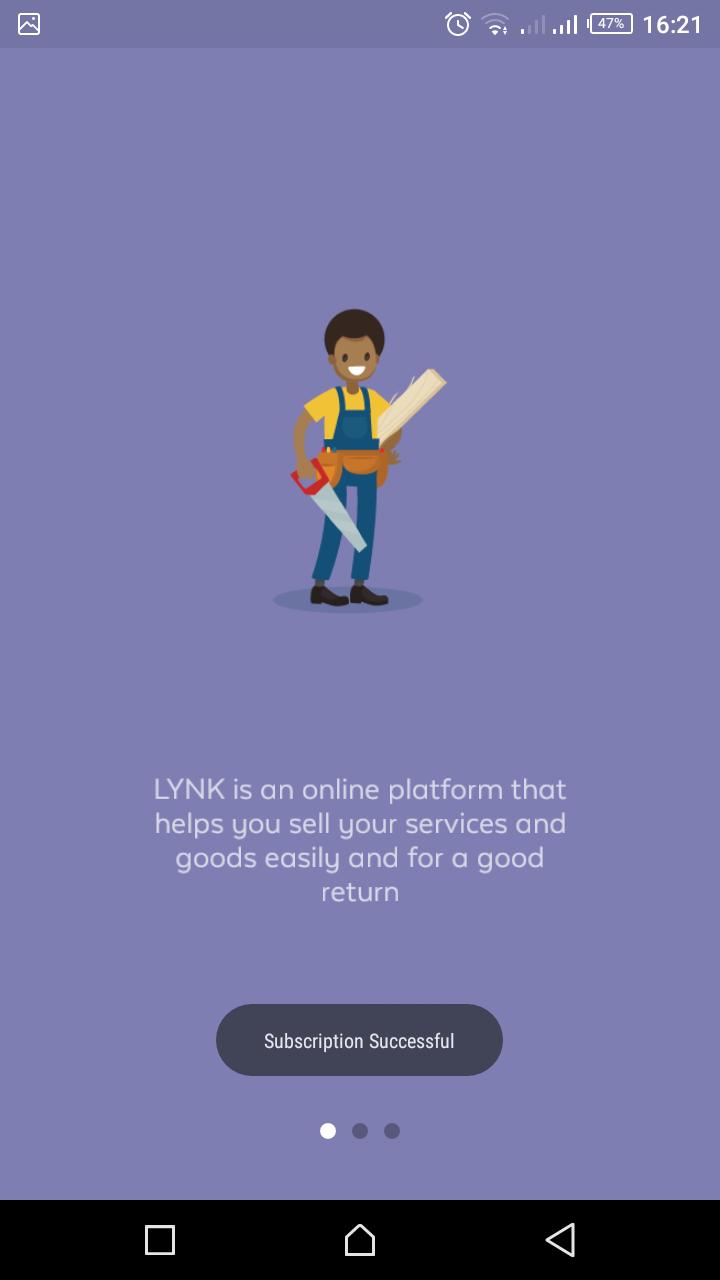
Lynk Pro App - Build a digital profile for your business
Local artisans can create a digital profile to showcase their products and services, find new customers and grow their business. Use the Lynk Pro App to browse job opportunities, chat with customers, and improve your skills anytime, anywhere.
How Lynk Pro App works:
- Create a professional profile for your work: add your areas of expertise and provide info to get invited to a Lynk vetting.
- Receive job alerts: once you’ve passed vetting, make sure you never miss a client's request.
- Manage jobs: monitor the status of your jobs, submit quotes, and scheduling timings with Lynk and the client.
- Payments: keep track of payments earned and received through the platform.
- Learn: keep up-to-date with news, tips, quizzes, videos, and tutorials.
- Baraza: share your Pro skills with colleagues from the platform
Learn more at lynk.co.ke
Follow Lynk:
twitter.com/Lynk_Kenya
facebook.com/Lynk.Kenya/
instagram.com/lynk.kenya/
We are continuously working to make the user experience better, consider leaving a review or rating.
Preview
Information
Developer
Lynk Kenya
Latest Version
1.7.6
Last Updated
2020-01-20
Category
Business
Available on
Google Play
Show More
How to play Lynk Pro with GameLoop on PC
1. Download GameLoop from the official website, then run the exe file to install GameLoop
2. Open GameLoop and search for “Lynk Pro” , find Lynk Pro in the search results and click “Install”
3. Enjoy playing Lynk Pro on GameLoop
Minimum requirements
OS
Windows 8.1 64-bit or Windows 10 64-bit
GPU
GTX 1050
CPU
i3-8300
Memory
8GB RAM
Storage
1GB available space
Recommended requirements
OS
Windows 8.1 64-bit or Windows 10 64-bit
GPU
GTX 1050
CPU
i3-9320
Memory
16GB RAM
Storage
1GB available space