
LS Engage PC
Infotrax Systems
Download LS Engage on PC With GameLoop Emulator
LS Engage sa PC
Ang LS Engage, na nagmumula sa developer na Infotrax Systems, ay tumatakbo sa Android systerm sa nakaraan.
Ngayon, maaari mong laruin ang LS Engage sa PC gamit ang GameLoop nang maayos.
I-download ito sa GameLoop library o mga resulta ng paghahanap. Hindi na tumitingin sa baterya o nakakadismaya na mga tawag sa maling oras.
I-enjoy lang ang LS Engage PC sa malaking screen nang libre!
LS Engage Panimula
LSEngage connects you to your growing team to help you support your business. It gives you easy access to every Associate on your team. You can send and receive messages, broadcast messages to your entire downline, monitor new business activity and level advancements, and use Webmeeting powered by Zoom to video conference with your Associates and prospects right from your mobile device.
You can also view business reports to keep up-to-date on new recruits or to identify current Associates who are within striking distance of a level advancement. This content is always accessible from your mobile device wherever you are.
LSEngage full access is free to Associates subscribed to LegalShield Advantage. Limited LSEngage features are available if you are not a LegalShield Advantage subscriber.
Main Features:
• Easy communication with your entire team, specific groups, or individuals using the LSEngage internal messaging system
• Email or text notifications each time you receive a new message
• Webmeeting powered by Zoom (video conferencing)
• Daily updates with information on new enrollments and level advancements
• Resource and Multimedia Libraries that make it easy to share documents, videos, and other tools
• Sleek new menu system and user interface
• LSEngage demonstration videos
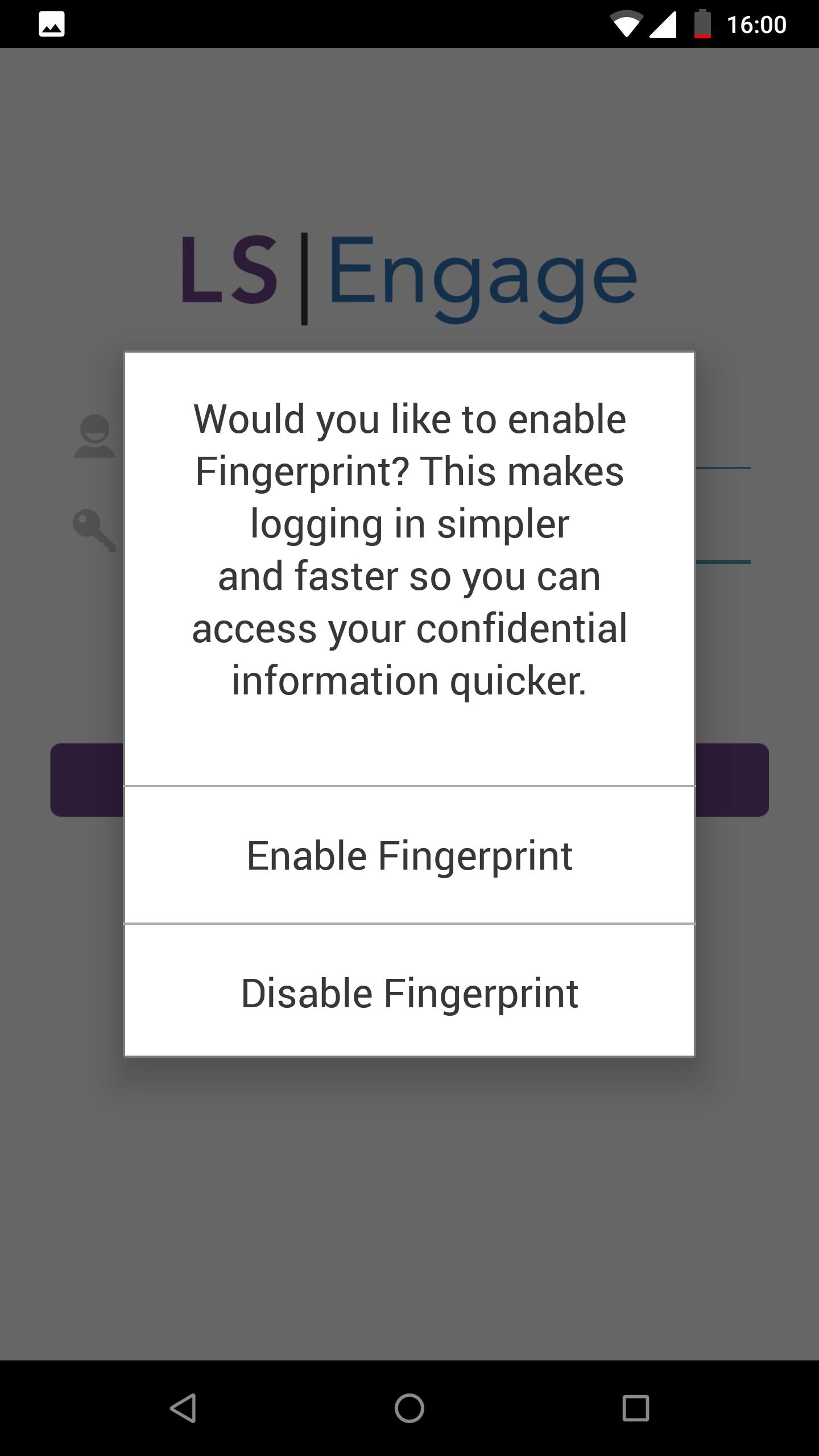
Preview

Tags
BusinessInformation
Developer
Infotrax Systems
Latest Version
4.13
Last Updated
2022-08-31
Category
Business
Available on
Google Play
Show More
How to play LS Engage with GameLoop on PC
1. Download GameLoop from the official website, then run the exe file to install GameLoop
2. Open GameLoop and search for “LS Engage” , find LS Engage in the search results and click “Install”
3. Enjoy playing LS Engage on GameLoop
Minimum requirements
OS
Windows 8.1 64-bit or Windows 10 64-bit
GPU
GTX 1050
CPU
i3-8300
Memory
8GB RAM
Storage
1GB available space
Recommended requirements
OS
Windows 8.1 64-bit or Windows 10 64-bit
GPU
GTX 1050
CPU
i3-9320
Memory
16GB RAM
Storage
1GB available space