
Kuno PC
Toolbox Group
Download Kuno on PC With GameLoop Emulator
Kuno sa PC
Ang Kuno, na nagmumula sa developer na Toolbox Group, ay tumatakbo sa Android systerm sa nakaraan.
Ngayon, maaari mong laruin ang Kuno sa PC gamit ang GameLoop nang maayos.
I-download ito sa GameLoop library o mga resulta ng paghahanap. Hindi na tumitingin sa baterya o nakakadismaya na mga tawag sa maling oras.
I-enjoy lang ang Kuno PC sa malaking screen nang libre!
Kuno Panimula
The digital entrance to your neighborhood
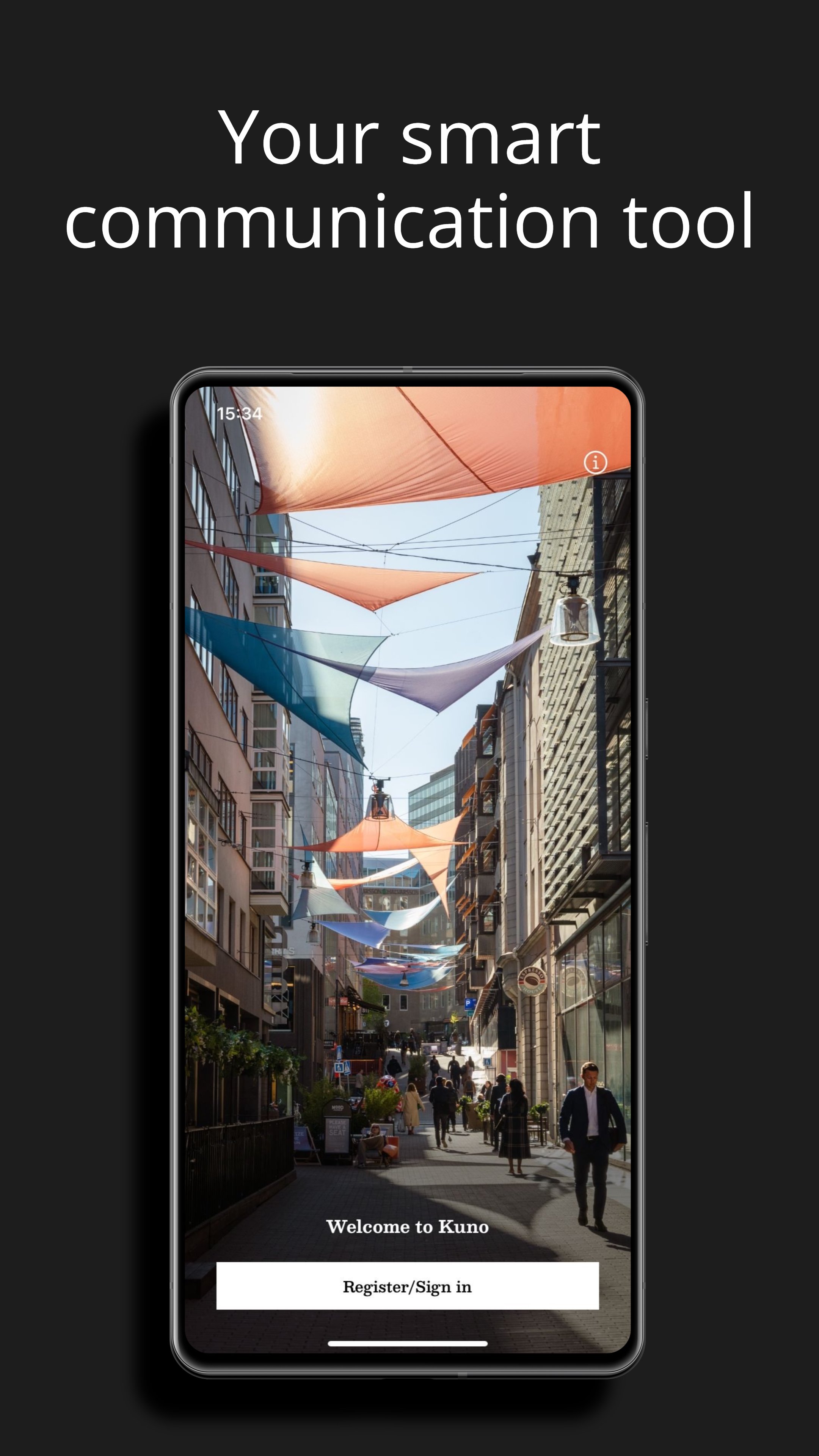
The Kuno app makes it easier and more fun to be at work and spending time around your workplace.
There are a lot of things happening in and around our buildings that can enhance your days at work. We want to make it easy for you to take part in everything going on in your specific area, which is why we developed Kuno, an app that brings people together, gives you a local overview and enables better communications.
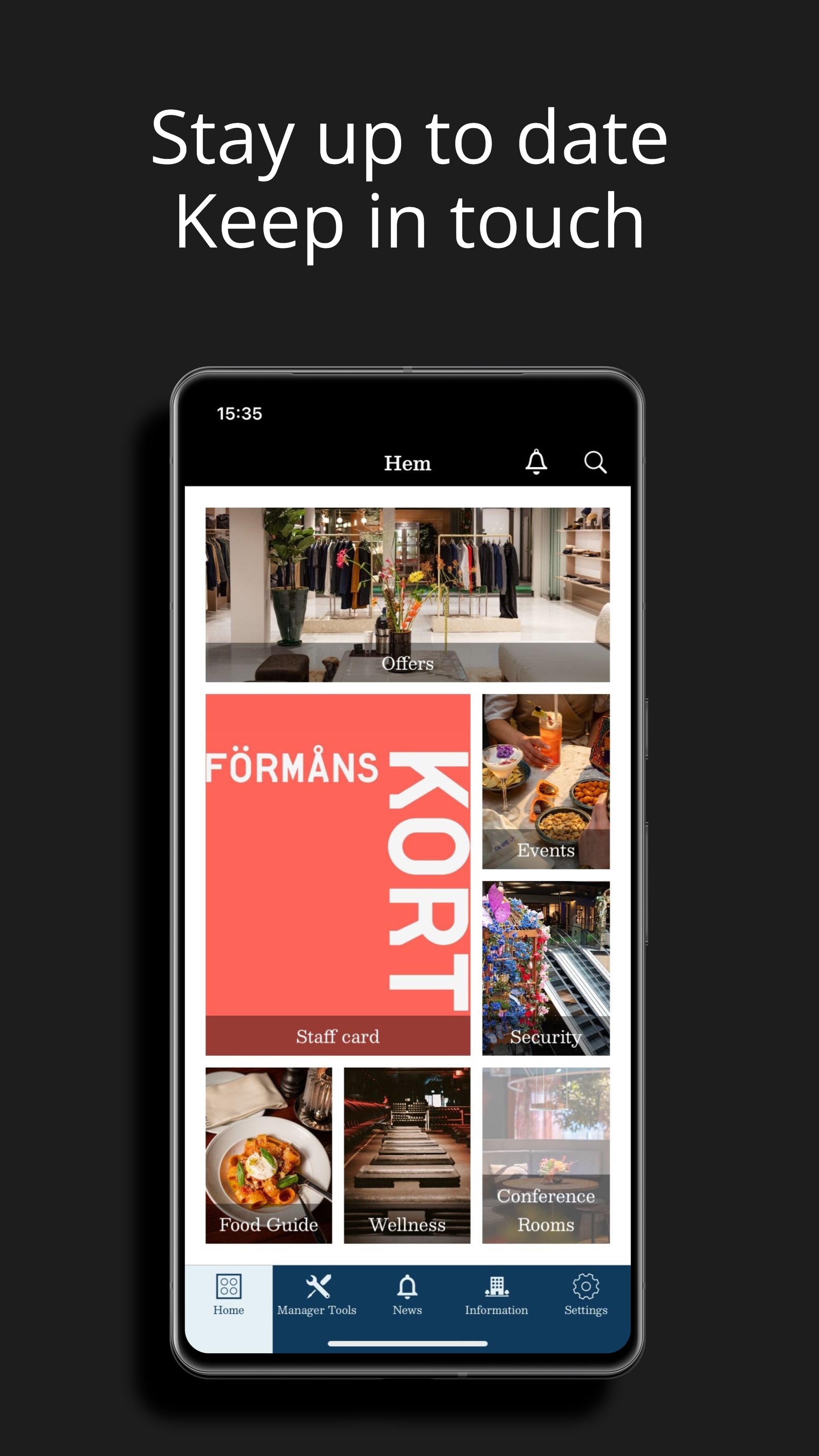
By connecting with Kuno, your work environment becomes smoother, more enjoyable and more rewarding. If you want to book a conference room, get a great lunch deal, receive an offer from the gym or simply get in touch with us here at AMF Fastigheter - it’s all gathered in Kuno.
AMF Fastigheter is one of Sweden’s largest real estate companies with 36 commercial properties in Stockholm and Sundbyberg. By developing and managing our offices, trading venues and the neighborhood around, we contribute to a vibrant and attractive city.
AMF Fastigheter is a wholly owned company subsidiary to the pension company AMF.
Preview
Tags
BusinessInformation
Developer
Toolbox Group
Latest Version
2.6.0
Last Updated
2025-12-11
Category
Business
Available on
Google Play
Show More
How to play Kuno with GameLoop on PC
1. Download GameLoop from the official website, then run the exe file to install GameLoop
2. Open GameLoop and search for “Kuno” , find Kuno in the search results and click “Install”
3. Enjoy playing Kuno on GameLoop
Minimum requirements
OS
Windows 8.1 64-bit or Windows 10 64-bit
GPU
GTX 1050
CPU
i3-8300
Memory
8GB RAM
Storage
1GB available space
Recommended requirements
OS
Windows 8.1 64-bit or Windows 10 64-bit
GPU
GTX 1050
CPU
i3-9320
Memory
16GB RAM
Storage
1GB available space