
HRM Hub PC
Kennys B.V.
Download HRM Hub on PC With GameLoop Emulator
HRM Hub sa PC
Ang HRM Hub, na nagmumula sa developer na Kennys B.V., ay tumatakbo sa Android systerm sa nakaraan.
Ngayon, maaari mong laruin ang HRM Hub sa PC gamit ang GameLoop nang maayos.
I-download ito sa GameLoop library o mga resulta ng paghahanap. Hindi na tumitingin sa baterya o nakakadismaya na mga tawag sa maling oras.
I-enjoy lang ang HRM Hub PC sa malaking screen nang libre!
HRM Hub Panimula
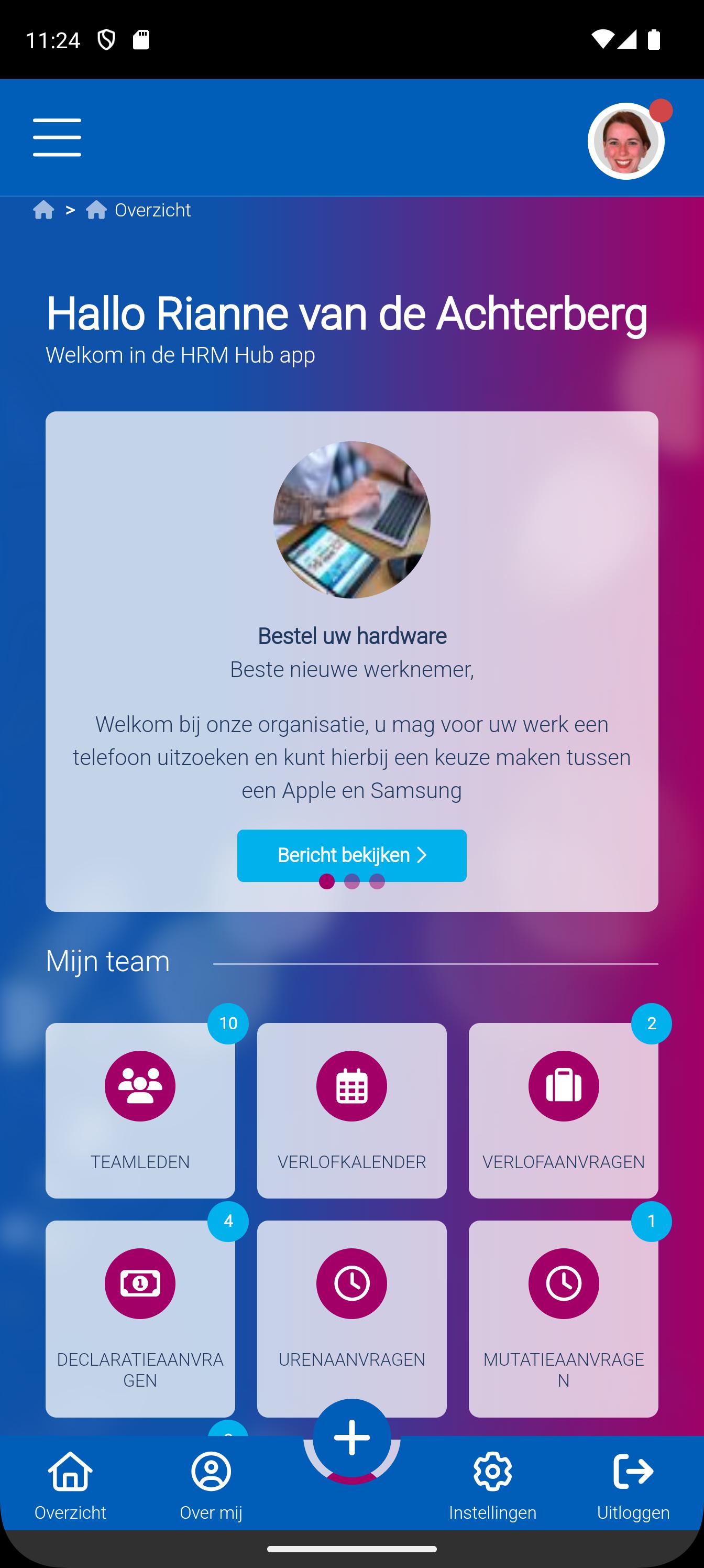
With the HRM Hub app, employees of organizations that use the HRM Hub personnel information and registration system can consult data and make changes themselves. With the app this can be done at any time of the day and wherever they are at that moment. This includes viewing the leave balance and being able to request leave hours.
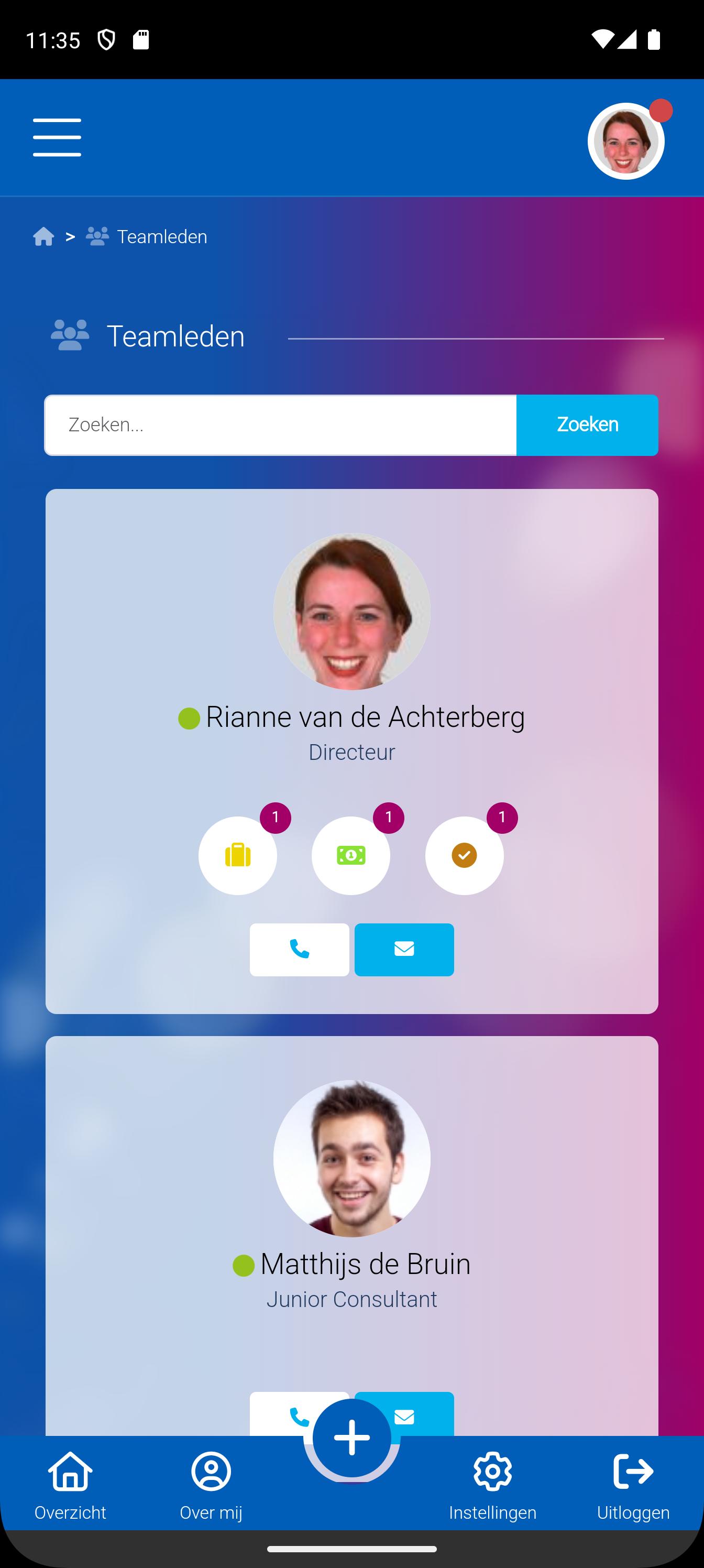
Employees can also request contact details of colleagues and call or send them a message at the touch of a button. The app is therefore one of the building blocks for Employee Self-service, which gives employees access to their own HR data. This leads to greater employee satisfaction and optimization of processes.
The HRM Hub app offers managers added value by clearly displaying leave requests and other changes. This is done by displaying the leave requests in a calendar view and showing a list of change requests. Based on this, the applications can easily be approved or rejected.
The corporate identity of the application can be fully customized to suit your organization.
Preview
Tags
BusinessInformation
Developer
Kennys B.V.
Latest Version
4.9.10
Last Updated
2025-05-14
Category
Business
Available on
Google Play
Show More
How to play HRM Hub with GameLoop on PC
1. Download GameLoop from the official website, then run the exe file to install GameLoop
2. Open GameLoop and search for “HRM Hub” , find HRM Hub in the search results and click “Install”
3. Enjoy playing HRM Hub on GameLoop
Minimum requirements
OS
Windows 8.1 64-bit or Windows 10 64-bit
GPU
GTX 1050
CPU
i3-8300
Memory
8GB RAM
Storage
1GB available space
Recommended requirements
OS
Windows 8.1 64-bit or Windows 10 64-bit
GPU
GTX 1050
CPU
i3-9320
Memory
16GB RAM
Storage
1GB available space