
hh2 Time Tracking PC
hh2 Cloud Services
Download hh2 Time Tracking on PC With GameLoop Emulator
hh2 Time Tracking sa PC
Ang hh2 Time Tracking, na nagmumula sa developer na hh2 Cloud Services, ay tumatakbo sa Android systerm sa nakaraan.
Ngayon, maaari mong laruin ang hh2 Time Tracking sa PC gamit ang GameLoop nang maayos.
I-download ito sa GameLoop library o mga resulta ng paghahanap. Hindi na tumitingin sa baterya o nakakadismaya na mga tawag sa maling oras.
I-enjoy lang ang hh2 Time Tracking PC sa malaking screen nang libre!
hh2 Time Tracking Panimula
HH2 TIME TRACKING REQUIRES A SUBSCRIPTION TO HH2 CLOUD SERVICES AND FUNCTIONS EXCLUSIVELY WITH THE SAGE 300 CONSTRUCTION AND REAL ESTATE ACCOUNTING SYSTEM, FORMERLY TIMBERLINE OFFICE OR FOR SAGE 100 CONTRACTOR, FORMERLY MASTERBUILDER.
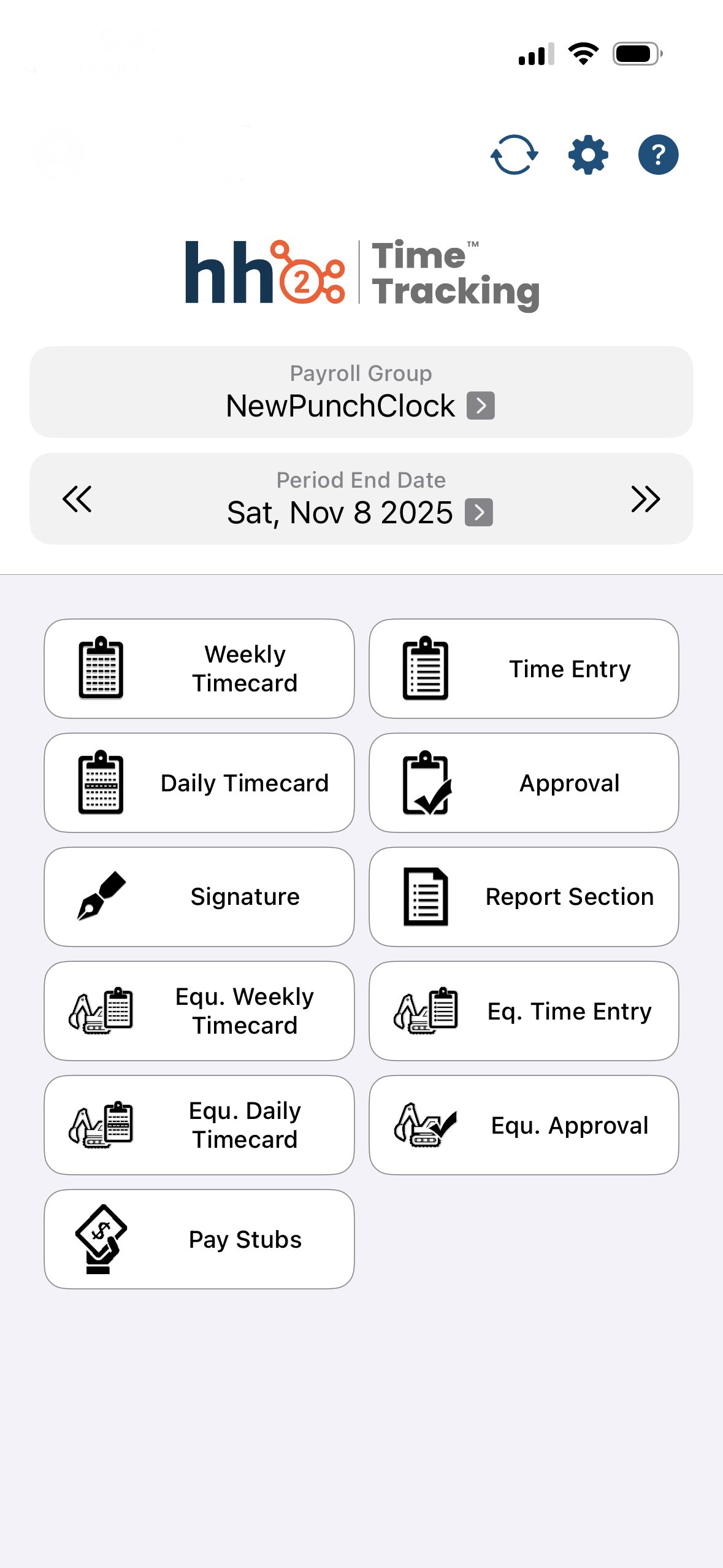
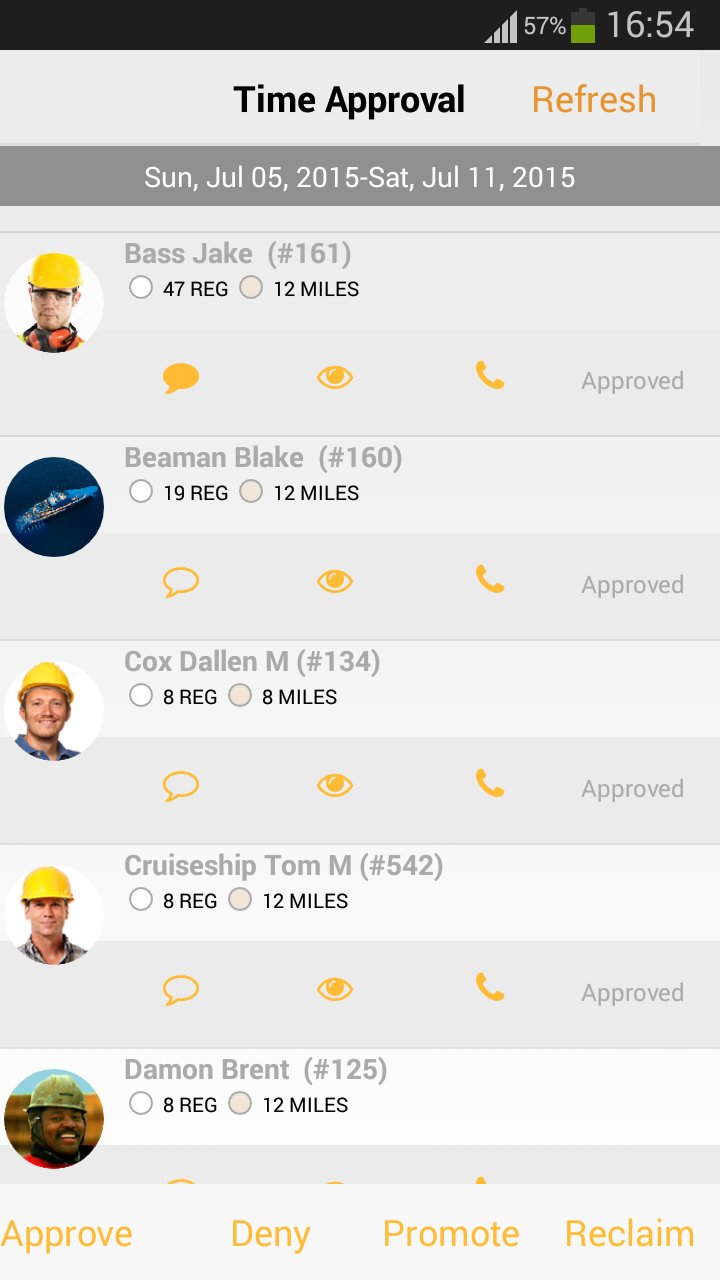
hh2 Time Tracking allows Sage CRE (Sage 300, Sage Timberline Office, Sage Timberline Enterprise, Sage 100, Masterbuilder) users to enter and approve their payroll on their Android device!
The app supports advanced functionality:
- Copy Time from One Employee to Another
- Prefill Time from a Previous Week
- Enter Time While Offline and Sync up Later
- Approve Time on the Go
Preview
Tags
BusinessInformation
Developer
hh2 Cloud Services
Latest Version
1.300.9
Last Updated
2025-12-19
Category
Business
Available on
Google Play
Show More
How to play hh2 Time Tracking with GameLoop on PC
1. Download GameLoop from the official website, then run the exe file to install GameLoop
2. Open GameLoop and search for “hh2 Time Tracking” , find hh2 Time Tracking in the search results and click “Install”
3. Enjoy playing hh2 Time Tracking on GameLoop
Minimum requirements
OS
Windows 8.1 64-bit or Windows 10 64-bit
GPU
GTX 1050
CPU
i3-8300
Memory
8GB RAM
Storage
1GB available space
Recommended requirements
OS
Windows 8.1 64-bit or Windows 10 64-bit
GPU
GTX 1050
CPU
i3-9320
Memory
16GB RAM
Storage
1GB available space