
GM Channel Partners PC
GM Modular Pvt. Ltd.
Download GM Channel Partners on PC With GameLoop Emulator
GM Channel Partners sa PC
Ang GM Channel Partners, na nagmumula sa developer na GM Modular Pvt. Ltd., ay tumatakbo sa Android systerm sa nakaraan.
Ngayon, maaari mong laruin ang GM Channel Partners sa PC gamit ang GameLoop nang maayos.
I-download ito sa GameLoop library o mga resulta ng paghahanap. Hindi na tumitingin sa baterya o nakakadismaya na mga tawag sa maling oras.
I-enjoy lang ang GM Channel Partners PC sa malaking screen nang libre!
GM Channel Partners Panimula
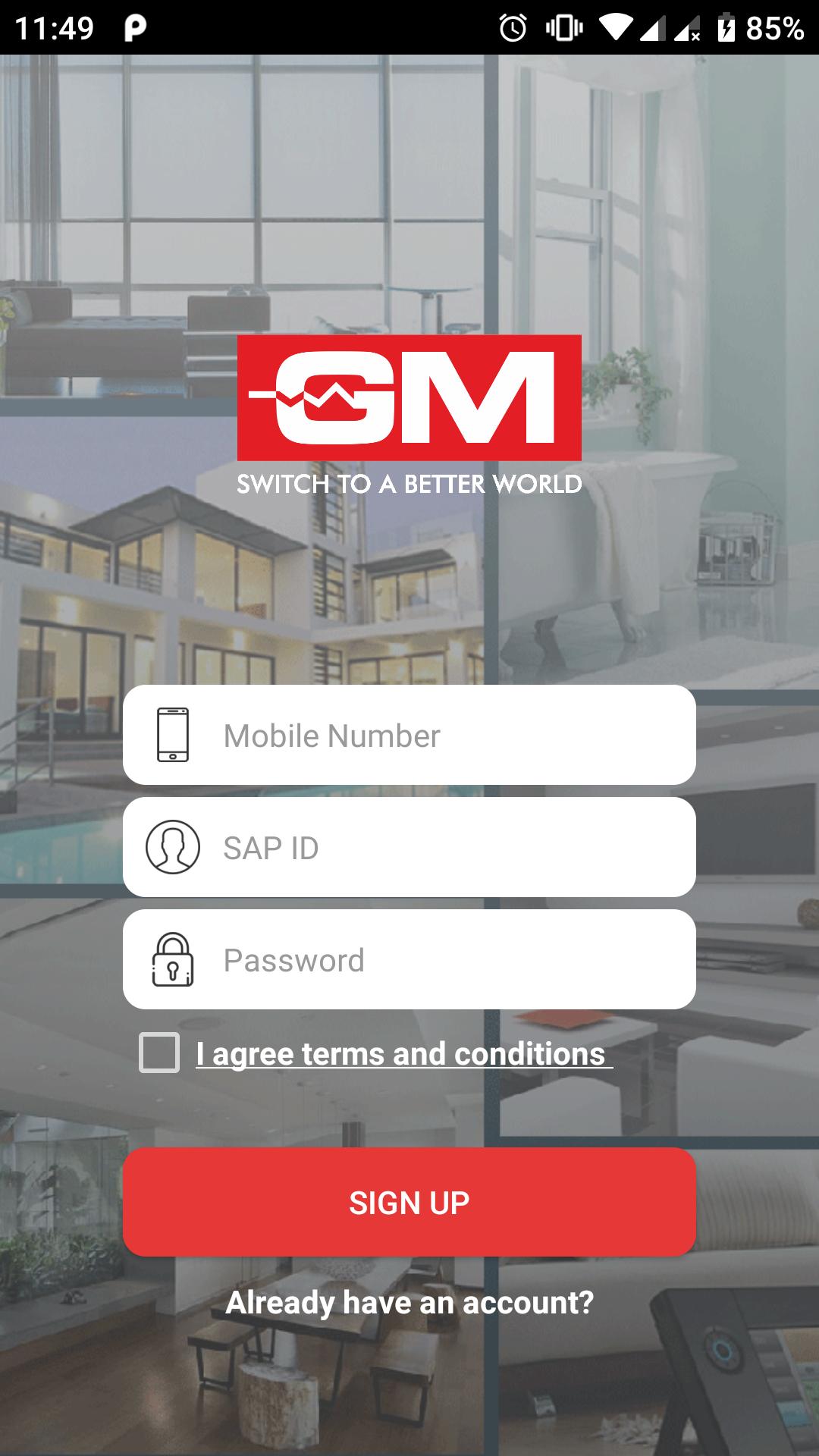
Developed with the same level of attention and care that the company devotes to developing its electrical products, the GM Channel Partners app will connect GM Channel Partners with the company in a seamless manner. The GM Channel Partners app will strengthen the already healthy relationship existing between the two by offering quicker resolutions, better reporting, and easier communication. The superior functionality and usability of the app ensures that all the tools and reports are extremely easy to use and share. Built with the latest safety features and requiring the basic minimum permissions, the GM Channel Partners will keep your data private and secure at all times.
If you are a GM Channel Partner, please do download and use this app to connect with the company in a better manner. The GM Channel Partners app is designed to provide the quickest connection with the company at any time you need. The company sincerely hopes that it will serve its purpose and delight you with its performance. Should you need any assistance with downloading or using the app, please do not hesitate to contact our support team. We look forward to your usage of this app. Your feedback regarding this app will help us improve and evolve the app.
Preview

Tags
BusinessInformation
Developer
GM Modular Pvt. Ltd.
Latest Version
1.0.38
Last Updated
2023-07-28
Category
Business
Available on
Google Play
Show More
How to play GM Channel Partners with GameLoop on PC
1. Download GameLoop from the official website, then run the exe file to install GameLoop
2. Open GameLoop and search for “GM Channel Partners” , find GM Channel Partners in the search results and click “Install”
3. Enjoy playing GM Channel Partners on GameLoop
Minimum requirements
OS
Windows 8.1 64-bit or Windows 10 64-bit
GPU
GTX 1050
CPU
i3-8300
Memory
8GB RAM
Storage
1GB available space
Recommended requirements
OS
Windows 8.1 64-bit or Windows 10 64-bit
GPU
GTX 1050
CPU
i3-9320
Memory
16GB RAM
Storage
1GB available space