
POS PC
PANCAKE CO., LTD
Download POS on PC With GameLoop Emulator
POS sa PC
Ang POS, na nagmumula sa developer na PANCAKE CO., LTD, ay tumatakbo sa Android systerm sa nakaraan.
Ngayon, maaari mong laruin ang POS sa PC gamit ang GameLoop nang maayos.
I-download ito sa GameLoop library o mga resulta ng paghahanap. Hindi na tumitingin sa baterya o nakakadismaya na mga tawag sa maling oras.
I-enjoy lang ang POS PC sa malaking screen nang libre!
POS Panimula
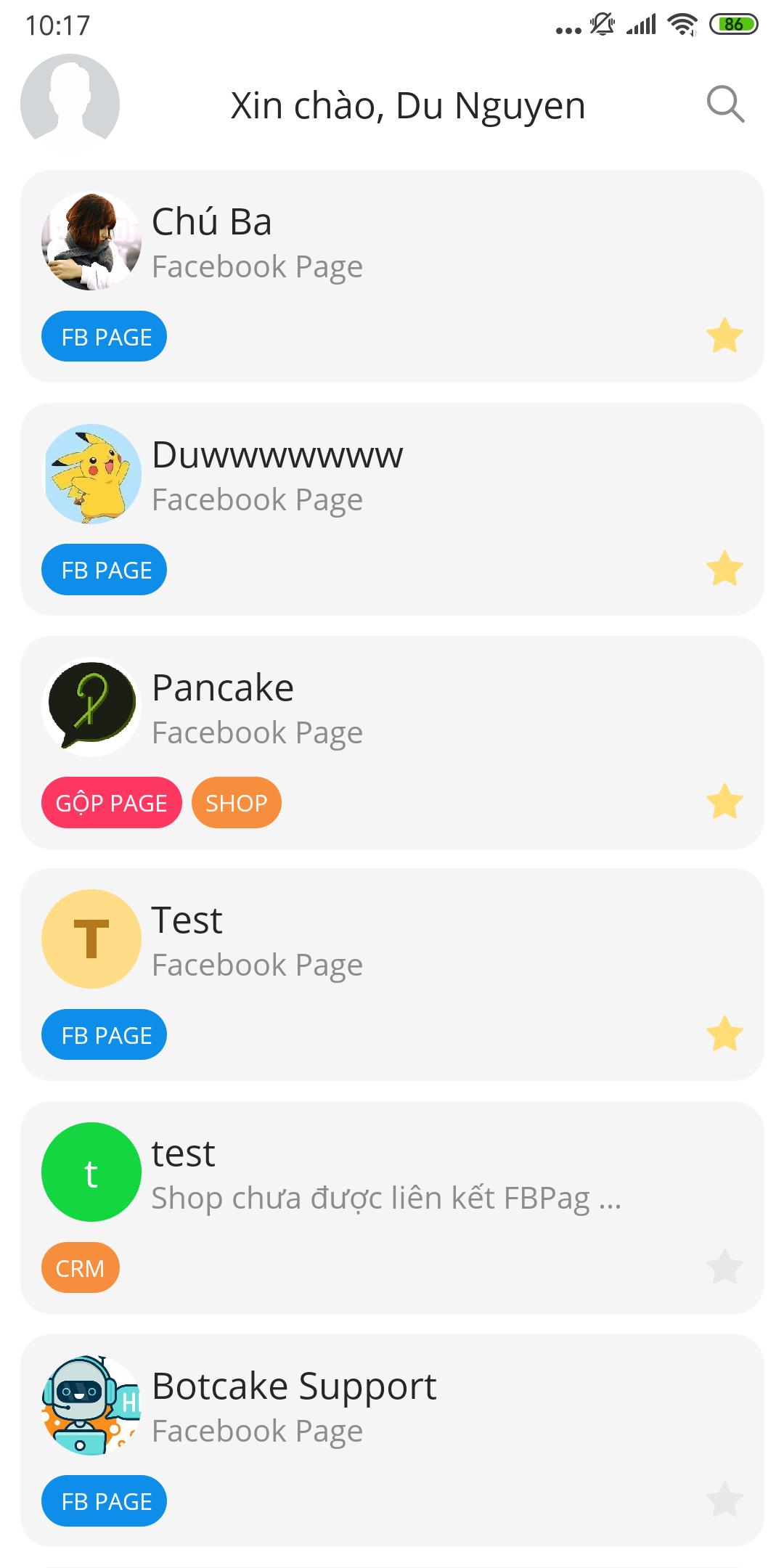
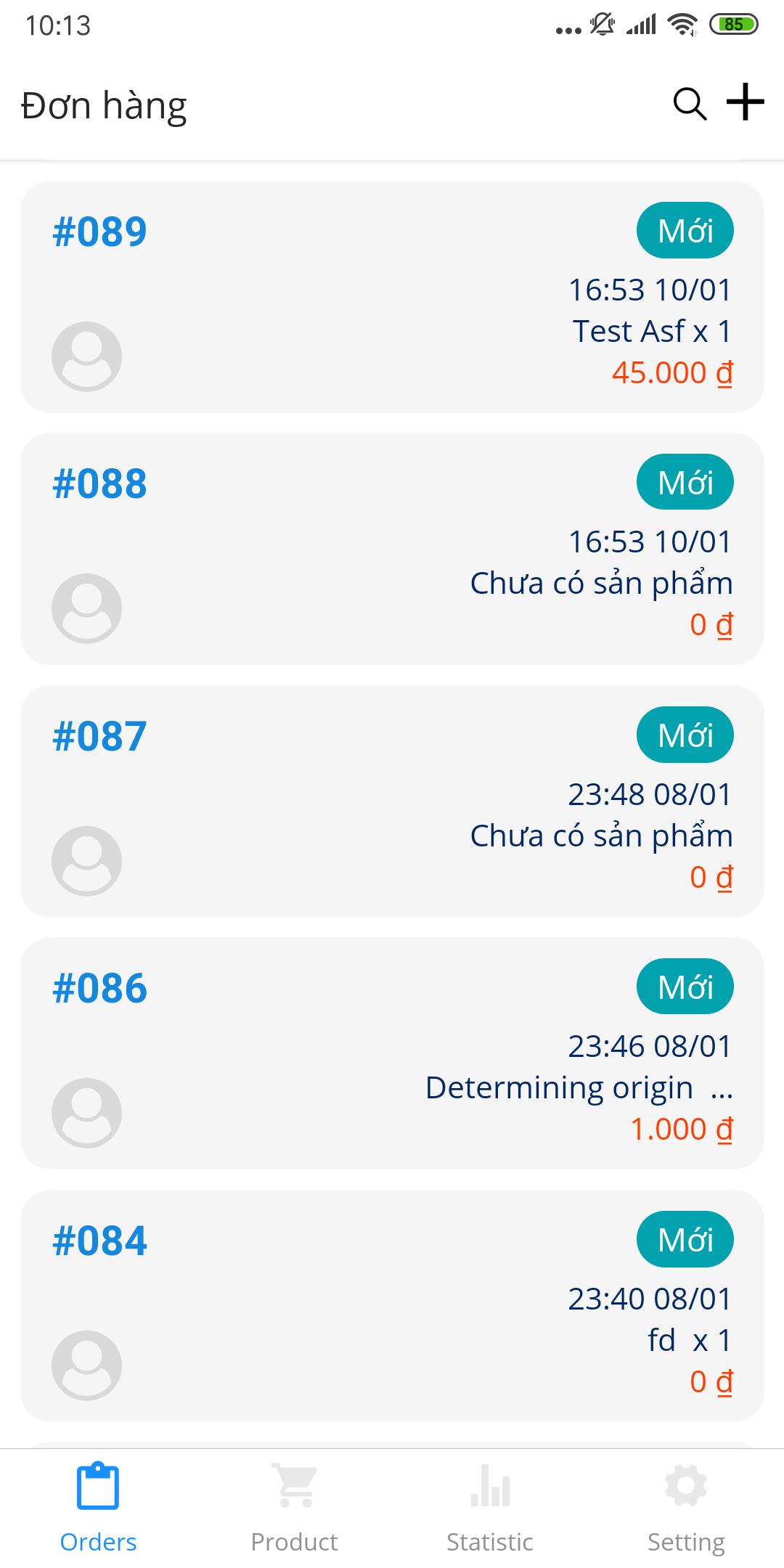
POS is a sales and warehouse management software suitable for both online and offline businesses on the phone completely free, helping control accurate business data, eliminate sales errors. .
The features of POS bring.
CONTROL OF PRODUCT NUMBER:
Detailed management of product quantity Inventory, Waiting for shipping, Completing, Moving warehouse and Being transported, minimizing the loss of goods.
TURNOVER STATISTICS AND PROFIT:
Accurate revenue and profit statistics help sales people capture their business situation. Sellers can choose many statistical criteria such as warehouse statistics, employee statistics, time statistics, ... with a flexible, easy-to-use statistical configuration set, Statistics for personnel tablets
Statistics of orders processed and sales, automatically calculated commission according to the configuration for each employee.
CREATE AND PLEASE THE APPLICATION TO THE SHIPPING UNIT:
With POS creating and pushing orders to shipping units makes it easy for you to fully grasp the rates, shipping dates, ... with shipping units: Fast delivery, VNPost, ViettelPost, Snappy, ...
Contact information:
Hotline: 0967815129/0911140369
Preview
Tags
BusinessInformation
Developer
PANCAKE CO., LTD
Latest Version
2.1.28
Last Updated
2022-06-27
Category
Business
Available on
Google Play
Show More
How to play POS with GameLoop on PC
1. Download GameLoop from the official website, then run the exe file to install GameLoop
2. Open GameLoop and search for “POS” , find POS in the search results and click “Install”
3. Enjoy playing POS on GameLoop
Minimum requirements
OS
Windows 8.1 64-bit or Windows 10 64-bit
GPU
GTX 1050
CPU
i3-8300
Memory
8GB RAM
Storage
1GB available space
Recommended requirements
OS
Windows 8.1 64-bit or Windows 10 64-bit
GPU
GTX 1050
CPU
i3-9320
Memory
16GB RAM
Storage
1GB available space