EXPO PyME MONTERREY PC
Mauricio Morales
Download EXPO PyME MONTERREY on PC With GameLoop Emulator
EXPO PyME MONTERREY sa PC
Ang EXPO PyME MONTERREY, na nagmumula sa developer na Mauricio Morales, ay tumatakbo sa Android systerm sa nakaraan.
Ngayon, maaari mong laruin ang EXPO PyME MONTERREY sa PC gamit ang GameLoop nang maayos.
I-download ito sa GameLoop library o mga resulta ng paghahanap. Hindi na tumitingin sa baterya o nakakadismaya na mga tawag sa maling oras.
I-enjoy lang ang EXPO PyME MONTERREY PC sa malaking screen nang libre!
EXPO PyME MONTERREY Panimula
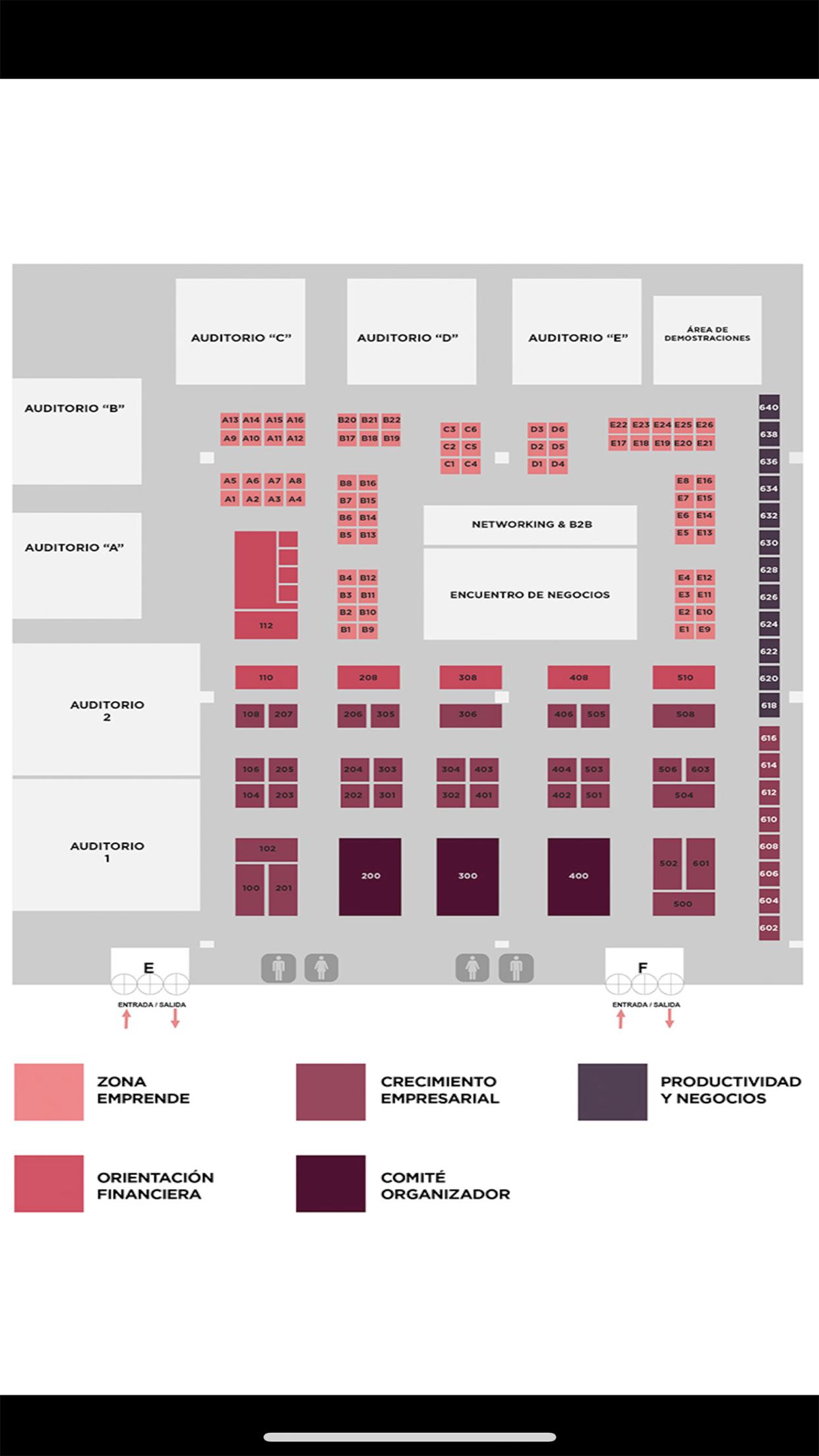
The Expo SME Monterrey 2019 is an effort to promote and strengthen the momentum for entrepreneurs and the growth of entrepreneurs, by fostering in a single space the support and programs that accelerate entrepreneurial projects; as well as linking MSMEs with the available public, private and academic offer of solutions that help the improvement, development and competitiveness of companies.
The event is inclusive when considering in its audiences and profiles to which its objectives and dissemination effort are directed: Entrepreneurs, businesswomen, micro, small and medium entrepreneurs from the industry, commerce, services and general public sectors interested in knowing cases of Success and support available to consider starting or starting a business.
We link SMEs with policies, programs, supports and tools available through the different modalities that constitute the Expo.
Preview

Tags
BusinessInformation
Developer
Mauricio Morales
Latest Version
1.0
Last Updated
2019-08-19
Category
Business
Available on
Google Play
Show More
How to play EXPO PyME MONTERREY with GameLoop on PC
1. Download GameLoop from the official website, then run the exe file to install GameLoop
2. Open GameLoop and search for “EXPO PyME MONTERREY” , find EXPO PyME MONTERREY in the search results and click “Install”
3. Enjoy playing EXPO PyME MONTERREY on GameLoop
Minimum requirements
OS
Windows 8.1 64-bit or Windows 10 64-bit
GPU
GTX 1050
CPU
i3-8300
Memory
8GB RAM
Storage
1GB available space
Recommended requirements
OS
Windows 8.1 64-bit or Windows 10 64-bit
GPU
GTX 1050
CPU
i3-9320
Memory
16GB RAM
Storage
1GB available space