
EL-Naggar PC
Objects
Download EL-Naggar on PC With GameLoop Emulator
EL-Naggar sa PC
Ang EL-Naggar, na nagmumula sa developer na Objects, ay tumatakbo sa Android systerm sa nakaraan.
Ngayon, maaari mong laruin ang EL-Naggar sa PC gamit ang GameLoop nang maayos.
I-download ito sa GameLoop library o mga resulta ng paghahanap. Hindi na tumitingin sa baterya o nakakadismaya na mga tawag sa maling oras.
I-enjoy lang ang EL-Naggar PC sa malaking screen nang libre!
EL-Naggar Panimula
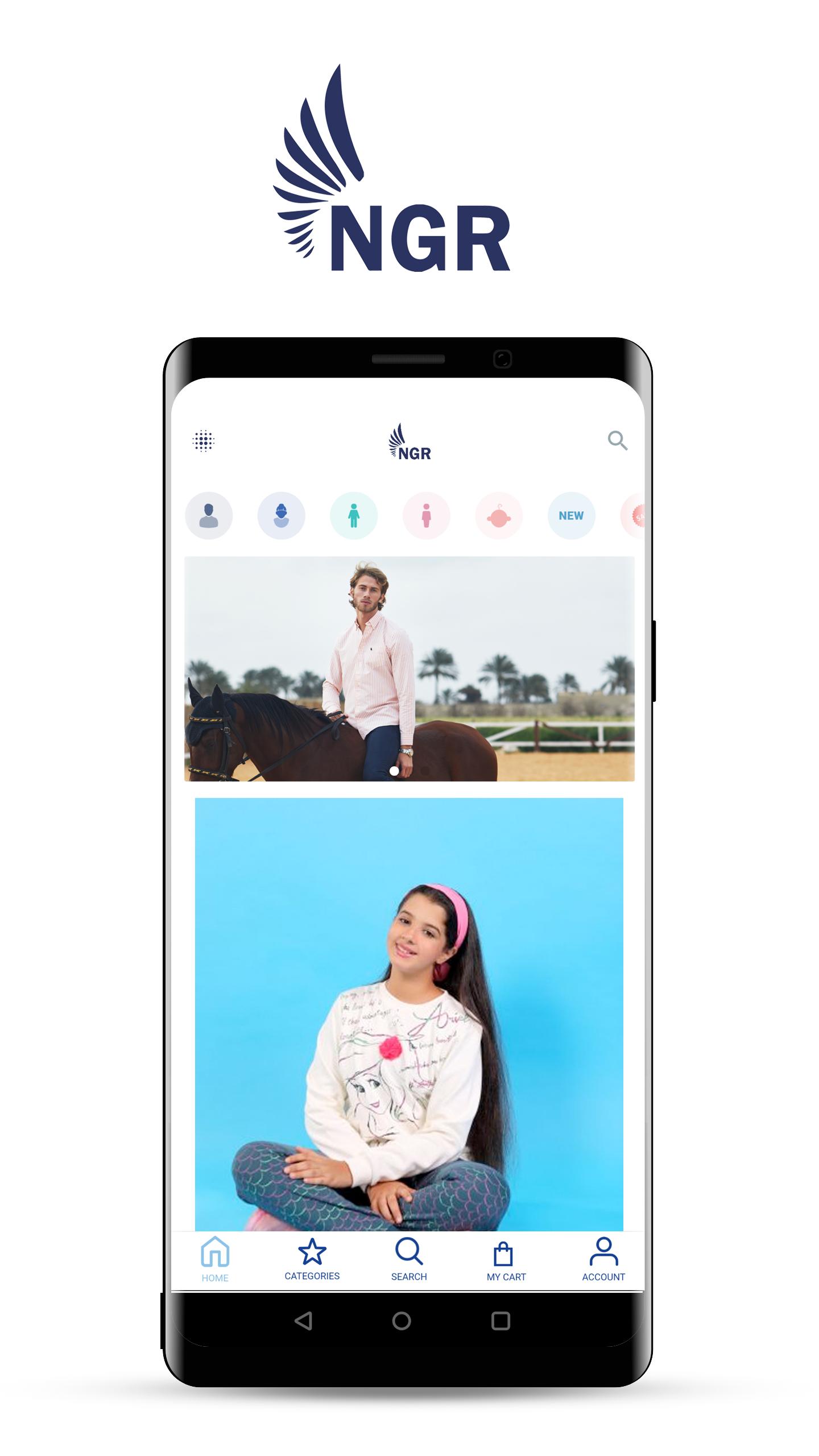
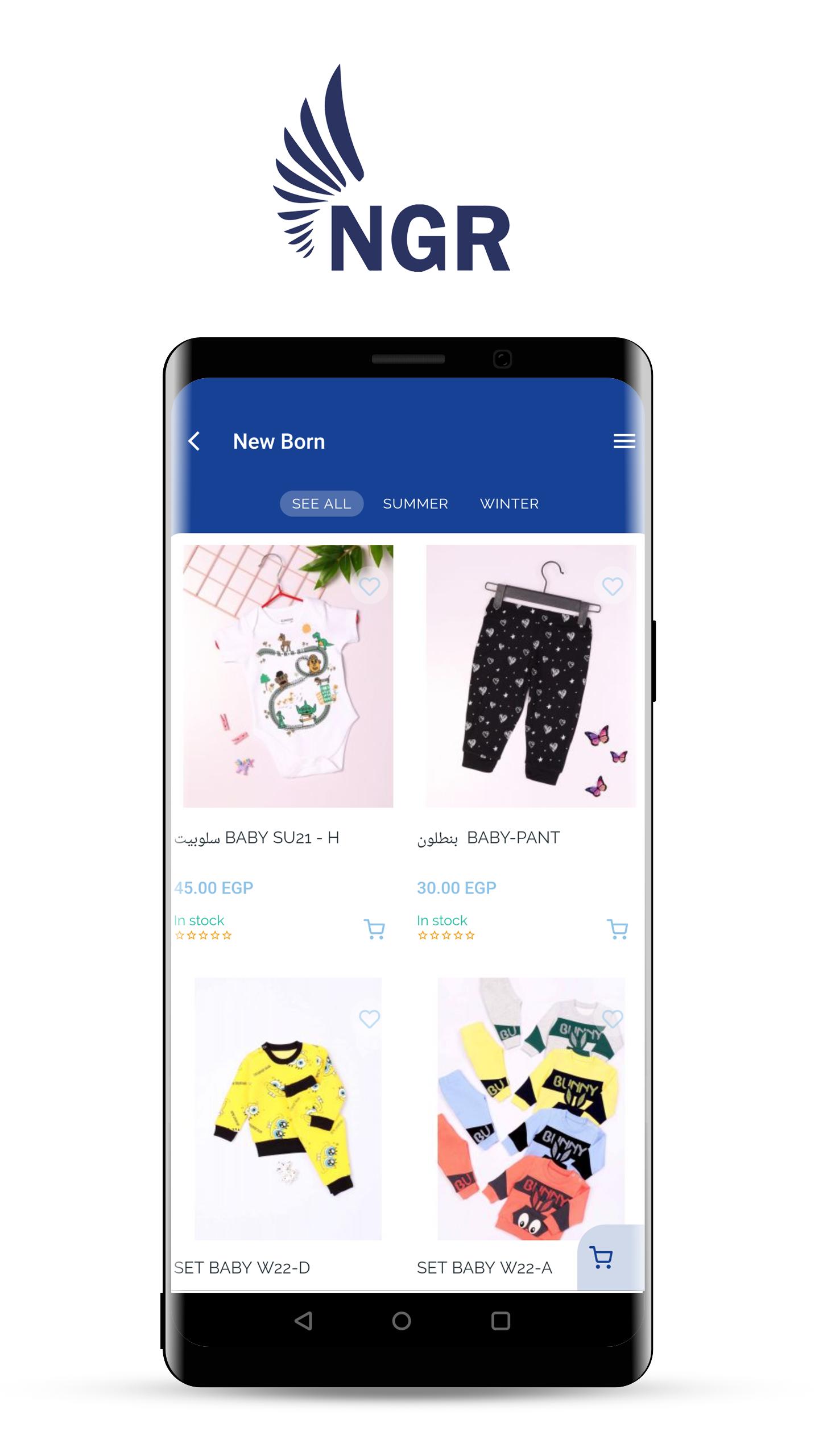
This is an Ecommerce app for El-Naggar brand; it aims to make the shopping experience for the customers easier. The App contains all El-Naggar original products; the products are made in our factory in Alexandria, Egypt. Products are listed with all its features and variation such as color, sizes, models and prices. Users will be able to browse these products and pick the desired product size, model and color. This is a step to create the digital market for our brand that will our clients time, energy and also helps us reach all regions that might not have branches to cover the entire country.
Once the client chooses the products and they’re added to the shopping cart and provide his own details. Order is created and sent directly to our branches to prepare. Once prepared the products are packed and start their journey till it reaches the client as fast as possible to any place inside Egypt.
Our customer can choose the cash on delivery option or to pay through Visa.
For more information or support you can contact us on +201205902090
Preview
Tags
BusinessInformation
Developer
Objects
Latest Version
1.0.5
Last Updated
2022-06-28
Category
Business
Available on
Google Play
Show More
How to play EL-Naggar with GameLoop on PC
1. Download GameLoop from the official website, then run the exe file to install GameLoop
2. Open GameLoop and search for “EL-Naggar” , find EL-Naggar in the search results and click “Install”
3. Enjoy playing EL-Naggar on GameLoop
Minimum requirements
OS
Windows 8.1 64-bit or Windows 10 64-bit
GPU
GTX 1050
CPU
i3-8300
Memory
8GB RAM
Storage
1GB available space
Recommended requirements
OS
Windows 8.1 64-bit or Windows 10 64-bit
GPU
GTX 1050
CPU
i3-9320
Memory
16GB RAM
Storage
1GB available space