
CRMTiger - vTiger Mobile PC
CRMTiger Technologies LLP
Download CRMTiger - vTiger Mobile on PC With GameLoop Emulator
CRMTiger - vTiger Mobile sa PC
Ang CRMTiger - vTiger Mobile, na nagmumula sa developer na CRMTiger Technologies LLP, ay tumatakbo sa Android systerm sa nakaraan.
Ngayon, maaari mong laruin ang CRMTiger - vTiger Mobile sa PC gamit ang GameLoop nang maayos.
I-download ito sa GameLoop library o mga resulta ng paghahanap. Hindi na tumitingin sa baterya o nakakadismaya na mga tawag sa maling oras.
I-enjoy lang ang CRMTiger - vTiger Mobile PC sa malaking screen nang libre!
CRMTiger - vTiger Mobile Panimula
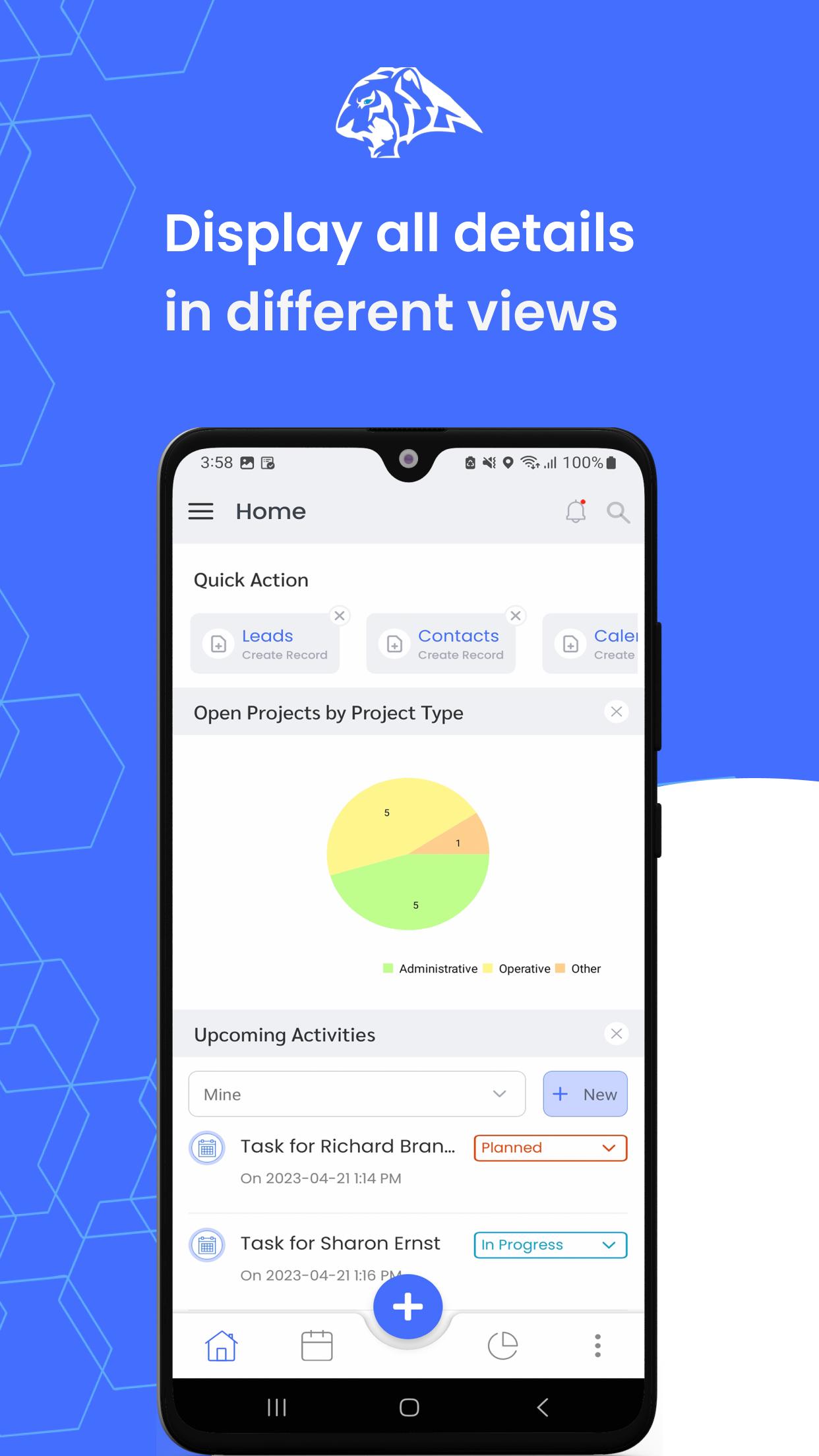
CRMTiger App is our continued endeavour to support vTiger CRM community. We thank you all for helping us with positive and negative reviews, feedback and suggestions.
Note : Now CRMTiger Mobile app requires you to install our Extension to connect with your vTiger CRM
Visit our Help Page - http://kb.crmtiger.com/article-categories/mobileapps/ for detailed information.
Works for both vTiger Version 6.5 and 7.x or with Hosted vTiger also
Yes it’s FREE! NO ADS, our promise continues.
Overhauled New Release packed with FEATURES:
Stable Version
Push Notifications
Sales Team Tracking (GPS)
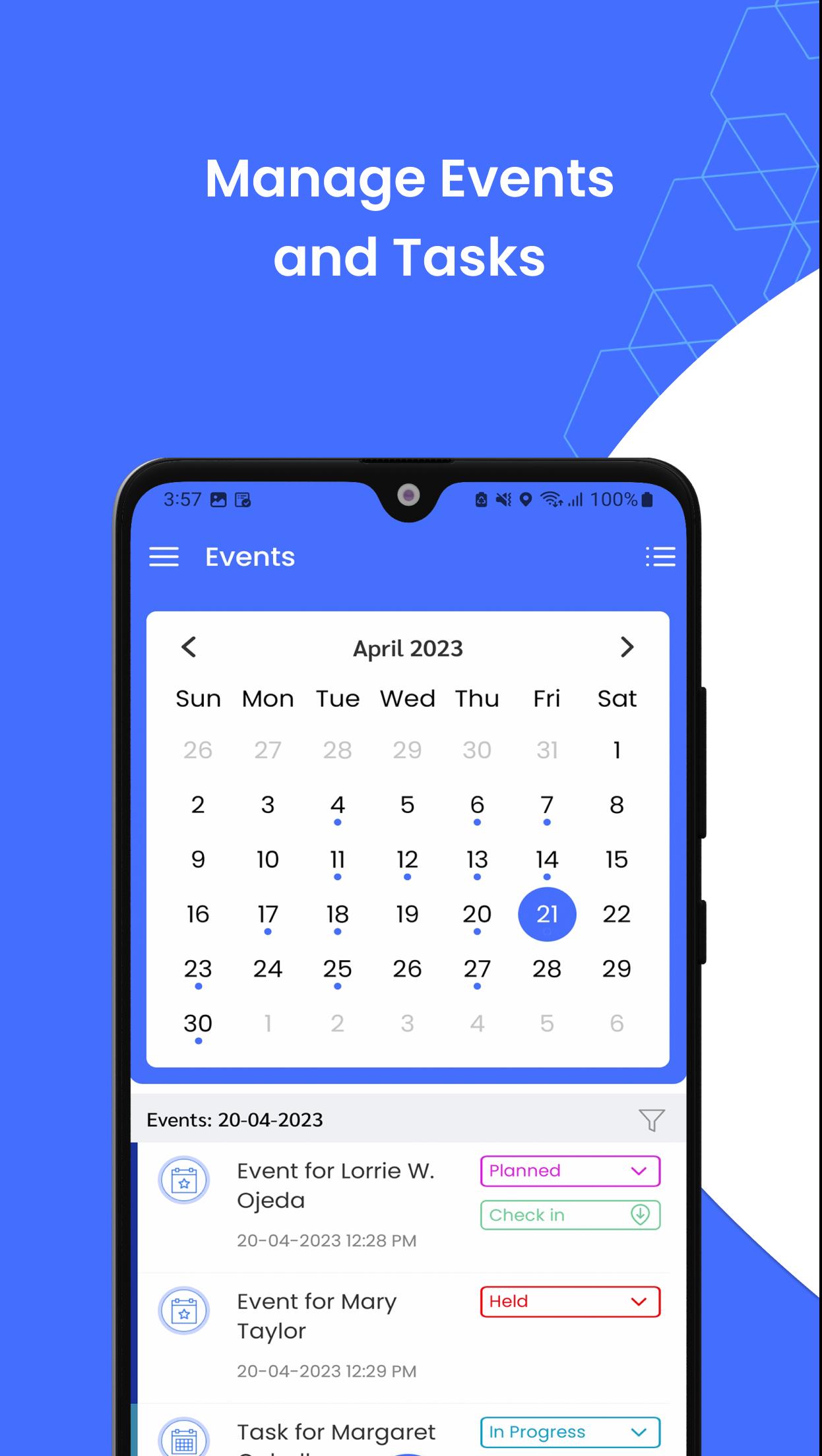
Check In / Checkout meeting with location
Activity Stream updates (History of all updates)
Live Tracking of Users
Map view of Leads / Contacts
Intuitive Quotes from Mobile App
Call Logging
Our aim to provide vTiger users with a useful mobile app to access their CRM on the move, “Anywhere - Anytime access” and update your vTiger CRM instantly.
If you find any problem or want to give feedback about this app, do not hesitate to contact us on support@crmtiger.com. We would be more than happy to assist you.
Preview
Tags
BusinessInformation
Developer
CRMTiger Technologies LLP
Latest Version
2.1.32
Last Updated
2024-10-02
Category
Business
Available on
Google Play
Show More
How to play CRMTiger - vTiger Mobile with GameLoop on PC
1. Download GameLoop from the official website, then run the exe file to install GameLoop
2. Open GameLoop and search for “CRMTiger - vTiger Mobile” , find CRMTiger - vTiger Mobile in the search results and click “Install”
3. Enjoy playing CRMTiger - vTiger Mobile on GameLoop
Minimum requirements
OS
Windows 8.1 64-bit or Windows 10 64-bit
GPU
GTX 1050
CPU
i3-8300
Memory
8GB RAM
Storage
1GB available space
Recommended requirements
OS
Windows 8.1 64-bit or Windows 10 64-bit
GPU
GTX 1050
CPU
i3-9320
Memory
16GB RAM
Storage
1GB available space