
C•CURE Go Reader PC
Tyco Security Products (Sensormatic Electronics)
Download C•CURE Go Reader on PC With GameLoop Emulator
C•CURE Go Reader sa PC
Ang C•CURE Go Reader, na nagmumula sa developer na Tyco Security Products (Sensormatic Electronics), ay tumatakbo sa Android systerm sa nakaraan.
Ngayon, maaari mong laruin ang C•CURE Go Reader sa PC gamit ang GameLoop nang maayos.
I-download ito sa GameLoop library o mga resulta ng paghahanap. Hindi na tumitingin sa baterya o nakakadismaya na mga tawag sa maling oras.
I-enjoy lang ang C•CURE Go Reader PC sa malaking screen nang libre!
C•CURE Go Reader Panimula
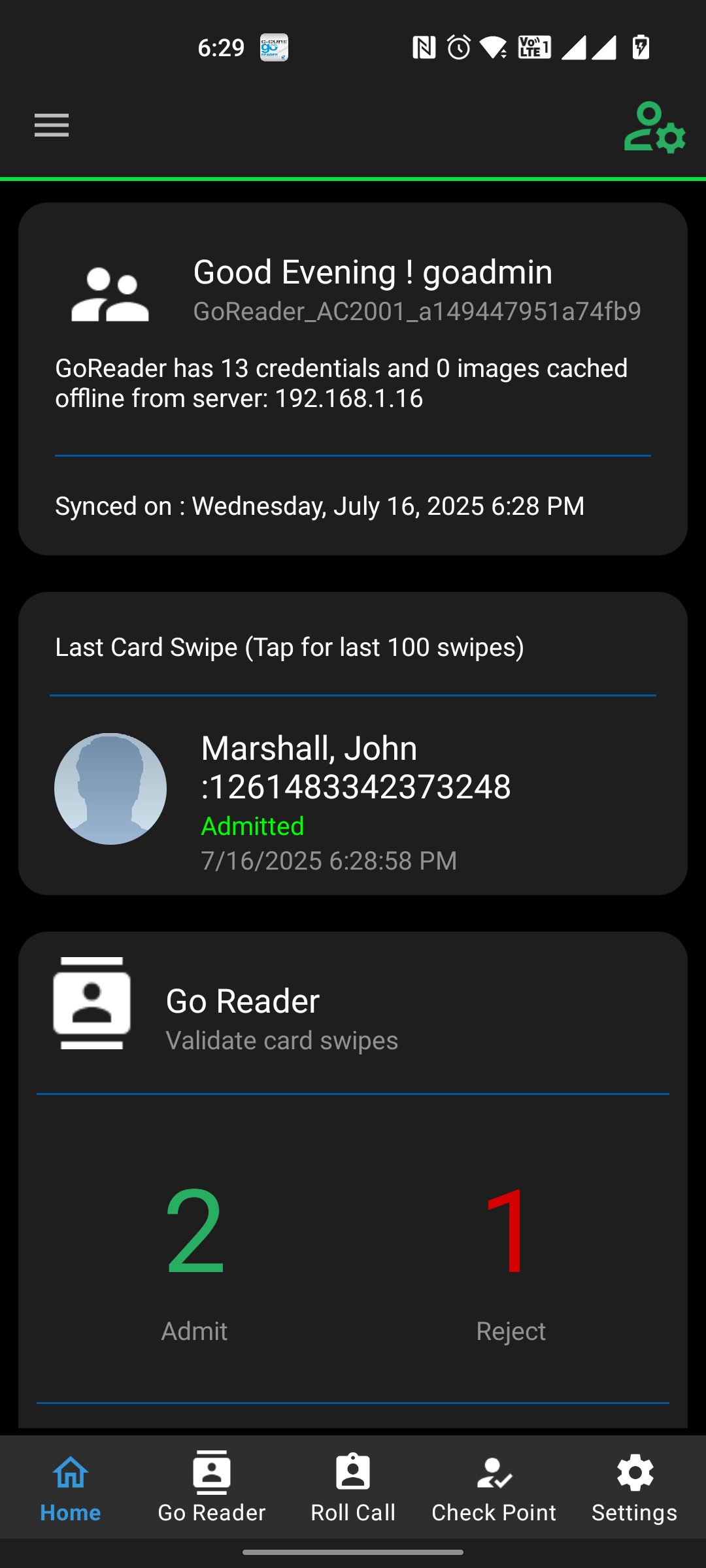
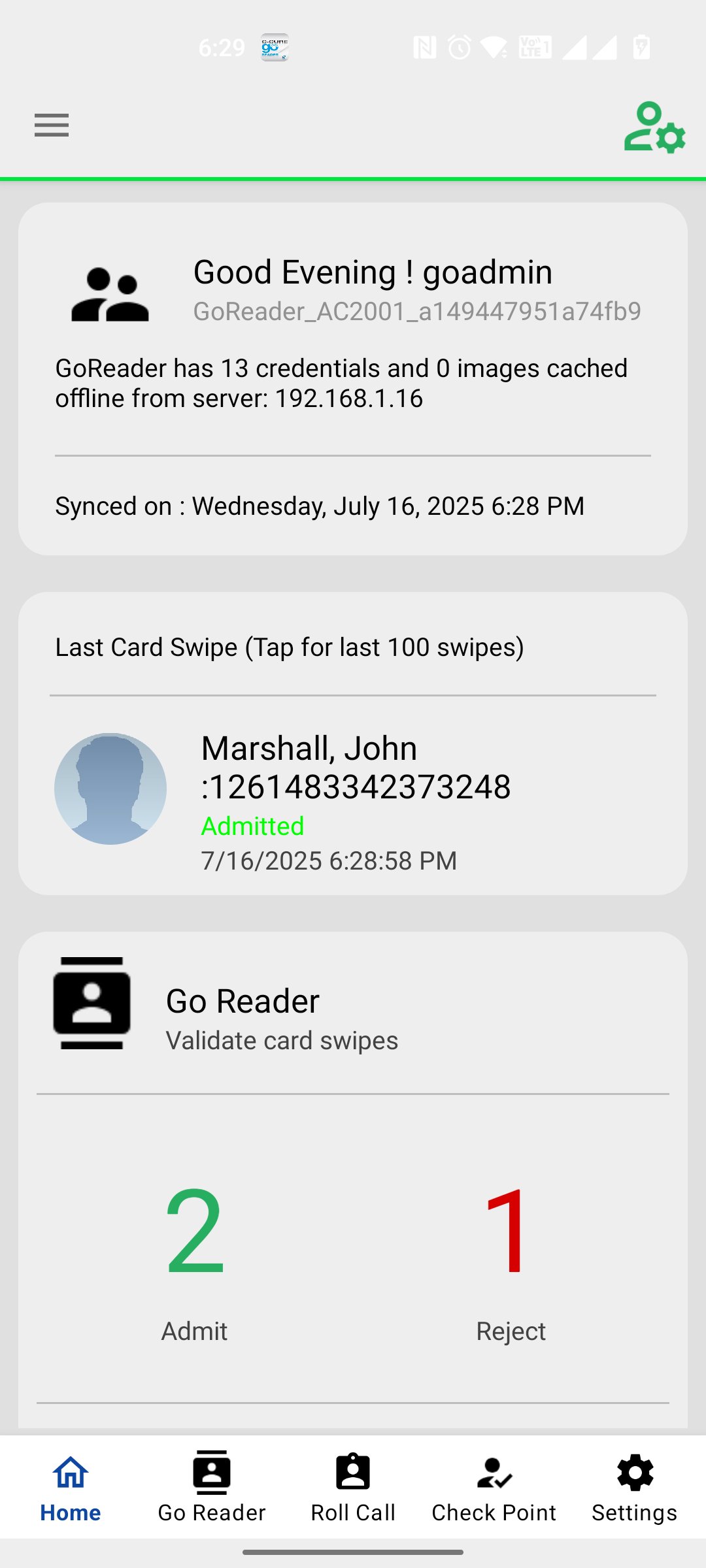
C•CURE Go Reader mobile app extends the reach of your C•CURE 9000 system by allowing you to grant or deny access in even the most remote, disconnected areas. Using your Android device, C•CURE Go Reader pairs with a multi-technology read head (support both SPP and BLE 4.0 readers) to C•CURE Go Reader mobile app extends the reach of your C•CURE 9000 system by allowing you to grant or deny access in even the most remote, disconnected areas. Using your Android device, C•CURE Go Reader pairs with a multi-technology read head (including inbuilt NFC reader, rfIdeas Nano Usb readers, Magtek iDynamo reader, both SPP and BLE 4.0 readers) to mimic a full-fledged iSTAR door, complete with schedules, clearances and holidays. You can use the Go Reader device to impersonate a particular iSTAR Door when there are issues with a physical door. Using C•CURE Go Reader mobile app you can send details and portraits of missing personnel inside the building via email and text. Apart from Impersonation of iSTAR door, this app also offers iSTAR Online Reader Mode option to cater Anti-Passback features. User can select the Inbound or Outbound reader from iSTAR Online Screen. On Swipe History screen operator can Grace a personnel who has been rejected due to Anti Passback.
Preview
Tags
BusinessInformation
Developer
Tyco Security Products (Sensormatic Electronics)
Latest Version
5.0.360
Last Updated
2025-12-11
Category
Business
Available on
Google Play
Show More
How to play C•CURE Go Reader with GameLoop on PC
1. Download GameLoop from the official website, then run the exe file to install GameLoop
2. Open GameLoop and search for “C•CURE Go Reader” , find C•CURE Go Reader in the search results and click “Install”
3. Enjoy playing C•CURE Go Reader on GameLoop
Minimum requirements
OS
Windows 8.1 64-bit or Windows 10 64-bit
GPU
GTX 1050
CPU
i3-8300
Memory
8GB RAM
Storage
1GB available space
Recommended requirements
OS
Windows 8.1 64-bit or Windows 10 64-bit
GPU
GTX 1050
CPU
i3-9320
Memory
16GB RAM
Storage
1GB available space