
My Learning PC
CrossKnowledge
Download My Learning on PC With GameLoop Emulator
My Learning sa PC
Ang My Learning, na nagmumula sa developer na CrossKnowledge, ay tumatakbo sa Android systerm sa nakaraan.
Ngayon, maaari mong laruin ang My Learning sa PC gamit ang GameLoop nang maayos.
I-download ito sa GameLoop library o mga resulta ng paghahanap. Hindi na tumitingin sa baterya o nakakadismaya na mga tawag sa maling oras.
I-enjoy lang ang My Learning PC sa malaking screen nang libre!
My Learning Panimula
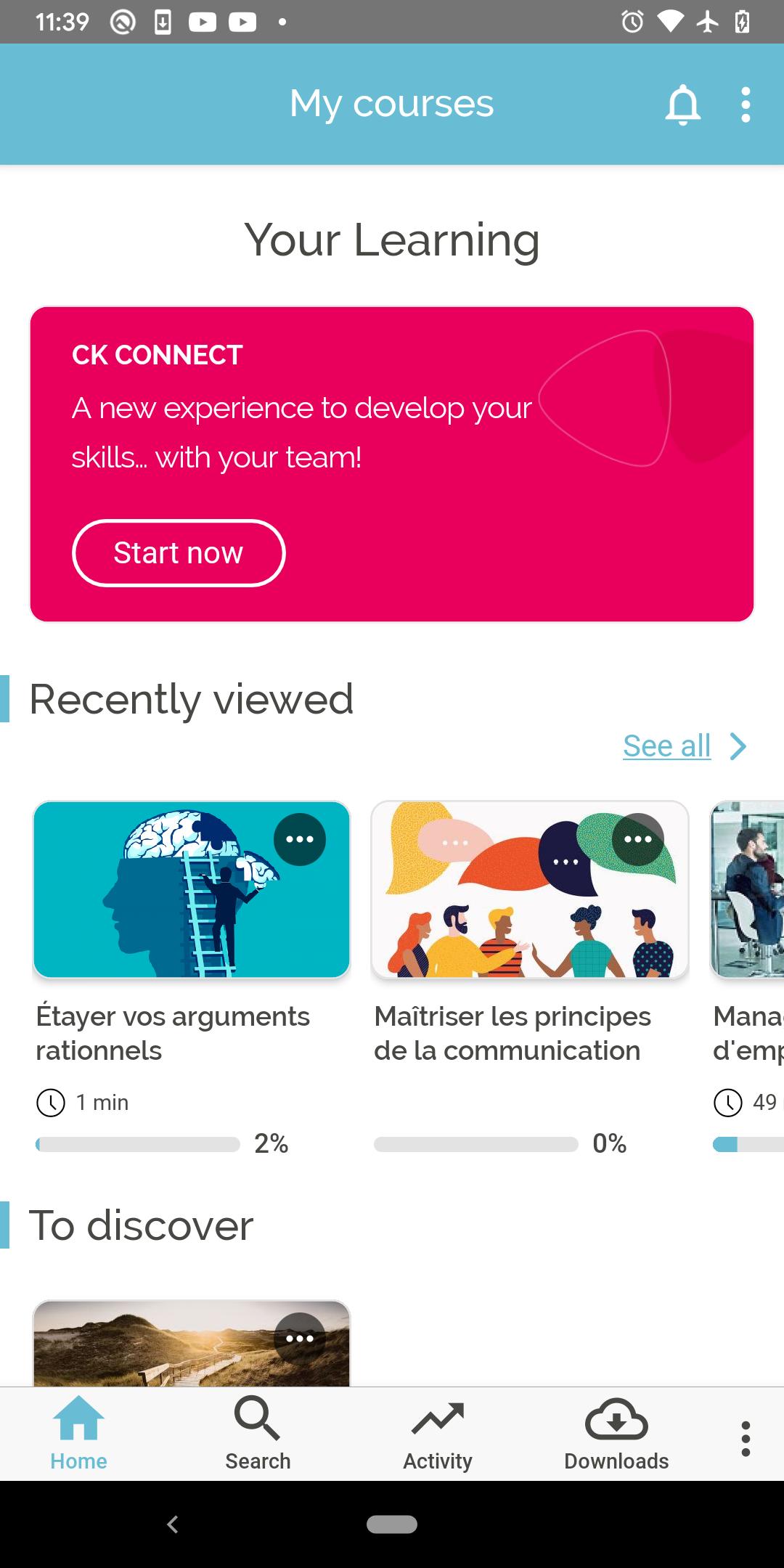
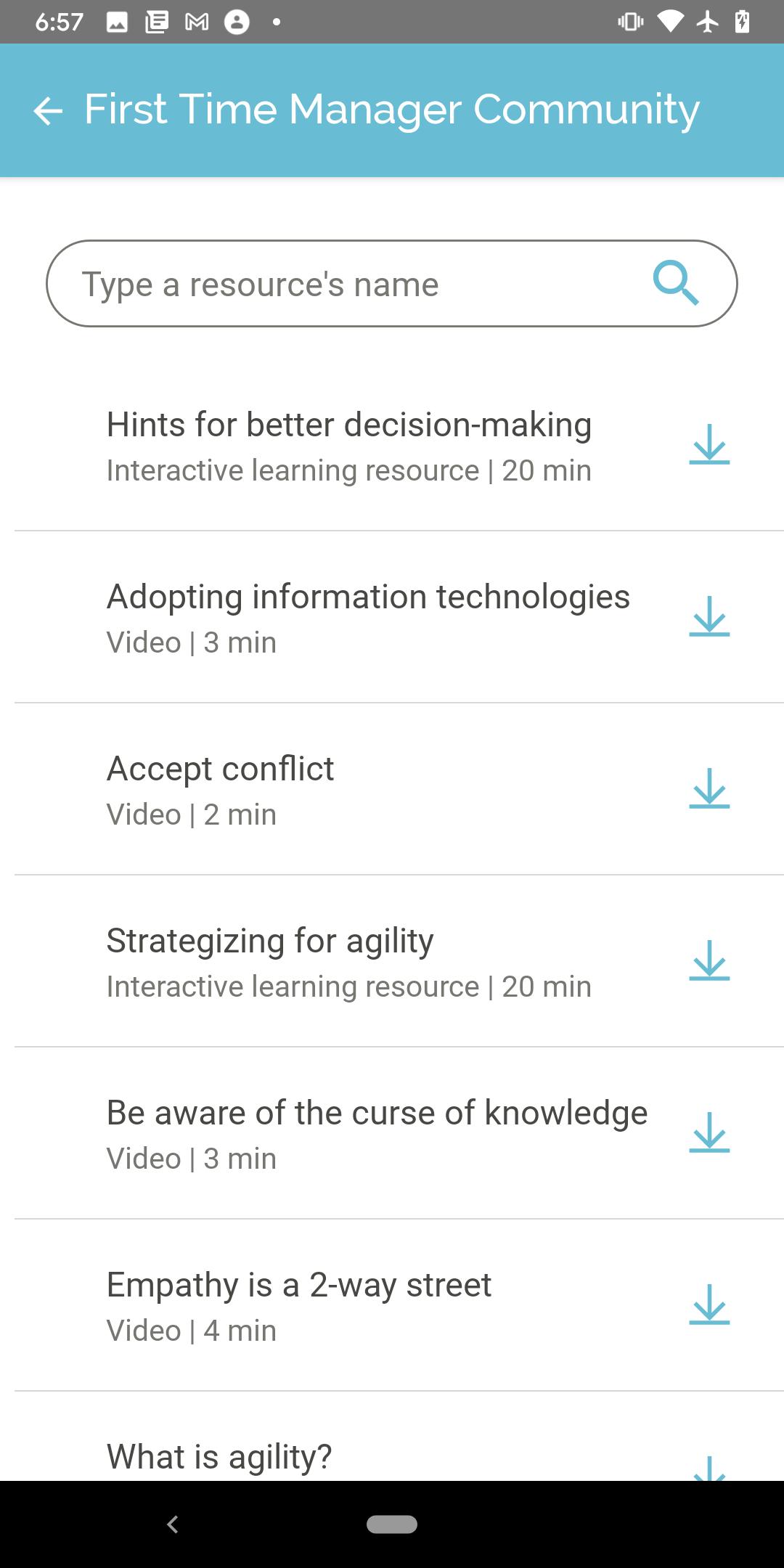
My Learning gives you a direct access to digital learning and provides a continuous access to courses and resources. Thanks to this application, you will have everything you need right on your mobile device.
Key features:
Access your courses on a mobile-friendly user interface
View resources, online or offline
Ask questions and share your experience with your peers
View feedback given by your facilitator on assignments or assessments
About CrossKnowledge
CrossKnowledge is one of the world’s leading distance learning providers. Our solutions enable fast workforce empowerment and global strategic alignment, guaranteeing a unique learning experience for the individual and a real return on investment for the organization.
** The My Learning app is designed for the use of CrossKnowledge clients and requires authorized CrossKnowledge credentials.
**Important: If you are a CrossKnowledge client experiencing trouble logging in, contact your CrossKnowledge administrator.
Preview
Tags
BusinessInformation
Developer
CrossKnowledge
Latest Version
3.9.1
Last Updated
2025-10-13
Category
Business
Available on
Google Play
Show More
How to play My Learning with GameLoop on PC
1. Download GameLoop from the official website, then run the exe file to install GameLoop
2. Open GameLoop and search for “My Learning” , find My Learning in the search results and click “Install”
3. Enjoy playing My Learning on GameLoop
Minimum requirements
OS
Windows 8.1 64-bit or Windows 10 64-bit
GPU
GTX 1050
CPU
i3-8300
Memory
8GB RAM
Storage
1GB available space
Recommended requirements
OS
Windows 8.1 64-bit or Windows 10 64-bit
GPU
GTX 1050
CPU
i3-9320
Memory
16GB RAM
Storage
1GB available space