
Acturis Mobile PC
Acturis Ltd
Download Acturis Mobile on PC With GameLoop Emulator
Acturis Mobile sa PC
Ang Acturis Mobile, na nagmumula sa developer na Acturis Ltd, ay tumatakbo sa Android systerm sa nakaraan.
Ngayon, maaari mong laruin ang Acturis Mobile sa PC gamit ang GameLoop nang maayos.
I-download ito sa GameLoop library o mga resulta ng paghahanap. Hindi na tumitingin sa baterya o nakakadismaya na mga tawag sa maling oras.
I-enjoy lang ang Acturis Mobile PC sa malaking screen nang libre!
Acturis Mobile Panimula
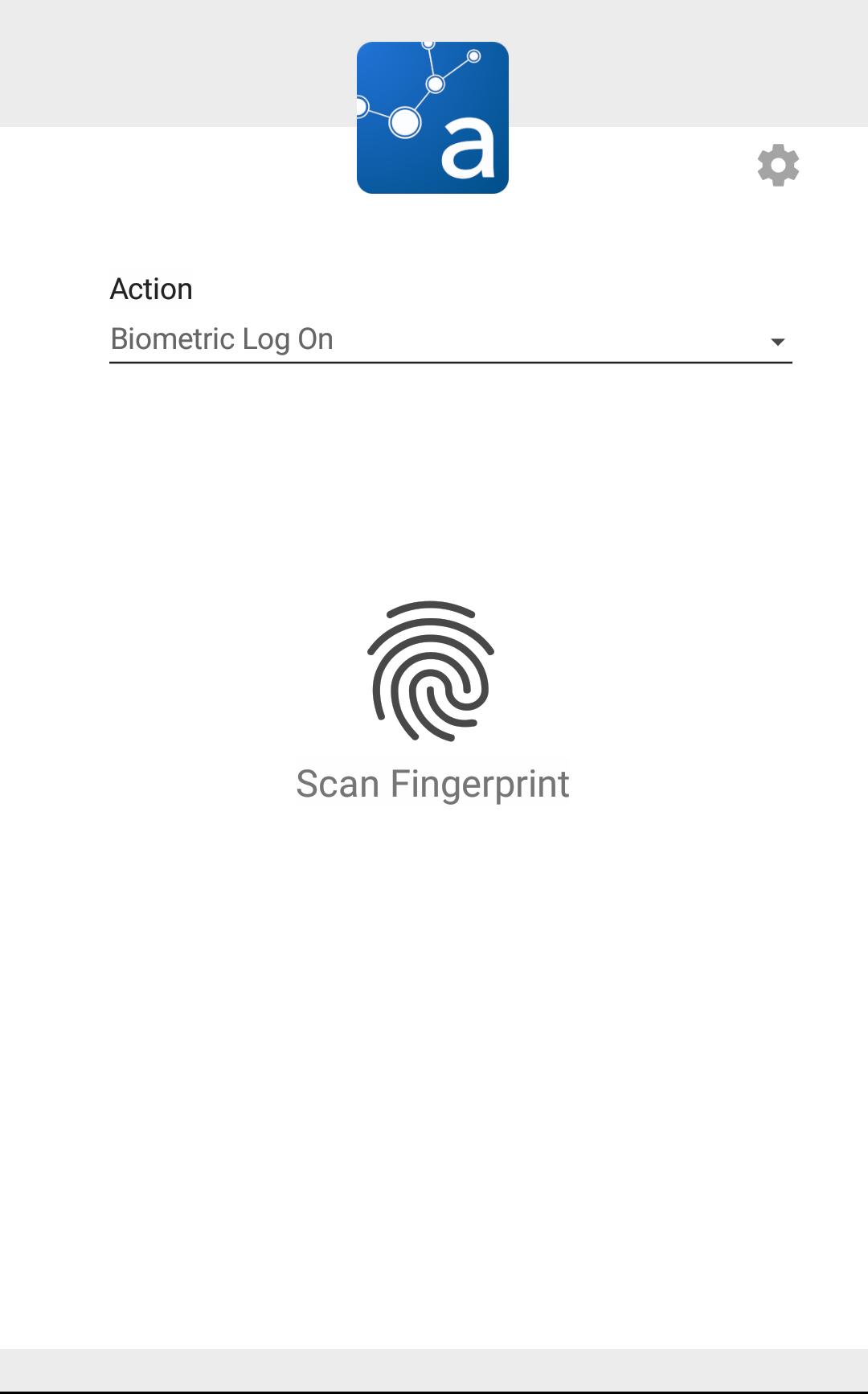
Acturis Mobile provides brokers with access to their business wherever they are; meeting with clients, on the road or from home.
Integrated seamlessly with your mobile device, the application allows for quick communication with current and prospective clients. This includes integration to maps and the call function.
Documents and photos can be captured and uploaded directly, for use in conjunction with the desktop application.
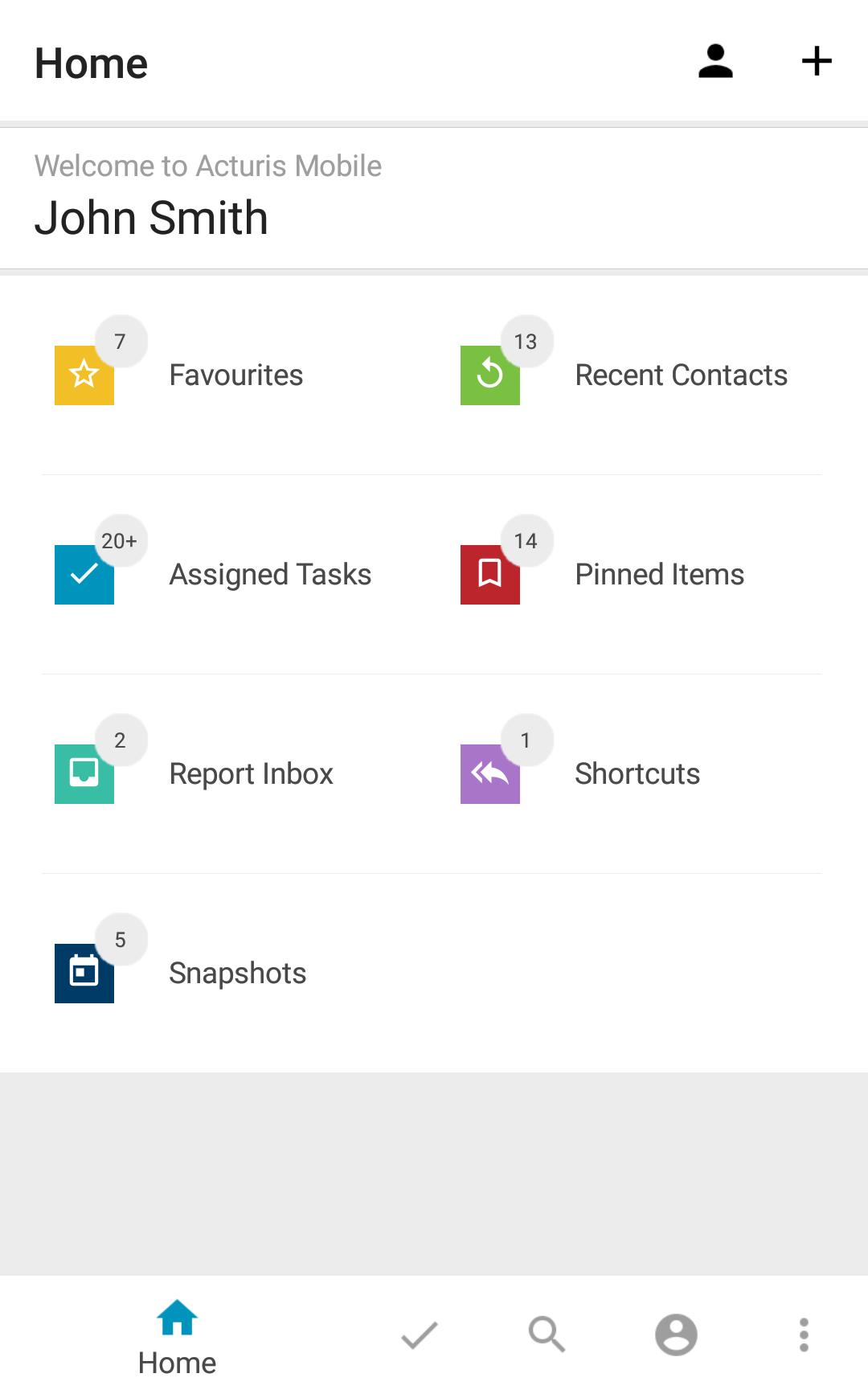
Acturis Mobile also features full “File & Diary” capabilities, including email and SMS sending, with instant sync of activities and tasks to the core system.
• Add and manage clients and prospects on the go
• Contact clients and colleagues directly from the application
• Access entire book of business on the Acturis system
• Full search functionality for contacts, rfqs, quotes, policies, claims and fees.
• Full File & Diary functionality, including Address Book, Electronic File, Task Management, Create Document, Create Email and Send SMS
• Integration with mobile device features, including call, email, SMS and Maps
NOTE: To use the Acturis Mobile App, you must have a full Acturis user license. Contact Acturis at info@acturis.com for additional details.
Preview
Tags
BusinessInformation
Developer
Acturis Ltd
Latest Version
1.5.151.0
Last Updated
2025-04-04
Category
Business
Available on
Google Play
Show More
How to play Acturis Mobile with GameLoop on PC
1. Download GameLoop from the official website, then run the exe file to install GameLoop
2. Open GameLoop and search for “Acturis Mobile” , find Acturis Mobile in the search results and click “Install”
3. Enjoy playing Acturis Mobile on GameLoop
Minimum requirements
OS
Windows 8.1 64-bit or Windows 10 64-bit
GPU
GTX 1050
CPU
i3-8300
Memory
8GB RAM
Storage
1GB available space
Recommended requirements
OS
Windows 8.1 64-bit or Windows 10 64-bit
GPU
GTX 1050
CPU
i3-9320
Memory
16GB RAM
Storage
1GB available space