
Construct Project Management PC
CMiC
Download Construct Project Management on PC With GameLoop Emulator
Construct Project Management sa PC
Ang Construct Project Management, na nagmumula sa developer na CMiC, ay tumatakbo sa Android systerm sa nakaraan.
Ngayon, maaari mong laruin ang Construct Project Management sa PC gamit ang GameLoop nang maayos.
I-download ito sa GameLoop library o mga resulta ng paghahanap. Hindi na tumitingin sa baterya o nakakadismaya na mga tawag sa maling oras.
I-enjoy lang ang Construct Project Management PC sa malaking screen nang libre!
Construct Project Management Panimula
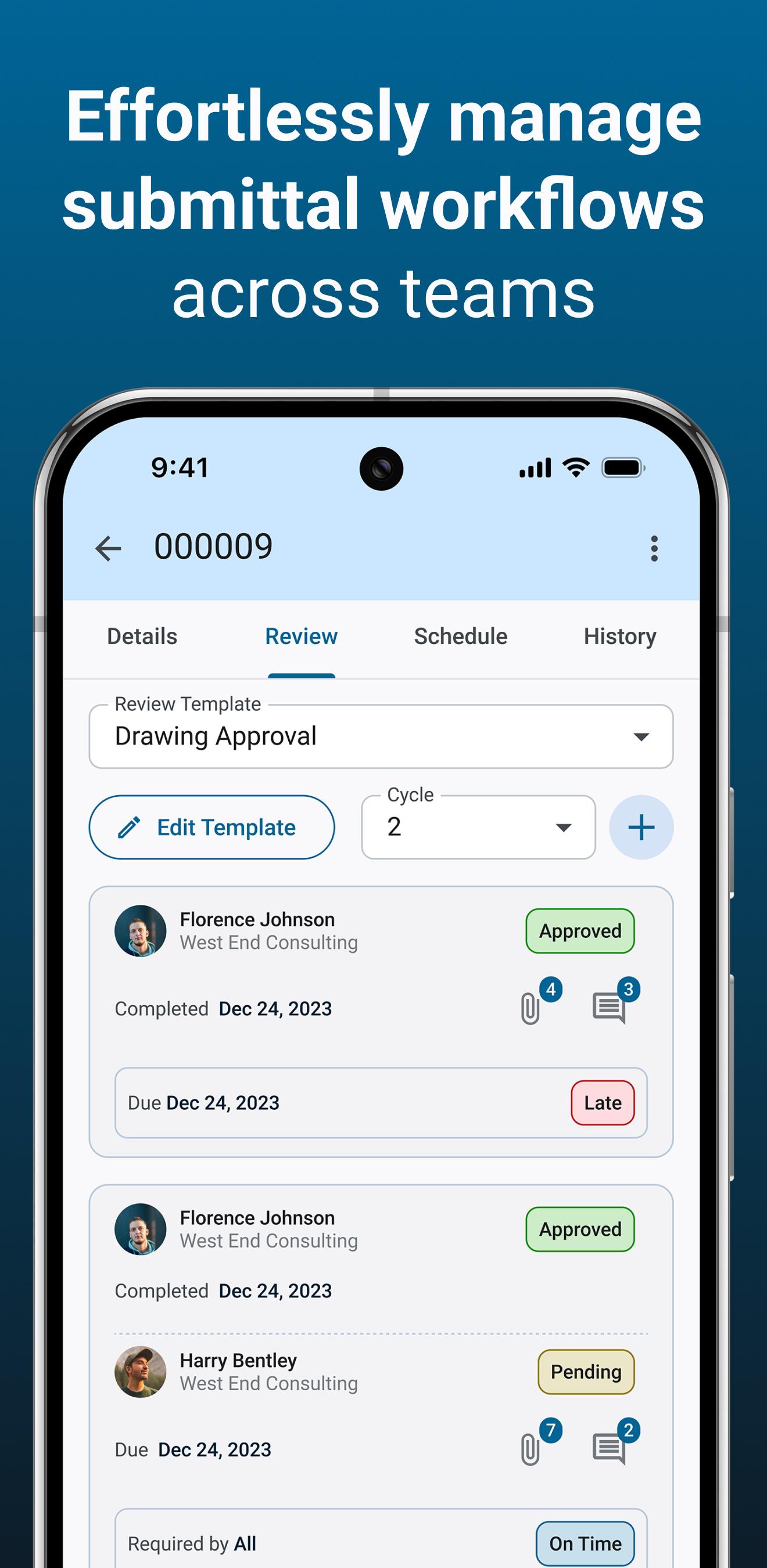
Construct Project Management (PM) is an all-purpose application giving field personnel access to essential information and allowing them to update the centralized database with their findings in real-time, rather than at the end of the shift, for maximum accuracy and timeliness. With offline functionality in case connectivity at the job site is inconsistent, this app keeps the field working personnel connected to the rest of the organization.
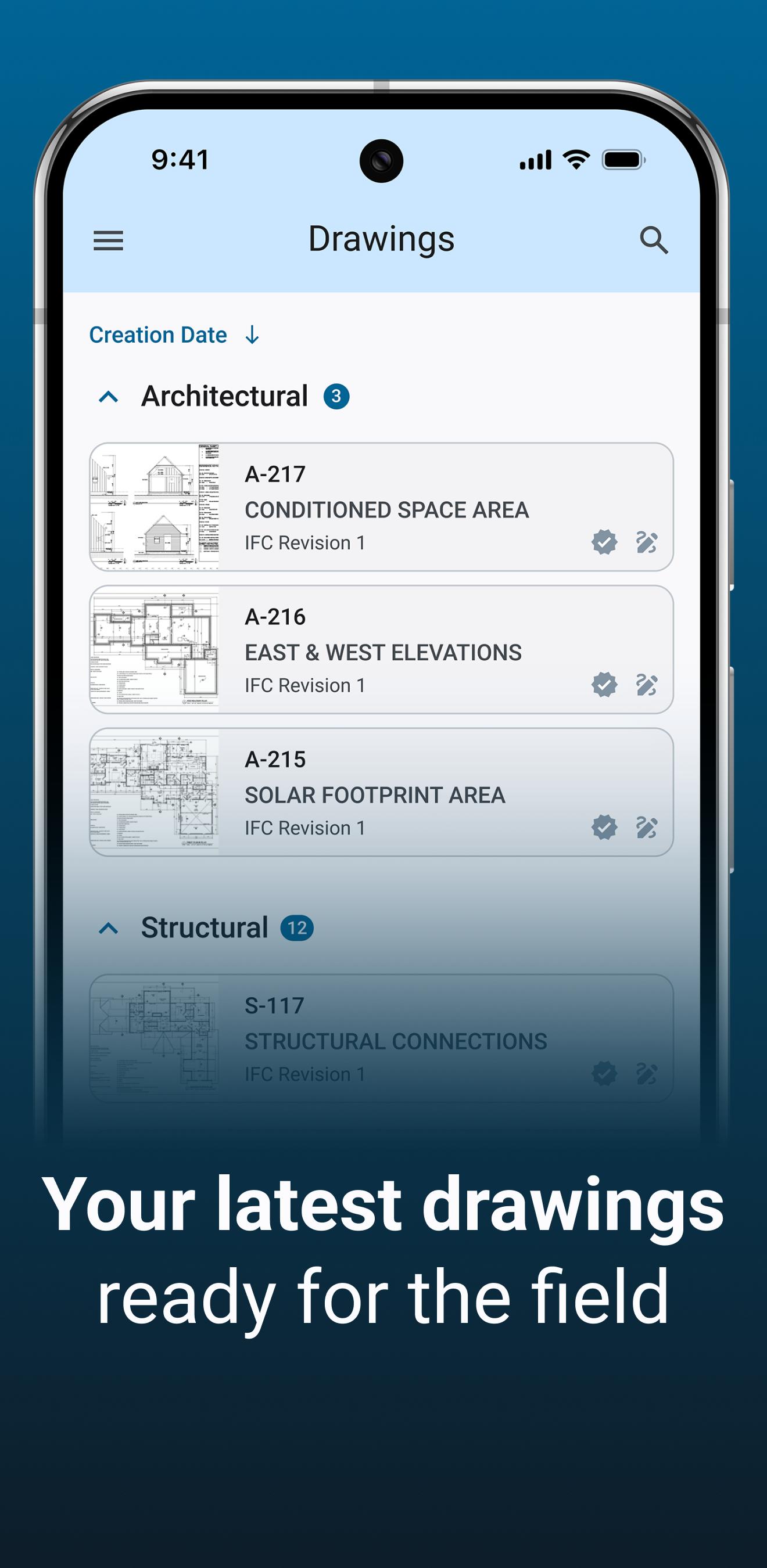
This app supports the recording of jobsite conditions, daily activities, and employee productivity, as well as giving construction workers access to the modules used by office staff. The project directory is accessible from the app, and workers can use it to respond to RFIs, manage drawings, upload multimedia content such as photos and update punch lists, along with many more helpful functions.
Preview
Tags
BusinessInformation
Developer
CMiC
Latest Version
1.0.84
Last Updated
2025-03-26
Category
Business
Available on
Google Play
Show More
How to play Construct Project Management with GameLoop on PC
1. Download GameLoop from the official website, then run the exe file to install GameLoop
2. Open GameLoop and search for “Construct Project Management” , find Construct Project Management in the search results and click “Install”
3. Enjoy playing Construct Project Management on GameLoop
Minimum requirements
OS
Windows 8.1 64-bit or Windows 10 64-bit
GPU
GTX 1050
CPU
i3-8300
Memory
8GB RAM
Storage
1GB available space
Recommended requirements
OS
Windows 8.1 64-bit or Windows 10 64-bit
GPU
GTX 1050
CPU
i3-9320
Memory
16GB RAM
Storage
1GB available space