Organizer App by EventsAir PC
Centium Software Pty Ltd
Download Organizer App by EventsAir on PC With GameLoop Emulator
Organizer App by EventsAir sa PC
Ang Organizer App by EventsAir, na nagmumula sa developer na Centium Software Pty Ltd, ay tumatakbo sa Android systerm sa nakaraan.
Ngayon, maaari mong laruin ang Organizer App by EventsAir sa PC gamit ang GameLoop nang maayos.
I-download ito sa GameLoop library o mga resulta ng paghahanap. Hindi na tumitingin sa baterya o nakakadismaya na mga tawag sa maling oras.
I-enjoy lang ang Organizer App by EventsAir PC sa malaking screen nang libre!
Organizer App by EventsAir Panimula
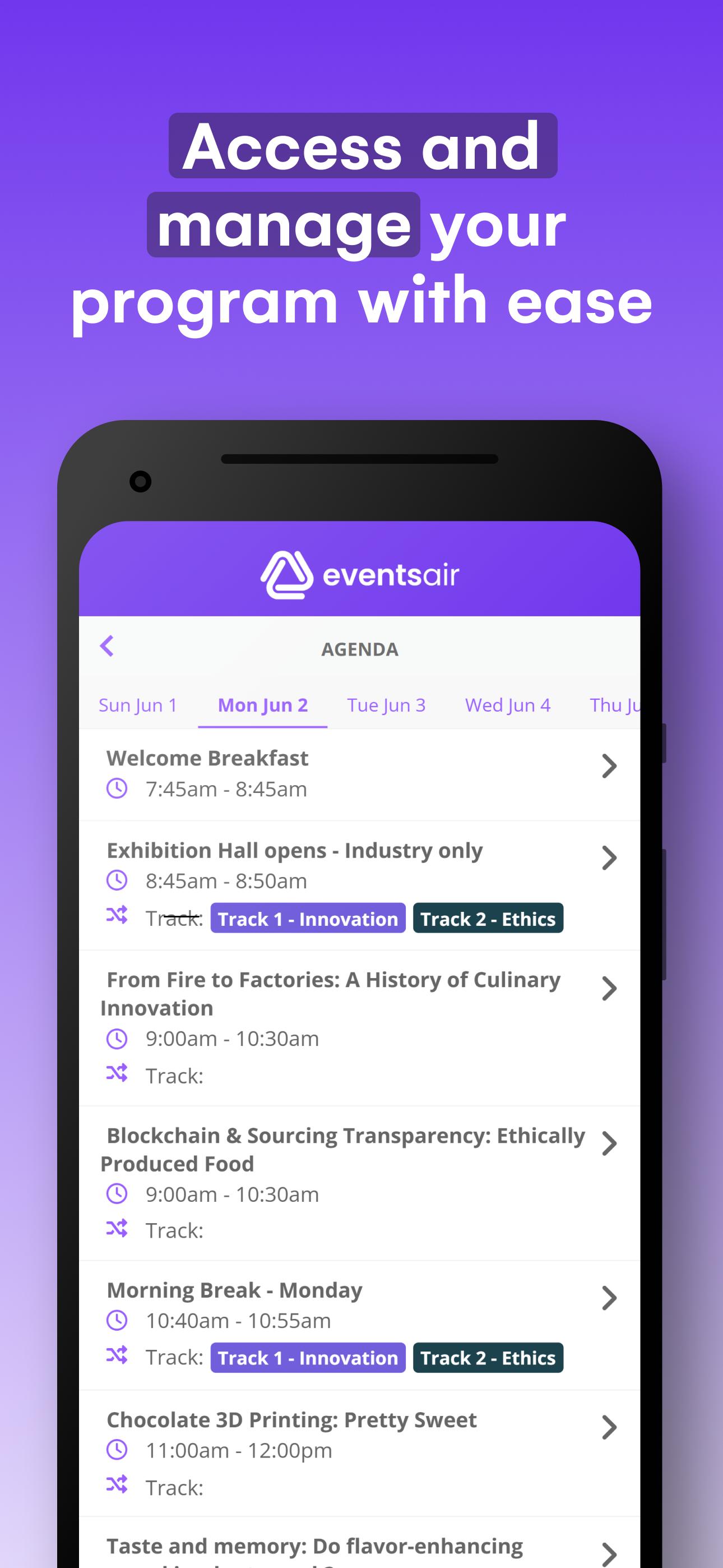
The EventsAir Organizer App gives you the power to manage your event effortlessly – whether you’re on the event floor or working remotely. This streamlined version of EventsAir provides quick access to key event management tools, ensuring everything runs smoothly.
Key features:
– Everything at your fingertips: Instantly access agendas, sessions, functions, run sheets, staff comms, social media streaming, and more.
– Seamless check-ins & payments: Check attendees in and out of sessions, manage walk-ins, and collect payments with ease.
– Real-time event control: Send notifications, manage tasks, and keep everything on track with instant updates.
– Stay connected: Communicate with staff and ensure smooth coordination throughout your event.
Getting started:
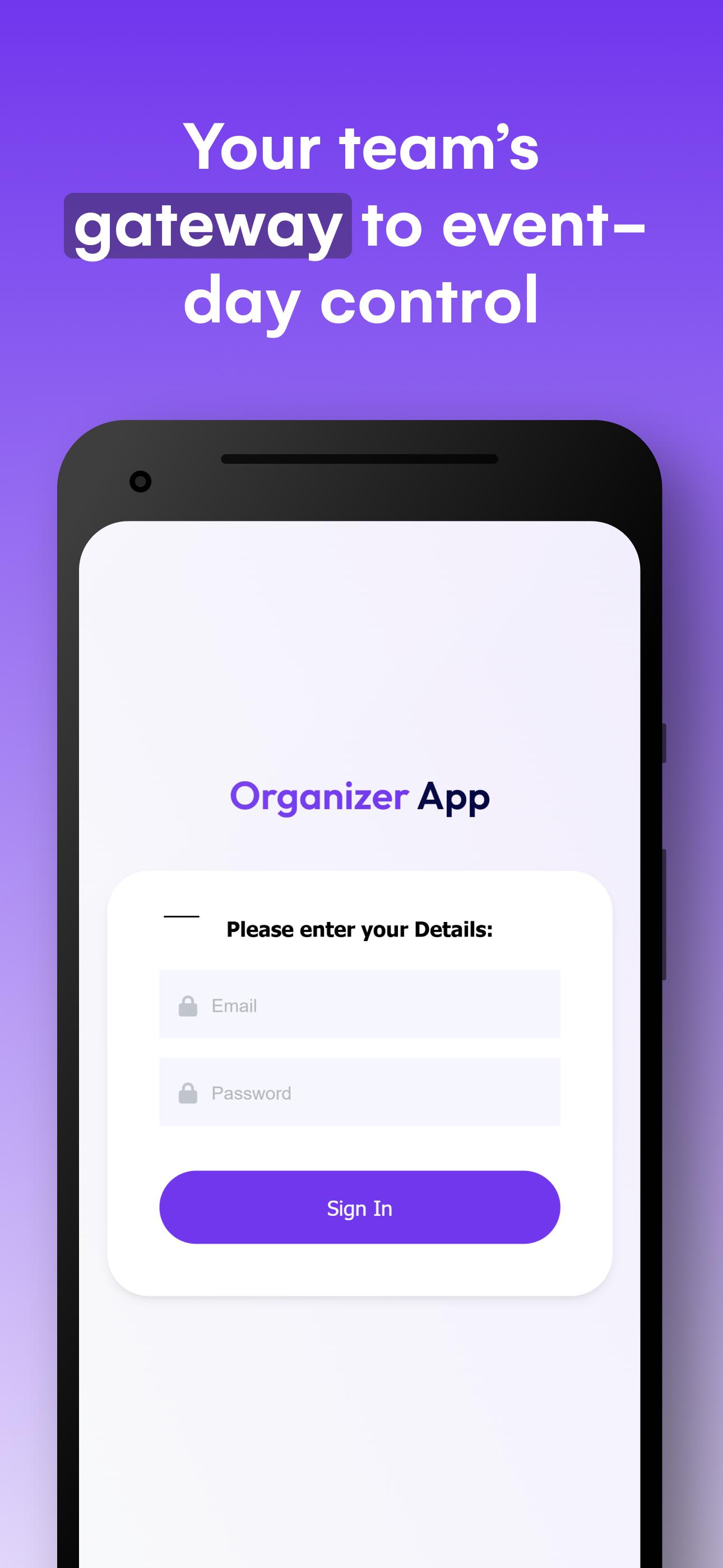
Simply install the app and enter your authorized email address and password provided to you. A licensed copy of EventsAir is required to use the Organizer App. Once installed, your Event Organizer App is ready to use onsite at your event.
Preview
Tags
BusinessInformation
Developer
Centium Software Pty Ltd
Latest Version
4.2.1
Last Updated
2025-09-05
Category
Business
Available on
Google Play
Show More
How to play Organizer App by EventsAir with GameLoop on PC
1. Download GameLoop from the official website, then run the exe file to install GameLoop
2. Open GameLoop and search for “Organizer App by EventsAir” , find Organizer App by EventsAir in the search results and click “Install”
3. Enjoy playing Organizer App by EventsAir on GameLoop
Minimum requirements
OS
Windows 8.1 64-bit or Windows 10 64-bit
GPU
GTX 1050
CPU
i3-8300
Memory
8GB RAM
Storage
1GB available space
Recommended requirements
OS
Windows 8.1 64-bit or Windows 10 64-bit
GPU
GTX 1050
CPU
i3-9320
Memory
16GB RAM
Storage
1GB available space