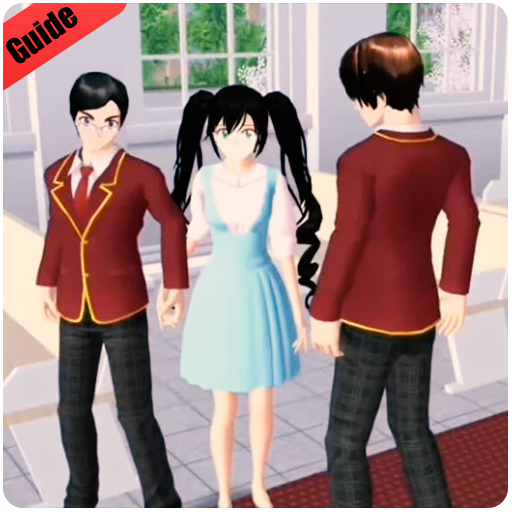
Walkthrough for SAKURA school simulator Guide 2020 PC
STUDIO.MIMA
Download Walkthrough for SAKURA school simulator Guide 2020 on PC With GameLoop Emulator
Walkthrough for SAKURA school simulator Guide 2020 sa PC
Ang Walkthrough for SAKURA school simulator Guide 2020, na nagmumula sa developer na STUDIO.MIMA, ay tumatakbo sa Android systerm sa nakaraan.
Ngayon, maaari mong laruin ang Walkthrough for SAKURA school simulator Guide 2020 sa PC gamit ang GameLoop nang maayos.
I-download ito sa GameLoop library o mga resulta ng paghahanap. Hindi na tumitingin sa baterya o nakakadismaya na mga tawag sa maling oras.
I-enjoy lang ang Walkthrough for SAKURA school simulator Guide 2020 PC sa malaking screen nang libre!
Walkthrough for SAKURA school simulator Guide 2020 Panimula
OUTSTANDING FEATURES
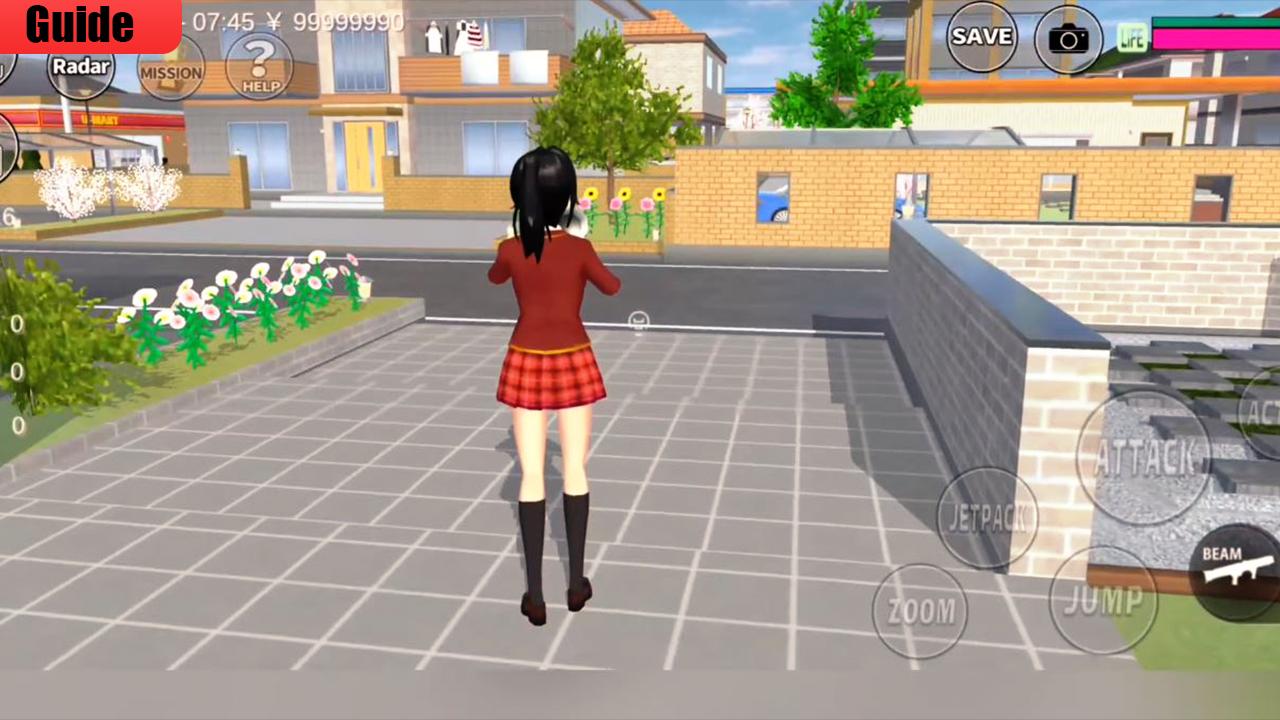
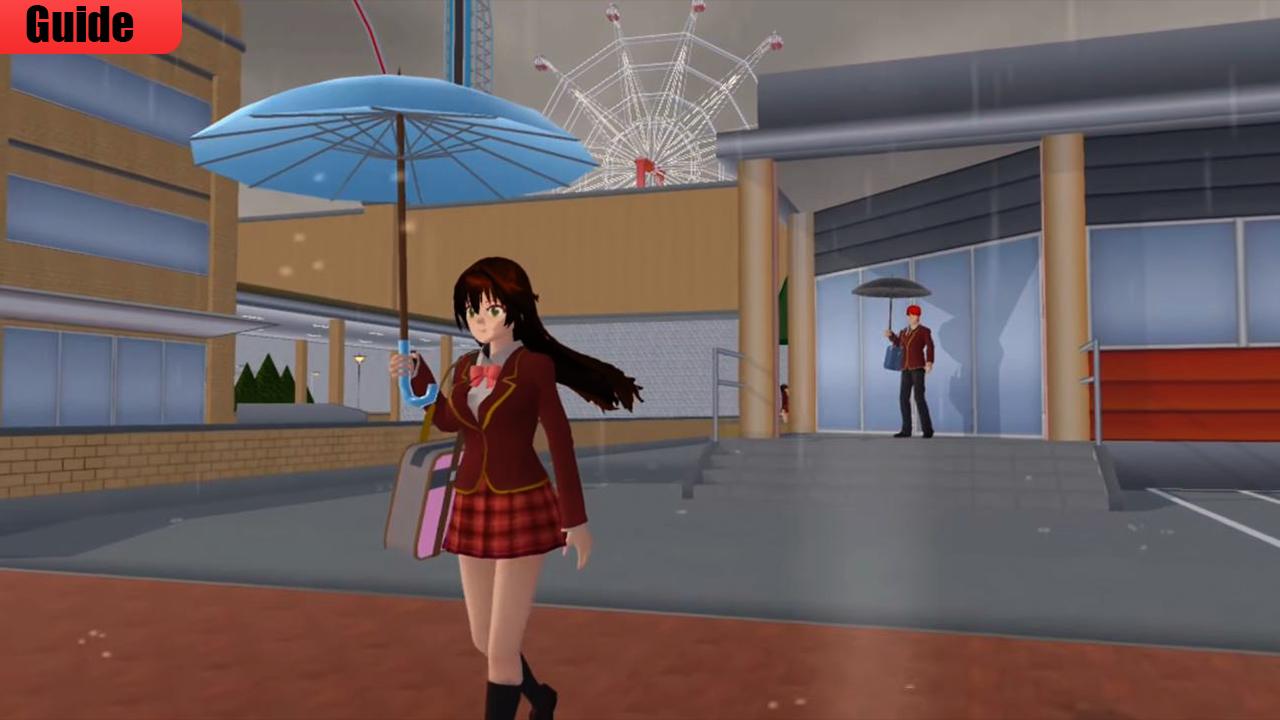
Absolutely remarkable light baked Graphics combined with Realtime Light and Shadows
Play at DAYLIGHT or at NIGHT just equipped with your Flashlight
Hundreds of Quests and Dialogue Options in High school simulator
this beautiful App will help you to know everything about the most famous School Sakura Senpai Simulator, you will find many tricks and walkthroughs, however, in this guide you will discover how to complete all School senpai Simulator Game missions and help in the most easiest way .
This is not an official Sakura School Simulator app, not associated or affiliated with developers of any app or any of their partners. This application follows the "fair use" guidelines by US law, if you feel there is a direct copyright or trademark violation that does not follow within the "fair use" guidelines, please contact us directly.
Preview
Information
Developer
STUDIO.MIMA
Latest Version
1.0
Last Updated
2021-01-01
Category
Books-reference
Available on
Google Play
Show More
How to play Walkthrough for SAKURA school simulator Guide 2020 with GameLoop on PC
1. Download GameLoop from the official website, then run the exe file to install GameLoop
2. Open GameLoop and search for “Walkthrough for SAKURA school simulator Guide 2020” , find Walkthrough for SAKURA school simulator Guide 2020 in the search results and click “Install”
3. Enjoy playing Walkthrough for SAKURA school simulator Guide 2020 on GameLoop
Minimum requirements
OS
Windows 8.1 64-bit or Windows 10 64-bit
GPU
GTX 1050
CPU
i3-8300
Memory
8GB RAM
Storage
1GB available space
Recommended requirements
OS
Windows 8.1 64-bit or Windows 10 64-bit
GPU
GTX 1050
CPU
i3-9320
Memory
16GB RAM
Storage
1GB available space