Tongan Bible / English Bible A PC
BiblesMap.Net
Download Tongan Bible / English Bible A on PC With GameLoop Emulator
Tongan Bible / English Bible A sa PC
Ang Tongan Bible / English Bible A, na nagmumula sa developer na BiblesMap.Net, ay tumatakbo sa Android systerm sa nakaraan.
Ngayon, maaari mong laruin ang Tongan Bible / English Bible A sa PC gamit ang GameLoop nang maayos.
I-download ito sa GameLoop library o mga resulta ng paghahanap. Hindi na tumitingin sa baterya o nakakadismaya na mga tawag sa maling oras.
I-enjoy lang ang Tongan Bible / English Bible A PC sa malaking screen nang libre!
Tongan Bible / English Bible A Panimula
Tongan Bible : Revised West Version 📖
English Bible : Authorised King James Version 📖 🔊
World English Bible (British Edition) 📖
Lumo Project Gospel Videos (ENG) : MAT/MRK/LUK/JHN
Red Letters : Words of Jesus (for English Bible)
Layouts : Single-Pane / Two-Pane Parallel / Verse-by-verse
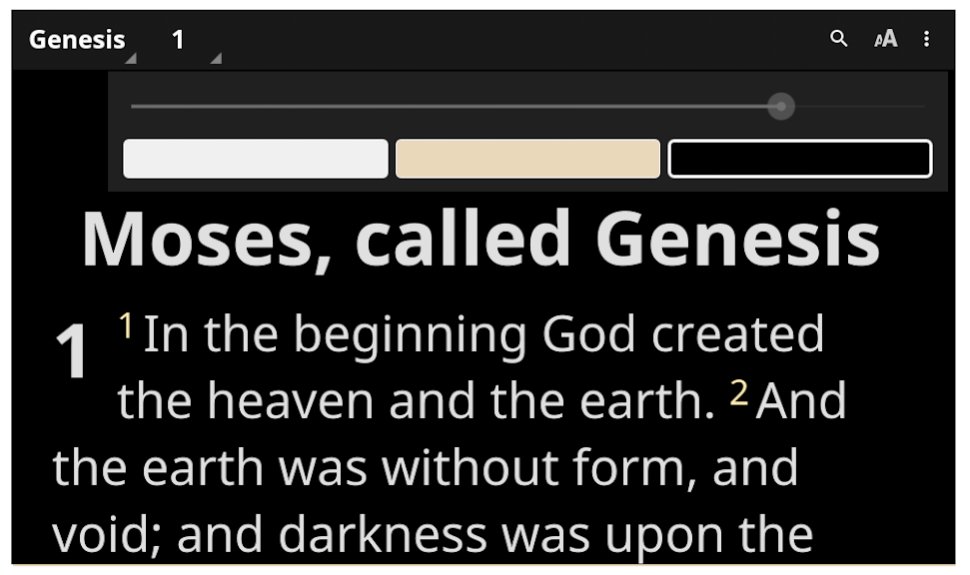
Background Colours : White, Black, Brown
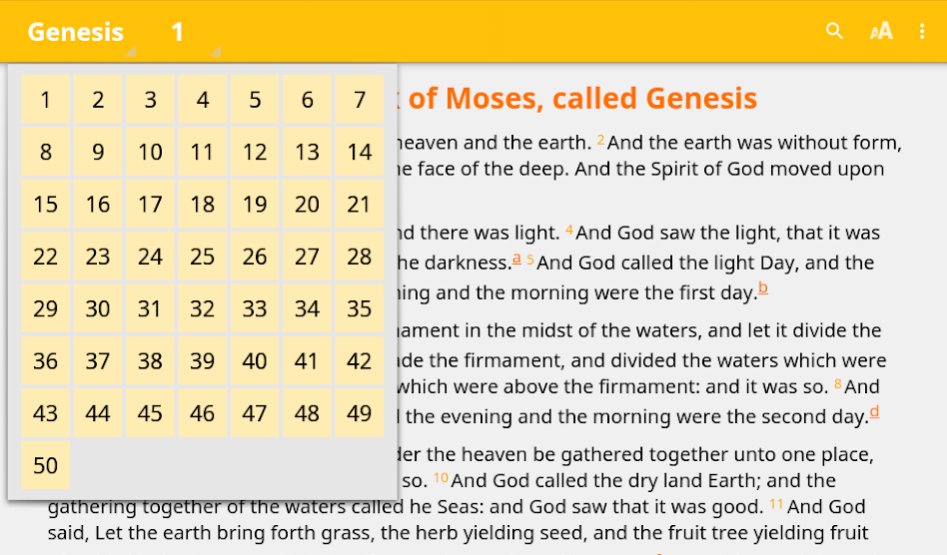
Text Resizer, Verse Selector,
Verse Sharing
Highlights, Bookmarks, Notes, History
Search
Interface Languages : English, Tongan, Arabic, Mandarin Chinese, Farsi, French, German, Hindi, Indonesian, Portuguese, Russian, Spanish, Turkish, Ukrainian
Preview
Tags
Books-&Information
Developer
BiblesMap.Net
Latest Version
1.0.1
Last Updated
2019-06-09
Category
Books-reference
Available on
Google Play
Show More
How to play Tongan Bible / English Bible A with GameLoop on PC
1. Download GameLoop from the official website, then run the exe file to install GameLoop
2. Open GameLoop and search for “Tongan Bible / English Bible A” , find Tongan Bible / English Bible A in the search results and click “Install”
3. Enjoy playing Tongan Bible / English Bible A on GameLoop
Minimum requirements
OS
Windows 8.1 64-bit or Windows 10 64-bit
GPU
GTX 1050
CPU
i3-8300
Memory
8GB RAM
Storage
1GB available space
Recommended requirements
OS
Windows 8.1 64-bit or Windows 10 64-bit
GPU
GTX 1050
CPU
i3-9320
Memory
16GB RAM
Storage
1GB available space