
Spoken Arabic Malayalam 360 PC
BigKnol
Download Spoken Arabic Malayalam 360 on PC With GameLoop Emulator
Spoken Arabic Malayalam 360 sa PC
Ang Spoken Arabic Malayalam 360, na nagmumula sa developer na BigKnol, ay tumatakbo sa Android systerm sa nakaraan.
Ngayon, maaari mong laruin ang Spoken Arabic Malayalam 360 sa PC gamit ang GameLoop nang maayos.
I-download ito sa GameLoop library o mga resulta ng paghahanap. Hindi na tumitingin sa baterya o nakakadismaya na mga tawag sa maling oras.
I-enjoy lang ang Spoken Arabic Malayalam 360 PC sa malaking screen nang libre!
Spoken Arabic Malayalam 360 Panimula
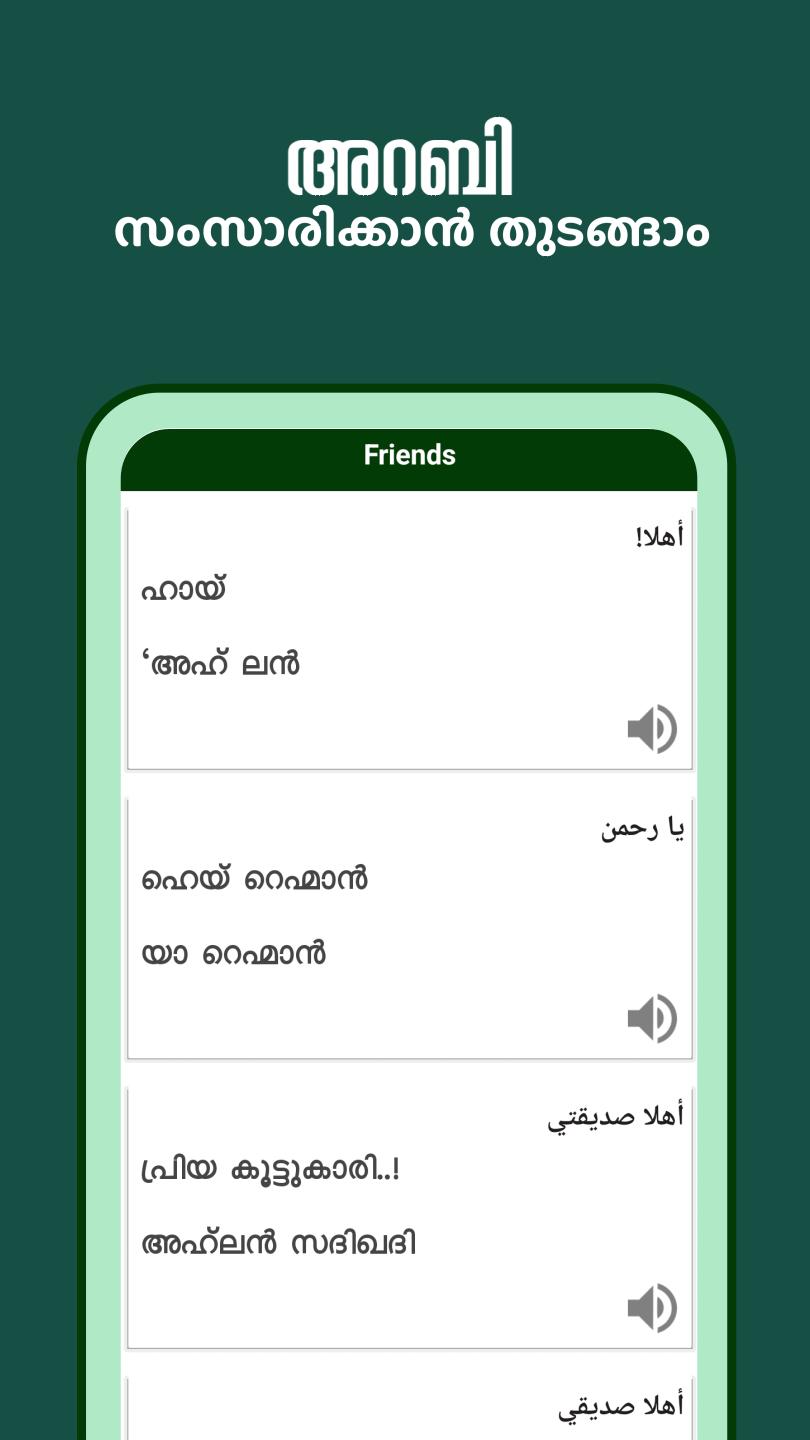
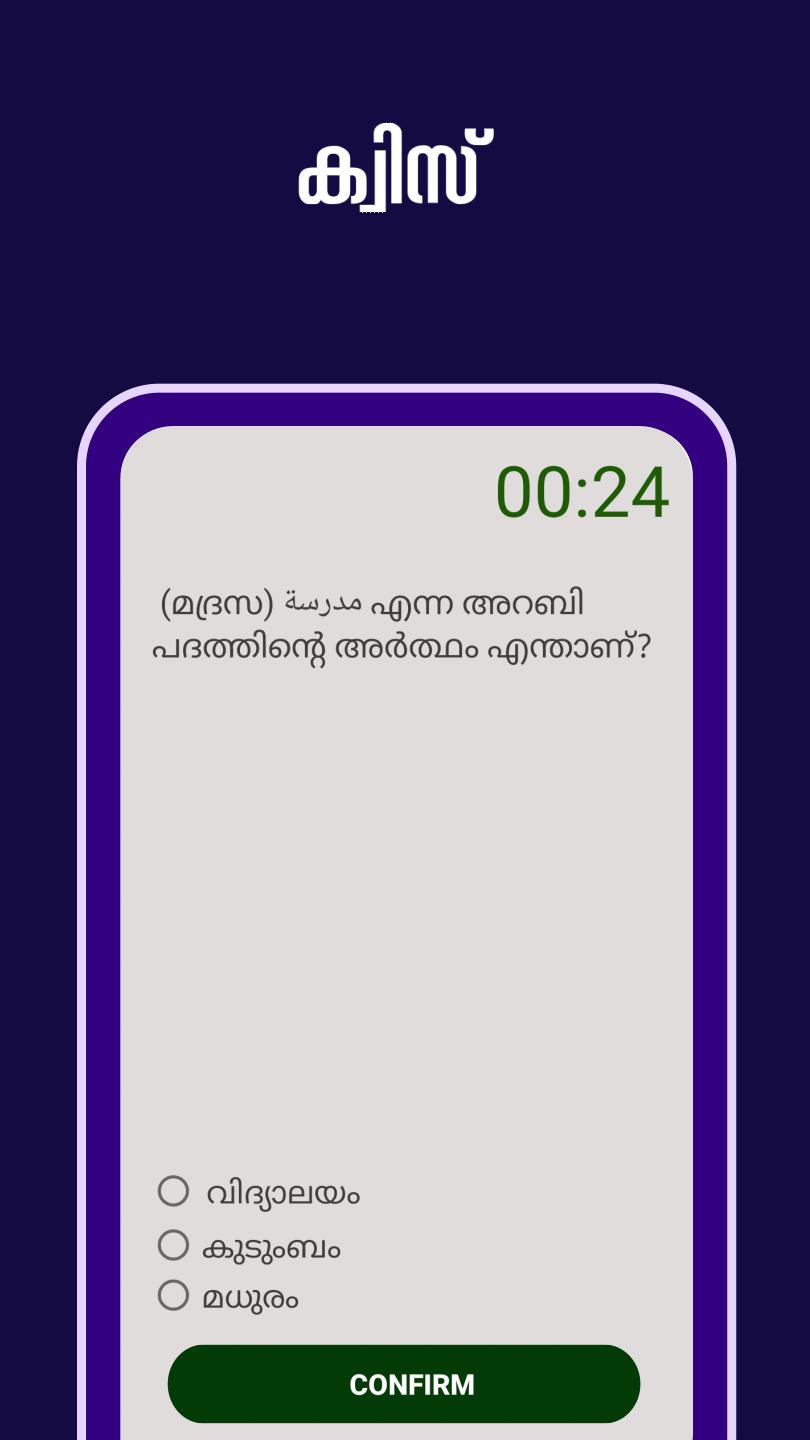
Speaking in Arabic is both a fashion and a necessity in Arabic nations. The app primarily attempts to introduce those who speak Malayalam language. Every Malayalam native speaker can learn Arabic through this app “Spoken Arabic Malayalam 360”. The app adopts the scientific approach, introducing Arabic alphabets, words, and sentences in that order and application of these in the most common situations of daily life. This app can also be helpful to people who are on visit to Arabic nations as tourists, employees, and businesspersons. It is designed to help Malayalam speakers learn Arabic by using Arabic audio and Malayalam phrases. Learning process is quite simple with this app, users can tap on speaker icon to hear the pronunciation of Arabic words. The app follows a predefined structure for translating Arabic to Malayalam.
Preview
Tags
Books-&Information
Developer
BigKnol
Latest Version
10.1
Last Updated
2024-11-01
Category
Books-reference
Available on
Google Play
Show More
How to play Spoken Arabic Malayalam 360 with GameLoop on PC
1. Download GameLoop from the official website, then run the exe file to install GameLoop
2. Open GameLoop and search for “Spoken Arabic Malayalam 360” , find Spoken Arabic Malayalam 360 in the search results and click “Install”
3. Enjoy playing Spoken Arabic Malayalam 360 on GameLoop
Minimum requirements
OS
Windows 8.1 64-bit or Windows 10 64-bit
GPU
GTX 1050
CPU
i3-8300
Memory
8GB RAM
Storage
1GB available space
Recommended requirements
OS
Windows 8.1 64-bit or Windows 10 64-bit
GPU
GTX 1050
CPU
i3-9320
Memory
16GB RAM
Storage
1GB available space