Class 2 Math Book For Kids PC
Open Educational Forum
Download Class 2 Math Book For Kids on PC With GameLoop Emulator
Class 2 Math Book For Kids sa PC
Ang Class 2 Math Book For Kids, na nagmumula sa developer na Open Educational Forum, ay tumatakbo sa Android systerm sa nakaraan.
Ngayon, maaari mong laruin ang Class 2 Math Book For Kids sa PC gamit ang GameLoop nang maayos.
I-download ito sa GameLoop library o mga resulta ng paghahanap. Hindi na tumitingin sa baterya o nakakadismaya na mga tawag sa maling oras.
I-enjoy lang ang Class 2 Math Book For Kids PC sa malaking screen nang libre!
Class 2 Math Book For Kids Panimula
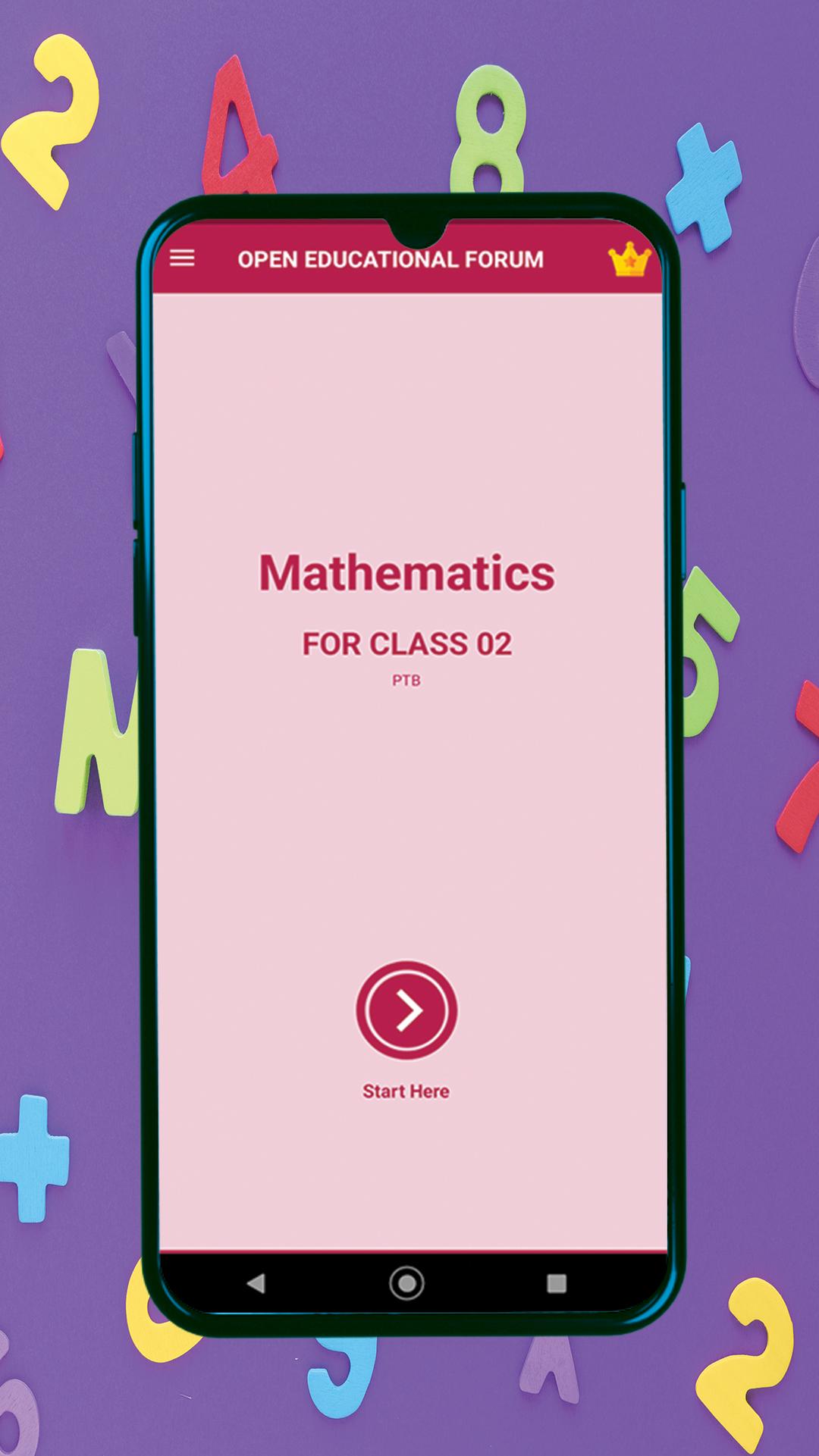
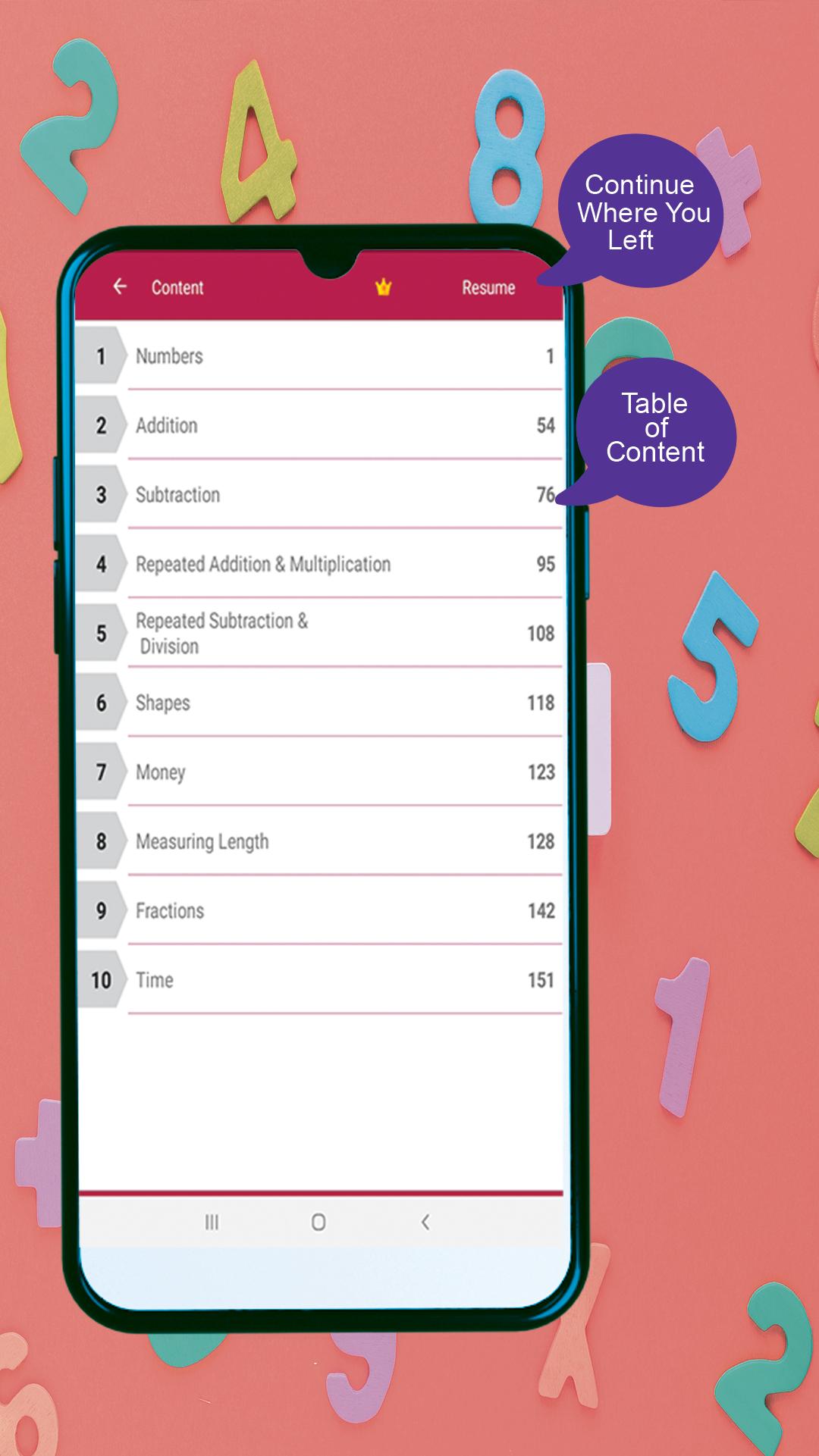
It's never too early to start your child's education. The best way to encourage that is to share smart, well-made educational apps and games with them on a daily basis. Maths from class2 is free learning app designed to teach young children numbers and mathematics. Several mini-activities and Maths games will love to play, and more they do the better math skills will become! One of best app for preschooler children. This application is based on Punjab Textbook for class 2 published by the Department of Education, Govt. Of Punjab, Pakistan. A complete text book is hosted in this Application for teaching purpose. With this Mathematics class two app, babies are encouraged to learn about Numbers, Addition, Subtraction, Repeated Addition & Multiplication, Repeated Subtraction & Division, DMAS, Shapes, Money, Measurements, Fractions and Time with assessment activities through interactions with engaging interactive pictures and graphical effect.
The core feature is you can write notes and underline paragraphs for later reference. If you want to see a page better, you can zoom in. It is more beneficial to use a tablet instead of a smartphone. Another feature is you can share your edited notes pages with tutors and fellow students using social media. If you leave off on the page using this app, you can resume it from where you left off. There is no charge for downloading the app. You can download it free. Last but not least, you can save and share your edited pages with your friends for collaborative study and discussion. Although the book can be read on a Smartphone handset, it is more convenient to read on a tablet.
Main topic cover in this app:
• Counting
• Addition
• Subtraction
• Multiplication
• Division
• Shapes
• Measurement
• Money
• Fractions
• Time
Features:
1. Where you left off, you can resume your reading.
2. You can use a pen to make personal notes on textbook pages and highlight the key paragraphs for later use.
3. Your pages will look better if you zoom IN. Actually, using a tablet instead of a smartphone is more useful.
4. Save and share you’re edited and notes pages with tutors and fellows on social media.
How to use:
• Tap to open the textbook.
• Select the chapter on the content page you want to study or press the Resume button to go where you left last time.
• Mark out pages using editing tools (pen and highlighter).
• Save and share your edited pages with friends on whatsApp, Facebook, Instagram and many other.
Note to Parents:
When creating online Maths class 2, we focused on building the best possible learning experience for children of all ages. We're parents ourselves, so we know exactly what makes a good educational game, as well as what doesn't. We released Kids Math as a completely free game with no in-app purchases or third party ads. Math Kids is full featured, frustration free, and ready to go. It’s exactly the kind of educational app we want for our children, and we think your family will enjoy it, too! Try it today to enjoy watching your child learn and have fun with mathematic for Kids!
Preview
Tags
Books-&EducationInformation
Developer
Open Educational Forum
Latest Version
1.1.1
Last Updated
2023-04-12
Category
Books-reference
Available on
Google Play
Show More
How to play Class 2 Math Book For Kids with GameLoop on PC
1. Download GameLoop from the official website, then run the exe file to install GameLoop
2. Open GameLoop and search for “Class 2 Math Book For Kids” , find Class 2 Math Book For Kids in the search results and click “Install”
3. Enjoy playing Class 2 Math Book For Kids on GameLoop
Minimum requirements
OS
Windows 8.1 64-bit or Windows 10 64-bit
GPU
GTX 1050
CPU
i3-8300
Memory
8GB RAM
Storage
1GB available space
Recommended requirements
OS
Windows 8.1 64-bit or Windows 10 64-bit
GPU
GTX 1050
CPU
i3-9320
Memory
16GB RAM
Storage
1GB available space