
little nightmares 2 walkthrough 21 PC
Autumn Apps
Download little nightmares 2 walkthrough 21 on PC With GameLoop Emulator
little nightmares 2 walkthrough 21 sa PC
Ang little nightmares 2 walkthrough 21, na nagmumula sa developer na Autumn Apps, ay tumatakbo sa Android systerm sa nakaraan.
Ngayon, maaari mong laruin ang little nightmares 2 walkthrough 21 sa PC gamit ang GameLoop nang maayos.
I-download ito sa GameLoop library o mga resulta ng paghahanap. Hindi na tumitingin sa baterya o nakakadismaya na mga tawag sa maling oras.
I-enjoy lang ang little nightmares 2 walkthrough 21 PC sa malaking screen nang libre!
little nightmares 2 walkthrough 21 Panimula
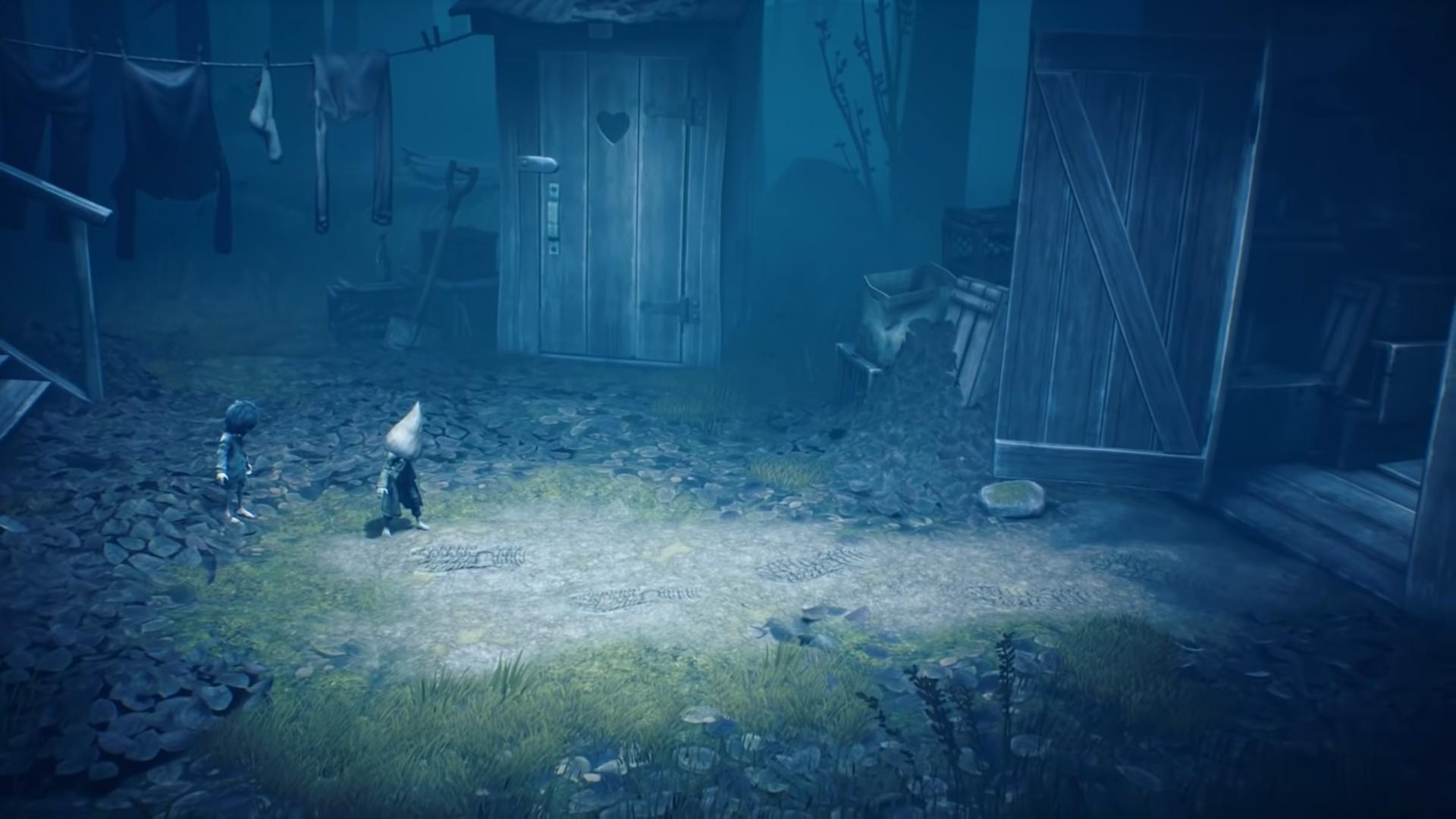
If you a true fan of little nightmares 2 you surely know how difficult is to complete all the levels in little nightmares II game and without a helpful guide it's hard to complete all little nightmares 2 levels that's why we bring to you this helpful tips for little nightmares walkthrough application that will assist and show you how to complete different levels in the game.
The Little Nightmares 2 walkthrough Apkpure is the guide that
You should simply follow the means illustrated inside the guide and you can positively make your ToCafe life world a superior spot. Indeed, the guide will give you clues and tips about how to improve your cultivating abilities, by giving you explicit directions on when to plant that crops, when to furrow, when to collect, and so on
You can fellow the steps with pictures for each action of guide for little nightmares 2 game. This is an unofficial guide - the guide for game little nightmares 2 Guide, written by a fan, perfect for Beginners and intermediate players. This tutorial or tip opens up top secrets for every level of little nightmares 2, I try my best to give you instructions or tips for this game.
Preview

Information
Developer
Autumn Apps
Latest Version
1
Last Updated
2021-03-29
Category
Books-reference
Available on
Google Play
Show More
How to play little nightmares 2 walkthrough 21 with GameLoop on PC
1. Download GameLoop from the official website, then run the exe file to install GameLoop
2. Open GameLoop and search for “little nightmares 2 walkthrough 21” , find little nightmares 2 walkthrough 21 in the search results and click “Install”
3. Enjoy playing little nightmares 2 walkthrough 21 on GameLoop
Minimum requirements
OS
Windows 8.1 64-bit or Windows 10 64-bit
GPU
GTX 1050
CPU
i3-8300
Memory
8GB RAM
Storage
1GB available space
Recommended requirements
OS
Windows 8.1 64-bit or Windows 10 64-bit
GPU
GTX 1050
CPU
i3-9320
Memory
16GB RAM
Storage
1GB available space