FBReader: Favorite Book Reader PC
FBReader.ORG Limited
Download FBReader: Favorite Book Reader on PC With GameLoop Emulator
FBReader: Favorite Book Reader sa PC
Ang FBReader: Favorite Book Reader, na nagmumula sa developer na FBReader.ORG Limited, ay tumatakbo sa Android systerm sa nakaraan.
Ngayon, maaari mong laruin ang FBReader: Favorite Book Reader sa PC gamit ang GameLoop nang maayos.
I-download ito sa GameLoop library o mga resulta ng paghahanap. Hindi na tumitingin sa baterya o nakakadismaya na mga tawag sa maling oras.
I-enjoy lang ang FBReader: Favorite Book Reader PC sa malaking screen nang libre!
FBReader: Favorite Book Reader Panimula
FBReader — a fast, lightweight, and customizable ebook reader
FBReader opens DRM-free ebooks as well as titles protected with Readium LCP.
Supported ebook formats:
• ePub (including ePub3 features), PDF, Kindle azw3, fb2(.zip)
• Comic books (CBZ/CBR)
• DOC, RTF, HTML, and plain text
Great for language learners:
• Instant word and phrase lookups through your preferred dictionary app
Cloud sync (optional):
• Sync your library and reading positions using the FBReader Book Network, a Google Drive based service
• Disabled by default; enable it in Settings
Highly customizable:
• Use your own TrueType/OpenType fonts and custom backgrounds
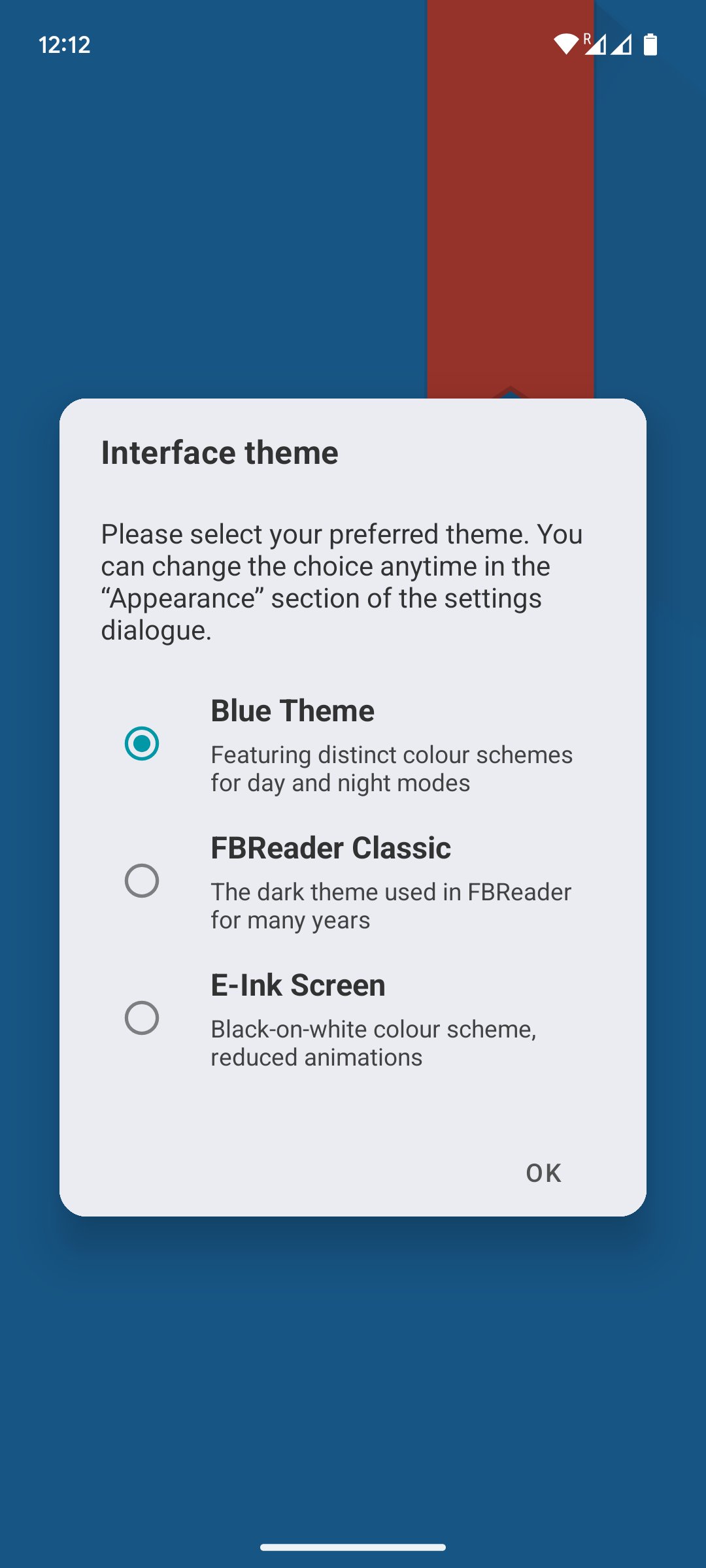
• Day and night color themes
• Adjust brightness with a simple swipe along the screen edge
• Fine-tune layout, gestures, and appearance
Optimized for every screen:
• Works smoothly on phones and tablets
• Fully optimized for e-ink devices while still performing excellently on standard LCD and AMOLED screens
Easy access to books:
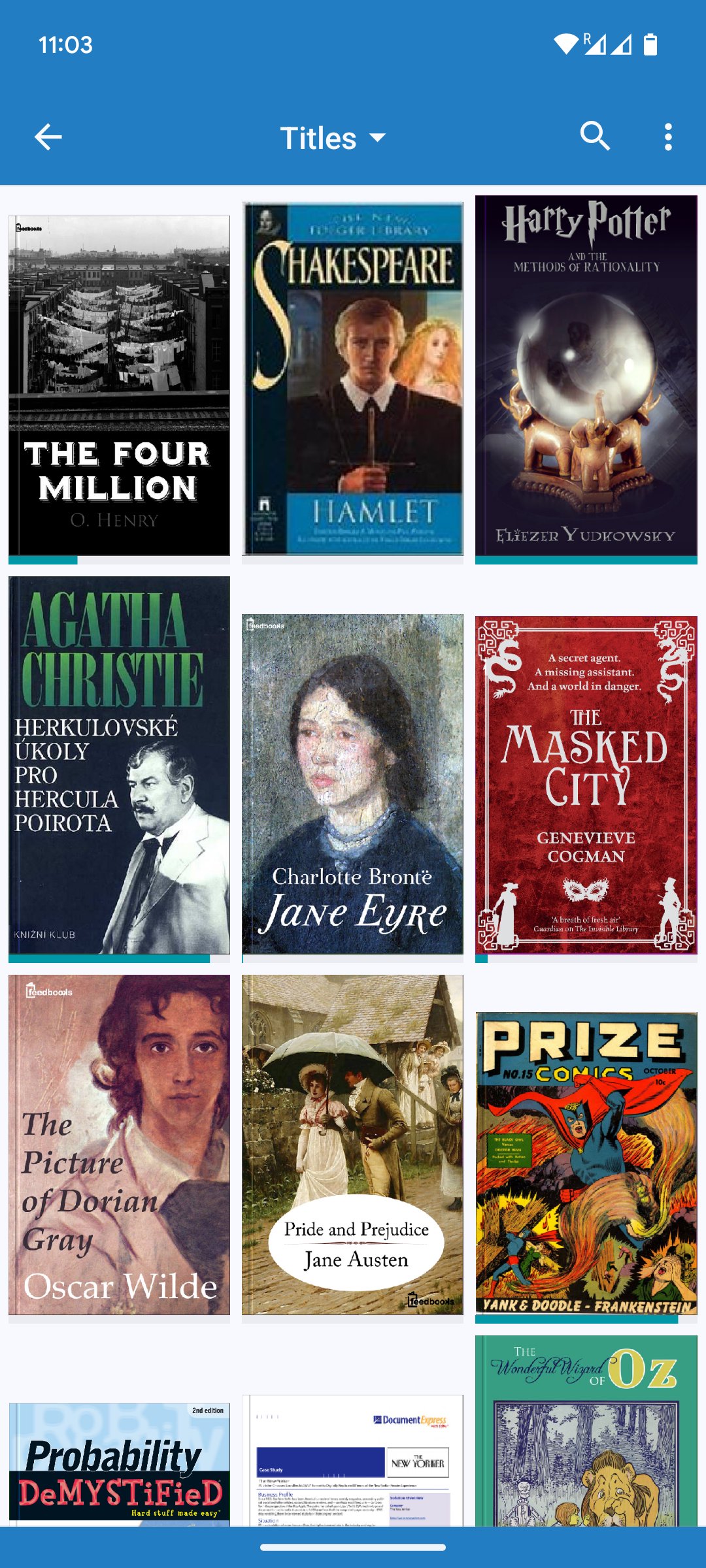
• Built-in browser for online catalogs and OPDS stores
• Support for custom OPDS catalogs
• Or place ebooks directly in your device’s Books folder
Made for readers worldwide:
• Localized in 34 languages
• Includes hyphenation patterns for 24 languages
Preview
Tags
Books-&BoardInformation
Developer
FBReader.ORG Limited
Latest Version
3.1.9
Last Updated
2026-08-02
Category
Books-reference
Available on
Google Play
Show More
How to play FBReader: Favorite Book Reader with GameLoop on PC
1. Download GameLoop from the official website, then run the exe file to install GameLoop
2. Open GameLoop and search for “FBReader: Favorite Book Reader” , find FBReader: Favorite Book Reader in the search results and click “Install”
3. Enjoy playing FBReader: Favorite Book Reader on GameLoop
Minimum requirements
OS
Windows 8.1 64-bit or Windows 10 64-bit
GPU
GTX 1050
CPU
i3-8300
Memory
8GB RAM
Storage
1GB available space
Recommended requirements
OS
Windows 8.1 64-bit or Windows 10 64-bit
GPU
GTX 1050
CPU
i3-9320
Memory
16GB RAM
Storage
1GB available space