Bible NABRE PC
DPStudios
Download Bible NABRE on PC With GameLoop Emulator
Bible NABRE sa PC
Ang Bible NABRE, na nagmumula sa developer na DPStudios, ay tumatakbo sa Android systerm sa nakaraan.
Ngayon, maaari mong laruin ang Bible NABRE sa PC gamit ang GameLoop nang maayos.
I-download ito sa GameLoop library o mga resulta ng paghahanap. Hindi na tumitingin sa baterya o nakakadismaya na mga tawag sa maling oras.
I-enjoy lang ang Bible NABRE PC sa malaking screen nang libre!
Bible NABRE Panimula
The New American Bible Revised Edition (NABRE) is an English-language Catholic Bible translation, the first major update in 20 years to the New American Bible (NAB), originally published in 1970 by the Confraternity of Christian Doctrine.[1] Released on March 9, 2011, it consists of the 1986 revision of the NAB New Testament with a fully revised Old Testament approved by the United States Conference of Catholic Bishops in 2010.
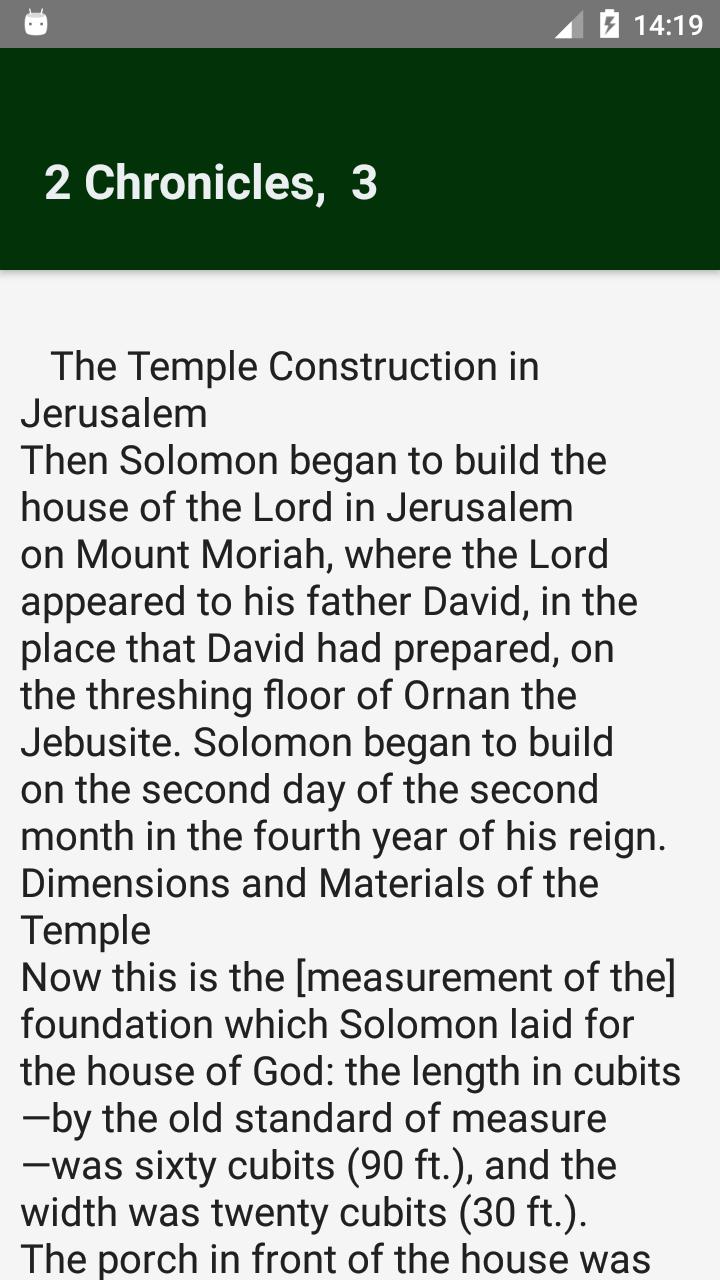
You can read Bible offline. User interface is designed for easy navigation. Very easy access to all Chapters of Holy Bible.
Free Holy Bible App Offline
• Works Offline: All the Books, chapters and verses in the Bible are stored on your mobile device, so you will never need internet connection to study, read and enjoy the Holy Bible.
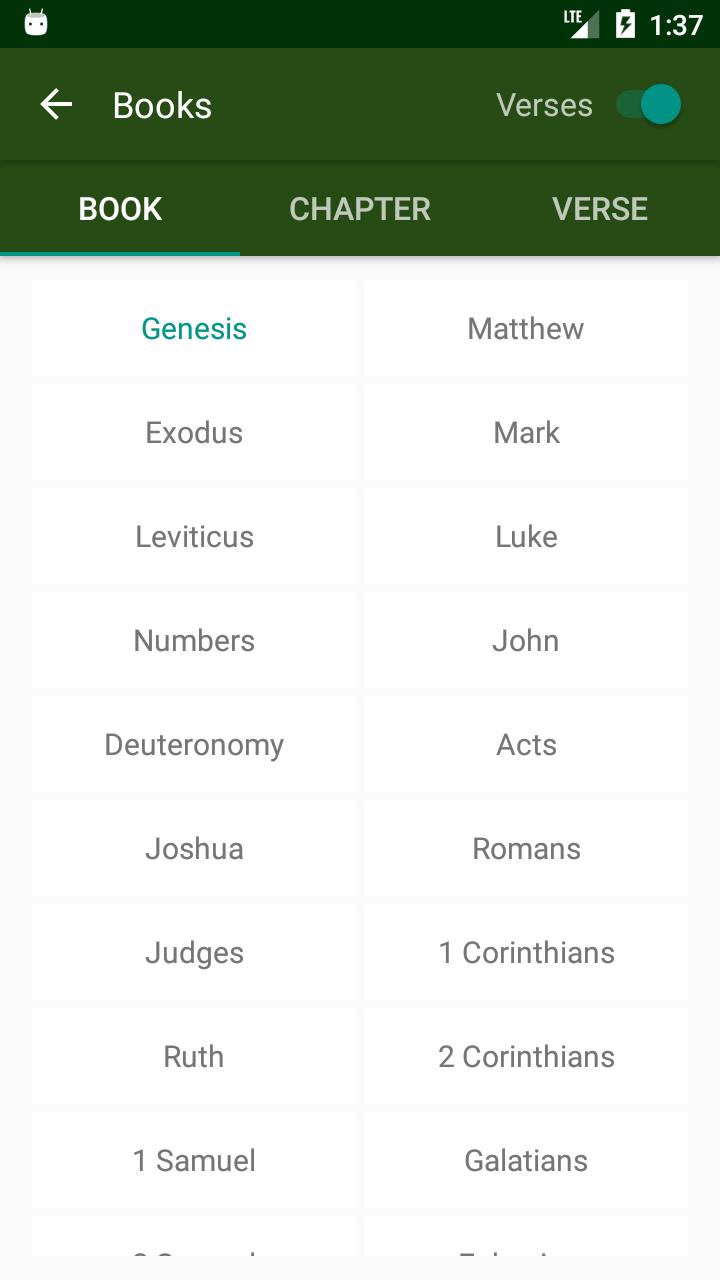
• Quick Access: By just a few taps you can quickly navigate to any book, chapter and verse.
• Switch Theme: you may change the theme of your app for better reading
• Sharing Experience: Share your favorites passages, verses by any social media.
• Activate or deactivate the verse option in order for you to find your chapter the way you prefer
• Change chapters by swiping the screen
• Random Verse Available, increase your biblical knowledge. Read a random verse every time you wish.
• Daily gospel. Follow the daily lectures, first lecture, psalms and the gospel of the day.
• Take notes. Write the ideas you get while reading. Enjoy your reading experience. Save, edit, delete y modify the notes you want.
Download it , now! Thanks
Preview
Tags
Books-&Information
Developer
DPStudios
Latest Version
14.0
Last Updated
2024-07-10
Category
Books-reference
Available on
Google Play
Show More
How to play Bible NABRE with GameLoop on PC
1. Download GameLoop from the official website, then run the exe file to install GameLoop
2. Open GameLoop and search for “Bible NABRE” , find Bible NABRE in the search results and click “Install”
3. Enjoy playing Bible NABRE on GameLoop
Minimum requirements
OS
Windows 8.1 64-bit or Windows 10 64-bit
GPU
GTX 1050
CPU
i3-8300
Memory
8GB RAM
Storage
1GB available space
Recommended requirements
OS
Windows 8.1 64-bit or Windows 10 64-bit
GPU
GTX 1050
CPU
i3-9320
Memory
16GB RAM
Storage
1GB available space