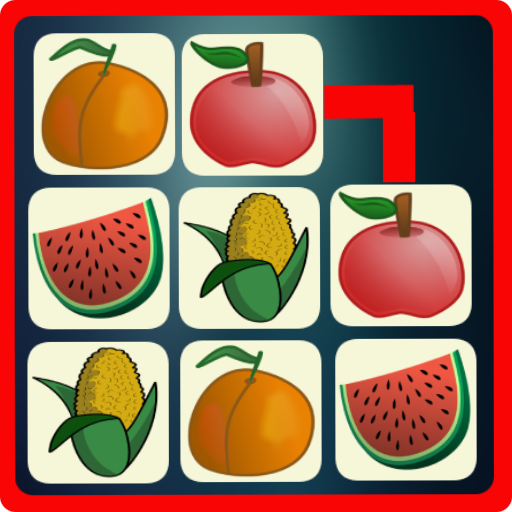
Fruit Connect Legend – Onet Go PC
Funky Land
Download Fruit Connect Legend – Onet Go on PC With GameLoop Emulator
Fruit Connect Legend – Onet Go sa PC
Ang Fruit Connect Legend – Onet Go, na nagmumula sa developer na Funky Land, ay tumatakbo sa Android systerm sa nakaraan.
Ngayon, maaari mong laruin ang Fruit Connect Legend – Onet Go sa PC gamit ang GameLoop nang maayos.
I-download ito sa GameLoop library o mga resulta ng paghahanap. Hindi na tumitingin sa baterya o nakakadismaya na mga tawag sa maling oras.
I-enjoy lang ang Fruit Connect Legend – Onet Go PC sa malaking screen nang libre!
Fruit Connect Legend – Onet Go Panimula
🍓 Welcome to Fruit Connect Legend – Onet Go!
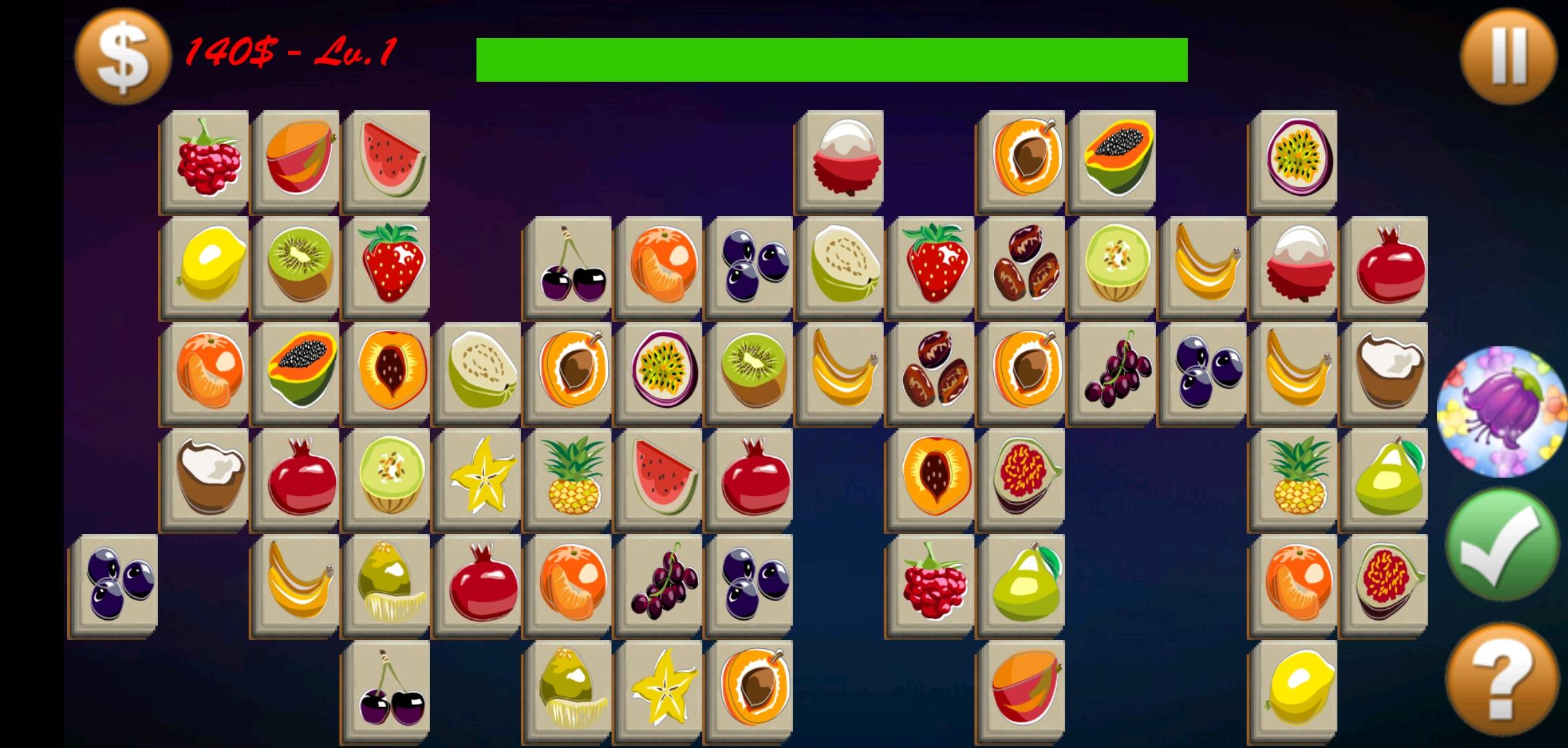
Dive into the sweetest world of fruits and fun! This is the classic Pikachu-style match 2 puzzle game you’ve loved for years — now beautifully refreshed and optimized for modern play. Connect identical fruits, clear the board, and challenge your mind in this addictive and relaxing connect puzzle adventure!
🍎 How to Play Fruit Connect Legend – Onet Go
- Simple but surprisingly addictive!
- Tap two identical fruit tiles to connect them.
- You can only connect tiles that can be linked by no more than three straight lines.
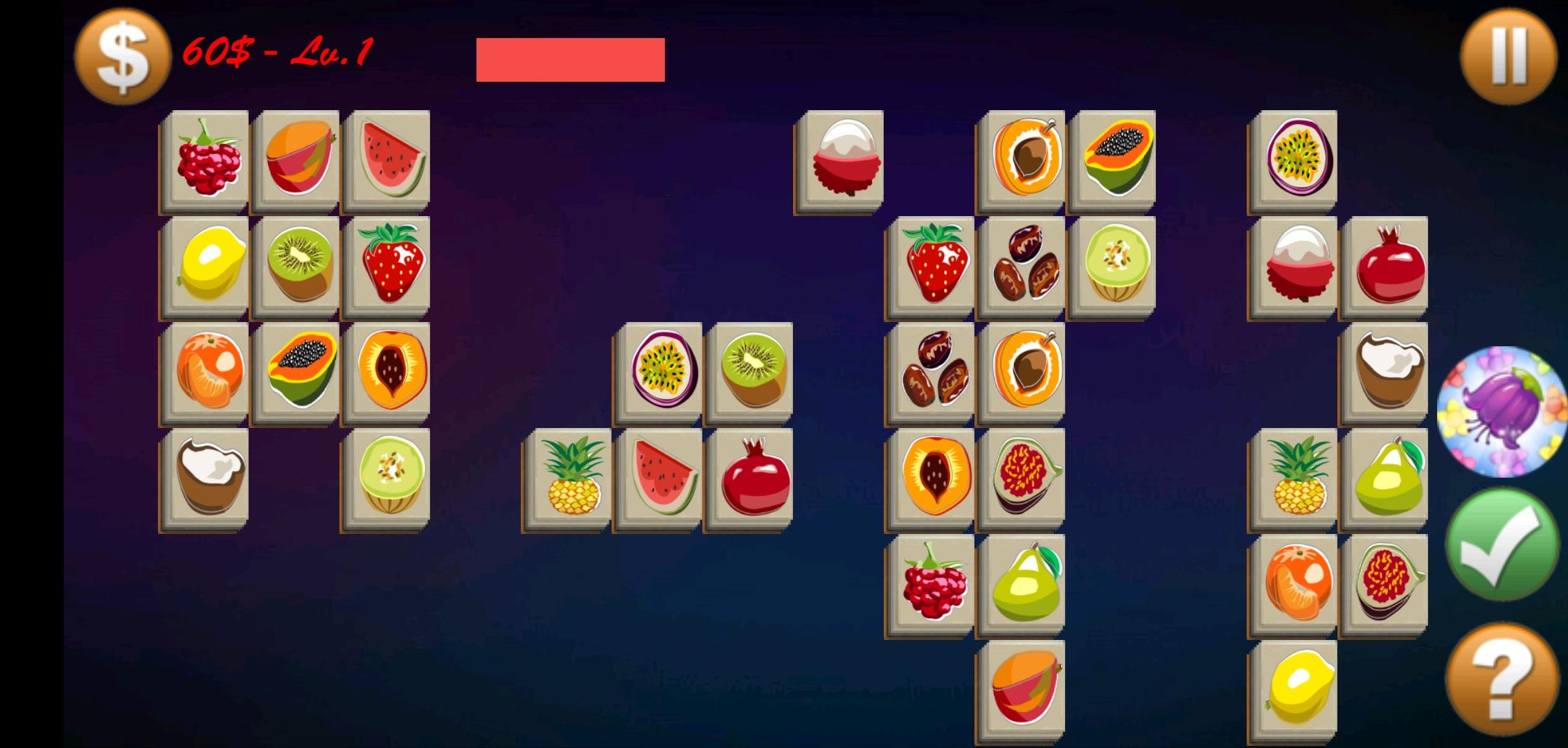
- Clear all tiles before the timer runs out!
- As you progress, new layouts, challenges, and surprises await!
- Master the rules, train your eyes and brain, and see how far you can go in this Onet Go journey!
🍇 Game Features
✨ Classic Pikachu Gameplay:
Experience the legendary Onet style that started it all — simple, nostalgic, and endlessly fun.
🍉 Hundreds of Addictive Levels:
Each level is carefully designed with unique challenges and fruit layouts. From easy to expert, the fun never ends!
🍍 Sweet and Colorful Graphics:
Enjoy vibrant fruit visuals and smooth animations that make every tap a delight.
🍋 Relax & Play Anytime:
No Wi-Fi? No problem! You can play Fruit Connect Legend – Onet Go offline anywhere, anytime.
🍒 Boosters & Power-ups:
Use hints and shuffle tools when you get stuck — but use them wisely to achieve high scores!
🍓 Lightweight & Smooth:
Optimized for all Android devices, Onet Go runs fast and light — no lags, just pure fun.
🍊 Global Leaderboards:
Compare your progress with friends and players around the world. Can you become the next Fruit Legend?
🌿 Why Players Love It
Players around the world adore this relaxing fruit puzzle because it brings:
✔️ Calm and focus after a busy day.
✔️ Brain-training challenges that keep your mind sharp.
✔️ Nostalgic Onet-style fun that feels fresh and modern.
✔️ Hours of entertainment without stress or pressure.
Whether you’re a long-time fan of Pikachu-style connect games or new to the Onet world, this is your perfect daily dose of relaxation and fun.
🌈 Perfect for All Ages
Kids, adults, and seniors all enjoy Fruit Connect Legend – Onet Go!
The simple rules and colorful fruits make it a friendly puzzle experience for everyone — no violence, no ads that ruin your flow, just pure puzzle joy.
💡 Tips & Tricks
- Focus on corners and edges first.
- Use the Shuffle wisely when there’s no match left.
- Keep an eye on the timer — speed is the key!
- Train daily to boost your memory and concentration skills.
🍏 Play, Relax, and Connect!
- Get ready for the juiciest Onet adventure ever.
- If you love fruit connect, match 2 puzzles, pikachu games, or classic onet, you’ll fall in love with Fruit Connect Legend – Onet Go.
🎮 Download now and start connecting fruits!
Sharpen your brain, relax your mind, and become the next Fruit Legend today!
Preview
Tags
PuzzleCasualSingle playerOfflineFoodFruitInformation
Developer
Funky Land
Latest Version
2.57
Last Updated
2025-10-30
Category
Board
Available on
Google Play
Show More
How to play Fruit Connect Legend – Onet Go with GameLoop on PC
1. Download GameLoop from the official website, then run the exe file to install GameLoop
2. Open GameLoop and search for “Fruit Connect Legend – Onet Go” , find Fruit Connect Legend – Onet Go in the search results and click “Install”
3. Enjoy playing Fruit Connect Legend – Onet Go on GameLoop
Minimum requirements
OS
Windows 8.1 64-bit or Windows 10 64-bit
GPU
GTX 1050
CPU
i3-8300
Memory
8GB RAM
Storage
1GB available space
Recommended requirements
OS
Windows 8.1 64-bit or Windows 10 64-bit
GPU
GTX 1050
CPU
i3-9320
Memory
16GB RAM
Storage
1GB available space