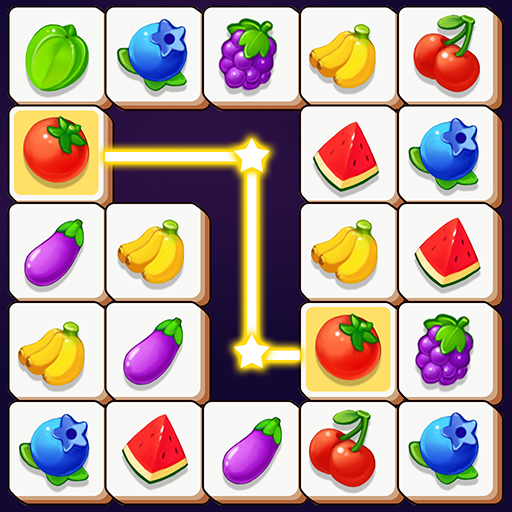
Onet 3D - Classic Match Game PC
Red cat studio-focused puzzle game
Download Onet 3D - Classic Match Game on PC With GameLoop Emulator
Onet 3D - Classic Match Game sa PC
Ang Onet 3D - Classic Match Game, na nagmumula sa developer na Red cat studio-focused puzzle game, ay tumatakbo sa Android systerm sa nakaraan.
Ngayon, maaari mong laruin ang Onet 3D - Classic Match Game sa PC gamit ang GameLoop nang maayos.
I-download ito sa GameLoop library o mga resulta ng paghahanap. Hindi na tumitingin sa baterya o nakakadismaya na mga tawag sa maling oras.
I-enjoy lang ang Onet 3D - Classic Match Game PC sa malaking screen nang libre!
Onet 3D - Classic Match Game Panimula
Onet 3D-So easy and so fun!
If you love mahjong jigsaw games,It can't be missed.
The game contains a large number of challenging and well-designed levels. Train your brain, exercise logical thinking, and increase memory. This game is the best time killer! Suitable for everyone in the family, come and play this wonderful match-and-match game! It's a popular and addictive pair match puzzle game.
HOW TO PLAY?
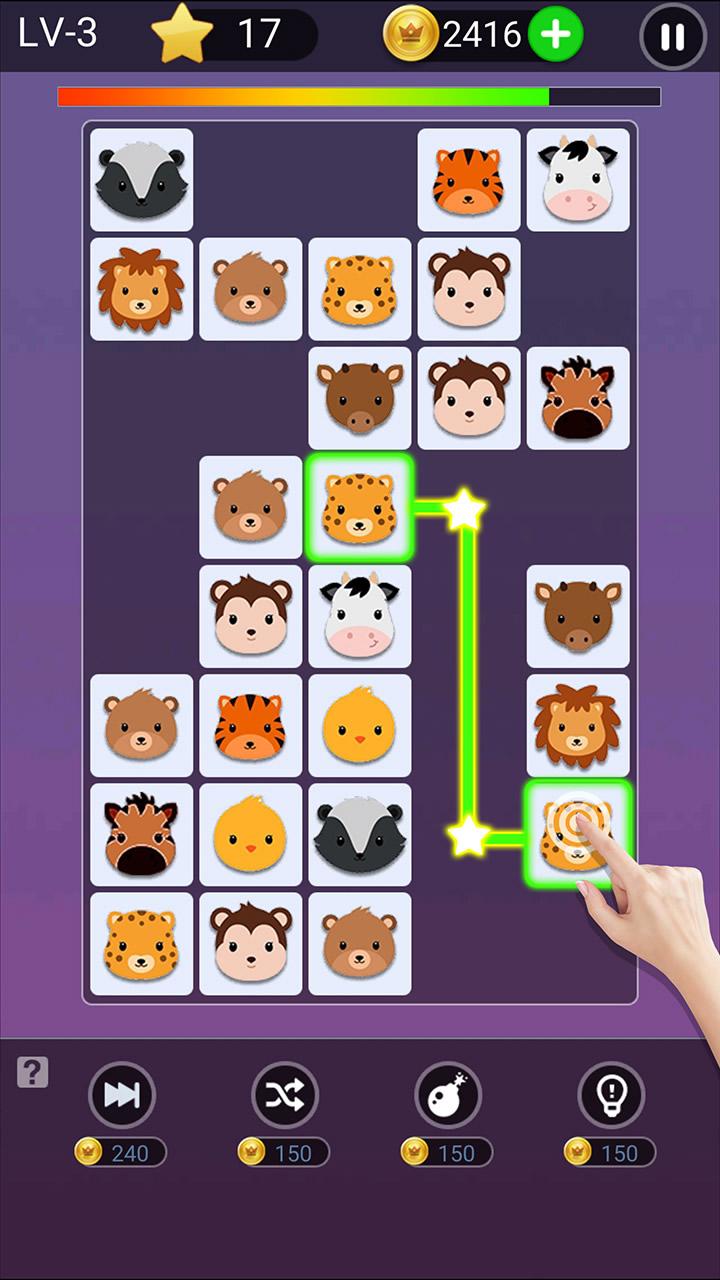
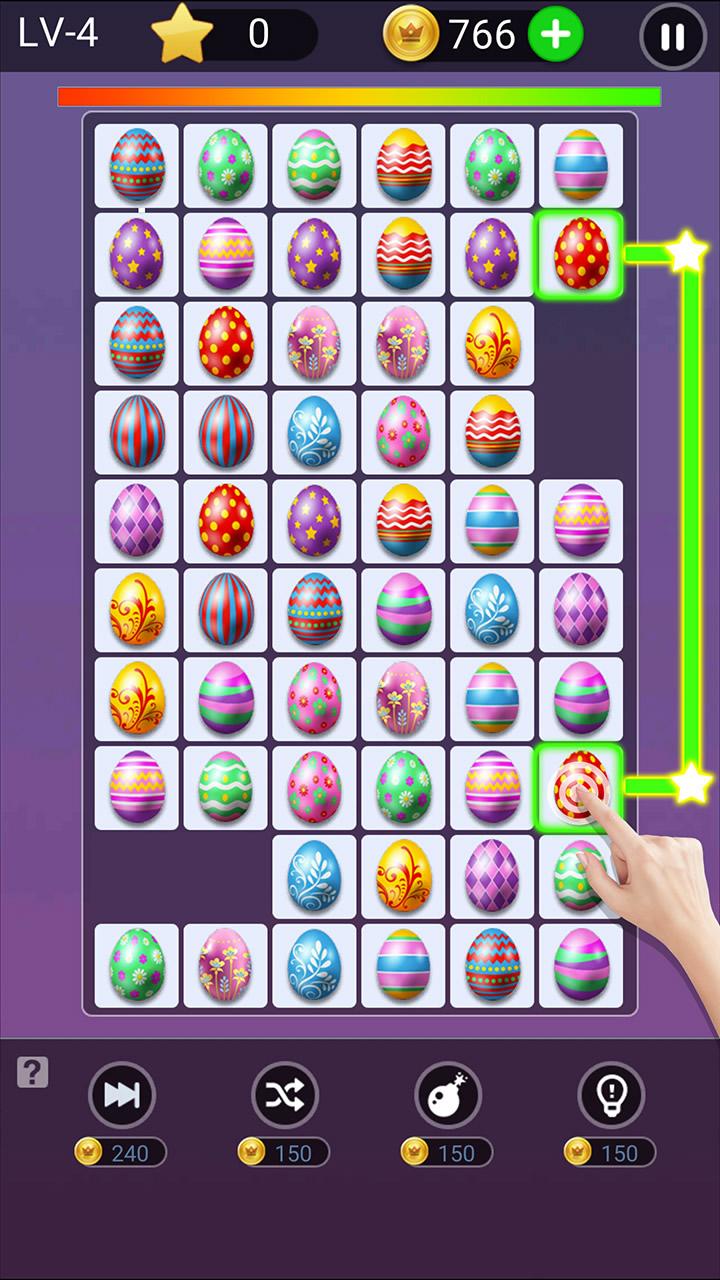
-Click the same tile to let them eliminate.
-Clear all tiles and unlock new levels.
-Onct Connect under various rules.
-Before the countdown is over, delete all the tiles.
Why choose us?
-100% free game.
-New mode, win coins.
-Play offline without WIFI.
-One finger can start the game.
-Various patterns, mahjong, fruits, cakes, animals, pets
Please Enjoy this Puzzle Game! The More Play and The More Exciting!
Preview
Tags
PuzzlePair matchingCasualSingle playerStylizedOfflineInformation
Developer
Red cat studio-focused puzzle game
Latest Version
8.9
Last Updated
2024-10-23
Category
Board
Available on
Google Play
Show More
How to play Onet 3D - Classic Match Game with GameLoop on PC
1. Download GameLoop from the official website, then run the exe file to install GameLoop
2. Open GameLoop and search for “Onet 3D - Classic Match Game” , find Onet 3D - Classic Match Game in the search results and click “Install”
3. Enjoy playing Onet 3D - Classic Match Game on GameLoop
Minimum requirements
OS
Windows 8.1 64-bit or Windows 10 64-bit
GPU
GTX 1050
CPU
i3-8300
Memory
8GB RAM
Storage
1GB available space
Recommended requirements
OS
Windows 8.1 64-bit or Windows 10 64-bit
GPU
GTX 1050
CPU
i3-9320
Memory
16GB RAM
Storage
1GB available space