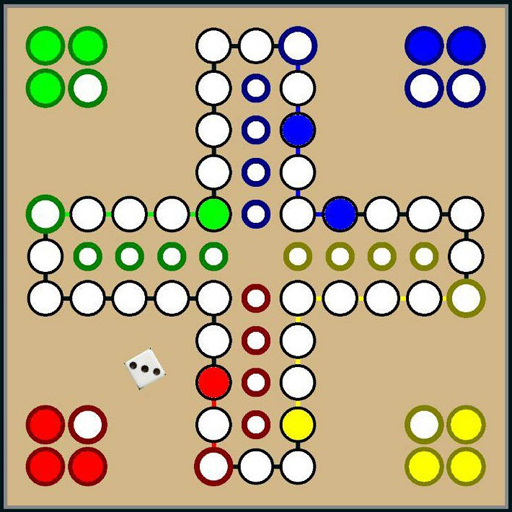
Ludo PC
Hadiware
Download Ludo on PC With GameLoop Emulator
Ludo sa PC
Ang Ludo, na nagmumula sa developer na Hadiware, ay tumatakbo sa Android systerm sa nakaraan.
Ngayon, maaari mong laruin ang Ludo sa PC gamit ang GameLoop nang maayos.
I-download ito sa GameLoop library o mga resulta ng paghahanap. Hindi na tumitingin sa baterya o nakakadismaya na mga tawag sa maling oras.
I-enjoy lang ang Ludo PC sa malaking screen nang libre!
Ludo Panimula
🎲 Ludo – The Timeless Classic, Now on Your Phone!
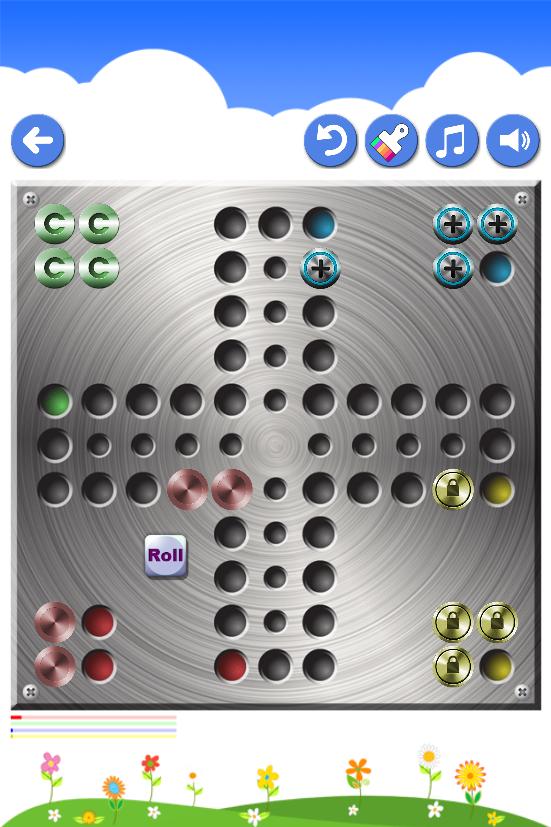
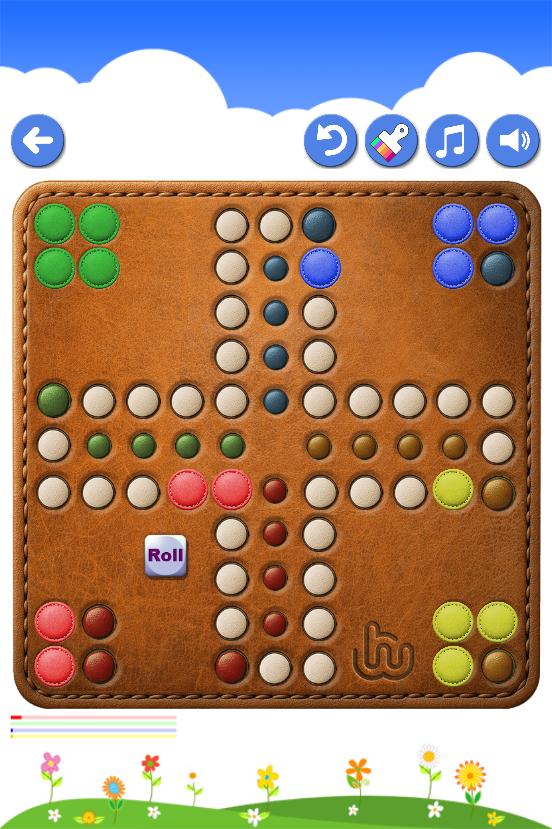
Step into the world of Ludo, Classic board game inspired by Mensch ärgere nicht style, the legendary board game loved for generations. This mobile version brings back the nostalgic joy of classic Ludo with modern design, smooth animations, and colorful themes.
✨ Features:
• Completely Offline – Play anytime, anywhere, no internet needed.
• 2 Players on One Device – Perfect for friends and family.
• Solo Mode with Smart AI – Challenge the phone when you’re on your own.
• Smooth & Fun Animations – Watch your pieces move in style.
• Beautiful Themes & Backgrounds – Personalize your board for a unique look.
• Classic Gameplay Rules – True to the original Ludo experience.
Relive the nostalgic charm of this timeless dice-and-strategy game while enjoying the comfort of modern gameplay on your mobile device. Whether you’re looking for a quick match, a fun challenge, or family-friendly entertainment, this Ludo game is your perfect choice.
🎲 Rules for playing Ludo:
Ludo is a cross and circle board game similar to patolli and Wahoo that involves moving a set number of pieces or marbles around the board, trying to get them into the safety zone.
• The game consists of 1 die, 16 counters in 4 colors, and a board.
• Number of Players: 2 to 4
• Object: To be the first player to move all of their own pieces out of the starting area, around the board, and into home.
• Setting Up: A player must throw a 6 to move a piece from the starting circle onto the first square on the track. and a throw of 6 gives another turn.
• Playing: Players take turns in a clockwise order; highest throw of the die starts.
• Each throw, the player decides which piece to move. A piece simply moves in a clockwise direction around the track given by the number thrown. If no piece can legally move according to the number thrown, play passes to the next player.
• If a piece lands on a piece of a different color, the piece jumped upon is returned to its starting circle.
• Winning: When a piece has circumnavigated the board, it proceeds up the home column.
• The first person to move all 4 pieces into the home column wins.
🎲 History:
Mensch is a board game developed in Germany by Josef Friedrich Schmidt in 1907 or 1908.
The game was issued in 1914 and sold about 70 million copies, driven by huge popularity among German troops serving in World War I It is a cross and circle game with the circle collapsed onto the cross, similar to the Indian game Pachisi, the Colombian game Parqués, the Spanish game Parchís the American games Parcheesi (Parchisi), Aggravation and Trouble the English game Ludo.
The Uckers and Chaupar games are also similar to ludo with a few differences in rules.
👉 Download now and bring the joy of classic board gaming back to life!
Preview
Tags
Abstract strategyLudoCasualMultiplayerCompetitive multiplayerSingle playerRealisticOfflineMiscellaneousDiceInformation
Developer
Hadiware
Latest Version
8.17
Last Updated
2025-10-17
Category
Board
Available on
Google Play
Show More
How to play Ludo with GameLoop on PC
1. Download GameLoop from the official website, then run the exe file to install GameLoop
2. Open GameLoop and search for “Ludo” , find Ludo in the search results and click “Install”
3. Enjoy playing Ludo on GameLoop
Minimum requirements
OS
Windows 8.1 64-bit or Windows 10 64-bit
GPU
GTX 1050
CPU
i3-8300
Memory
8GB RAM
Storage
1GB available space
Recommended requirements
OS
Windows 8.1 64-bit or Windows 10 64-bit
GPU
GTX 1050
CPU
i3-9320
Memory
16GB RAM
Storage
1GB available space