Dice rolling - 3D dice roller PC
Demonish Inc
Download Dice rolling - 3D dice roller on PC With GameLoop Emulator
Dice rolling - 3D dice roller sa PC
Ang Dice rolling - 3D dice roller, na nagmumula sa developer na Demonish Inc, ay tumatakbo sa Android systerm sa nakaraan.
Ngayon, maaari mong laruin ang Dice rolling - 3D dice roller sa PC gamit ang GameLoop nang maayos.
I-download ito sa GameLoop library o mga resulta ng paghahanap. Hindi na tumitingin sa baterya o nakakadismaya na mga tawag sa maling oras.
I-enjoy lang ang Dice rolling - 3D dice roller PC sa malaking screen nang libre!
Dice rolling - 3D dice roller Panimula
🎲 Download the Simple Virtual 3D Dice Roller App Now! 🎲
Lightweight, Convenient, and Perfect for Any Board Game!
Are you tired of misplaced or missing physical dice while playing your favorite board games like Ludo, Monopoly, or Snakes and Ladders? Say hello to the Simple 3D Dice Roller App, your ultimate solution for dice rolling! This lightweight, easy-to-use app ensures you always have dice at your fingertips, wherever you go.
🌟 Key Features of the 3D Dice Roller App:
1. Roll Multiple Dice Simultaneously
Roll up to six dice at once—ideal for games requiring multiple dice rolls.
Smooth and realistic 3D animations make every roll visually stunning.
2. Choose Your Dice Colors
Personalize your experience by selecting from a variety of 3D dice colors to match your style or game theme.
3. Activate or Deactivate Dice Rolling Sound
Enhance the realism of your rolls with optional dice rolling sounds.
Mute the sound when you need a quiet gaming session.
4. Instant Sum Display
See the total of your dice rolls instantly on the screen, saving you time during gameplay.
5. Virtual Dice Anytime, Anywhere
Lost or forgotten your physical dice? No problem! This 3D dice rolling app is always ready.
Lightweight and works on the go for all your board gaming needs.
🎮 Use It for Any Board Game!
The Simple 3D Dice Roller App is perfect for popular board games such as:
Ludo
Monopoly
Snakes and Ladders
And many other dice-based games!
🚀 Exciting Features Coming Soon:
The current version is just the beginning! Our upcoming updates will include:
D12 and D20 Dice Rolling: Great for RPGs like Dungeons & Dragons.
Enhanced 3D Graphics: Enjoy even smoother and more immersive dice-rolling animations.
More Customization Options: Add unique patterns, effects, and new dice colors.
✨ Why Choose the Simple 3D Dice Roller App?
Simplicity: Easy for anyone to use, with a clean and intuitive interface.
3D Realism: High-quality 3D dice animations add excitement to every roll.
Portability: A lightweight app, always ready to roll wherever you are.
Reliability: No more searching for misplaced physical dice!
🎯 How to Use the App:
Open the 3D Dice Roller App.
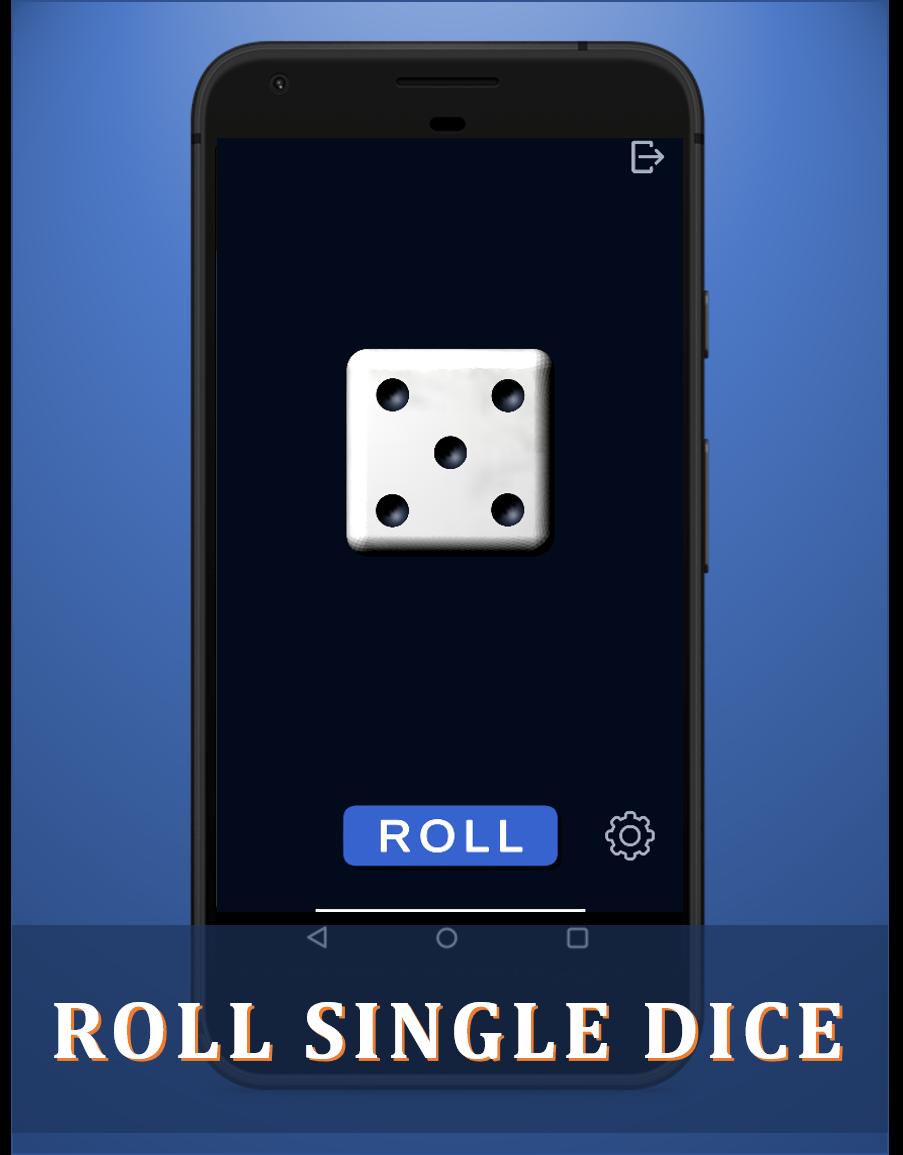
Select the number of dice to roll (up to six dice simultaneously).
Choose your preferred dice color.
Tap the screen to roll and watch the 3D animation bring your dice to life.
Check the total of your rolls instantly on-screen.
🌟 Customer Feedback:
“This app has been a game-changer! I love how smooth the 3D rolling animations are, and it’s so handy for board games.”
⭐⭐⭐⭐⭐
“Perfect for game nights! The ability to roll up to six dice at once is fantastic, and the customizable colors are a nice touch.”
⭐⭐⭐⭐⭐
Roll Dice! Throw Dice! Keep Rolling Dice Again and Again!
Whether it’s a casual board game night or an intense RPG session, this virtual 3D dice roller app guarantees you’ll never miss a roll.
Download Now and Roll Away!
Preview

Tags
BoardInformation
Developer
Demonish Inc
Latest Version
4.0
Last Updated
2024-06-17
Category
Board
Available on
Google Play
Show More
How to play Dice rolling - 3D dice roller with GameLoop on PC
1. Download GameLoop from the official website, then run the exe file to install GameLoop
2. Open GameLoop and search for “Dice rolling - 3D dice roller” , find Dice rolling - 3D dice roller in the search results and click “Install”
3. Enjoy playing Dice rolling - 3D dice roller on GameLoop
Minimum requirements
OS
Windows 8.1 64-bit or Windows 10 64-bit
GPU
GTX 1050
CPU
i3-8300
Memory
8GB RAM
Storage
1GB available space
Recommended requirements
OS
Windows 8.1 64-bit or Windows 10 64-bit
GPU
GTX 1050
CPU
i3-9320
Memory
16GB RAM
Storage
1GB available space