
Dice Roll SNS PC
Senyuk
Download Dice Roll SNS on PC With GameLoop Emulator
Dice Roll SNS sa PC
Ang Dice Roll SNS, na nagmumula sa developer na Senyuk, ay tumatakbo sa Android systerm sa nakaraan.
Ngayon, maaari mong laruin ang Dice Roll SNS sa PC gamit ang GameLoop nang maayos.
I-download ito sa GameLoop library o mga resulta ng paghahanap. Hindi na tumitingin sa baterya o nakakadismaya na mga tawag sa maling oras.
I-enjoy lang ang Dice Roll SNS PC sa malaking screen nang libre!
Dice Roll SNS Panimula
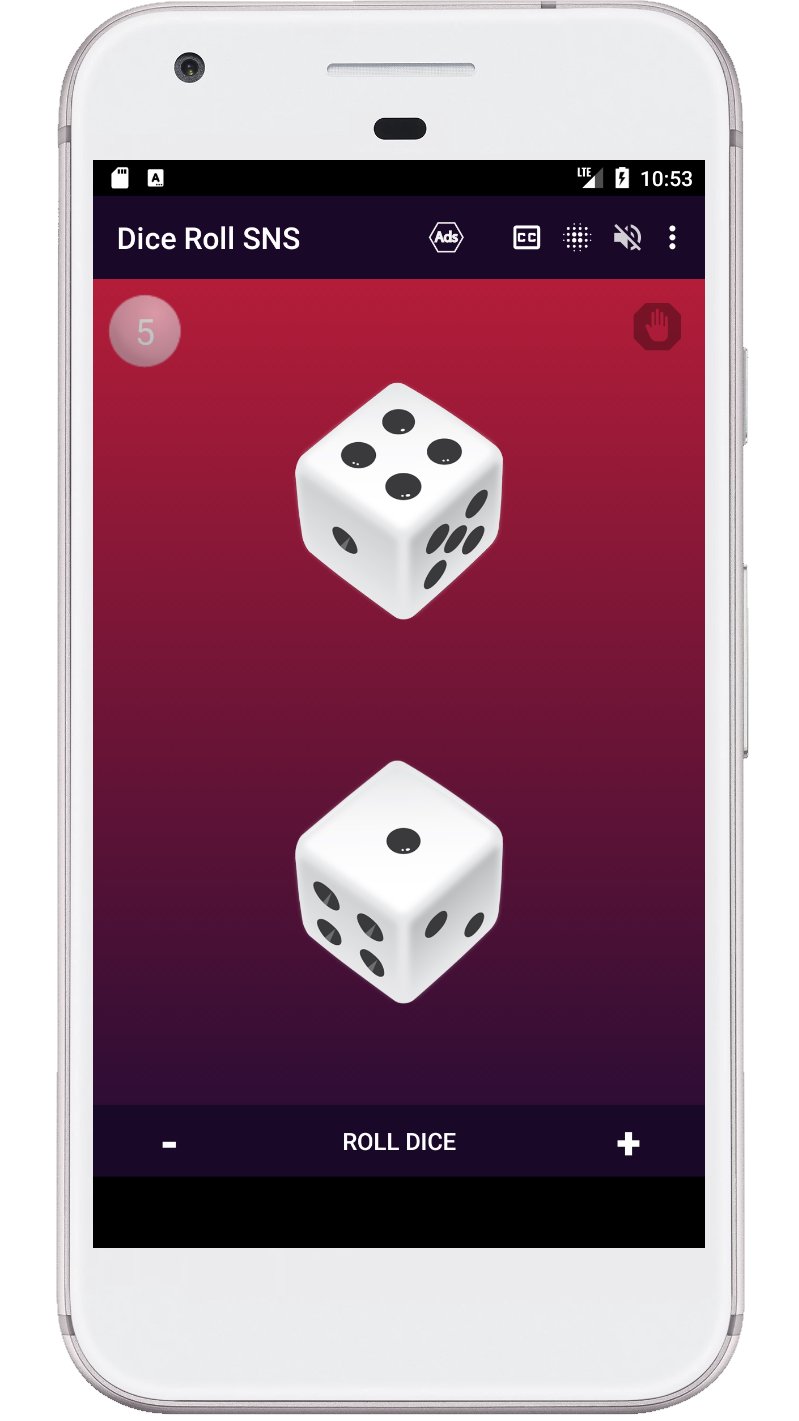
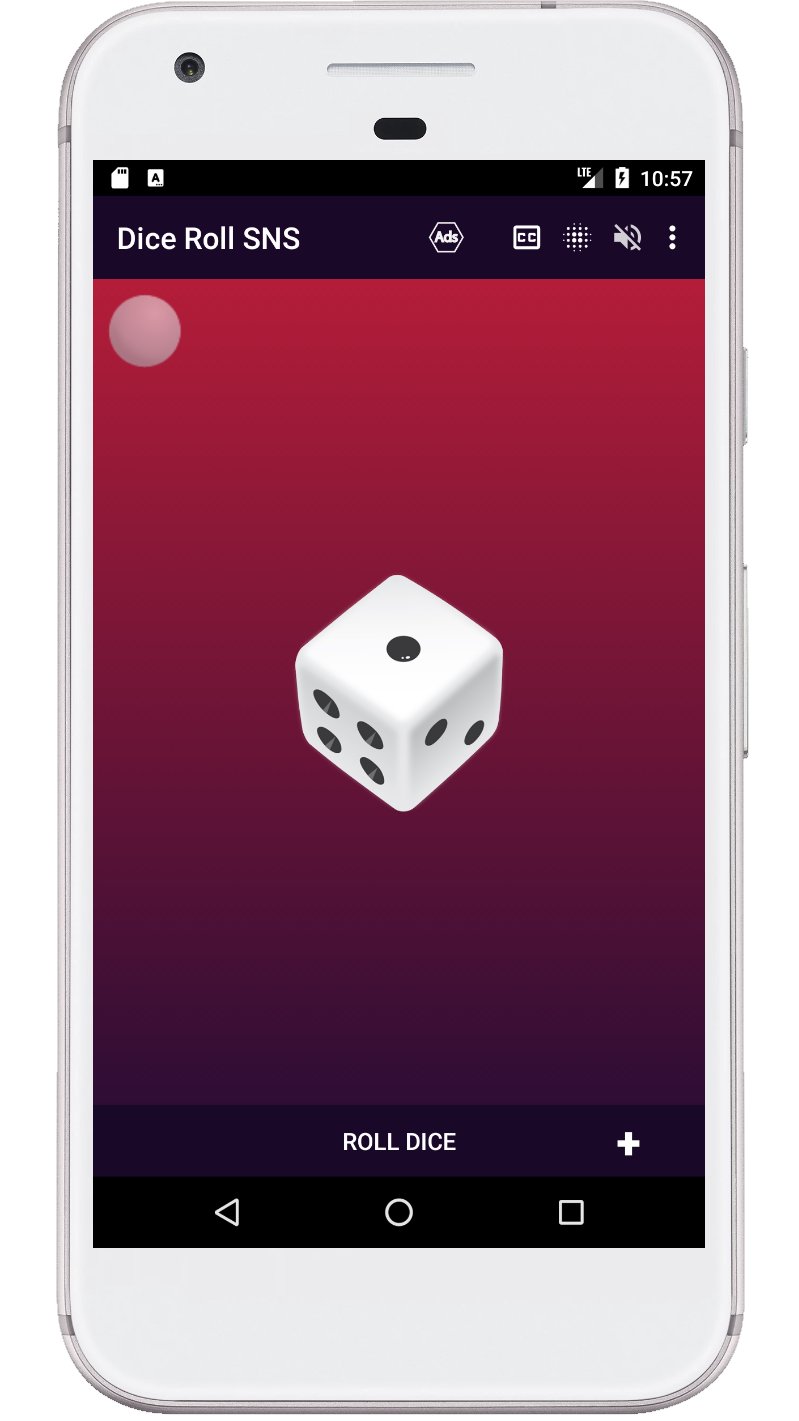
Dice Roll SNS is the app that lets you experience the thrill and excitement of rolling dice virtually. With its intuitive design, you can easily customize your dice rolling experience by selecting the number of dice, color themes, and sound effects. The app has a rich cultural and historical tradition, inspired by the various games and activities that have used dices throughout history, such as craps, board games, and more.
With the "Dice Roll SNS" app, you have complete control over your dice rolling experience. You can change the number of dice, set a hold on a particular dice, select from a range of color themes, turn on and off visual effects, and turn on and off sound. Whether you are a fan of traditional dice games or just looking for a fun way to pass the time, the "Dice Roll SNS" app has everything you need to bring the excitement of dice rolling to your Android device.
Dice game features:
- Roll one to six d6 dice at a time.
- The ability to roll a die by pressing a die or a button.
- Shake your device to roll the dice.
- The sum of all dice is voiced after each roll.
- Displaying the sum of all dices on the screen.
- You can turn the visual effects on and off when spinning the dice.
- The dice can be used with or without sound.
- The last page with the number of dice is remembered.
Keywords: virtual dice, dice roller, dice rolling, dice game, craps, board game, custom dice, color themes, sound effects, dice simulator.
Preview
Tags
DiceCasualInformation
Developer
Senyuk
Latest Version
71.0
Last Updated
2026-01-08
Category
Board
Available on
Google Play
Show More
How to play Dice Roll SNS with GameLoop on PC
1. Download GameLoop from the official website, then run the exe file to install GameLoop
2. Open GameLoop and search for “Dice Roll SNS” , find Dice Roll SNS in the search results and click “Install”
3. Enjoy playing Dice Roll SNS on GameLoop
Minimum requirements
OS
Windows 8.1 64-bit or Windows 10 64-bit
GPU
GTX 1050
CPU
i3-8300
Memory
8GB RAM
Storage
1GB available space
Recommended requirements
OS
Windows 8.1 64-bit or Windows 10 64-bit
GPU
GTX 1050
CPU
i3-9320
Memory
16GB RAM
Storage
1GB available space