Checkers and Draughts PC
Lipandes Studios
Download Checkers and Draughts on PC With GameLoop Emulator
Checkers and Draughts sa PC
Ang Checkers and Draughts, na nagmumula sa developer na Lipandes Studios, ay tumatakbo sa Android systerm sa nakaraan.
Ngayon, maaari mong laruin ang Checkers and Draughts sa PC gamit ang GameLoop nang maayos.
I-download ito sa GameLoop library o mga resulta ng paghahanap. Hindi na tumitingin sa baterya o nakakadismaya na mga tawag sa maling oras.
I-enjoy lang ang Checkers and Draughts PC sa malaking screen nang libre!
Checkers and Draughts Panimula
What better way to enjoy your free time than with a classic strategy board game?
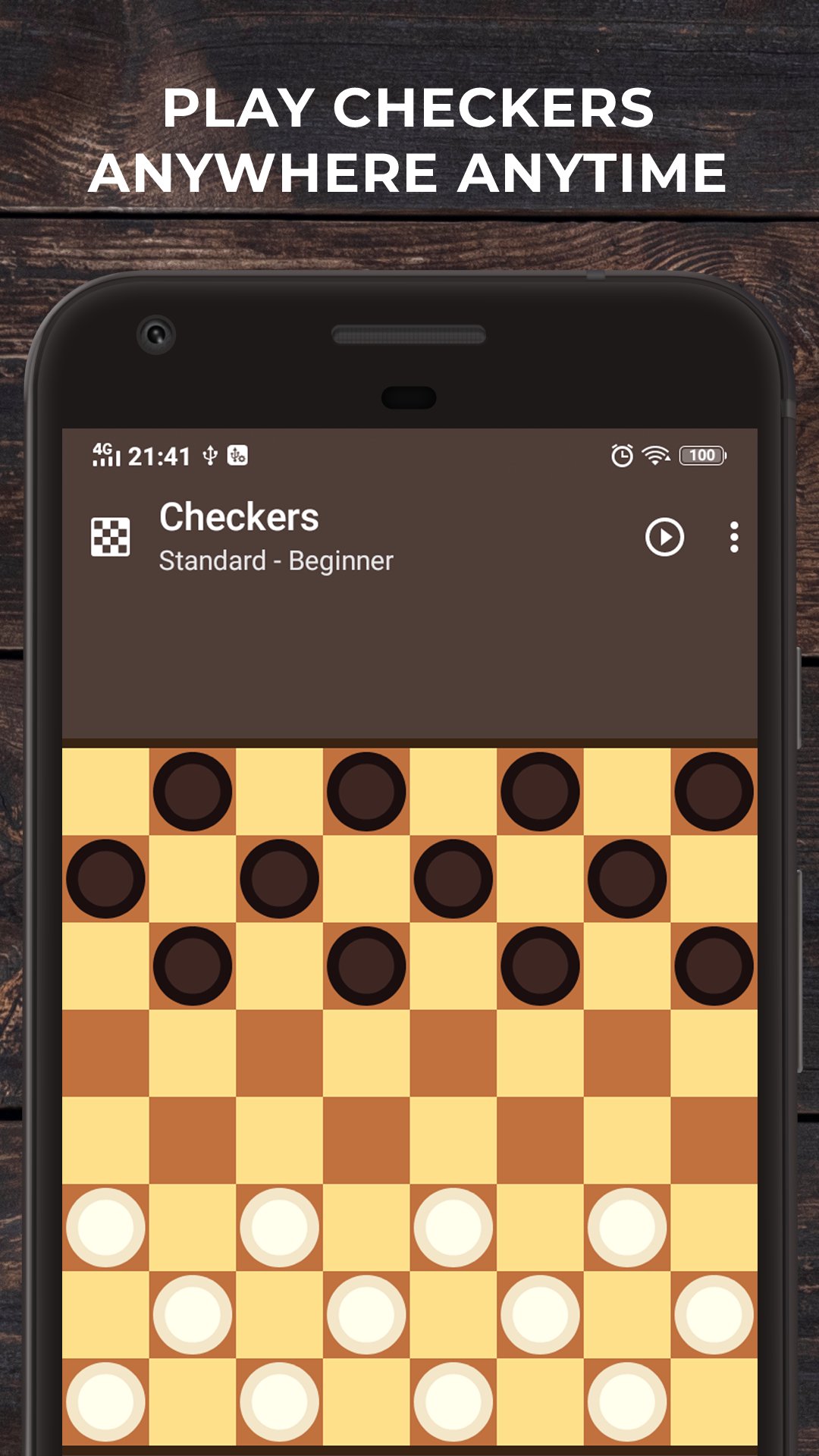
Checkers and Draughts is a collection of the world's most popular Checkers variants, all in one app. With five levels of difficulty, you can challenge yourself to improve your skills, or simply relax and enjoy a game with friends or family.
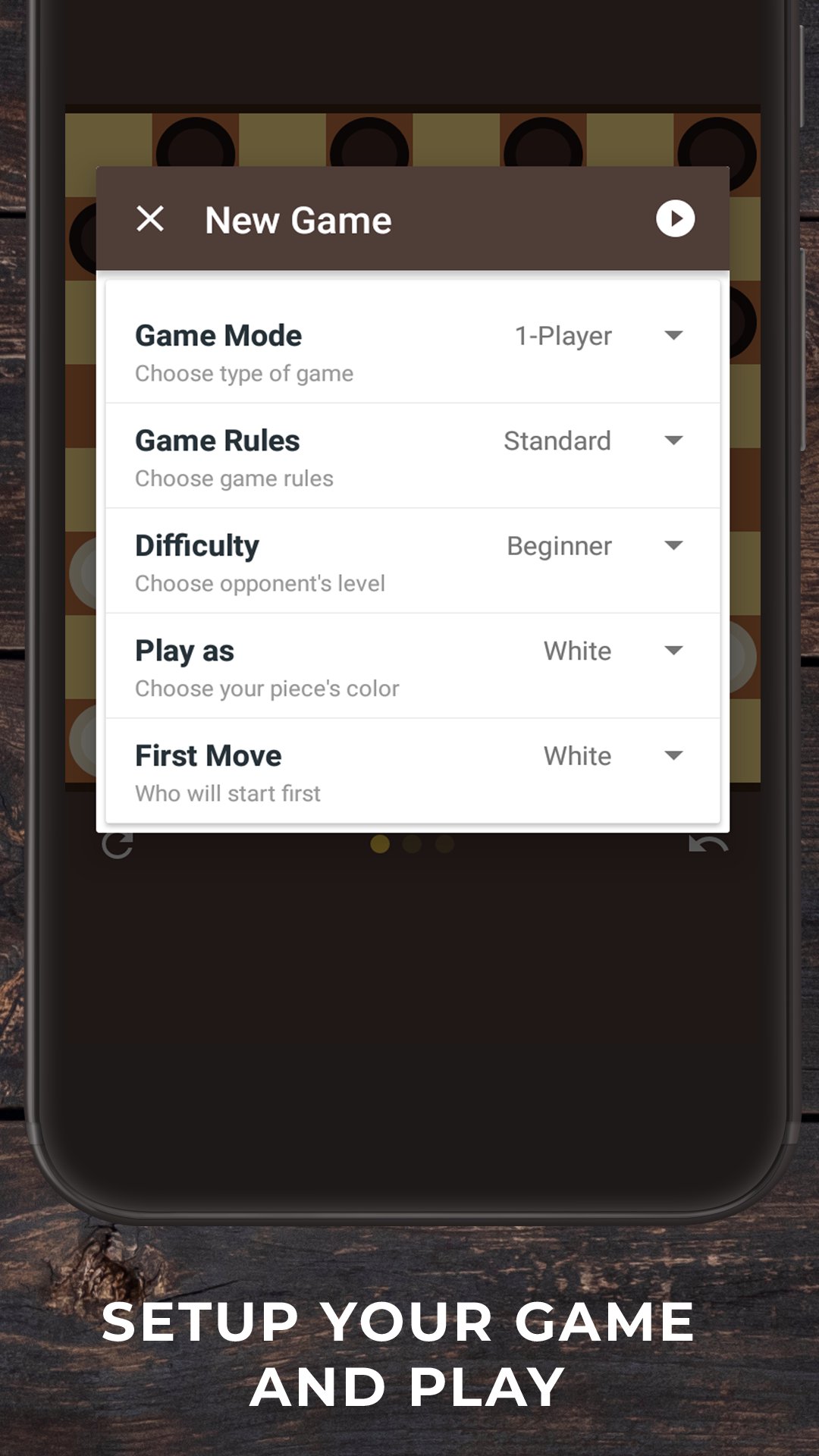
Customize the rules to your liking, or try your hand at one of the many different variants of Checkers from around the world. With four different board sizes and several variants to choose from, there's a Checkers game for everyone.
Whether you're a seasoned player or a complete beginner, Checkers and Draughts is the perfect way to enjoy this classic game. So what are you waiting for? Download it today and start playing!
Here are just a few of the features you'll find in our app:
* Multiple variants of the game: Play Straight Checkers, International Checkers, Pool Checkers, and more!
* Competitive artificial intelligence: Test your skills against the computer, which offers five levels of difficulty.
* Fully customizable game rules: Set the board size, number of pieces, and other rules to your liking.
* Undo moves: Make a mistake? No problem! Just undo your move and try again.
* Simple and clean interface: Our app is easy to use, so you can get started playing right away.
Preview
Tags
Abstract strategyCheckersInformation
Developer
Lipandes Studios
Latest Version
2608.01
Last Updated
2026-08-15
Category
Board
Available on
Google Play
Show More
How to play Checkers and Draughts with GameLoop on PC
1. Download GameLoop from the official website, then run the exe file to install GameLoop
2. Open GameLoop and search for “Checkers and Draughts” , find Checkers and Draughts in the search results and click “Install”
3. Enjoy playing Checkers and Draughts on GameLoop
Minimum requirements
OS
Windows 8.1 64-bit or Windows 10 64-bit
GPU
GTX 1050
CPU
i3-8300
Memory
8GB RAM
Storage
1GB available space
Recommended requirements
OS
Windows 8.1 64-bit or Windows 10 64-bit
GPU
GTX 1050
CPU
i3-9320
Memory
16GB RAM
Storage
1GB available space