Digital Circus Coloring PC
KaylaGames
Download Digital Circus Coloring on PC With GameLoop Emulator
Digital Circus Coloring sa PC
Ang Digital Circus Coloring, na nagmumula sa developer na KaylaGames, ay tumatakbo sa Android systerm sa nakaraan.
Ngayon, maaari mong laruin ang Digital Circus Coloring sa PC gamit ang GameLoop nang maayos.
I-download ito sa GameLoop library o mga resulta ng paghahanap. Hindi na tumitingin sa baterya o nakakadismaya na mga tawag sa maling oras.
I-enjoy lang ang Digital Circus Coloring PC sa malaking screen nang libre!
Digital Circus Coloring Panimula
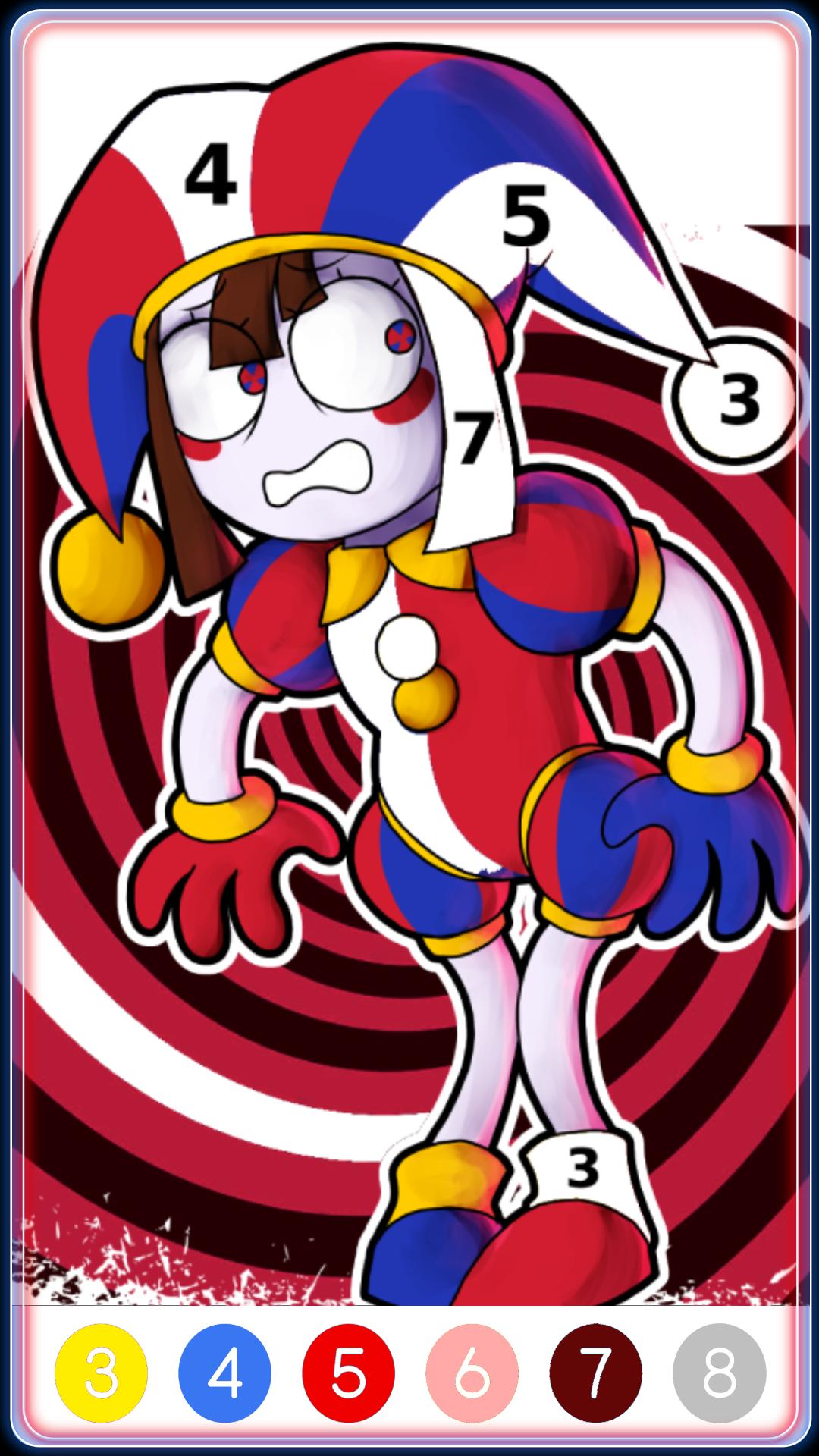
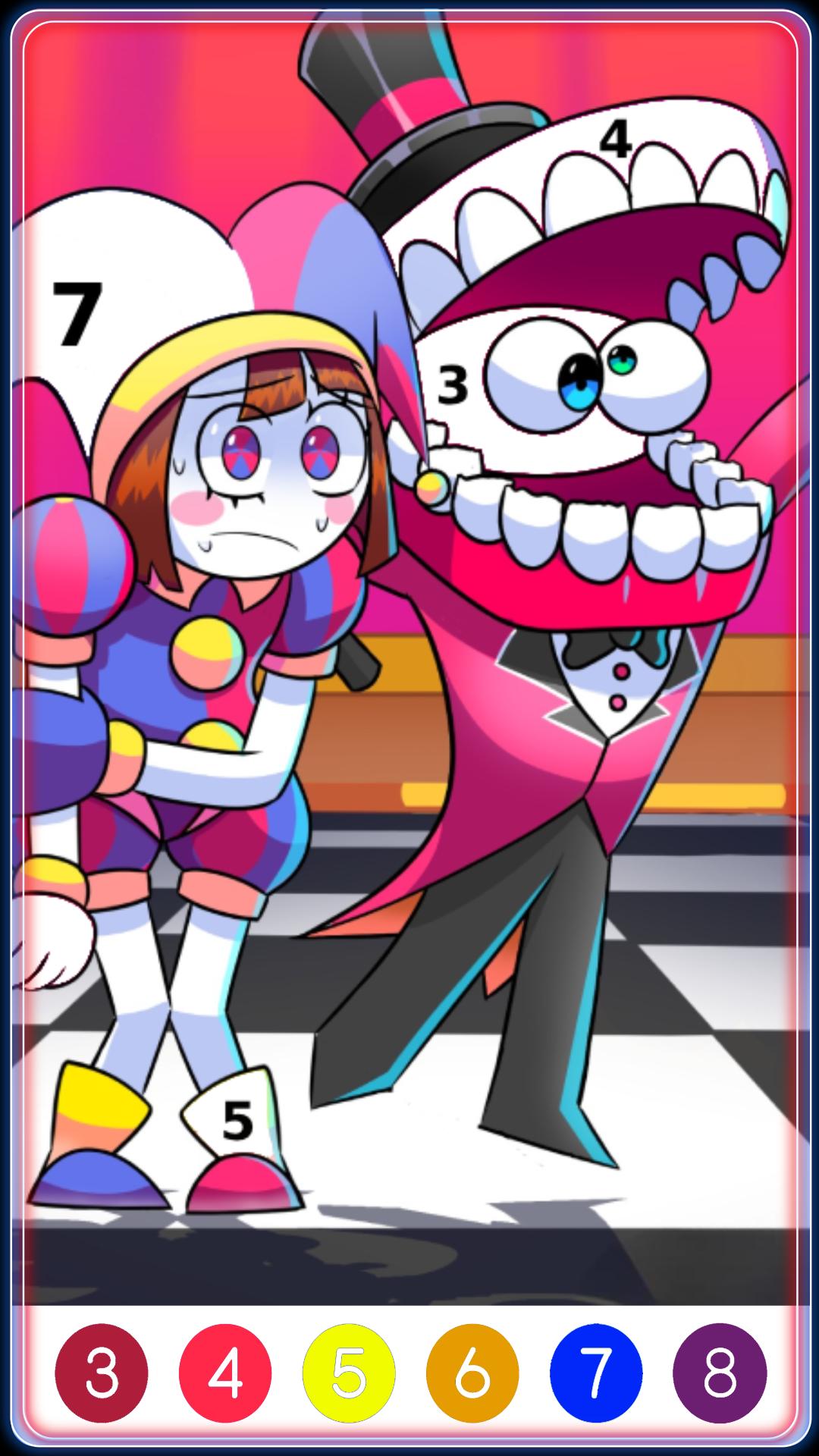
🎨 Welcome to "The Amazing Digital Circus Coloring by Number," where the fun never stops! 🎪
Dive into a world of vibrant colors and beloved characters! 🌟 From Pomni, Jax, and Ragatha to Caine, and classic icons to modern legends, this delightful game is a coloring journey through your favorite characters.
🎨 Features of Digital Circus Coloring by number :
✧ Enjoy the uplifting and unique coloring experience that drives your stress away! 🎉
✧ Rich themes and categories of pictures!
✧ Switch among the unlimited and helpful tools!
✧ Advance your painting skills and imagination from easy to difficult pictures!
✧ Get new images and pictures constantly!
✧ Build your own collections with the colorful treasures!
✧ Dive into the customized painting feeds that are special for you!
✧ Try new ideas and inspirations! Recolor the completed artwork whenever you want!
🎮 How To Play Digital Circus Coloring by number :
✧ Open the Digital Circus Coloring by number and select one Digital Circus coloring charcters Pomni, Jax, or Caine to paint.
✧ You need to follow the numbers in the painting area and a special color palette suggests to you what color each number corresponds to
✧ Zoom in, and zoom out to paint by a number of small details Digital Circus Coloring book.
Download now and breathe life into the Digital Circus Coloring universe with your unique artistic flair!
Preview
Information
Developer
KaylaGames
Latest Version
0.2
Last Updated
2023-11-10
Category
Board
Available on
Google Play
Show More
How to play Digital Circus Coloring with GameLoop on PC
1. Download GameLoop from the official website, then run the exe file to install GameLoop
2. Open GameLoop and search for “Digital Circus Coloring” , find Digital Circus Coloring in the search results and click “Install”
3. Enjoy playing Digital Circus Coloring on GameLoop
Minimum requirements
OS
Windows 8.1 64-bit or Windows 10 64-bit
GPU
GTX 1050
CPU
i3-8300
Memory
8GB RAM
Storage
1GB available space
Recommended requirements
OS
Windows 8.1 64-bit or Windows 10 64-bit
GPU
GTX 1050
CPU
i3-9320
Memory
16GB RAM
Storage
1GB available space