
ChessBack PC
digiXMAS
Download ChessBack on PC With GameLoop Emulator
ChessBack sa PC
Ang ChessBack, na nagmumula sa developer na digiXMAS, ay tumatakbo sa Android systerm sa nakaraan.
Ngayon, maaari mong laruin ang ChessBack sa PC gamit ang GameLoop nang maayos.
I-download ito sa GameLoop library o mga resulta ng paghahanap. Hindi na tumitingin sa baterya o nakakadismaya na mga tawag sa maling oras.
I-enjoy lang ang ChessBack PC sa malaking screen nang libre!
ChessBack Panimula
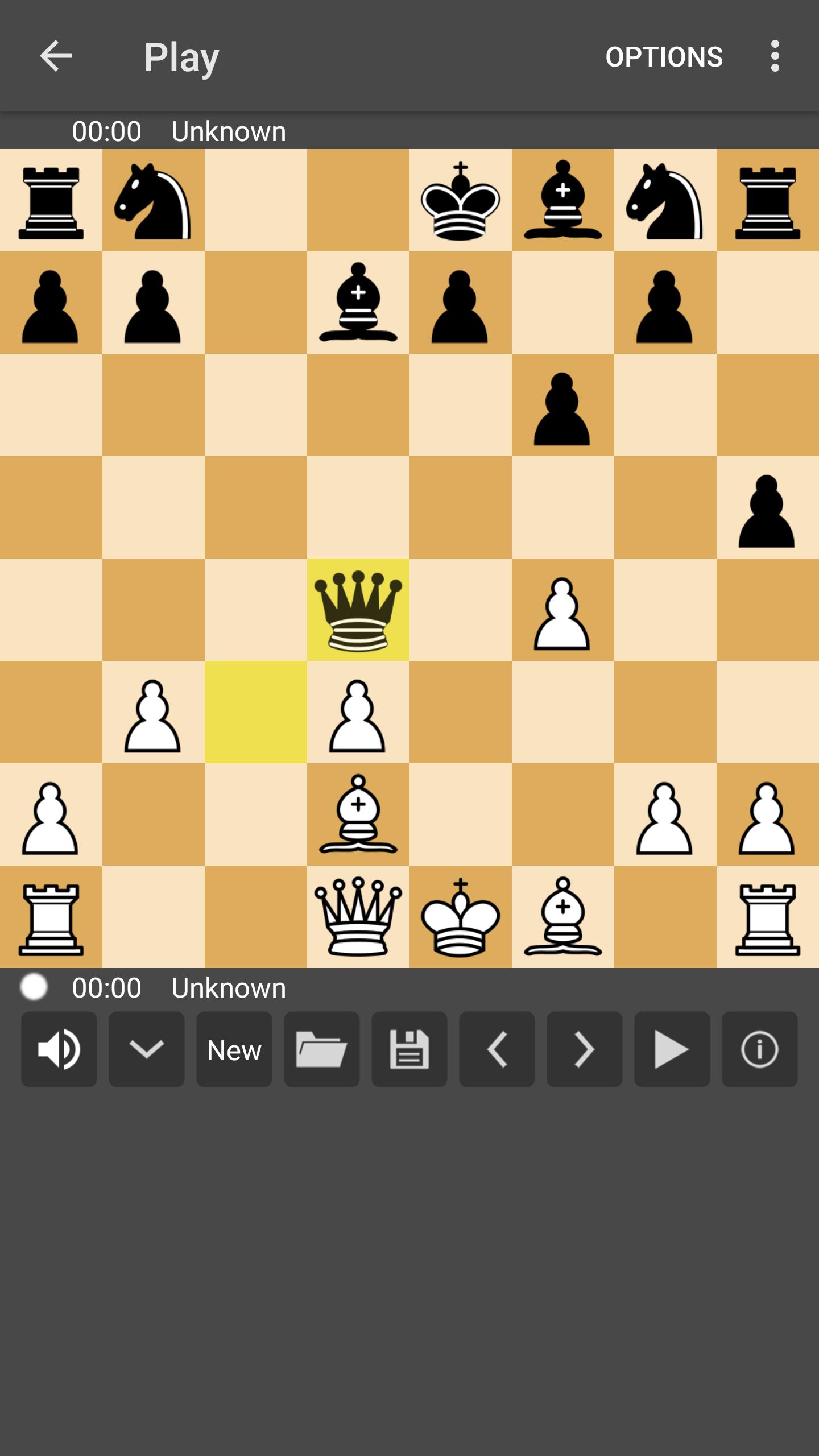
ChessBack is a tiny, ads-free, but full-features chess application for beginners as well as professional chess players.
Specially, it's fully accessible and allows blind and visually impaired chess players to play online chess with millions of players around the world!
The free features:
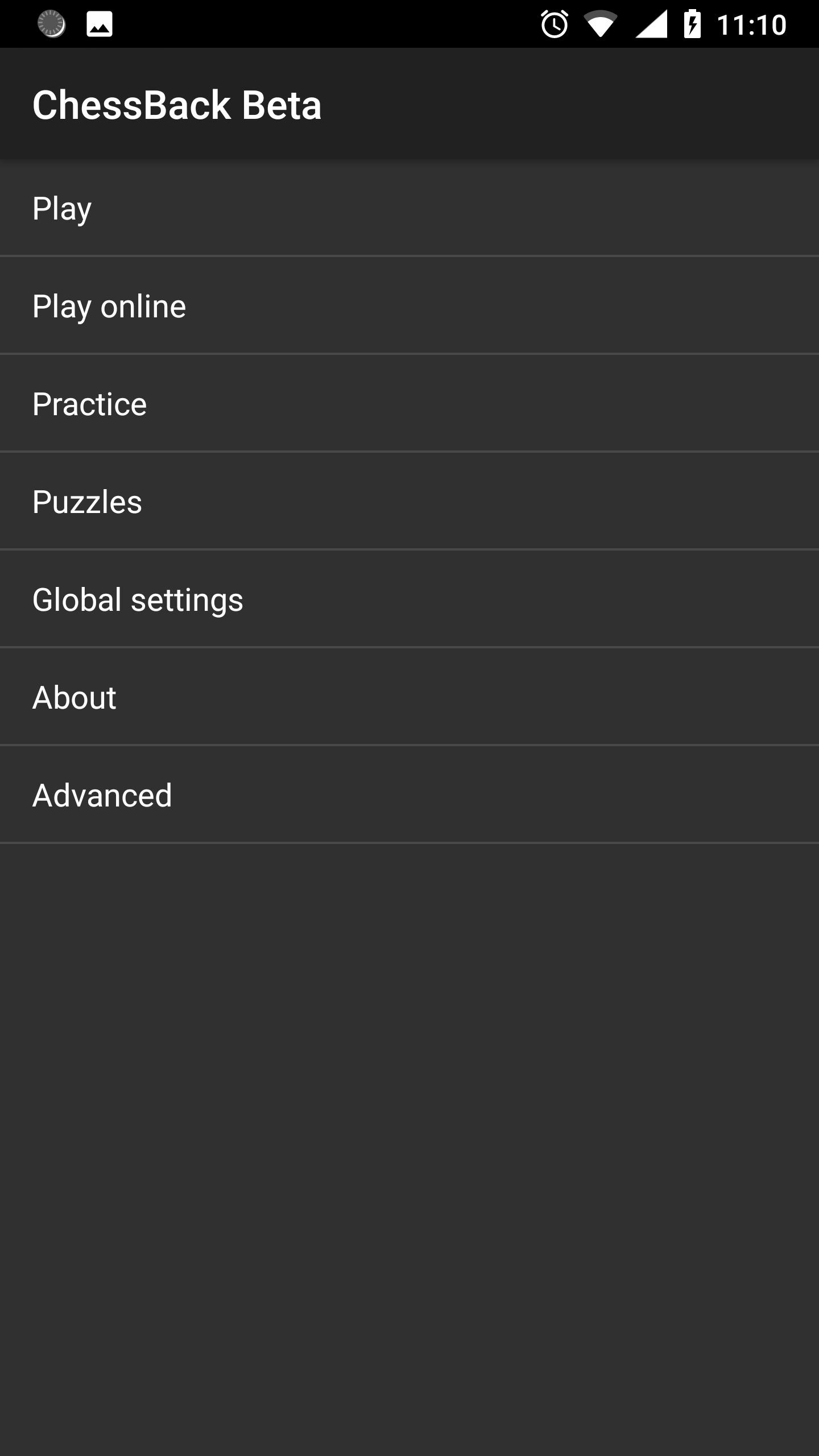
- Play offline: Human vs Human, Human vs Android
- Practice: practice with forced mate sequences taken from grand master games.
- Puzzles: solving Mate-in-two puzzles.
- Play online: play online games with players from FICS (Free Internet Chess Server).
Features included in ChessBack Pro package for subscribed users:
- Playing online on Lichess,
- Watching major chess tournaments over the globe online,
- Sending your games to third-party chess engine apps.
How to get playing on Lichess:
- Create a lichess account at https://lichess.org/signup
- Log in and create API token at https://lichess.org/account/oauth/token/create? . Don't forget to turn on all scopes except last one "Play games with the bot API".
- Now you can login to Lichess in ChessBack using username and generated API token.
Attention:
- ChessBack plays on Lichess via open Lichess API that has many limitations in compare with standard Lichess app.
- If you want to play ChessBack in your language that it's not supported by ChessBack at this moment, we'd happily send string resource file in English to you for translating to your language!
- Many thanks to Ana G., Ikrami Ahmad, Claudio Garanzini, Lucas Radaelli, Milos Przic, Александр for translating to Spanish, Arabic, Italian, Portuguese, Serbian and Russian.
Preview
Tags
Abstract strategyChessCasualMultiplayerCompetitive multiplayerSingle playerRealisticOfflineScreen-Reader-friendlyInformation
Developer
digiXMAS
Latest Version
1.3.0
Last Updated
2023-09-04
Category
Board
Available on
Google Play
Show More
How to play ChessBack with GameLoop on PC
1. Download GameLoop from the official website, then run the exe file to install GameLoop
2. Open GameLoop and search for “ChessBack” , find ChessBack in the search results and click “Install”
3. Enjoy playing ChessBack on GameLoop
Minimum requirements
OS
Windows 8.1 64-bit or Windows 10 64-bit
GPU
GTX 1050
CPU
i3-8300
Memory
8GB RAM
Storage
1GB available space
Recommended requirements
OS
Windows 8.1 64-bit or Windows 10 64-bit
GPU
GTX 1050
CPU
i3-9320
Memory
16GB RAM
Storage
1GB available space