AI KataGo Go: Tsumego PC
navibarda
Download AI KataGo Go: Tsumego on PC With GameLoop Emulator
AI KataGo Go: Tsumego sa PC
Ang AI KataGo Go: Tsumego, na nagmumula sa developer na navibarda, ay tumatakbo sa Android systerm sa nakaraan.
Ngayon, maaari mong laruin ang AI KataGo Go: Tsumego sa PC gamit ang GameLoop nang maayos.
I-download ito sa GameLoop library o mga resulta ng paghahanap. Hindi na tumitingin sa baterya o nakakadismaya na mga tawag sa maling oras.
I-enjoy lang ang AI KataGo Go: Tsumego PC sa malaking screen nang libre!
AI KataGo Go: Tsumego Panimula
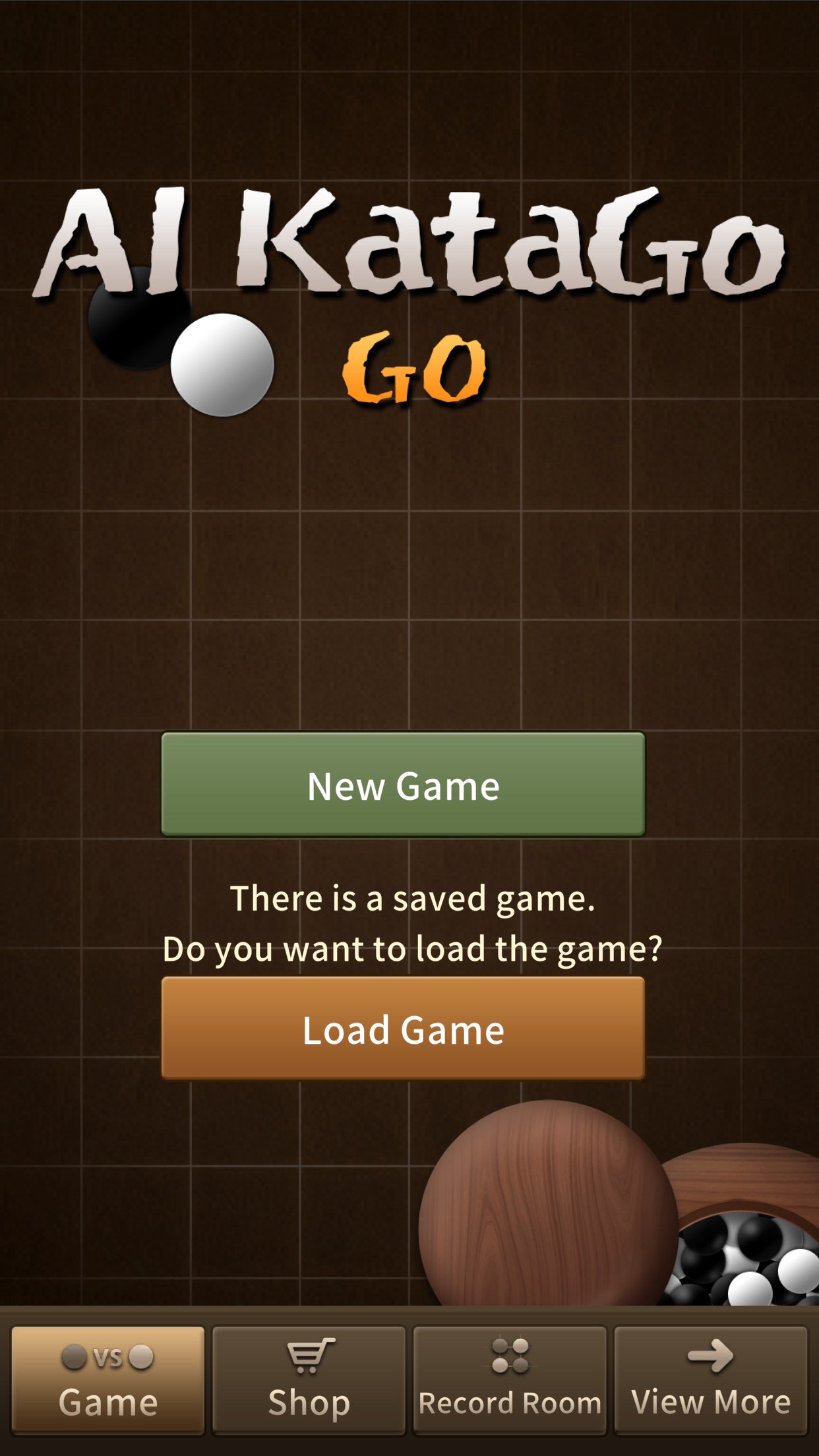
1. Enjoy a game of Go against the strongest AI, KataGo, easily on your mobile device.
• A top-tier advanced AI Go engine that surpasses professional players.
• Improve your Go strength anytime, anywhere, right from your mobile device.
• Since the Go calculation runs on a powerful GPU server, there is no burden of device heating or battery drain.
• Choose your desired playing strength from a total of 30 levels, combining 5 KataGo levels and 6 reading-depth levels.
• There is no time limit for games, and your games are saved automatically.
• You can continue your game anytime.
2. Tsumego
• Includes over 27,000 tsumego problems by rank, from 30 kyu to 9 dan.
• Earn stars based on the number of attempts used to solve each tsumego problem.
• Review and replay problems according to the number of stars you earned.
3. AI Recommended Moves and Variations
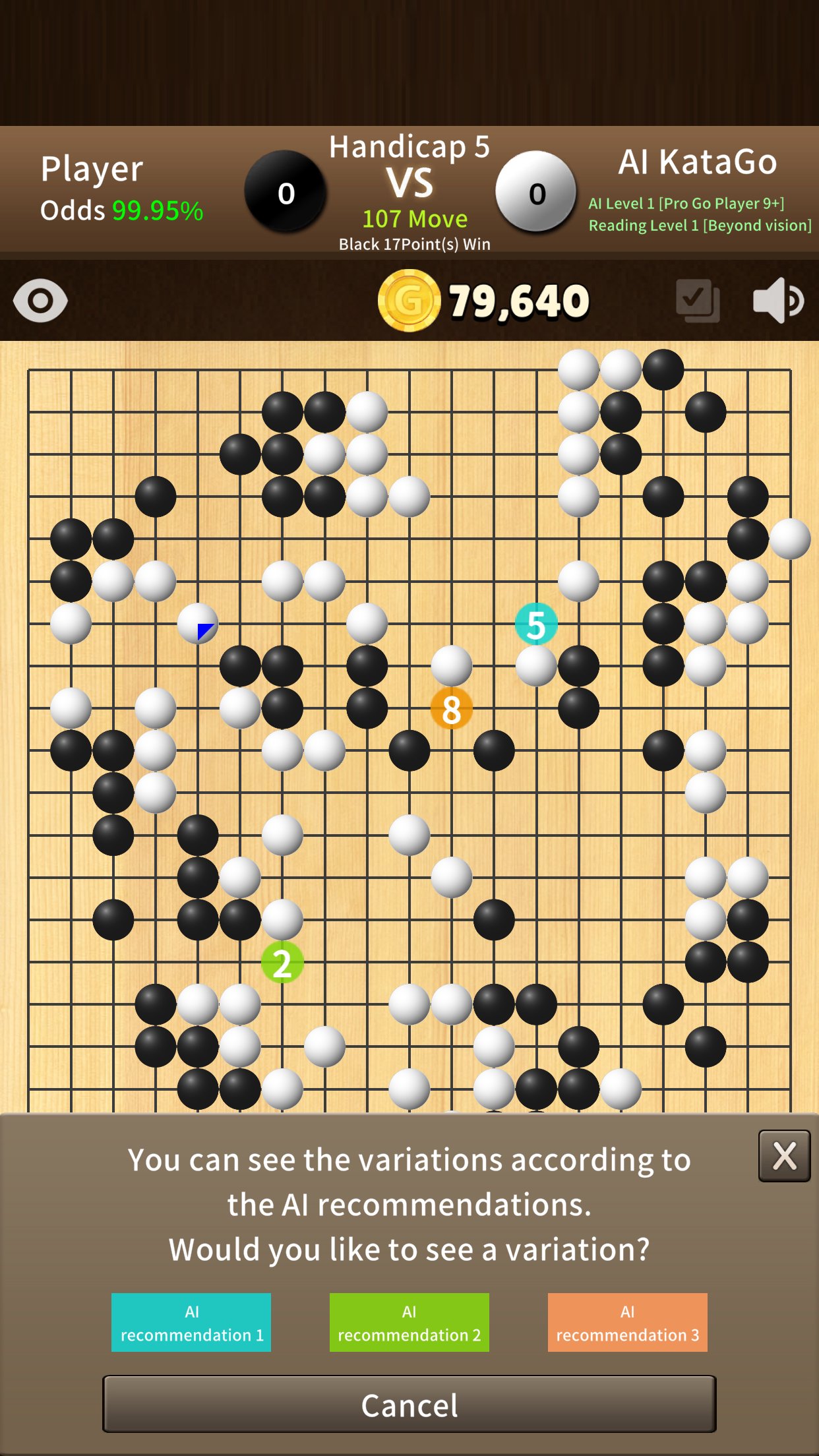
• Ask KataGo to find the top 3 recommended moves for the next move.
• View the variations KataGo expects for each recommended move.
• Improve your Go strength through recommended moves and variations.
4. AI Position Judgment
• Unlike humans, AI does not simply count territory. It judges the position by estimating the strength of ownership.
• Ownership is displayed by the size of squares, allowing you to understand how AI evaluates the position.
5. A New Type of Go Game
• Compete on equal terms with “Opening Game.”
• Even professional players find it difficult to play an even game or one-stone handicap game against KataGo. But what about limiting the game to the opening?
• Within the first 60 moves, choose the first 5 moves and play the opening you want.
• See how AI responds to various openings. Before long, you may find yourself becoming stronger in the opening.
6. AI Recommended Moves and AI Position Judgment in Try Mode and Review
• Beyond simply trying out moves, you can use AI Recommended Moves and AI Position Judgment on either Black’s or White’s turn to understand various possible developments.
• Playing against a good teacher is important in Go, but review is just as important. Since AI Recommended Moves and AI Position Judgment are also available during review, you can study effectively.
Preview
Tags
Abstract strategyGoCasualSingle playerRealisticInformation
Developer
navibarda
Latest Version
2.0.5
Last Updated
2026-09-01
Category
Board
Available on
Google Play
Show More
How to play AI KataGo Go: Tsumego with GameLoop on PC
1. Download GameLoop from the official website, then run the exe file to install GameLoop
2. Open GameLoop and search for “AI KataGo Go: Tsumego” , find AI KataGo Go: Tsumego in the search results and click “Install”
3. Enjoy playing AI KataGo Go: Tsumego on GameLoop
Minimum requirements
OS
Windows 8.1 64-bit or Windows 10 64-bit
GPU
GTX 1050
CPU
i3-8300
Memory
8GB RAM
Storage
1GB available space
Recommended requirements
OS
Windows 8.1 64-bit or Windows 10 64-bit
GPU
GTX 1050
CPU
i3-9320
Memory
16GB RAM
Storage
1GB available space